Qt QuickA deep dive...
AgendaIntroductionOpportunitiesMeet QMLTooling supportLanguage basicsEngine DetailsIntegrating Native Components (e.g. Plasma)
About MeQt Developer since 2008, based in OsloMainly work on QGraphicsView and WidgetsInvolved in QML developmentRecently moved to QtWebKit/WebKit developmentStarted KDE development in 2006 with KPlatoPlasma developer since 2007
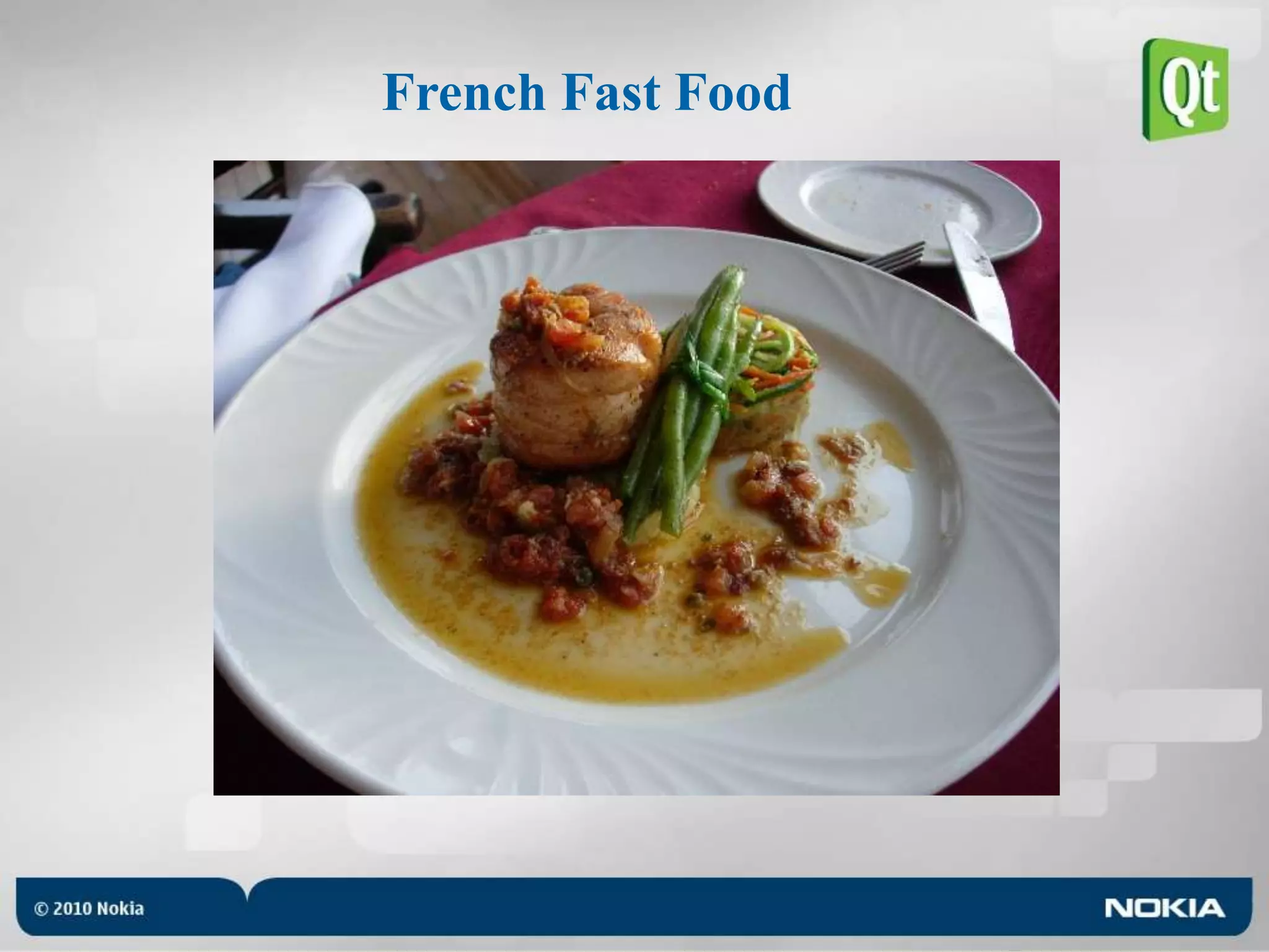
French Fast Food
Norwegian Gastronomy
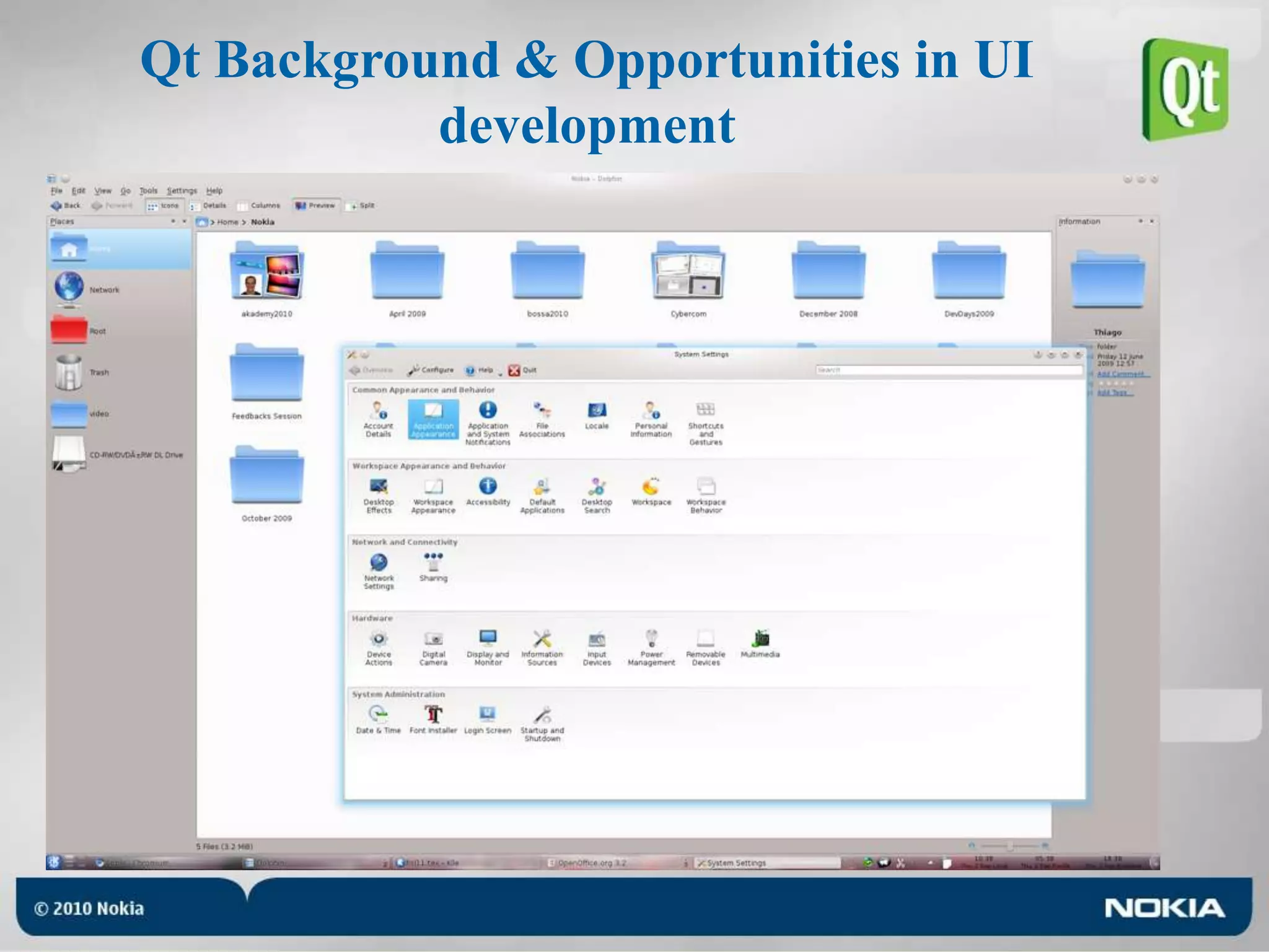
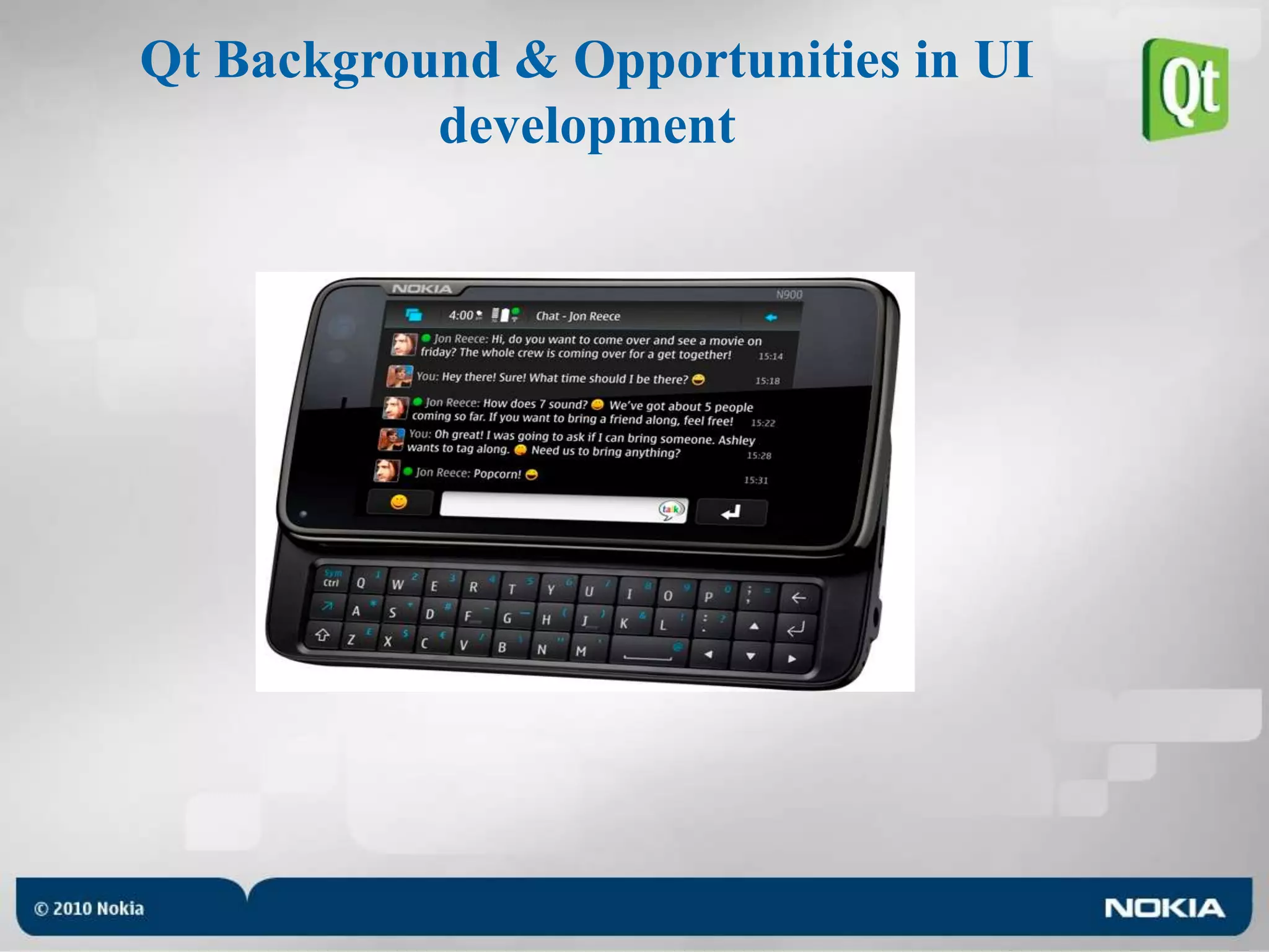
Qt Background & Opportunities in UI development
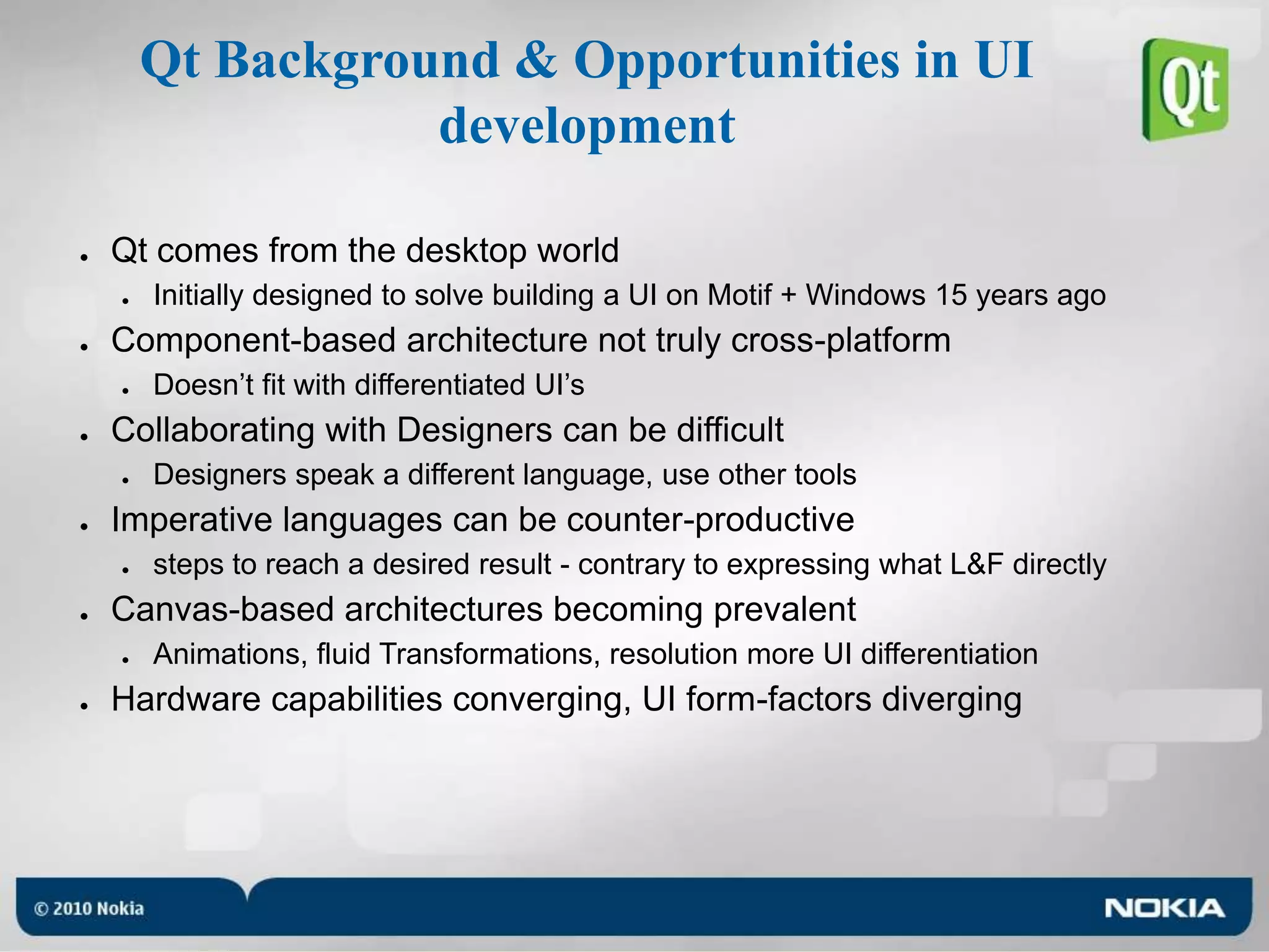
Qt Background & Opportunities in UI developmentQt comes from the desktop worldInitially designed to solve building a UI on Motif + Windows 15 years agoComponent-based architecture not truly cross-platformDoesn’t fit with differentiated UI’sCollaborating with Designers can be difficultDesigners speak a different language, use other toolsImperative languages can be counter-productivesteps to reach a desired result - contrary to expressing what L&F directlyCanvas-based architectures becoming prevalentAnimations, fluid Transformations, resolution more UI differentiationHardware capabilities converging, UI form-factors diverging
Meet QMLQt Quick is an umbrella term for QtDeclarative, QML and CreatorQML = Qt Meta-Object LanguageA new way to create Qt UI’sDeclarative Language (JavaScript inspired)Supports JavaScriptIntuitive and Fun to use!Similar structure to HTML (but it’s not the same!)Components are created from smaller order / simpler elementsBuild your own buttonEach item is independently accessibleQGraphicsView (canvas) baseSupports States and Animated TransitionsConfigurations of properties, and interpolating between them
Why Qt Quick?Ease the creation of animated user interfaceBridge the gap in Qt for mobile developmentFocus on performanceAll platforms : desktop and embeddedMore productivityBring designers and developers togetherEmpower designers to create real apps
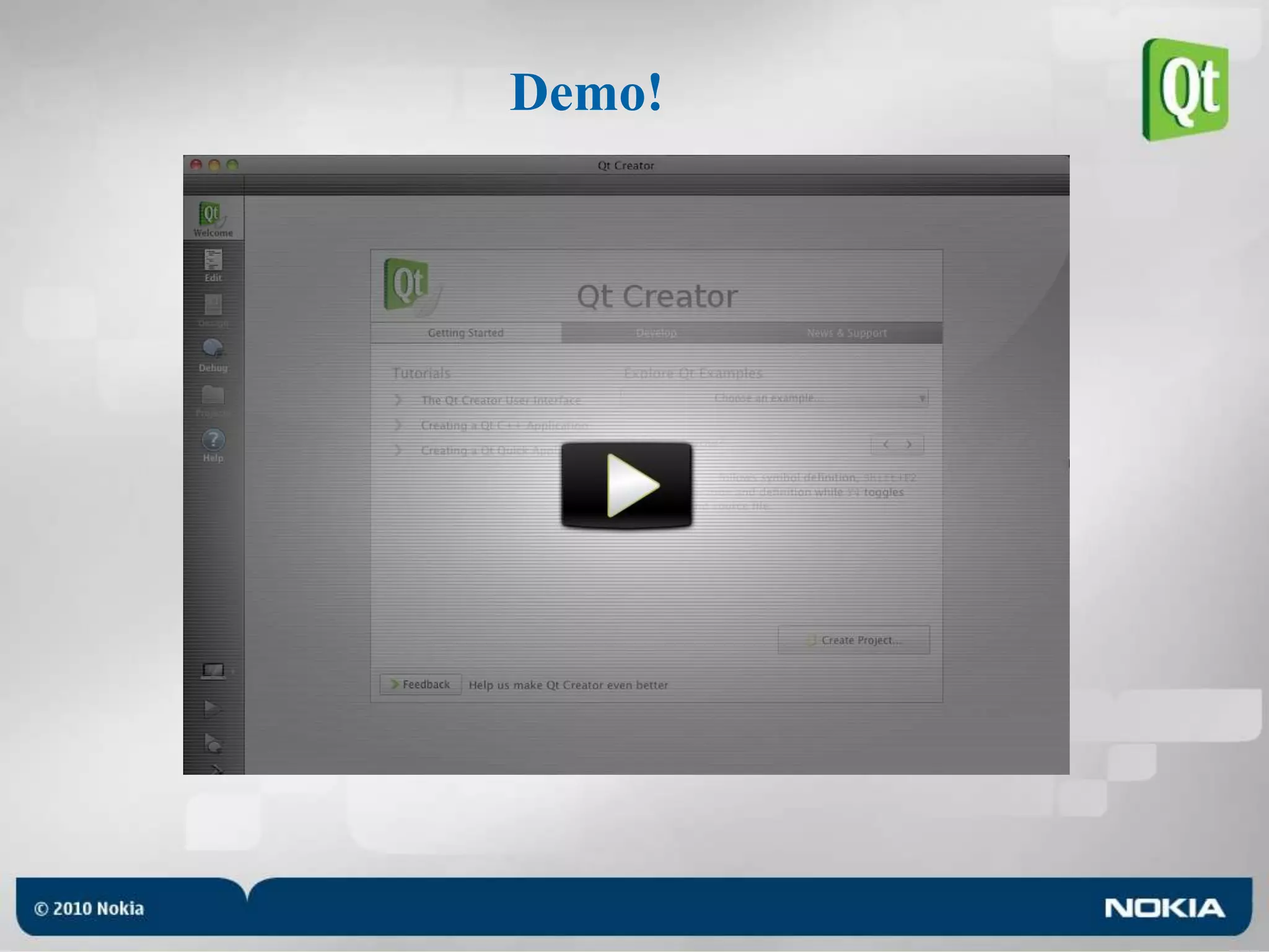
Tooling support“qmlviewer” allows loading a .qml fileand loads plugins for extending semantics dynamicallyQt Creator with great QML supportProject WizardSyntax HighlightingError checkingHelp lookupCode completion and snippetsWYSIWYG graphical editorAnd meanwhile, in research...
Demo!
QML Language BasicsDeclarative!Direct and Expressive languageNo construction detour (Tool and Quick Designer in perfect sync)Very simple and intuitiveUses signals and slots, propertiesFun to use!JavaScript inspiredTap into existing knowledgeBuilt on top of C++All QML elements are implemented in Qt using C++QML can very easily be customized and extended from C++ without NPAPI intricacies
States and TransitionsA state is another name for specific property values in a set of itemA transition combines two states, from and toAn animation is how the property values is smoothly changed from the first to second statePropertyAnimation key to other Animation types;ColorAnimation, NumberAnimationSequential- and ParallelAnimation can be used to control orderingActions allow direct changes during animationFollow enables tracking values
Demo!
QML is Web-enabledSVG supportPNG, JPEG, etcJavaScript functionality using JavaScriptCoreXmlHttpRequest for AJAX-functionality<div id=…> functionality ( Item { id:… }QML allows parent and children[] accessors similar to CSSQML items can anchor/chain edges to other items’ anchor linesSynchronous API of the HTML5 Web Database API
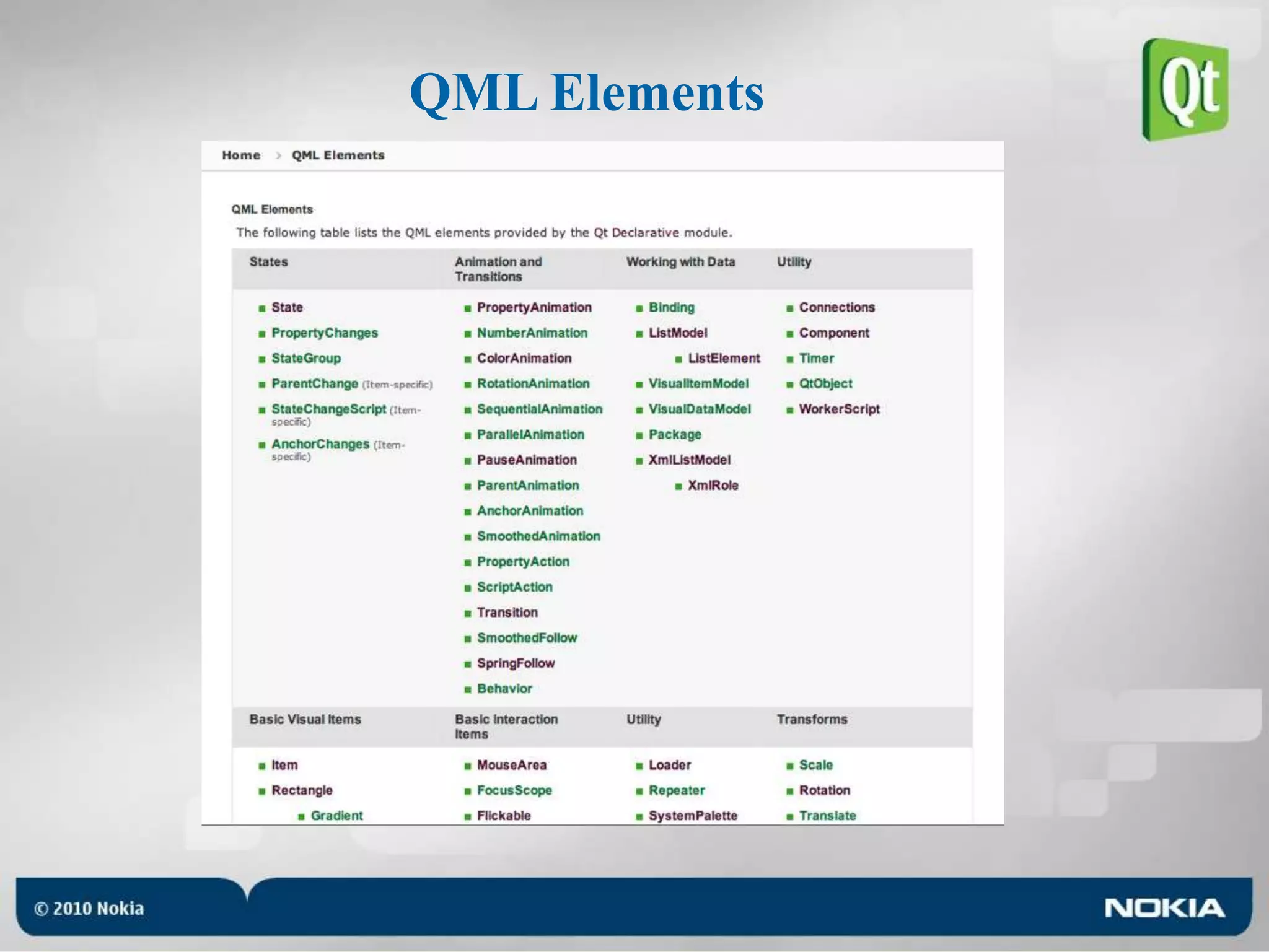
QML Elements
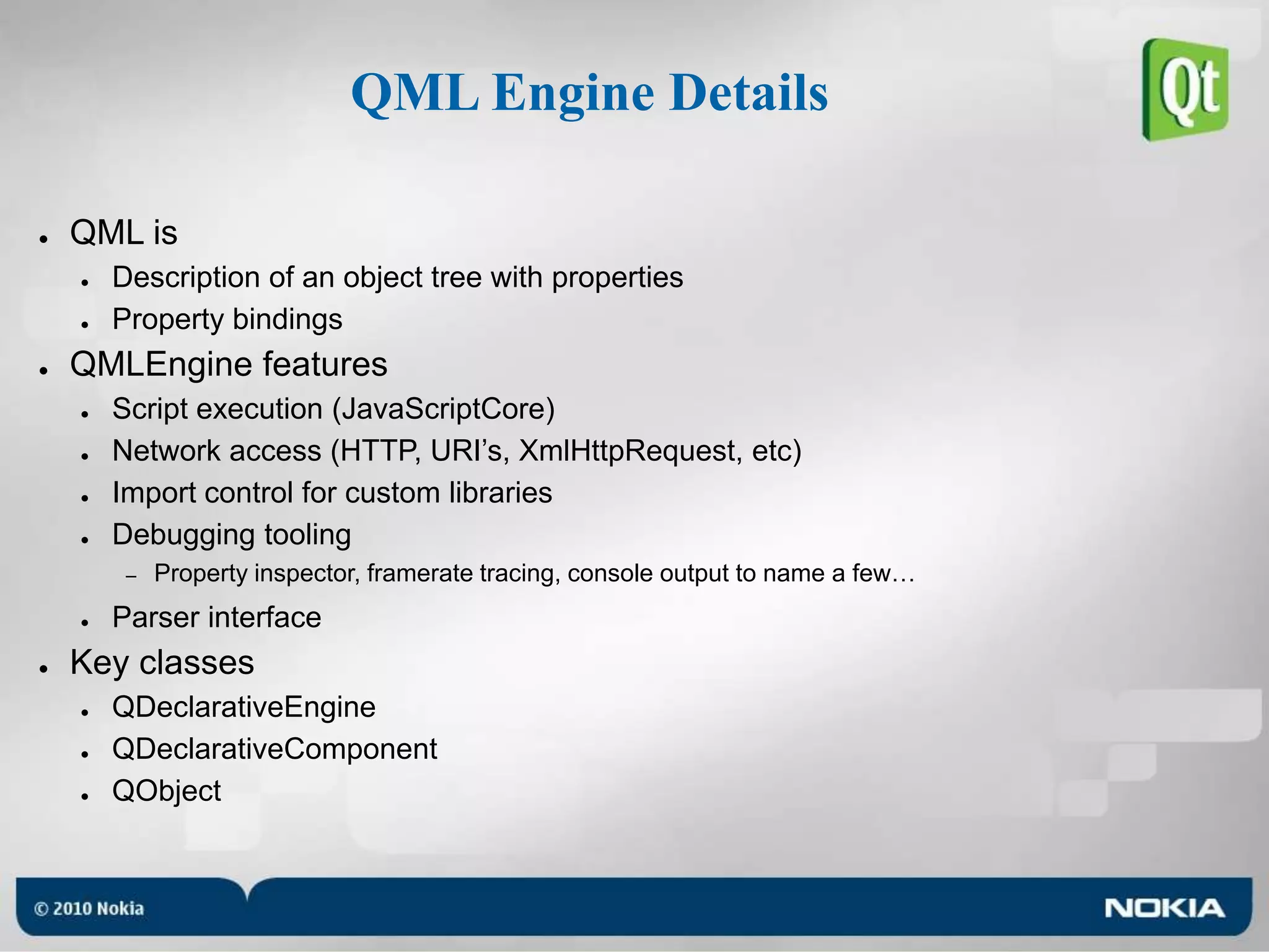
QML Engine DetailsQML isDescription of an object tree with propertiesProperty bindingsQMLEngine featuresScript execution (JavaScriptCore)Network access (HTTP, URI’s, XmlHttpRequest, etc)Import control for custom librariesDebugging toolingProperty inspector, framerate tracing, console output to name a few…Parser interfaceKey classesQDeclarativeEngineQDeclarativeComponentQObject
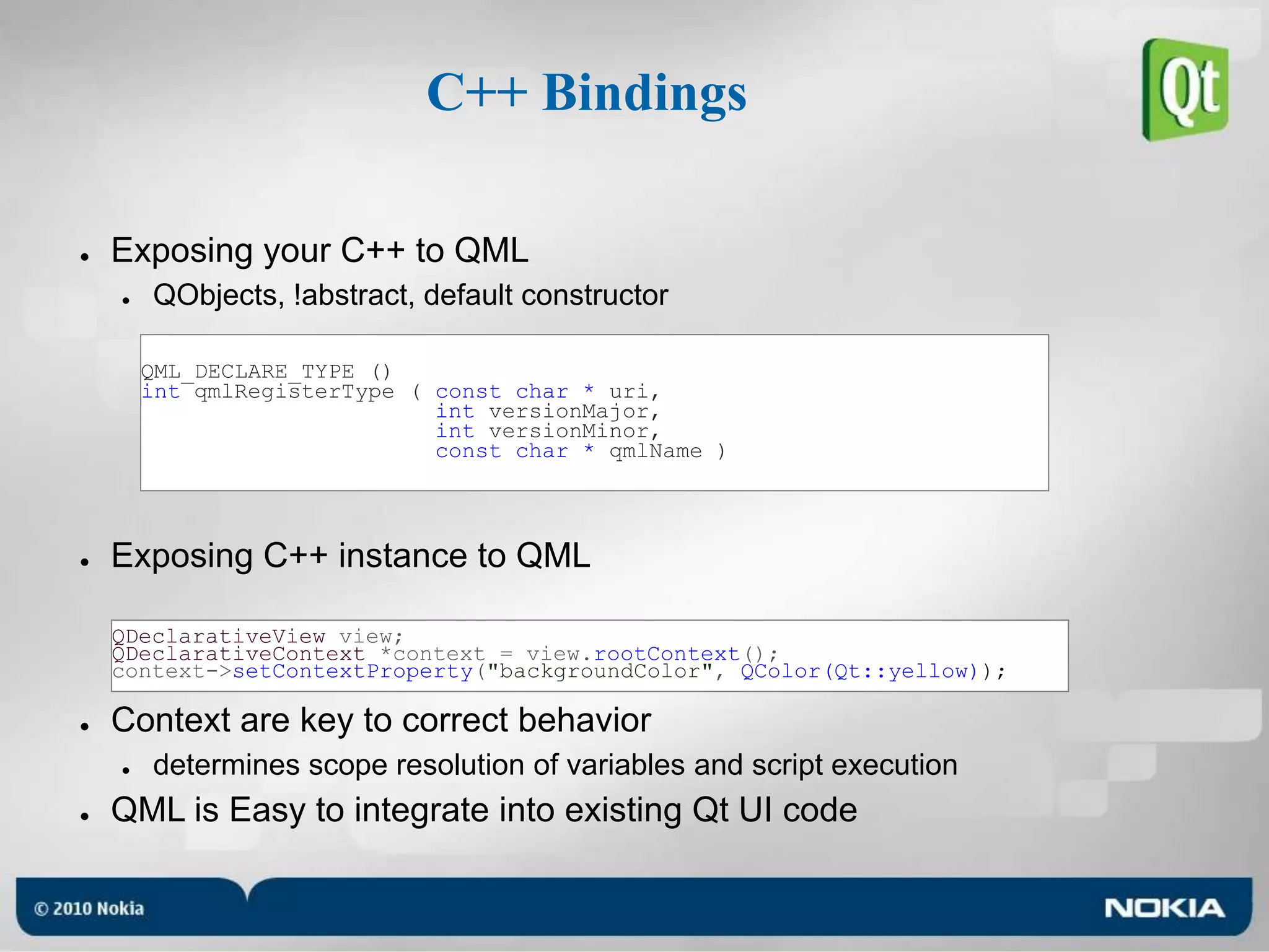
C++ BindingsExposing your C++ to QMLQObjects, !abstract, default constructorExposing C++ instance to QMLContext are key to correct behaviordetermines scope resolution of variables and script executionQML is Easy to integrate into existing Qt UI codeQML_DECLARE_TYPE ()int qmlRegisterType ( const char * uri, int versionMajor,int versionMinor,const char * qmlName )QDeclarativeView view;QDeclarativeContext *context = view.rootContext();context->setContextProperty("backgroundColor", QColor(Qt::yellow));
Demo!
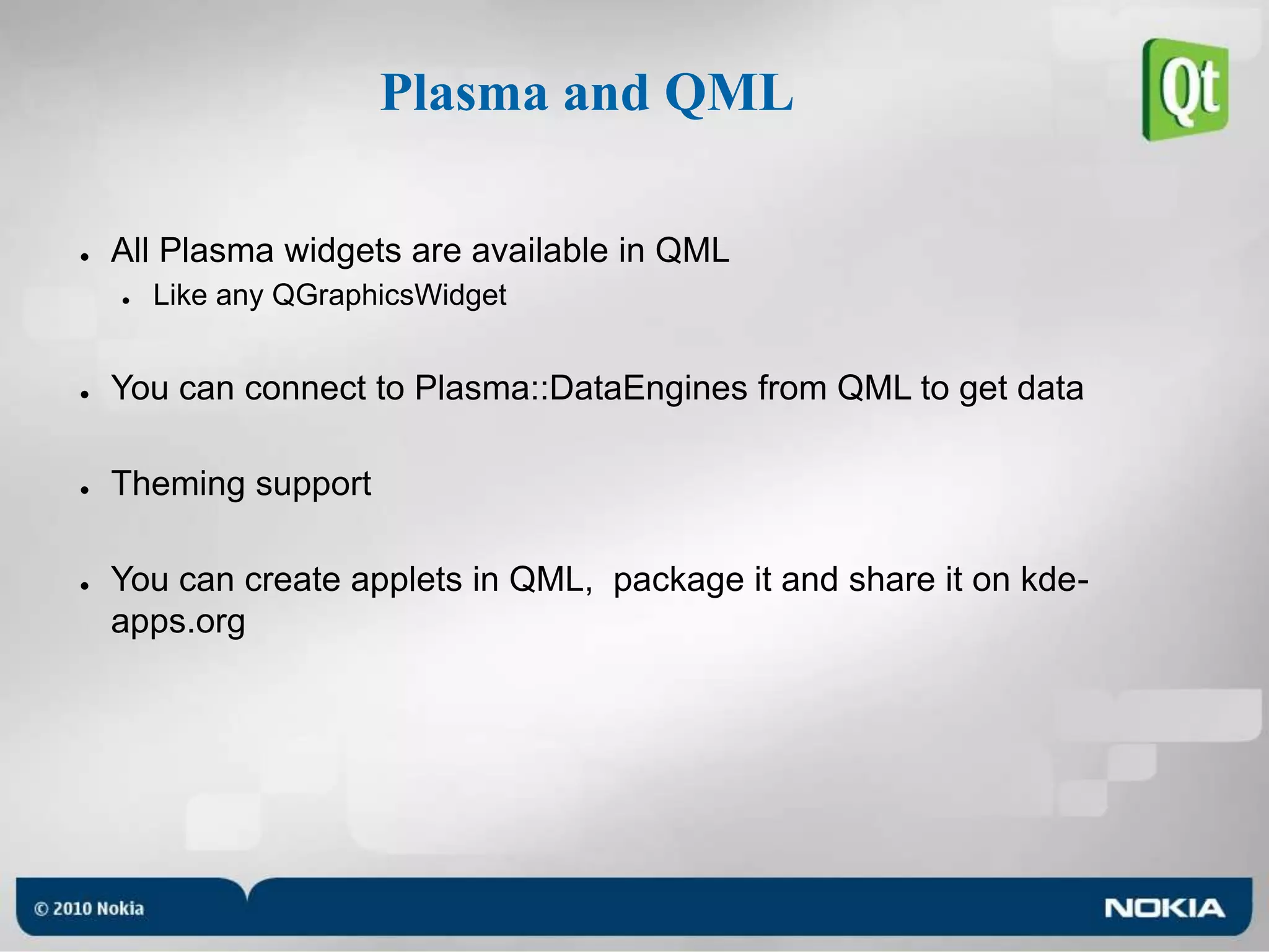
Plasma and QMLAll Plasma widgets are available in QMLLike any QGraphicsWidgetYou can connect to Plasma::DataEngines from QML to get dataTheming supportYou can create applets in QML,  package it and share it on kde-apps.org
Demo!
What's coming next?MultitouchMore Qt Mobility APIs accessible trough QMLQt ComponentsBringing more advanced elements in QML (PushButton, CheckBox, Slider...)Qt/3D with QMLVahalla for performance improvements
Questions?Want to contribute and get involved in QML?IRC chat on #qt-qml on irc.freenode.netSign up for out qt-qml email list at lists.trolltech.com/mailman/listinfo/qt-qmlWant to contribute and get involved in Plasma?plasma-devel@kde.org#plasma on freenodeCode : /playground/base/plasma/shells/mobile/Alexis Menard : menard@kde.org, alexis.menard@nokia.com

Qt quick at Cybercom Developer Day 2010 by Alexis Menard 7.9.2010

  • 1.
  • 2.
    AgendaIntroductionOpportunitiesMeet QMLTooling supportLanguagebasicsEngine DetailsIntegrating Native Components (e.g. Plasma)
  • 3.
    About MeQt Developersince 2008, based in OsloMainly work on QGraphicsView and WidgetsInvolved in QML developmentRecently moved to QtWebKit/WebKit developmentStarted KDE development in 2006 with KPlatoPlasma developer since 2007
  • 4.
  • 5.
  • 6.
    Qt Background &Opportunities in UI development
  • 7.
    Qt Background &Opportunities in UI development
  • 8.
    Qt Background &Opportunities in UI developmentQt comes from the desktop worldInitially designed to solve building a UI on Motif + Windows 15 years agoComponent-based architecture not truly cross-platformDoesn’t fit with differentiated UI’sCollaborating with Designers can be difficultDesigners speak a different language, use other toolsImperative languages can be counter-productivesteps to reach a desired result - contrary to expressing what L&F directlyCanvas-based architectures becoming prevalentAnimations, fluid Transformations, resolution more UI differentiationHardware capabilities converging, UI form-factors diverging
  • 9.
    Meet QMLQt Quickis an umbrella term for QtDeclarative, QML and CreatorQML = Qt Meta-Object LanguageA new way to create Qt UI’sDeclarative Language (JavaScript inspired)Supports JavaScriptIntuitive and Fun to use!Similar structure to HTML (but it’s not the same!)Components are created from smaller order / simpler elementsBuild your own buttonEach item is independently accessibleQGraphicsView (canvas) baseSupports States and Animated TransitionsConfigurations of properties, and interpolating between them
  • 10.
    Why Qt Quick?Easethe creation of animated user interfaceBridge the gap in Qt for mobile developmentFocus on performanceAll platforms : desktop and embeddedMore productivityBring designers and developers togetherEmpower designers to create real apps
  • 11.
    Tooling support“qmlviewer” allowsloading a .qml fileand loads plugins for extending semantics dynamicallyQt Creator with great QML supportProject WizardSyntax HighlightingError checkingHelp lookupCode completion and snippetsWYSIWYG graphical editorAnd meanwhile, in research...
  • 12.
  • 13.
    QML Language BasicsDeclarative!Directand Expressive languageNo construction detour (Tool and Quick Designer in perfect sync)Very simple and intuitiveUses signals and slots, propertiesFun to use!JavaScript inspiredTap into existing knowledgeBuilt on top of C++All QML elements are implemented in Qt using C++QML can very easily be customized and extended from C++ without NPAPI intricacies
  • 14.
    States and TransitionsAstate is another name for specific property values in a set of itemA transition combines two states, from and toAn animation is how the property values is smoothly changed from the first to second statePropertyAnimation key to other Animation types;ColorAnimation, NumberAnimationSequential- and ParallelAnimation can be used to control orderingActions allow direct changes during animationFollow enables tracking values
  • 15.
  • 16.
    QML is Web-enabledSVGsupportPNG, JPEG, etcJavaScript functionality using JavaScriptCoreXmlHttpRequest for AJAX-functionality<div id=…> functionality ( Item { id:… }QML allows parent and children[] accessors similar to CSSQML items can anchor/chain edges to other items’ anchor linesSynchronous API of the HTML5 Web Database API
  • 17.
  • 18.
    QML Engine DetailsQMLisDescription of an object tree with propertiesProperty bindingsQMLEngine featuresScript execution (JavaScriptCore)Network access (HTTP, URI’s, XmlHttpRequest, etc)Import control for custom librariesDebugging toolingProperty inspector, framerate tracing, console output to name a few…Parser interfaceKey classesQDeclarativeEngineQDeclarativeComponentQObject
  • 19.
    C++ BindingsExposing yourC++ to QMLQObjects, !abstract, default constructorExposing C++ instance to QMLContext are key to correct behaviordetermines scope resolution of variables and script executionQML is Easy to integrate into existing Qt UI codeQML_DECLARE_TYPE ()int qmlRegisterType ( const char * uri, int versionMajor,int versionMinor,const char * qmlName )QDeclarativeView view;QDeclarativeContext *context = view.rootContext();context->setContextProperty("backgroundColor", QColor(Qt::yellow));
  • 20.
  • 21.
    Plasma and QMLAllPlasma widgets are available in QMLLike any QGraphicsWidgetYou can connect to Plasma::DataEngines from QML to get dataTheming supportYou can create applets in QML, package it and share it on kde-apps.org
  • 22.
  • 23.
    What's coming next?MultitouchMoreQt Mobility APIs accessible trough QMLQt ComponentsBringing more advanced elements in QML (PushButton, CheckBox, Slider...)Qt/3D with QMLVahalla for performance improvements
  • 24.
    Questions?Want to contributeand get involved in QML?IRC chat on #qt-qml on irc.freenode.netSign up for out qt-qml email list at lists.trolltech.com/mailman/listinfo/qt-qmlWant to contribute and get involved in Plasma?plasma-devel@kde.org#plasma on freenodeCode : /playground/base/plasma/shells/mobile/Alexis Menard : menard@kde.org, alexis.menard@nokia.com