Download as PDF, PPTX
- 1 / 87
- 2 / 87
- 3 / 87
- 4 / 87
- 5 / 87

- 6 / 87

- 7 / 87

- 8 / 87
- 9 / 87
- 10 / 87
- 11 / 87
- 12 / 87

- 13 / 87
- 14 / 87
- 15 / 87
- 16 / 87
- 17 / 87
- 18 / 87
- 19 / 87
- 20 / 87
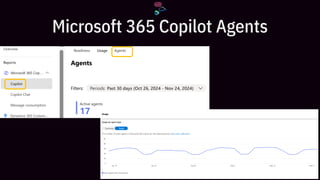
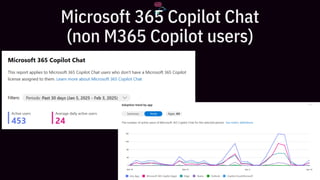
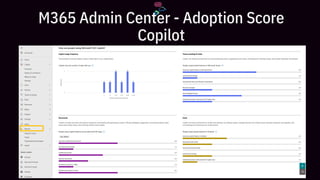
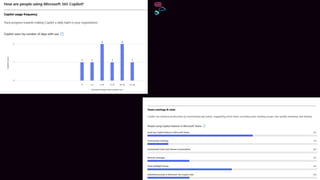
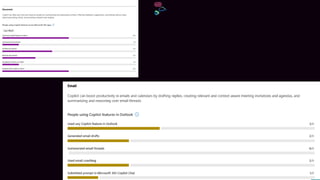

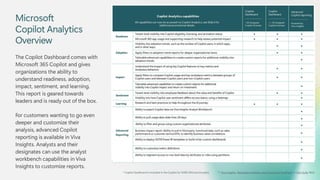
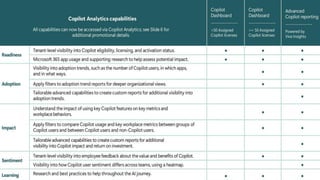
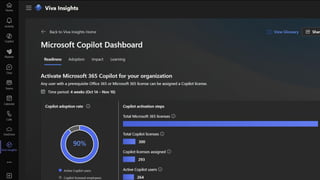
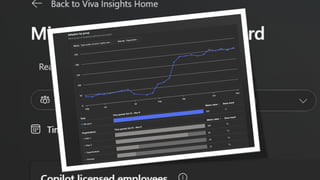
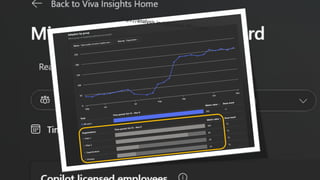
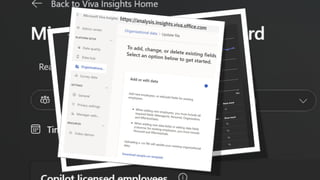
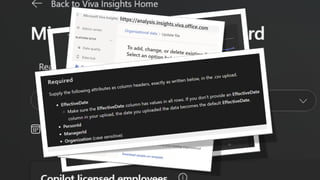
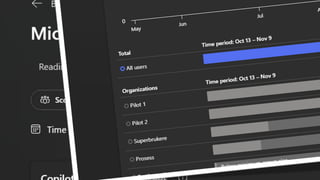
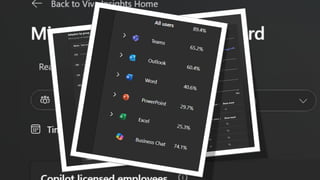
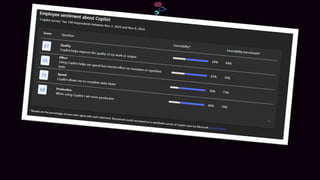
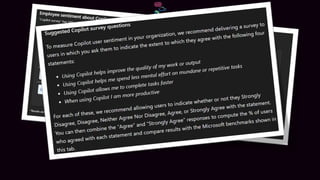
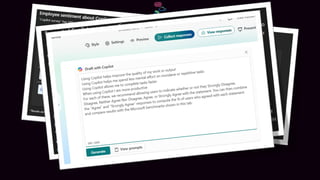
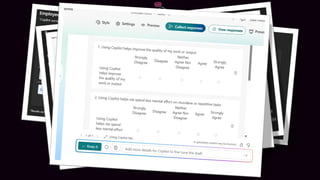
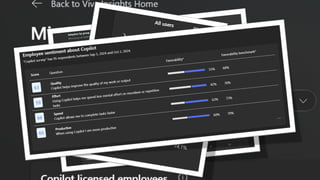
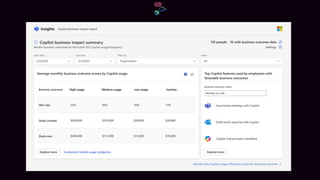
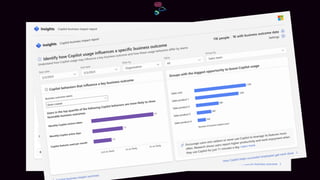
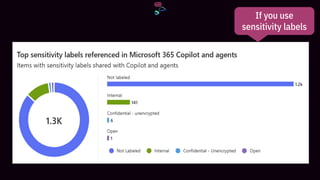
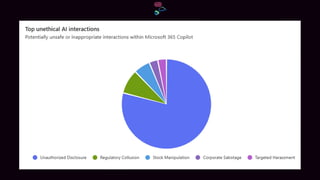
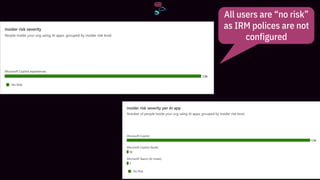
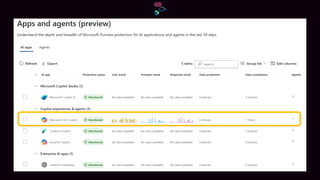
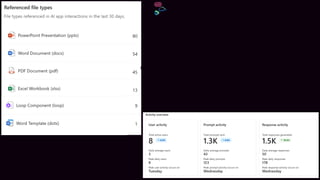
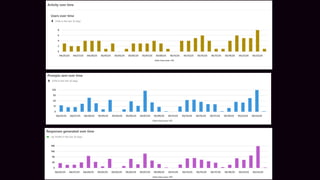
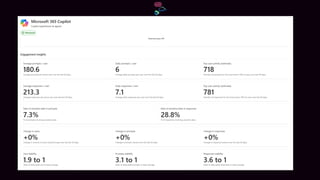
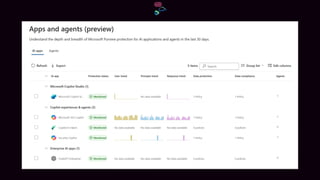
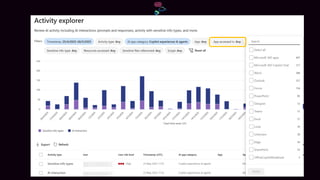
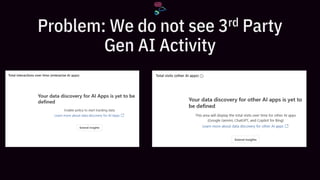
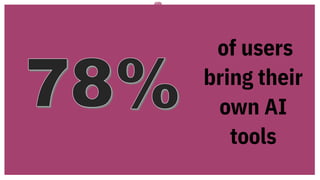
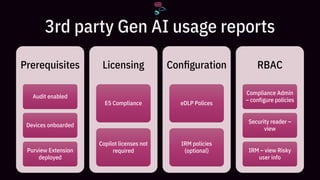
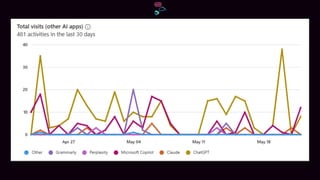
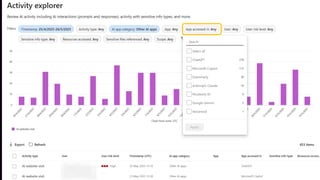
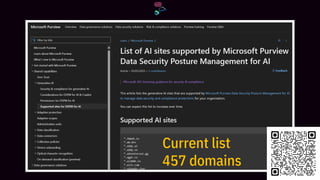
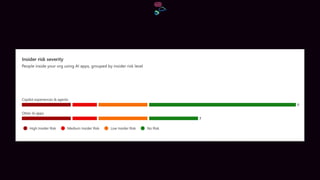
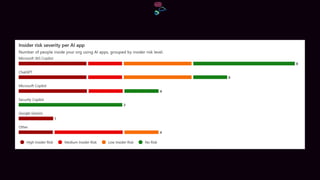
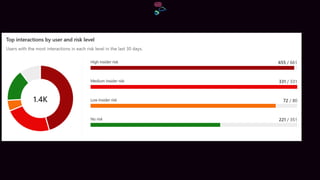

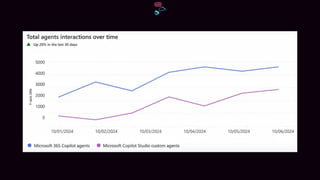
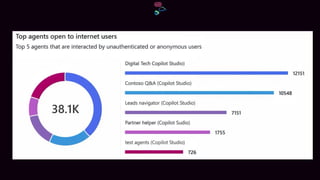
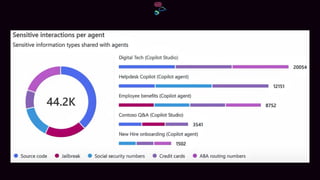



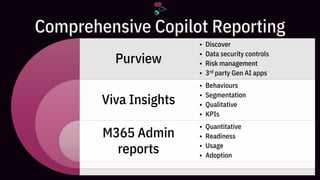
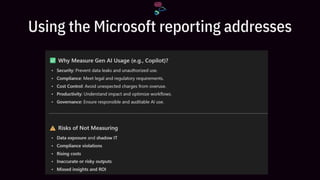


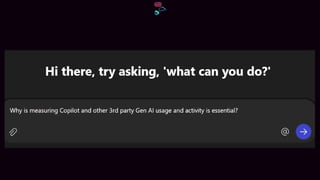
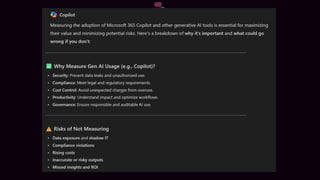
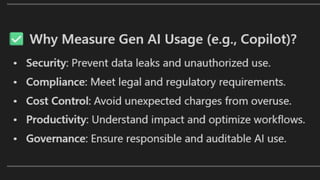
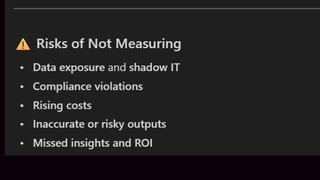
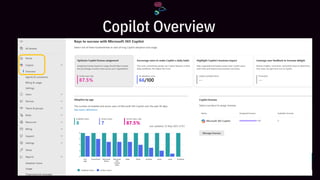
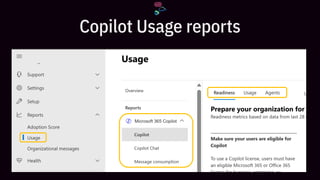
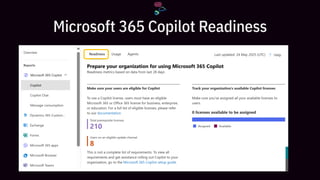
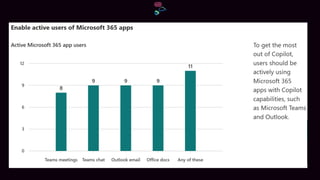
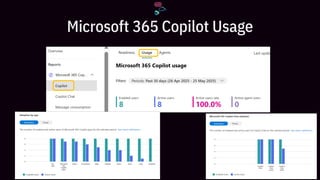
Session | Measuring Microsoft 365 Copilot and Gen AI Success with Viva Insights and Purview Presenter | Nikki Chapple 2 x MVP and Principal Cloud Architect at CloudWay Event | European Collaboration Conference 2025 Format | In person Germany Date | 28 May 2025 📊 Measuring Copilot and Gen AI Success with Viva Insights and Purview Presented by Nikki Chapple – Microsoft 365 MVP & Principal Cloud Architect, CloudWay How do you measure the success—and manage the risks—of Microsoft 365 Copilot and Generative AI (Gen AI)? In this ECS 2025 session, Microsoft MVP and Principal Cloud Architect Nikki Chapple explores how to go beyond basic usage metrics to gain full-spectrum visibility into AI adoption, business impact, user sentiment, and data security. 🎯 Key Topics Covered: Microsoft 365 Copilot usage and adoption metrics Viva Insights Copilot Analytics and Dashboard Microsoft Purview Data Security Posture Management (DSPM) for AI Measuring AI readiness, impact, and sentiment Identifying and mitigating risks from third-party Gen AI tools Shadow IT, oversharing, and compliance risks Microsoft 365 Admin Center reports and Copilot Readiness Power BI-based Copilot Business Impact Report (Preview) 📊 Why AI Measurement Matters: Without meaningful measurement, organizations risk operating in the dark—unable to prove ROI, identify friction points, or detect compliance violations. Nikki presents a unified framework combining quantitative metrics, qualitative insights, and risk monitoring to help organizations: Prove ROI on AI investments Drive responsible adoption Protect sensitive data Ensure compliance and governance 🔍 Tools and Reports Highlighted: Microsoft 365 Admin Center: Copilot Overview, Usage, Readiness, Agents, Chat, and Adoption Score Viva Insights Copilot Dashboard: Readiness, Adoption, Impact, Sentiment Copilot Business Impact Report: Power BI integration for business outcome mapping Microsoft Purview DSPM for AI: Discover and govern Copilot and third-party Gen AI usage 🔐 Security and Compliance Insights: Learn how to detect unsanctioned Gen AI tools like ChatGPT, Gemini, and Claude, track oversharing, and apply eDLP and Insider Risk Management (IRM) policies. Understand how to use Microsoft Purview—even without E5 Compliance—to monitor Copilot usage and protect sensitive data. 📈 Who Should Watch: This session is ideal for IT leaders, security professionals, compliance officers, and Microsoft 365 admins looking to: Maximize the value of Microsoft Copilot Build a secure, measurable AI strategy Align AI usage with business goals and compliance requirements 🔗 Read the blog https://nikkichapple.com/measuring-copilot-gen-ai/


