How to Buy Aged Gmail Accounts Safely and Efficiently
Posted on August 24, 2026
Introduction
Businesses searching for aged Gmail accounts are usually looking for a shortcut to a
problem that is real but often misunderstood. New email accounts can require careful setup,
security configuration, reputation building, and responsible sending before they become
useful for legitimate business communication. This has created demand for older accounts
that sellers describe as “aged,” “established,” or “warmed.” Buyers may hope that an older
account will provide more credibility, smoother outreach, or fewer restrictions.
The difficulty is that an account's age is not an independently verifiable measure of trust or
deliverability. I therefore compared the legitimate alternatives that provide the underlying
benefits buyers are usually seeking, using quality, features, pricing, reliability, customization,
customer support, transparency, and overall value. The result is useful whether you are
considering an aged account or simply trying to build a dependable outreach infrastructure:
you will see which platforms are strongest, what account age can and cannot accomplish,
the major policy risks, and how to establish a safer long-term email operation.
Best Aged Gmail Account Alternatives in
2026 (Expert Comparison)
There is no official Google marketplace for buying previously owned Gmail accounts, so I
would not treat third-party sellers as conventional email providers. Instead, I evaluated
established business-email platforms that can deliver the legitimate benefits people are
usually trying to obtain from an aged account.
The ranking favors services that give the organization direct ownership, administrative
control, authentication options, scalability, transparent pricing, and a sustainable path to
professional outreach.
1. Google Workspace (Best Overall Alternative)
Overall Rating: (9.5/10)
Overview
If a company wants Gmail specifically, Google Workspace is my first recommendation.
Workspace provides Gmail with a business-owned domain, rather than requiring a company
to take control of someone else's personal Gmail account. It also includes Calendar, Drive,
Docs, Sheets, Meet, Chat, administrative controls, and security features.
Google currently lists Business Starter at $7 per user per month on an annual/fixed-term
plan, Business Standard at $14, and Business Plus at $22. Flexible monthly pricing is
higher. Enterprise pricing is available through sales. (workspace.google.com)
That distinction matters. When an organization creates its own account, it controls the
domain, users, recovery processes, security settings, and employee lifecycle. An aged
account bought from an unknown source may have a history that the buyer cannot
completely audit.
Independent customer feedback is also unusually strong. G2 currently lists Google
Workspace at 4.6/5 from more than 47,000 reviews. Users commonly praise ease of use,
collaboration, integrations, and reliability, while some mention limitations in search,
customization, or individual features.
What Makes Google Workspace Different?
Compared with buying an aged Gmail account, Workspace gives you new infrastructure
with legitimate ownership.
Its key differentiators include:
● Custom business email
● Centralized administration
● Gmail and Google productivity tools
● Domain-level email configuration
● User and security management
● Scalable business accounts
The important point is that you are building an asset rather than inheriting one.
Google Workspace Key Features
Custom Business Email
Workspace lets a company create addresses such as sales@company.com,
john@company.com, or support@company.com.
This gives prospects a recognizable business identity and makes it easier to manage
employee changes.
Gmail Ecosystem
The Gmail interface remains familiar, but users also gain access to Drive, Calendar, Docs,
Sheets, Meet, and other Workspace products.
Google currently includes Gemini capabilities across Workspace plans, with more advanced
features at higher tiers. (workspace.google.com)
Administration
Administrators can manage users, access, security settings, and organizational policies.
This is one of the biggest advantages over consumer Gmail accounts.
Authentication and Sending Controls
Professional email should be configured with appropriate authentication and responsible
sending practices. Google's sender guidance emphasizes authentication, spam-rate
management, and compliance with Gmail's requirements. (support.google.com)
Account age does not eliminate those responsibilities.
Google Workspace Pricing
Current standard pricing is:
● Business Starter: $7/user/month annual commitment
● Business Standard: $14/user/month annual commitment
● Business Plus: $22/user/month annual commitment
● Enterprise: contact Google
Flexible plans are $8.40, $16.80, and $26.40 respectively.
(knowledge.workspace.google.com)
Google also runs temporary introductory promotions, so the price shown during signup may
differ from standard pricing.
I consider Workspace mid-range, but the bundled productivity tools significantly increase its
value.
Pros
✔ Direct business ownership
✔ Familiar Gmail experience
✔ Custom-domain email
✔ Strong administration and security
✔ Large independent review base
Cons
✘ More expensive than mailbox-only providers
✘ Administration can become complex
✘ Outreach remains subject to Google's policies
✘ A new account does not instantly have historical reputation
Who Should Choose Google Workspace?
Workspace is best for:
● New businesses
● Agencies
● Sales teams
● Consultants
● Startups
● Growing companies
● Remote teams
● Businesses already using Google products
My assessment is simple: if the motivation for buying an aged Gmail account is “I want
Gmail, but I want it to look established,” Workspace is the more defensible long-term
solution.
2. Microsoft 365 (Best for Office-Centered Teams)
Overall Rating: (9.2/10)
Overview
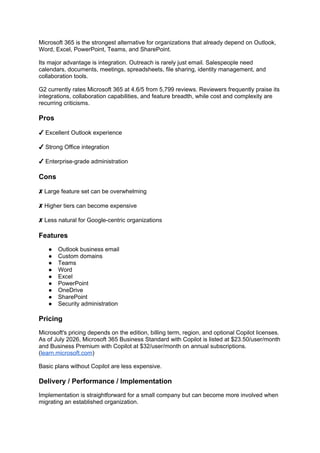
Microsoft 365 is the strongest alternative for organizations that already depend on Outlook,
Word, Excel, PowerPoint, Teams, and SharePoint.
Its major advantage is integration. Outreach is rarely just email. Salespeople need
calendars, documents, meetings, spreadsheets, file sharing, identity management, and
collaboration tools.
G2 currently rates Microsoft 365 at 4.6/5 from 5,799 reviews. Reviewers frequently praise its
integrations, collaboration capabilities, and feature breadth, while cost and complexity are
recurring criticisms.
Pros
✔ Excellent Outlook experience
✔ Strong Office integration
✔ Enterprise-grade administration
Cons
✘ Large feature set can be overwhelming
✘ Higher tiers can become expensive
✘ Less natural for Google-centric organizations
Features
● Outlook business email
● Custom domains
● Teams
● Word
● Excel
● PowerPoint
● OneDrive
● SharePoint
● Security administration
Pricing
Microsoft's pricing depends on the edition, billing term, region, and optional Copilot licenses.
As of July 2026, Microsoft 365 Business Standard with Copilot is listed at $23.50/user/month
and Business Premium with Copilot at $32/user/month on annual subscriptions.
(learn.microsoft.com)
Basic plans without Copilot are less expensive.
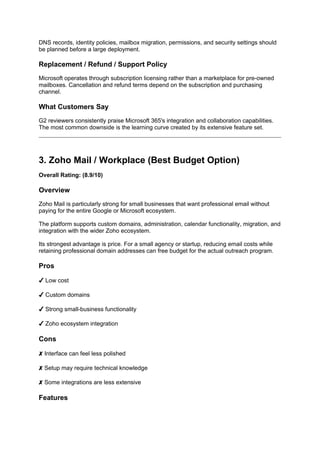
Delivery / Performance / Implementation
Implementation is straightforward for a small company but can become more involved when
migrating an established organization.
DNS records, identity policies, mailbox migration, permissions, and security settings should
be planned before a large deployment.
Replacement / Refund / Support Policy
Microsoft operates through subscription licensing rather than a marketplace for pre-owned
mailboxes. Cancellation and refund terms depend on the subscription and purchasing
channel.
What Customers Say
G2 reviewers consistently praise Microsoft 365's integration and collaboration capabilities.
The most common downside is the learning curve created by its extensive feature set.
3. Zoho Mail / Workplace (Best Budget Option)
Overall Rating: (8.9/10)
Overview
Zoho Mail is particularly strong for small businesses that want professional email without
paying for the entire Google or Microsoft ecosystem.
The platform supports custom domains, administration, calendar functionality, migration, and
integration with the wider Zoho ecosystem.
Its strongest advantage is price. For a small agency or startup, reducing email costs while
retaining professional domain addresses can free budget for the actual outreach program.
Pros
✔ Low cost
✔ Custom domains
✔ Strong small-business functionality
✔ Zoho ecosystem integration
Cons
✘ Interface can feel less polished
✘ Setup may require technical knowledge
✘ Some integrations are less extensive
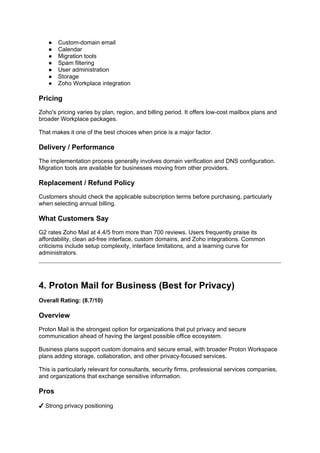
Features
● Custom-domain email
● Calendar
● Migration tools
● Spam filtering
● User administration
● Storage
● Zoho Workplace integration
Pricing
Zoho's pricing varies by plan, region, and billing period. It offers low-cost mailbox plans and
broader Workplace packages.
That makes it one of the best choices when price is a major factor.
Delivery / Performance
The implementation process generally involves domain verification and DNS configuration.
Migration tools are available for businesses moving from other providers.
Replacement / Refund Policy
Customers should check the applicable subscription terms before purchasing, particularly
when selecting annual billing.
What Customers Say
G2 rates Zoho Mail at 4.4/5 from more than 700 reviews. Users frequently praise its
affordability, clean ad-free interface, custom domains, and Zoho integrations. Common
criticisms include setup complexity, interface limitations, and a learning curve for
administrators.
4. Proton Mail for Business (Best for Privacy)
Overall Rating: (8.7/10)
Overview
Proton Mail is the strongest option for organizations that put privacy and secure
communication ahead of having the largest possible office ecosystem.
Business plans support custom domains and secure email, with broader Proton Workspace
plans adding storage, collaboration, and other privacy-focused services.
This is particularly relevant for consultants, security firms, professional services companies,
and organizations that exchange sensitive information.
Pros
✔ Strong privacy positioning
✔ Custom domains
✔ Secure business ecosystem
✔ Migration capabilities
Cons
✘ Smaller mainstream ecosystem
✘ Some workflows require adjustment
✘ Premium tiers cost more than basic hosting
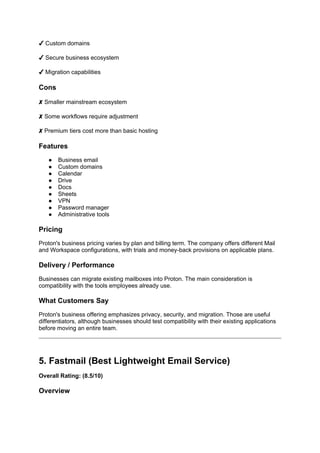
Features
● Business email
● Custom domains
● Calendar
● Drive
● Docs
● Sheets
● VPN
● Password manager
● Administrative tools
Pricing
Proton's business pricing varies by plan and billing term. The company offers different Mail
and Workspace configurations, with trials and money-back provisions on applicable plans.
Delivery / Performance
Businesses can migrate existing mailboxes into Proton. The main consideration is
compatibility with the tools employees already use.
What Customers Say
Proton's business offering emphasizes privacy, security, and migration. Those are useful
differentiators, although businesses should test compatibility with their existing applications
before moving an entire team.
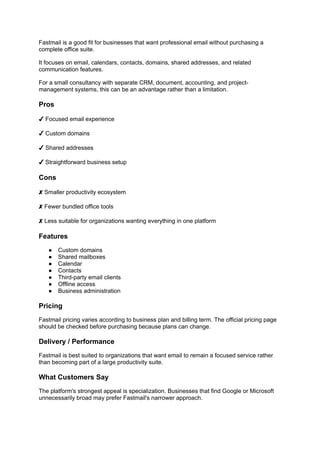
5. Fastmail (Best Lightweight Email Service)
Overall Rating: (8.5/10)
Overview
Fastmail is a good fit for businesses that want professional email without purchasing a
complete office suite.
It focuses on email, calendars, contacts, domains, shared addresses, and related
communication features.
For a small consultancy with separate CRM, document, accounting, and project-
management systems, this can be an advantage rather than a limitation.
Pros
✔ Focused email experience
✔ Custom domains
✔ Shared addresses
✔ Straightforward business setup
Cons
✘ Smaller productivity ecosystem
✘ Fewer bundled office tools
✘ Less suitable for organizations wanting everything in one platform
Features
● Custom domains
● Shared mailboxes
● Calendar
● Contacts
● Third-party email clients
● Offline access
● Business administration
Pricing
Fastmail pricing varies according to business plan and billing term. The official pricing page
should be checked before purchasing because plans can change.
Delivery / Performance
Fastmail is best suited to organizations that want email to remain a focused service rather
than becoming part of a large productivity suite.
What Customers Say
The platform's strongest appeal is specialization. Businesses that find Google or Microsoft
unnecessarily broad may prefer Fastmail's narrower approach.
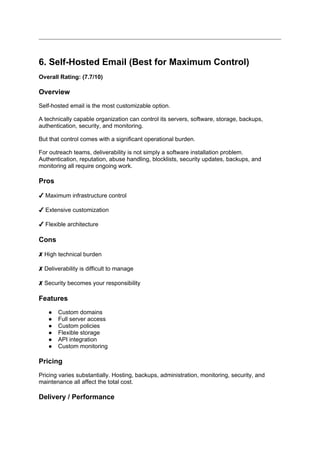
6. Self-Hosted Email (Best for Maximum Control)
Overall Rating: (7.7/10)
Overview
Self-hosted email is the most customizable option.
A technically capable organization can control its servers, software, storage, backups,
authentication, security, and monitoring.
But that control comes with a significant operational burden.
For outreach teams, deliverability is not simply a software installation problem.
Authentication, reputation, abuse handling, blocklists, security updates, backups, and
monitoring all require ongoing work.
Pros
✔ Maximum infrastructure control
✔ Extensive customization
✔ Flexible architecture
Cons
✘ High technical burden
✘ Deliverability is difficult to manage
✘ Security becomes your responsibility
Features
● Custom domains
● Full server access
● Custom policies
● Flexible storage
● API integration
● Custom monitoring
Pricing
Pricing varies substantially. Hosting, backups, administration, monitoring, security, and
maintenance all affect the total cost.
Delivery / Performance
Google's own sender requirements illustrate why email infrastructure requires careful
management. Authentication, spam rates, and responsible sending all influence whether
messages reach Gmail users. (support.google.com)
What Customers Say
Self-hosting is most attractive to organizations with strong technical teams. For most small
businesses, managed email is more practical.
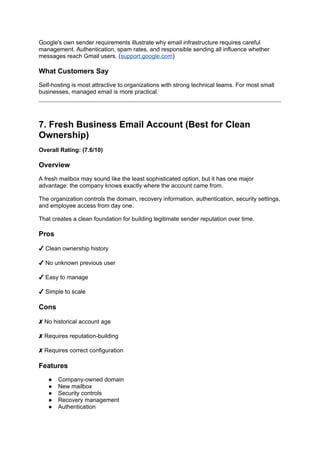
7. Fresh Business Email Account (Best for Clean
Ownership)
Overall Rating: (7.6/10)
Overview
A fresh mailbox may sound like the least sophisticated option, but it has one major
advantage: the company knows exactly where the account came from.
The organization controls the domain, recovery information, authentication, security settings,
and employee access from day one.
That creates a clean foundation for building legitimate sender reputation over time.
Pros
✔ Clean ownership history
✔ No unknown previous user
✔ Easy to manage
✔ Simple to scale
Cons
✘ No historical account age
✘ Requires reputation-building
✘ Requires correct configuration
Features
● Company-owned domain
● New mailbox
● Security controls
● Recovery management
● Authentication
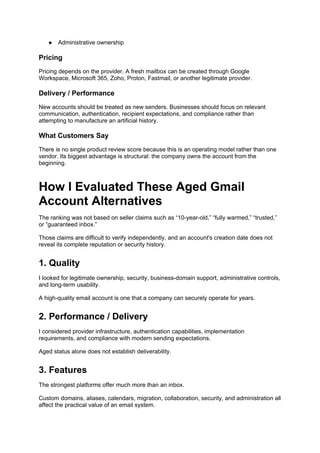
● Administrative ownership
Pricing
Pricing depends on the provider. A fresh mailbox can be created through Google
Workspace, Microsoft 365, Zoho, Proton, Fastmail, or another legitimate provider.
Delivery / Performance
New accounts should be treated as new senders. Businesses should focus on relevant
communication, authentication, recipient expectations, and compliance rather than
attempting to manufacture an artificial history.
What Customers Say
There is no single product review score because this is an operating model rather than one
vendor. Its biggest advantage is structural: the company owns the account from the
beginning.
How I Evaluated These Aged Gmail
Account Alternatives
The ranking was not based on seller claims such as “10-year-old,” “fully warmed,” “trusted,”
or “guaranteed inbox.”
Those claims are difficult to verify independently, and an account's creation date does not
reveal its complete reputation or security history.
1. Quality
I looked for legitimate ownership, security, business-domain support, administrative controls,
and long-term usability.
A high-quality email account is one that a company can securely operate for years.
2. Performance / Delivery
I considered provider infrastructure, authentication capabilities, implementation
requirements, and compliance with modern sending expectations.
Aged status alone does not establish deliverability.
3. Features
The strongest platforms offer much more than an inbox.
Custom domains, aliases, calendars, migration, collaboration, security, and administration all
affect the practical value of an email system.
4. Customization
Businesses need control over users, aliases, domains, authentication, permissions, and
security.
That is difficult to achieve when the original account history belongs to someone else.
5. Customer Support
I considered documentation, migration assistance, administrative resources, and available
support channels.
A professional provider should make it possible to resolve account and configuration
problems without depending on an anonymous reseller.
6. Transparency
Transparent pricing and published policies received higher marks.
A provider that clearly explains its subscription, limitations, and security model is easier to
evaluate than a seller promising a mysterious “high-trust” mailbox.
7. Pricing
I compared entry-level services, larger packages, annual commitments, and the features
included in each tier.
8. Reliability
Reliability includes provider stability, account recovery, ownership continuity, security,
administrative control, and predictable policy enforcement.
These characteristics matter far more to a business than the date an account was originally
created.
Why People Search for Aged Gmail
Accounts
The demand comes from a legitimate business concern: people want outreach to work
efficiently.
A new mailbox can feel like a blank slate. Buyers may believe an older account will provide
an established identity or avoid some of the uncertainty associated with new accounts.
Common motivations include:
● Perceived account credibility
● Faster outreach deployment
● Concern about restrictions
● Desire for established-looking addresses
● Need for multiple mailboxes
● Fear that new accounts will have poor deliverability
But these motivations should be separated from the actual mechanics of email reputation.
Consider a five-person sales agency. It might believe that purchasing five old Gmail
addresses will solve its outreach problem.
It does not solve domain authentication. It does not guarantee that recipients will want the
messages. It does not prove that the accounts have clean histories. It does not remove
Google's policies. And it can create recovery and ownership problems.
A company-owned business email system solves more of the underlying problem.
Aged Gmail Accounts Official Position /
Policies
This is where the phrase “buy aged Gmail accounts safely” becomes misleading.
Google's Gmail Program Policies say Google may investigate potential violations and take
action, including limiting or terminating access to Google products. The policy applies to
consumer Gmail accounts, while organizations may also be subject to additional contractual
and administrator policies. (support.google.com)
Google's policy framework also addresses abuse, unauthorized use, deceptive behavior,
and attempts to circumvent restrictions.
Therefore, buyers should not assume that an older account is exempt from enforcement.
What Is Allowed?
Legitimate use of an account you are authorized to control is allowed, subject to Google's
terms and applicable policies.
A company can create business accounts, configure its domain, communicate with
customers, and use Google Workspace for legitimate business purposes.
What Is Risky?
Buying an account from an unknown third party introduces uncertainty about authorization,
recovery information, historical activity, and security.
Even if the transaction appears to work initially, the buyer may not possess the same level of
control as the account's original owner.
What Should Users Avoid?
Avoid using purchased accounts to bypass restrictions, impersonate another individual, send
deceptive messages, or conduct unauthorized bulk outreach.
Google's policies exist specifically to prevent abusive behavior and protect Gmail users.
(support.google.com)
Safer Alternatives
The safest alternatives are:
1. Create a new business account you control.
2. Use Google Workspace if Gmail is important.
3. Authenticate your business domain.
4. Use appropriate recipient-consent practices.
5. Build sender reputation through legitimate communication.
6. Monitor complaints and sending performance.
This approach may not provide the instant historical age a reseller advertises, but it creates
a much stronger long-term business asset.
How Aged Gmail Accounts Influence
Business Outreach
1. Sender Credibility
An older-looking address may create a perception of legitimacy, but credibility is stronger
when the recipient can immediately identify the company behind the sender.
For example, jane@acmeconsulting.com communicates more context than an
anonymous Gmail address.
Professional identity beats mysterious account age.
2. Deliverability
Account age and deliverability are not interchangeable.
Google's sender policies emphasize technical authentication and responsible sending rather
than simply rewarding old accounts. (support.google.com)
A business therefore gets more durable value from correctly configuring its own domain.
3. Account Security
A purchased account may have an unknown history.
Questions include:
● Who originally created it?
● Were recovery details changed?
● Was it ever compromised?
● Were suspicious applications authorized?
● Does another person still have access?
A fresh account eliminates much of this uncertainty.
4. Outreach Scalability
Successful outreach eventually requires structure.
Teams need:
● Individual users
● Shared inboxes
● Aliases
● Admin controls
● Offboarding
● Recovery procedures
● Security policies
Business email platforms are designed around those requirements.
5. Long-Term Reputation
The most valuable form of “age” is the reputation a business builds itself.
Relevant factors include message quality, recipient expectations, authentication, complaint
rates, consistency, and legitimate customer relationships.
Those signals accumulate over time and remain attached to an infrastructure the business
actually controls.
Final Take
The comparison shows why the market for aged Gmail accounts exists, but it also shows
why purchasing one is not a dependable shortcut. Buyers are usually looking for credibility,
smoother delivery, faster setup, and scalable outreach. Those are real objectives. The
problem is that an account's age does not guarantee any of them.
Google Workspace is my overall recommendation when Gmail is central to the business.
Microsoft 365 is better for Office-oriented organizations, Zoho is the strongest budget option,
Proton is compelling for privacy-sensitive teams, and Fastmail is a good choice when the
business wants a focused email service. Self-hosting belongs mainly to technically
sophisticated organizations.
If you are specifically asking how to buy aged Gmail accounts safely, my expert answer is
more conservative: there is no reliable purchasing checklist that can turn an uncertain third-
party account into a guaranteed safe business asset. The safer strategy is to create the
accounts yourself, own the domain, configure the necessary authentication and security
controls, and build a legitimate reputation over time.
That may take longer than purchasing a mailbox advertised as “aged.” But for a business
that expects to operate for years, ownership, transparency, security, and responsible
sending are much more valuable than an account creation date.