Buy Old Gmail Accounts: Benefits, Risks & Legitimate Alternatives in 2026
Explore the pros and cons of buying aged Gmail accounts and discover top legitimate alternatives like Google Workspace, Microsoft 365, and Zoho Mail for secure, professional business email solutions.
Buy Old Gmail Accounts: Benefits, Risks & Legitimate Alternatives in 2026
1.
Buy Old GmailAccounts: Aged Accounts,
Benefits & Risks Explained
Introduction
2.
People searching tobuy old Gmail accounts are usually looking for a shortcut to an
established email identity. They may believe that an aged account will be more trustworthy,
easier to use for business, or less likely to encounter restrictions than a newly created mailbox.
Agencies and businesses may also want multiple accounts quickly without spending time setting
up separate email infrastructure.
The problem is that an account's age does not automatically mean that it is reputable, secure,
transferable, or reliable. I compared the leading legitimate alternatives that address the same
underlying needs, evaluating quality, features, pricing, reliability, customization, customer
support, transparency, and overall value. I also reviewed Google's current Gmail policies
because purchased or transferred accounts can create policy and security concerns. The goal
of this comparison is to explain what aged accounts actually offer, where the risks are, and
which legitimate email providers make more sense for different users.
Best Buy Old Gmail Accounts Alternatives in 2026
(Expert Comparison)
I evaluated these providers according to the practical reasons people search for aged Gmail
accounts: access to Gmail-style email, multiple addresses, business identity, administrative
control, migration, privacy, and dependable long-term access.
I have deliberately excluded account-reseller marketplaces from the ranking. There is no
reliable way to independently verify many marketplace claims about an account's history,
previous activity, recovery ownership, or future availability. Instead, the ranking focuses on
services where users can establish legitimate ownership and solve the underlying problem
without depending on a third-party login.
3.
1. Google Workspace(Best Overall Gmail Alternative)
Overall Rating: 9.6/10
Overview
If someone searches for buy old Gmail accounts because they specifically want Gmail for
business, Google Workspace is the most direct legitimate alternative.
Workspace provides Gmail through a custom business domain and combines it with Google
Calendar, Drive, Docs, Sheets, Meet, Chat, and other productivity tools. Business Starter
currently includes custom business email, 30 GB of pooled storage per user, video meetings for
up to 100 participants, and security and management controls.
The important distinction is ownership. A company creates the accounts itself rather than
inheriting credentials from an unknown previous user.
I consider that a much stronger long-term arrangement. A business can add employees, remove
users, manage security, recover accounts, and maintain its domain without depending on an
account seller.
What Makes Google Workspace Different?
Compared with an aged consumer Gmail account, Workspace provides an entire business
administration layer.
Its major differentiators include:
● Custom-domain Gmail
● Centralized user management
● Google productivity applications
● Security and management controls
● Data migration tools
● Scalable business administration
The practical advantage is significant. Imagine an agency needs addresses for sales, support,
billing, and five employees. Buying unrelated aged Gmail accounts creates several independent
ownership problems. Workspace lets the organization manage those identities centrally.
Google Workspace Key Features
Custom Business Email
Workspace allows organizations to use addresses such as sales@company.com rather than
relying on unrelated consumer Gmail addresses.
4.
That makes theemail identity part of the company's own domain infrastructure.
Centralized Administration
Administrators can manage users, security, storage, and access from one environment.
This becomes especially useful when employees join or leave. The organization retains
administrative control instead of having to negotiate with a previous account owner.
Google Productivity Suite
Workspace integrates Gmail with Calendar, Drive, Docs, Sheets, Slides, Meet, Chat, Forms,
and Sites. Higher tiers add more storage and advanced security, compliance, and management
features.
Migration
Google provides migration capabilities on qualifying Workspace plans. This gives businesses a
structured way to move legitimate historical email into a controlled environment instead of
purchasing an account because it already contains old messages.
Google Workspace Pricing
Google's standard annual/fixed-term pricing currently lists Business Starter at $7 per user per
month, Business Standard at $14, and Business Plus at $22. Flexible monthly pricing is higher
at $8.40, $16.80, and $26.40 respectively. Google also offers a 14-day trial.
Pricing is therefore subscription-based rather than a one-time account purchase. However, the
subscription pays for infrastructure, administration, storage, security, and continued access.
Pros
✔ Familiar Gmail experience
✔ Custom business domains
✔ Excellent Google ecosystem
✔ Strong administration
✔ Scales from small businesses to larger organizations
Cons
✘ Recurring subscription cost
✘ Advanced capabilities require higher plans
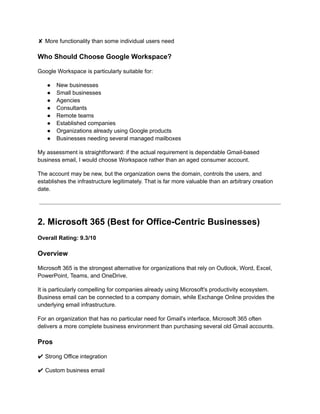
5.
✘ More functionalitythan some individual users need
Who Should Choose Google Workspace?
Google Workspace is particularly suitable for:
● New businesses
● Small businesses
● Agencies
● Consultants
● Remote teams
● Established companies
● Organizations already using Google products
● Businesses needing several managed mailboxes
My assessment is straightforward: if the actual requirement is dependable Gmail-based
business email, I would choose Workspace rather than an aged consumer account.
The account may be new, but the organization owns the domain, controls the users, and
establishes the infrastructure legitimately. That is far more valuable than an arbitrary creation
date.
2. Microsoft 365 (Best for Office-Centric Businesses)
Overall Rating: 9.3/10
Overview
Microsoft 365 is the strongest alternative for organizations that rely on Outlook, Word, Excel,
PowerPoint, Teams, and OneDrive.
It is particularly compelling for companies already using Microsoft's productivity ecosystem.
Business email can be connected to a company domain, while Exchange Online provides the
underlying email infrastructure.
For an organization that has no particular need for Gmail's interface, Microsoft 365 often
delivers a more complete business environment than purchasing several old Gmail accounts.
Pros
✔ Strong Office integration
✔ Custom business email
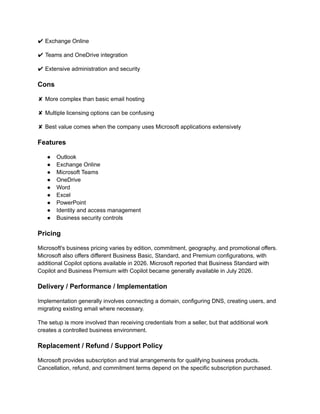
6.
✔ Exchange Online
✔Teams and OneDrive integration
✔ Extensive administration and security
Cons
✘ More complex than basic email hosting
✘ Multiple licensing options can be confusing
✘ Best value comes when the company uses Microsoft applications extensively
Features
● Outlook
● Exchange Online
● Microsoft Teams
● OneDrive
● Word
● Excel
● PowerPoint
● Identity and access management
● Business security controls
Pricing
Microsoft's business pricing varies by edition, commitment, geography, and promotional offers.
Microsoft also offers different Business Basic, Standard, and Premium configurations, with
additional Copilot options available in 2026. Microsoft reported that Business Standard with
Copilot and Business Premium with Copilot became generally available in July 2026.
Delivery / Performance / Implementation
Implementation generally involves connecting a domain, configuring DNS, creating users, and
migrating existing email where necessary.
The setup is more involved than receiving credentials from a seller, but that additional work
creates a controlled business environment.
Replacement / Refund / Support Policy
Microsoft provides subscription and trial arrangements for qualifying business products.
Cancellation, refund, and commitment terms depend on the specific subscription purchased.
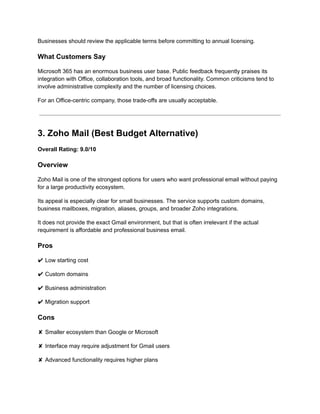
7.
Businesses should reviewthe applicable terms before committing to annual licensing.
What Customers Say
Microsoft 365 has an enormous business user base. Public feedback frequently praises its
integration with Office, collaboration tools, and broad functionality. Common criticisms tend to
involve administrative complexity and the number of licensing choices.
For an Office-centric company, those trade-offs are usually acceptable.
3. Zoho Mail (Best Budget Alternative)
Overall Rating: 9.0/10
Overview
Zoho Mail is one of the strongest options for users who want professional email without paying
for a large productivity ecosystem.
Its appeal is especially clear for small businesses. The service supports custom domains,
business mailboxes, migration, aliases, groups, and broader Zoho integrations.
It does not provide the exact Gmail environment, but that is often irrelevant if the actual
requirement is affordable and professional business email.
Pros
✔ Low starting cost
✔ Custom domains
✔ Business administration
✔ Migration support
Cons
✘ Smaller ecosystem than Google or Microsoft
✘ Interface may require adjustment for Gmail users
✘ Advanced functionality requires higher plans
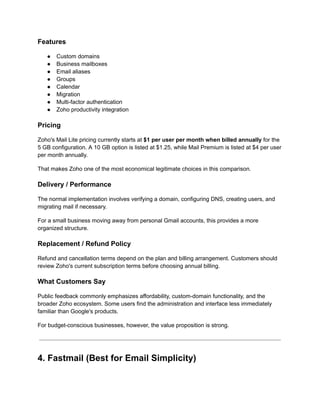
8.
Features
● Custom domains
●Business mailboxes
● Email aliases
● Groups
● Calendar
● Migration
● Multi-factor authentication
● Zoho productivity integration
Pricing
Zoho's Mail Lite pricing currently starts at $1 per user per month when billed annually for the
5 GB configuration. A 10 GB option is listed at $1.25, while Mail Premium is listed at $4 per user
per month annually.
That makes Zoho one of the most economical legitimate choices in this comparison.
Delivery / Performance
The normal implementation involves verifying a domain, configuring DNS, creating users, and
migrating mail if necessary.
For a small business moving away from personal Gmail accounts, this provides a more
organized structure.
Replacement / Refund Policy
Refund and cancellation terms depend on the plan and billing arrangement. Customers should
review Zoho's current subscription terms before choosing annual billing.
What Customers Say
Public feedback commonly emphasizes affordability, custom-domain functionality, and the
broader Zoho ecosystem. Some users find the administration and interface less immediately
familiar than Google's products.
For budget-conscious businesses, however, the value proposition is strong.
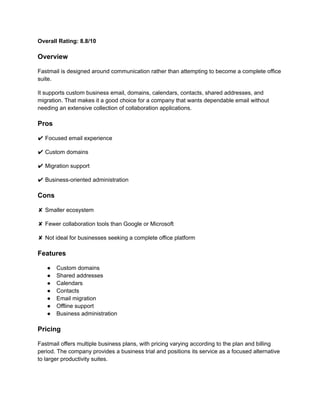
4. Fastmail (Best for Email Simplicity)
9.
Overall Rating: 8.8/10
Overview
Fastmailis designed around communication rather than attempting to become a complete office
suite.
It supports custom business email, domains, calendars, contacts, shared addresses, and
migration. That makes it a good choice for a company that wants dependable email without
needing an extensive collection of collaboration applications.
Pros
✔ Focused email experience
✔ Custom domains
✔ Migration support
✔ Business-oriented administration
Cons
✘ Smaller ecosystem
✘ Fewer collaboration tools than Google or Microsoft
✘ Not ideal for businesses seeking a complete office platform
Features
● Custom domains
● Shared addresses
● Calendars
● Contacts
● Email migration
● Offline support
● Business administration
Pricing
Fastmail offers multiple business plans, with pricing varying according to the plan and billing
period. The company provides a business trial and positions its service as a focused alternative
to larger productivity suites.
10.
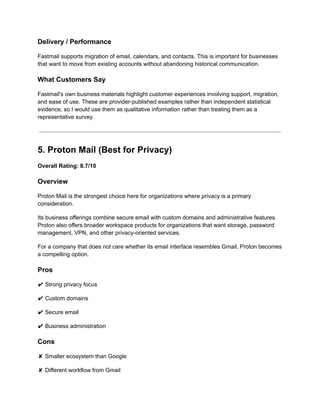
Delivery / Performance
Fastmailsupports migration of email, calendars, and contacts. This is important for businesses
that want to move from existing accounts without abandoning historical communication.
What Customers Say
Fastmail's own business materials highlight customer experiences involving support, migration,
and ease of use. These are provider-published examples rather than independent statistical
evidence, so I would use them as qualitative information rather than treating them as a
representative survey.
5. Proton Mail (Best for Privacy)
Overall Rating: 8.7/10
Overview
Proton Mail is the strongest choice here for organizations where privacy is a primary
consideration.
Its business offerings combine secure email with custom domains and administrative features.
Proton also offers broader workspace products for organizations that want storage, password
management, VPN, and other privacy-oriented services.
For a company that does not care whether its email interface resembles Gmail, Proton becomes
a compelling option.
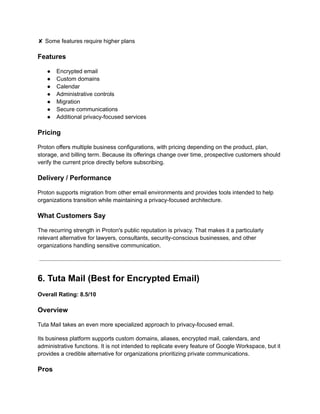
Pros
✔ Strong privacy focus
✔ Custom domains
✔ Secure email
✔ Business administration
Cons
✘ Smaller ecosystem than Google
✘ Different workflow from Gmail
11.
✘ Some featuresrequire higher plans
Features
● Encrypted email
● Custom domains
● Calendar
● Administrative controls
● Migration
● Secure communications
● Additional privacy-focused services
Pricing
Proton offers multiple business configurations, with pricing depending on the product, plan,
storage, and billing term. Because its offerings change over time, prospective customers should
verify the current price directly before subscribing.
Delivery / Performance
Proton supports migration from other email environments and provides tools intended to help
organizations transition while maintaining a privacy-focused architecture.
What Customers Say
The recurring strength in Proton's public reputation is privacy. That makes it a particularly
relevant alternative for lawyers, consultants, security-conscious businesses, and other
organizations handling sensitive communication.
6. Tuta Mail (Best for Encrypted Email)
Overall Rating: 8.5/10
Overview
Tuta Mail takes an even more specialized approach to privacy-focused email.
Its business platform supports custom domains, aliases, encrypted mail, calendars, and
administrative functions. It is not intended to replicate every feature of Google Workspace, but it
provides a credible alternative for organizations prioritizing private communications.
Pros
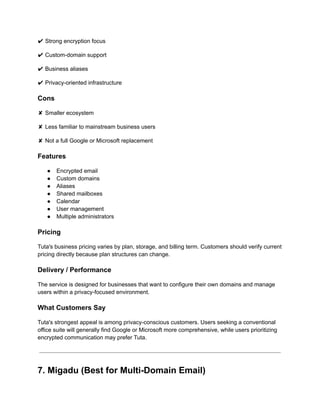
12.
✔ Strong encryptionfocus
✔ Custom-domain support
✔ Business aliases
✔ Privacy-oriented infrastructure
Cons
✘ Smaller ecosystem
✘ Less familiar to mainstream business users
✘ Not a full Google or Microsoft replacement
Features
● Encrypted email
● Custom domains
● Aliases
● Shared mailboxes
● Calendar
● User management
● Multiple administrators
Pricing
Tuta's business pricing varies by plan, storage, and billing term. Customers should verify current
pricing directly because plan structures can change.
Delivery / Performance
The service is designed for businesses that want to configure their own domains and manage
users within a privacy-focused environment.
What Customers Say
Tuta's strongest appeal is among privacy-conscious customers. Users seeking a conventional
office suite will generally find Google or Microsoft more comprehensive, while users prioritizing
encrypted communication may prefer Tuta.
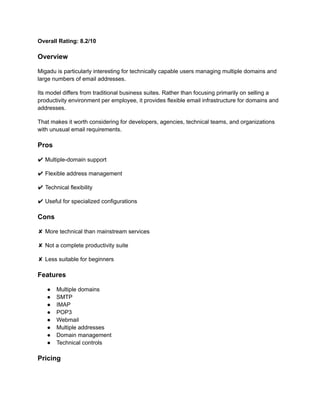
7. Migadu (Best for Multi-Domain Email)
13.
Overall Rating: 8.2/10
Overview
Migaduis particularly interesting for technically capable users managing multiple domains and
large numbers of email addresses.
Its model differs from traditional business suites. Rather than focusing primarily on selling a
productivity environment per employee, it provides flexible email infrastructure for domains and
addresses.
That makes it worth considering for developers, agencies, technical teams, and organizations
with unusual email requirements.
Pros
✔ Multiple-domain support
✔ Flexible address management
✔ Technical flexibility
✔ Useful for specialized configurations
Cons
✘ More technical than mainstream services
✘ Not a complete productivity suite
✘ Less suitable for beginners
Features
● Multiple domains
● SMTP
● IMAP
● POP3
● Webmail
● Multiple addresses
● Domain management
● Technical controls
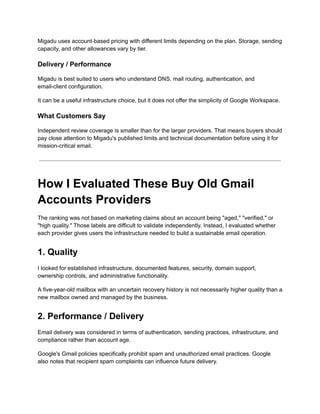
Pricing
14.
Migadu uses account-basedpricing with different limits depending on the plan. Storage, sending
capacity, and other allowances vary by tier.
Delivery / Performance
Migadu is best suited to users who understand DNS, mail routing, authentication, and
email-client configuration.
It can be a useful infrastructure choice, but it does not offer the simplicity of Google Workspace.
What Customers Say
Independent review coverage is smaller than for the larger providers. That means buyers should
pay close attention to Migadu's published limits and technical documentation before using it for
mission-critical email.
How I Evaluated These Buy Old Gmail
Accounts Providers
The ranking was not based on marketing claims about an account being "aged," "verified," or
"high quality." Those labels are difficult to validate independently. Instead, I evaluated whether
each provider gives users the infrastructure needed to build a sustainable email operation.
1. Quality
I looked for established infrastructure, documented features, security, domain support,
ownership controls, and administrative functionality.
A five-year-old mailbox with an uncertain recovery history is not necessarily higher quality than a
new mailbox owned and managed by the business.
2. Performance / Delivery
Email delivery was considered in terms of authentication, sending practices, infrastructure, and
compliance rather than account age.
Google's Gmail policies specifically prohibit spam and unauthorized email practices. Google
also notes that recipient spam complaints can influence future delivery.
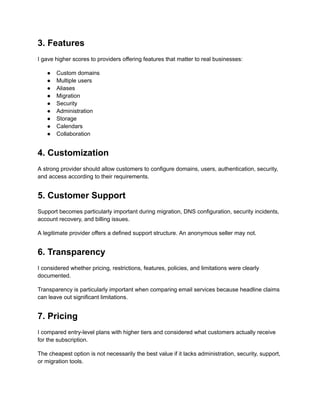
15.
3. Features
I gavehigher scores to providers offering features that matter to real businesses:
● Custom domains
● Multiple users
● Aliases
● Migration
● Security
● Administration
● Storage
● Calendars
● Collaboration
4. Customization
A strong provider should allow customers to configure domains, users, authentication, security,
and access according to their requirements.
5. Customer Support
Support becomes particularly important during migration, DNS configuration, security incidents,
account recovery, and billing issues.
A legitimate provider offers a defined support structure. An anonymous seller may not.
6. Transparency
I considered whether pricing, restrictions, features, policies, and limitations were clearly
documented.
Transparency is particularly important when comparing email services because headline claims
can leave out significant limitations.
7. Pricing
I compared entry-level plans with higher tiers and considered what customers actually receive
for the subscription.
The cheapest option is not necessarily the best value if it lacks administration, security, support,
or migration tools.
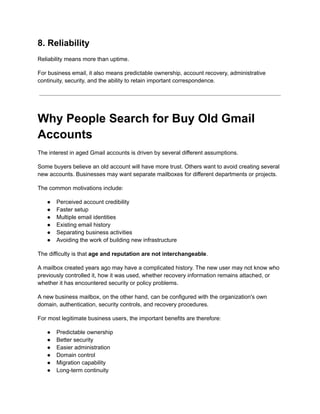
16.
8. Reliability
Reliability meansmore than uptime.
For business email, it also means predictable ownership, account recovery, administrative
continuity, security, and the ability to retain important correspondence.
Why People Search for Buy Old Gmail
Accounts
The interest in aged Gmail accounts is driven by several different assumptions.
Some buyers believe an old account will have more trust. Others want to avoid creating several
new accounts. Businesses may want separate mailboxes for different departments or projects.
The common motivations include:
● Perceived account credibility
● Faster setup
● Multiple email identities
● Existing email history
● Separating business activities
● Avoiding the work of building new infrastructure
The difficulty is that age and reputation are not interchangeable.
A mailbox created years ago may have a complicated history. The new user may not know who
previously controlled it, how it was used, whether recovery information remains attached, or
whether it has encountered security or policy problems.
A new business mailbox, on the other hand, can be configured with the organization's own
domain, authentication, security controls, and recovery procedures.
For most legitimate business users, the important benefits are therefore:
● Predictable ownership
● Better security
● Easier administration
● Domain control
● Migration capability
● Long-term continuity
17.
The right emailprovider should solve the actual operational problem rather than simply provide
an older creation date.
Buy Old Gmail Accounts Official Position /
Policies
This is the section prospective buyers should read most carefully.
Google's Gmail Program Policies state that Google may review reported violations and take
action that can include limiting or terminating access. The policies prohibit activities including
spam, phishing, deceptive practices, fraud, and certain attempts to circumvent restrictions.
Google's policy on circumvention is particularly relevant. It says users should not create or use
multiple accounts or other methods intended to bypass restrictions or engage in behavior that
was previously prohibited.
This means an aged account should not be viewed as a legitimate mechanism for bypassing
limits imposed on another account.
What Is Allowed?
Legitimate uses include:
● Creating your own Google account
● Using Google Workspace for business
● Managing business users through supported administration
● Using supported delegation features
● Migrating legitimate email
● Sending compliant, permission-based email
What Creates Risk?
Users should avoid:
● Buying accounts specifically to bypass restrictions
● Spam
● Phishing
● Fraud
● Deceptive activity
● Credential sharing
● Attempts to circumvent Google's enforcement systems
18.
Google explicitly saysaccounts may be disabled when they violate applicable policies.
Why Purchased Accounts Are Difficult to Trust
Even when a seller describes an account as "aged" or "clean," a buyer cannot easily verify the
complete history.
Potential problems include:
1. Unknown previous activity
2. Unknown recovery information
3. Previous security incidents
4. Previous policy violations
5. Uncertain ownership
6. Future recovery attempts by a previous user
7. Lack of meaningful after-sale support
For legitimate businesses, using a provider where the organization creates and controls its own
accounts is considerably safer.
How Buy Old Gmail Accounts Influences
Business and Users
1. Account Age Does Not Guarantee Email Deliverability
One of the biggest misconceptions is that an aged Gmail account automatically has superior
inbox placement.
It does not work that simply.
Google's policies emphasize responsible sending, spam prevention, and compliance. Recipient
behavior also matters. If users repeatedly mark messages as spam, future delivery can be
affected.
A mailbox's creation date is therefore a poor substitute for responsible email practices.
2. Ownership Determines Business Continuity
A company needs to know exactly who controls its email.
19.
If a purchasedaccount has a previous recovery email, phone number, trusted device, or other
recovery mechanism associated with someone else, the buyer faces an obvious continuity risk.
For a personal account, this can be frustrating.
For a company, it can mean losing important correspondence or access to services tied to the
mailbox.
3. Multiple Addresses Are Easier to Manage Through
Business Email
Consider a company that needs:
● sales@company.com
● support@company.com
● billing@company.com
● careers@company.com
Buying four unrelated old Gmail accounts creates four separate ownership relationships.
A business email platform creates one administrative environment.
That is much easier to secure and maintain.
4. Security Is More Important Than Age
An old account is not inherently secure.
A newly created business mailbox with strong authentication, controlled recovery, multi-factor
authentication, and proper administrator management can be substantially safer than an
account whose previous history is unknown.
5. Reputation Is Built Through Behavior
Businesses sometimes look for aged accounts because they believe reputation can be
purchased.
In reality, sustainable email reputation depends on ongoing behavior.
Relevant factors include:
● Authentication
● Permission-based sending
20.
● Low complaintrates
● Relevant content
● List hygiene
● Appropriate sending volume
● Compliance with provider policies
This is why buying an account should never be treated as a substitute for building a legitimate
email program.
Final Take
The comparison shows that the appeal of buy old Gmail accounts is understandable, but the
underlying assumption that account age equals trust is weak. An aged mailbox may look
attractive because it appears established, yet the buyer may know very little about its history,
recovery configuration, security status, or future availability. Those uncertainties become more
serious when the account is used for business.
For most users, Google Workspace is the best overall alternative because it provides the Gmail
experience while allowing the organization to control its own domain, users, security, and
administration. Microsoft 365 is the better choice for Office-centered businesses, Zoho Mail
offers excellent value for smaller budgets, and Fastmail is attractive for organizations that want
a focused email service. Proton Mail and Tuta are stronger for privacy-conscious users, while
Migadu is more suitable for technical teams managing multiple domains.
My recommendation is to evaluate an email service by ownership, security, administration,
reliability, support, pricing, and policy compliance rather than by account age alone. If the goal is
legitimate business communication, a new account that the organization completely controls is
usually a stronger asset than an older credential obtained from an unknown source.
In 2026, the most sustainable approach is not to buy history. It is to build an email environment
whose ownership and reputation you can actually control.