#wcsyd


                                                          SOFIA WOODS
methods and techniques for creating digital                t: @ShortieDesigns
projects for non-profits & community           f: facebook.com/shorTiedesigns
organisations                                      w: www.shortiedesigns.com
LETS LOOK AT
                                                        1.Benefits of using WordPress for non-
     the benefits of using WordPress for Non-profits/community organisation digital projects
1.   how to work collaboratively with key stakeholders
                                                            profits/community organisations
2.   how to be flexible while keeping to task            2.How to work collaboratively with
                                                            key stakeholders
                                                        3.How to be flexible while keeping to
                                                            task
                                                        4.Other tips
WHO AM I?

✤   Freelance web designer/front
    end developer - shorTie
    designs

✤   Blogger

✤   Social media nut

✤   Copywriter
WHY USE WORDPRESS


FOR COMMUNITY & NON-
PROFIT ORGANISATIONS?
IT’S
POWERFUL!
Let’s look at it’s strong points.....


1. You can update content
2. Packed full of functionality
3. Great for designers
IT’S
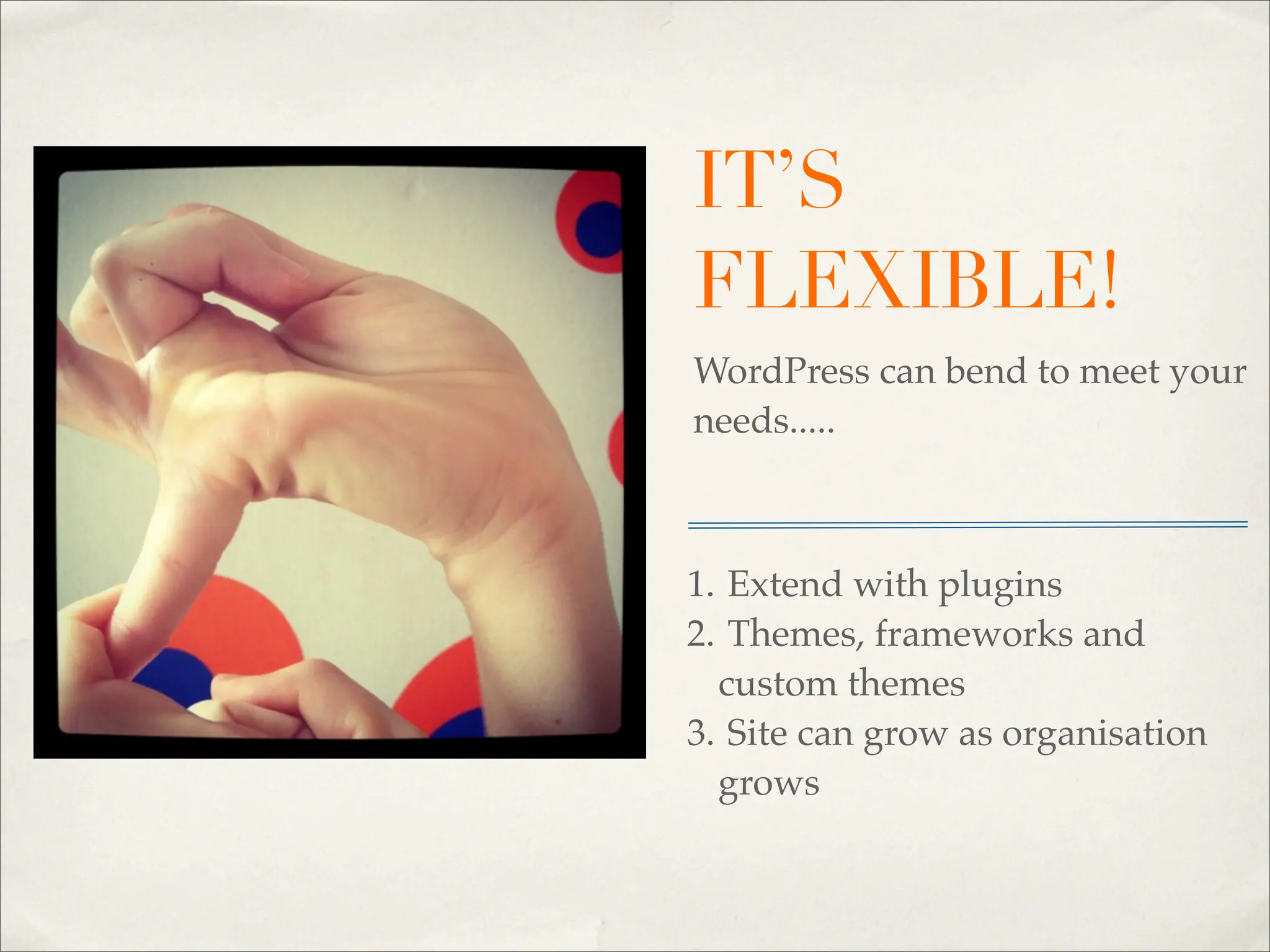
FLEXIBLE!
WordPress can bend to meet your
needs.....


1. Extend with plugins
2. Themes, frameworks and
  custom themes
3. Site can grow as organisation
  grows
IT’S EASY TO
USE!
You know it is!


1. Great for all skill levels
2. Put the power back in their hands
3. Easy to work collaboratively
OH DID I MENTION - FREE?
     OPEN SOURCE WE LOVE YOU!
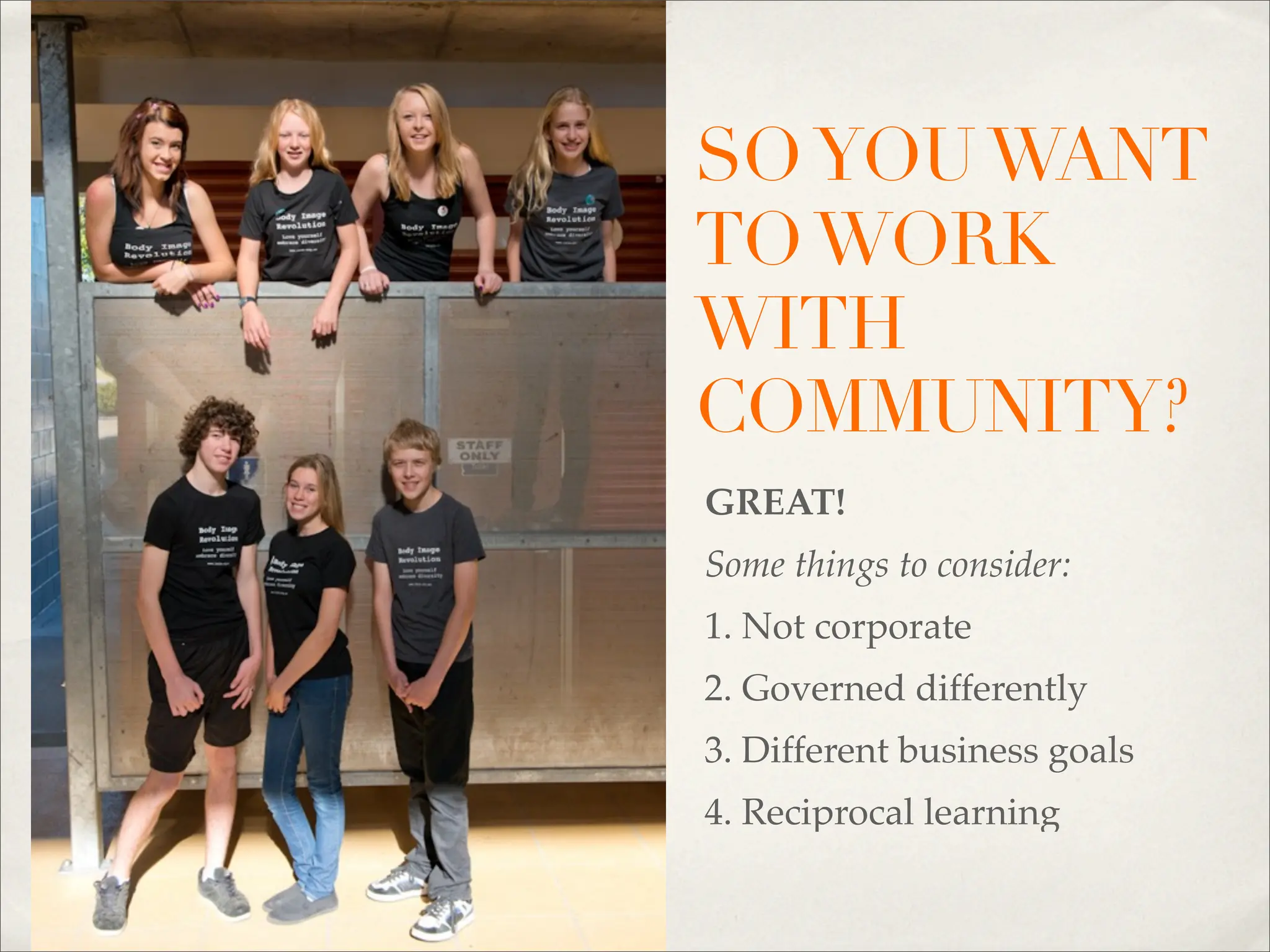
SO YOU WANT
TO WORK
WITH
COMMUNITY?
GREAT!
Some things to consider:
1. Not corporate
2. Governed differently
3. Different business goals
4. Reciprocal learning
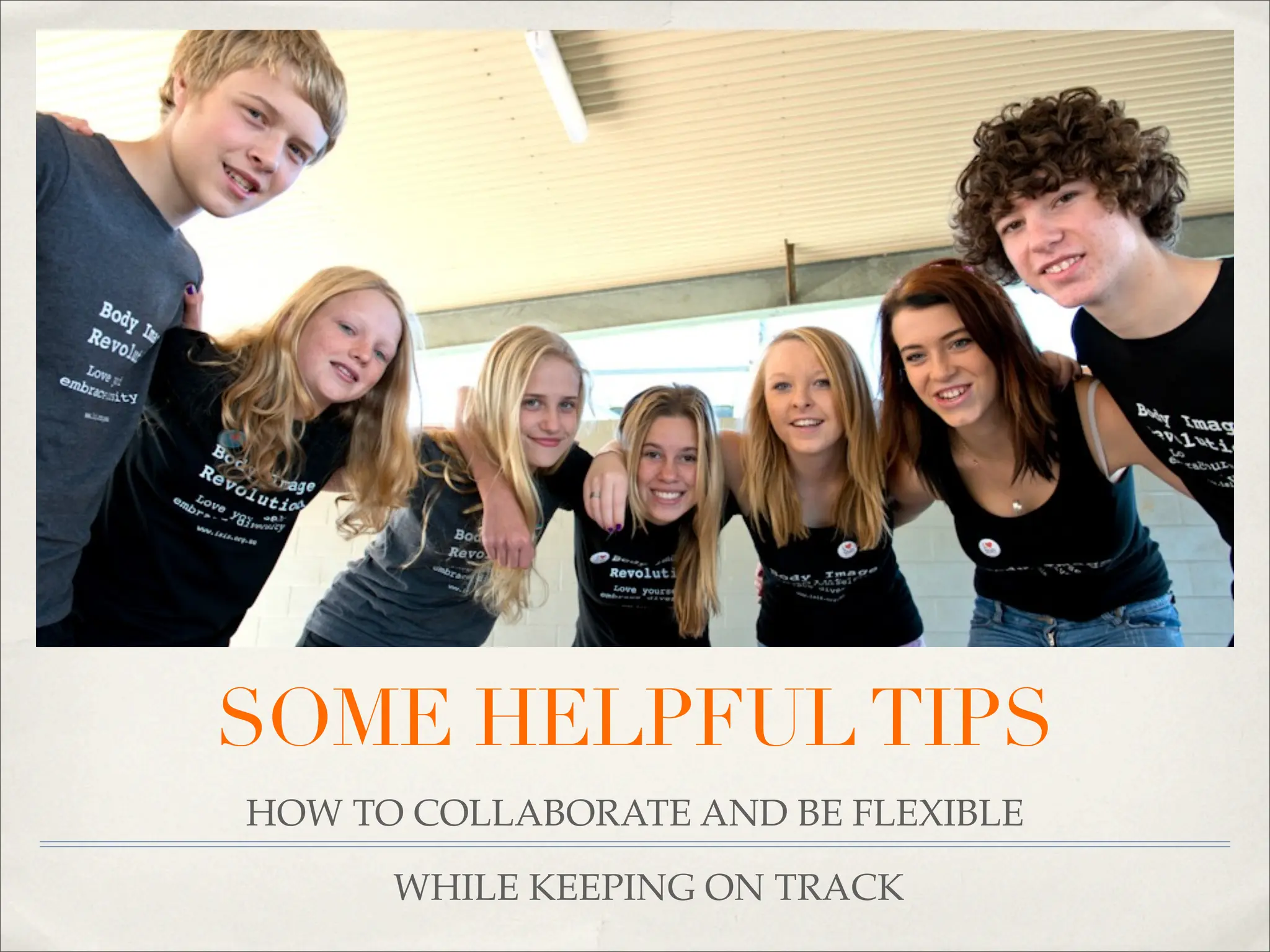
SOME HELPFUL TIPS
HOW TO COLLABORATE AND BE FLEXIBLE

      WHILE KEEPING ON TRACK
THE IMPORTANCE OF
COLLABORATION

✤   Make connections with key stakeholders

✤   Helps with generating ideas for the project

✤   Brings more depth and momentum to the project

✤   Strengthens the benefits of the project
TOOLS FOR
COLLABORATION


✤   A clear terms & condition agreement - Andy Clarke - Contract Killer

✤   Delegation & clarity of roles & responsibilities

✤   Someone to be the content editor

✤   Online tools - Dropbox, Mail’ette, BaseCamp & Dot Project
THE IMPORTANCE OF
FLEXIBILITY


✤   Doesn’t mean abandoning timeframes & deadlines

✤   Enables you to be sensitive to staffing issues

✤   Respond to the needs of key stakeholders
HOW TO BE FLEXIBLE


✤   Consider your feedback process

✤   Be aware of key stakeholders when building timeframes

✤   Where possible be flexible with deadlines
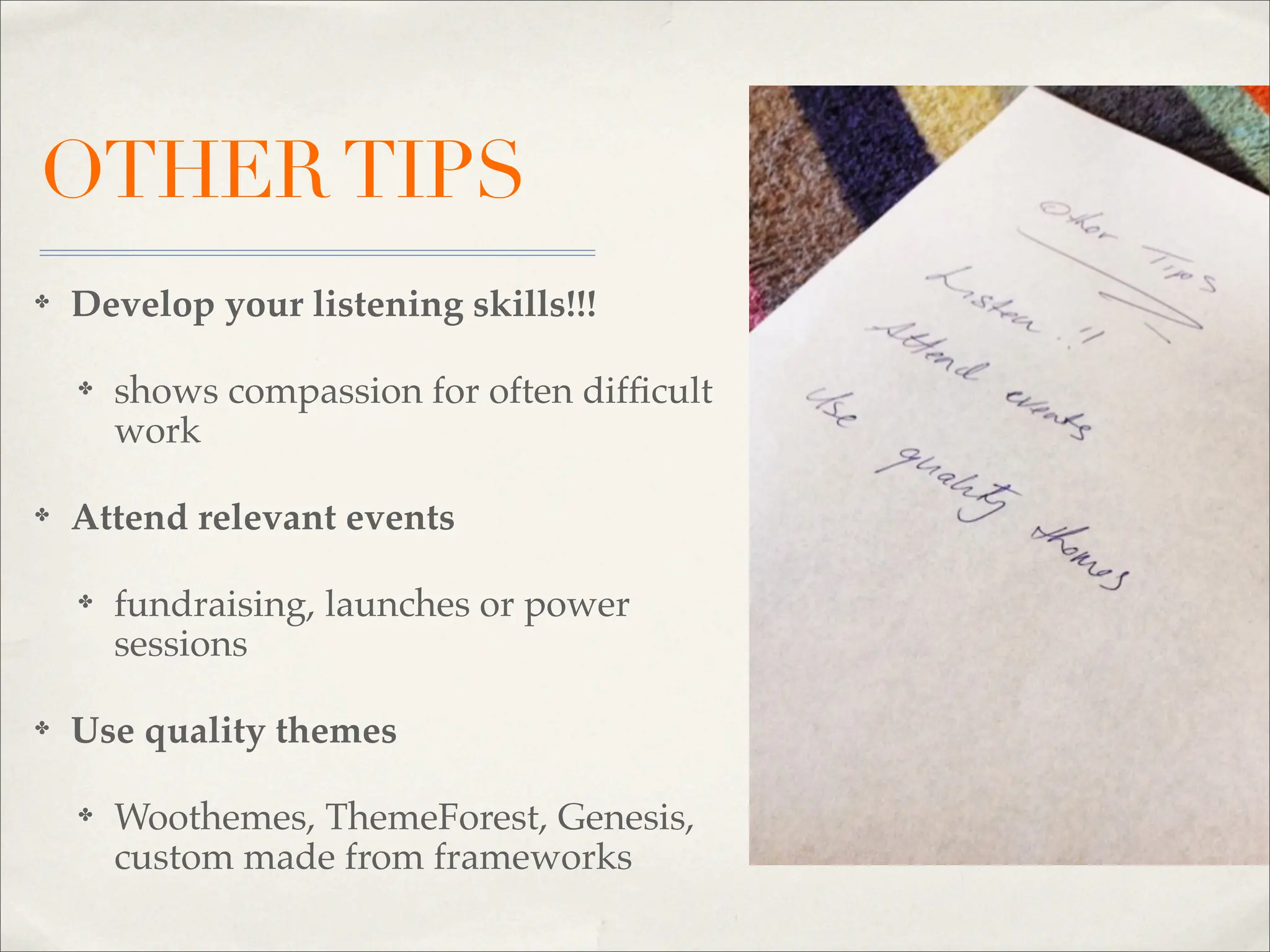
OTHER TIPS
✤   Develop your listening skills!!!

    ✤   shows compassion for often difficult
        work

✤   Attend relevant events

    ✤   fundraising, launches or power
        sessions

✤   Use quality themes

    ✤   Woothemes, ThemeForest, Genesis,
        custom made from frameworks
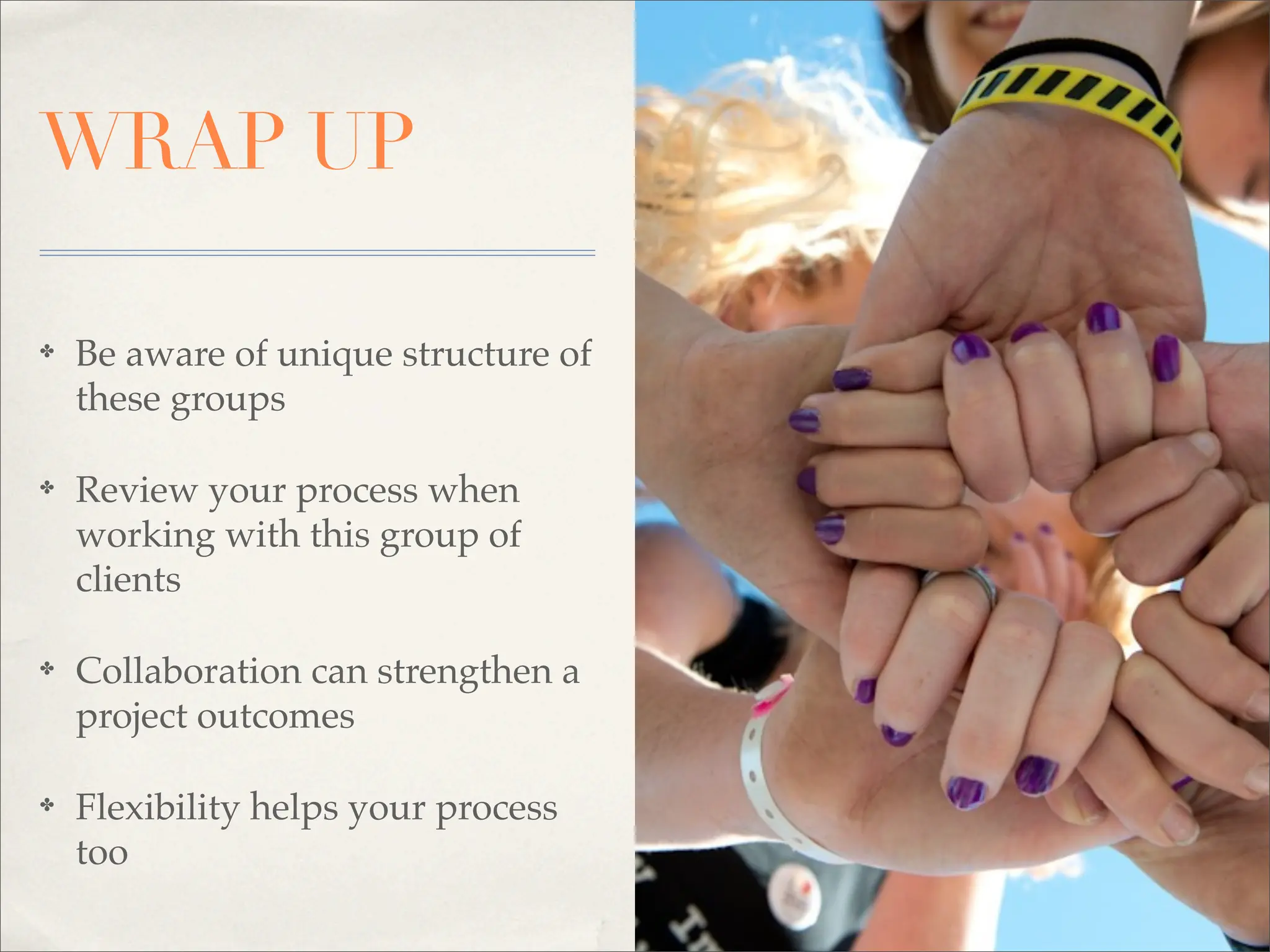
WRAP UP

✤   Be aware of unique structure of
    these groups

✤   Review your process when
    working with this group of
    clients

✤   Collaboration can strengthen a
    project outcomes

✤   Flexibility helps your process
    too
LINKS &
        ACKNOWLEDGEMENTS
Plug Ins & Extensions
- events manager, Wp events, BuddyPress, SimplePress, Gravity Forms
Edit Flow, Cart 66, WooCommerce

Other Resources
- Andy Clarke - Contract Killer, Dropbox, Mail’ette, BaseCamp & Dot Project

Themes
- Woothemes, Themforest, Genesis,
   - Custom Made Frameworks :
   Bones (responsive)
   Twenty Ten (ships with WordPress install)
   Thesis
   Hybrid

Images: Melly Niotakis - Nio Media
SOFIA WOODS
  @shortiedesigns
www.shortiedesigns.com


               THANK YOU
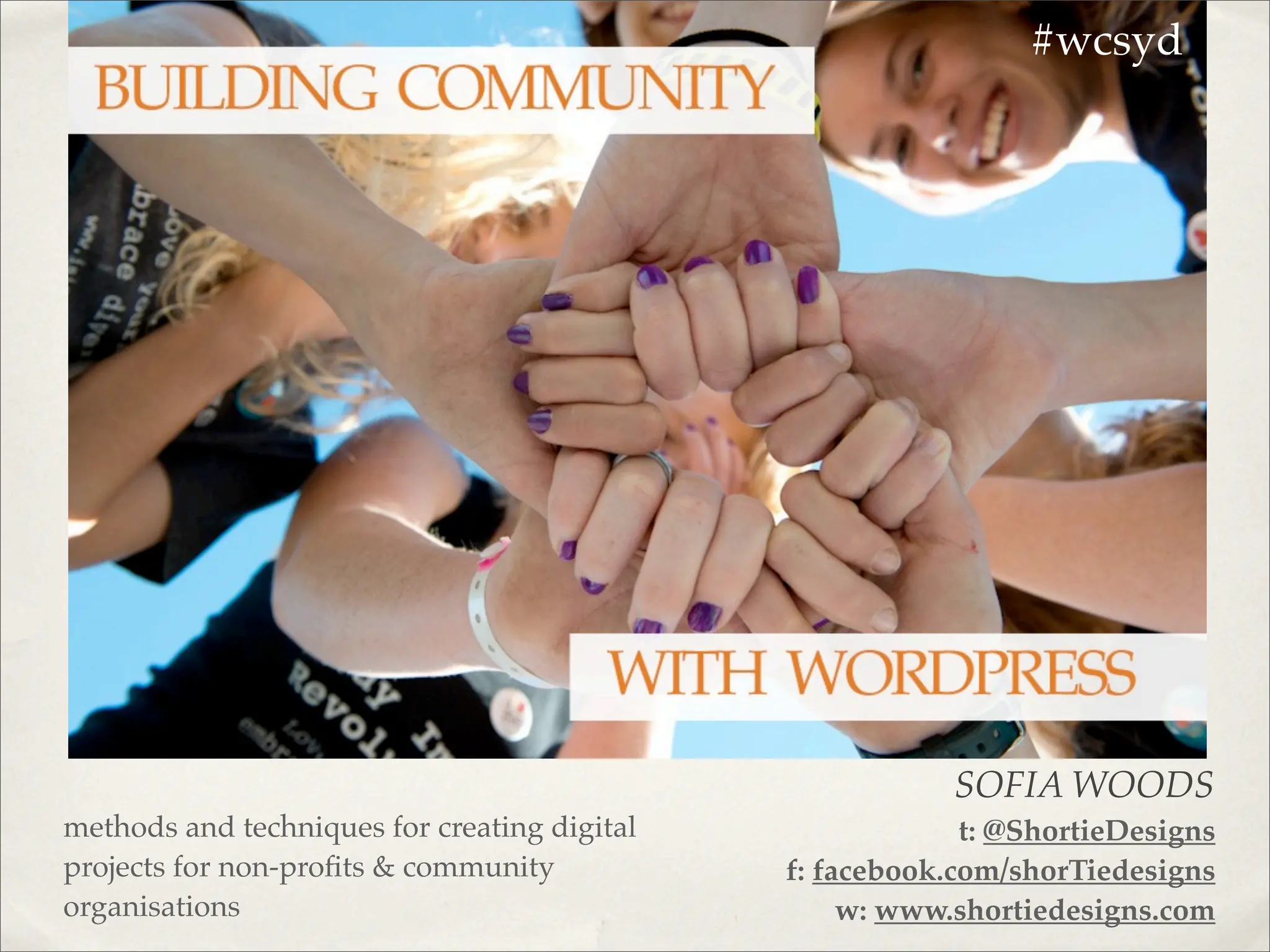
Building Community with WordPress - Sofia Woods - WordCamp Sydney 2012

  • 1.
    #wcsyd SOFIA WOODS methods and techniques for creating digital t: @ShortieDesigns projects for non-profits & community f: facebook.com/shorTiedesigns organisations w: www.shortiedesigns.com
  • 2.
    LETS LOOK AT 1.Benefits of using WordPress for non- the benefits of using WordPress for Non-profits/community organisation digital projects 1. how to work collaboratively with key stakeholders profits/community organisations 2. how to be flexible while keeping to task 2.How to work collaboratively with key stakeholders 3.How to be flexible while keeping to task 4.Other tips
  • 3.
    WHO AM I? ✤ Freelance web designer/front end developer - shorTie designs ✤ Blogger ✤ Social media nut ✤ Copywriter
  • 4.
    WHY USE WORDPRESS FORCOMMUNITY & NON- PROFIT ORGANISATIONS?
  • 5.
    IT’S POWERFUL! Let’s look atit’s strong points..... 1. You can update content 2. Packed full of functionality 3. Great for designers
  • 6.
    IT’S FLEXIBLE! WordPress can bendto meet your needs..... 1. Extend with plugins 2. Themes, frameworks and custom themes 3. Site can grow as organisation grows
  • 7.
    IT’S EASY TO USE! Youknow it is! 1. Great for all skill levels 2. Put the power back in their hands 3. Easy to work collaboratively
  • 8.
    OH DID IMENTION - FREE? OPEN SOURCE WE LOVE YOU!
  • 9.
    SO YOU WANT TOWORK WITH COMMUNITY? GREAT! Some things to consider: 1. Not corporate 2. Governed differently 3. Different business goals 4. Reciprocal learning
  • 10.
    SOME HELPFUL TIPS HOWTO COLLABORATE AND BE FLEXIBLE WHILE KEEPING ON TRACK
  • 11.
    THE IMPORTANCE OF COLLABORATION ✤ Make connections with key stakeholders ✤ Helps with generating ideas for the project ✤ Brings more depth and momentum to the project ✤ Strengthens the benefits of the project
  • 12.
    TOOLS FOR COLLABORATION ✤ A clear terms & condition agreement - Andy Clarke - Contract Killer ✤ Delegation & clarity of roles & responsibilities ✤ Someone to be the content editor ✤ Online tools - Dropbox, Mail’ette, BaseCamp & Dot Project
  • 13.
    THE IMPORTANCE OF FLEXIBILITY ✤ Doesn’t mean abandoning timeframes & deadlines ✤ Enables you to be sensitive to staffing issues ✤ Respond to the needs of key stakeholders
  • 14.
    HOW TO BEFLEXIBLE ✤ Consider your feedback process ✤ Be aware of key stakeholders when building timeframes ✤ Where possible be flexible with deadlines
  • 15.
    OTHER TIPS ✤ Develop your listening skills!!! ✤ shows compassion for often difficult work ✤ Attend relevant events ✤ fundraising, launches or power sessions ✤ Use quality themes ✤ Woothemes, ThemeForest, Genesis, custom made from frameworks
  • 16.
    WRAP UP ✤ Be aware of unique structure of these groups ✤ Review your process when working with this group of clients ✤ Collaboration can strengthen a project outcomes ✤ Flexibility helps your process too
  • 17.
    LINKS & ACKNOWLEDGEMENTS Plug Ins & Extensions - events manager, Wp events, BuddyPress, SimplePress, Gravity Forms Edit Flow, Cart 66, WooCommerce Other Resources - Andy Clarke - Contract Killer, Dropbox, Mail’ette, BaseCamp & Dot Project Themes - Woothemes, Themforest, Genesis, - Custom Made Frameworks : Bones (responsive) Twenty Ten (ships with WordPress install) Thesis Hybrid Images: Melly Niotakis - Nio Media
  • 18.
    SOFIA WOODS @shortiedesigns www.shortiedesigns.com THANK YOU