Emerging Trends, 2.0 & Libraries
Loading...

Flash Player 9 (or above) is needed to view presentations.
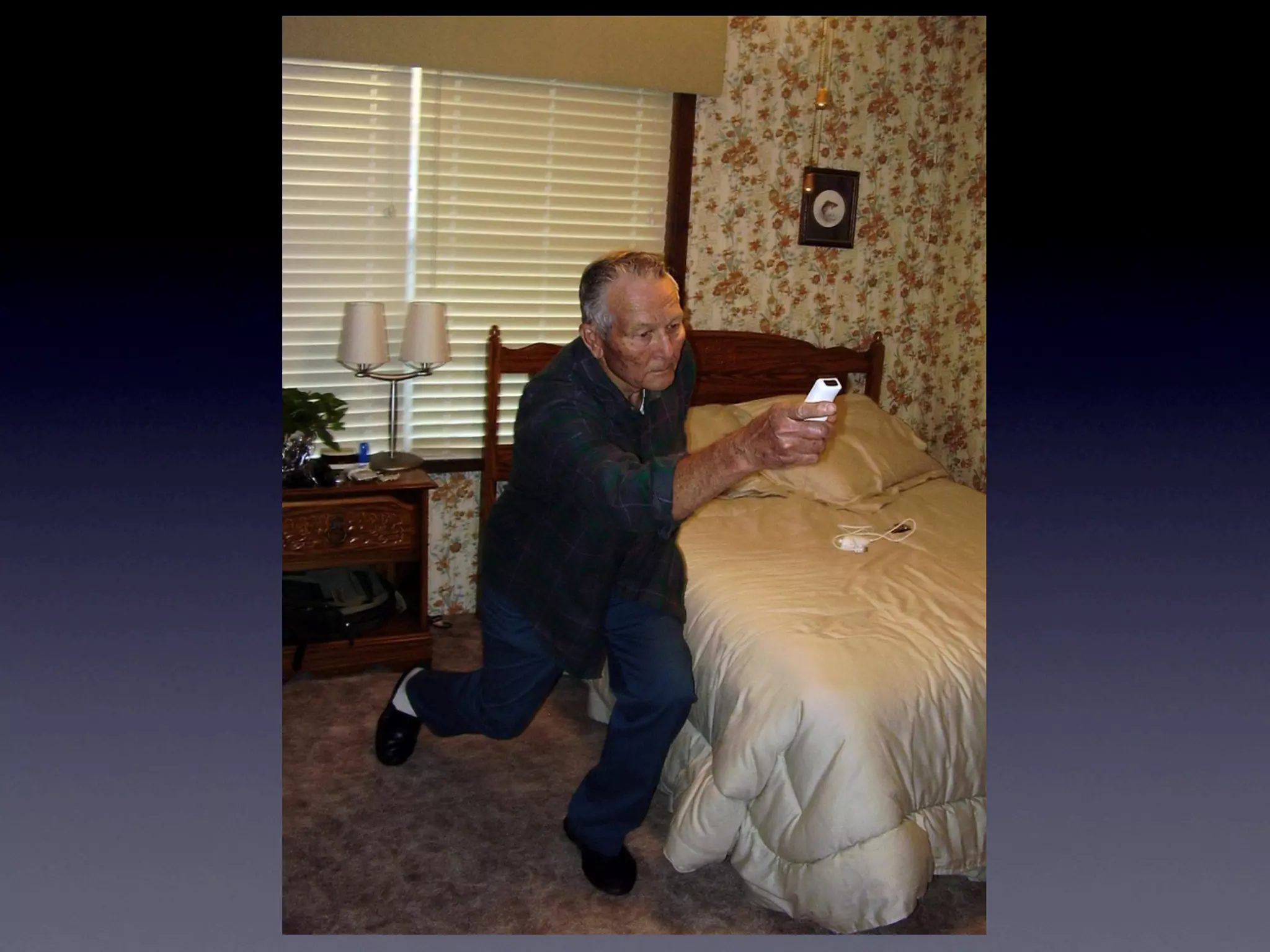
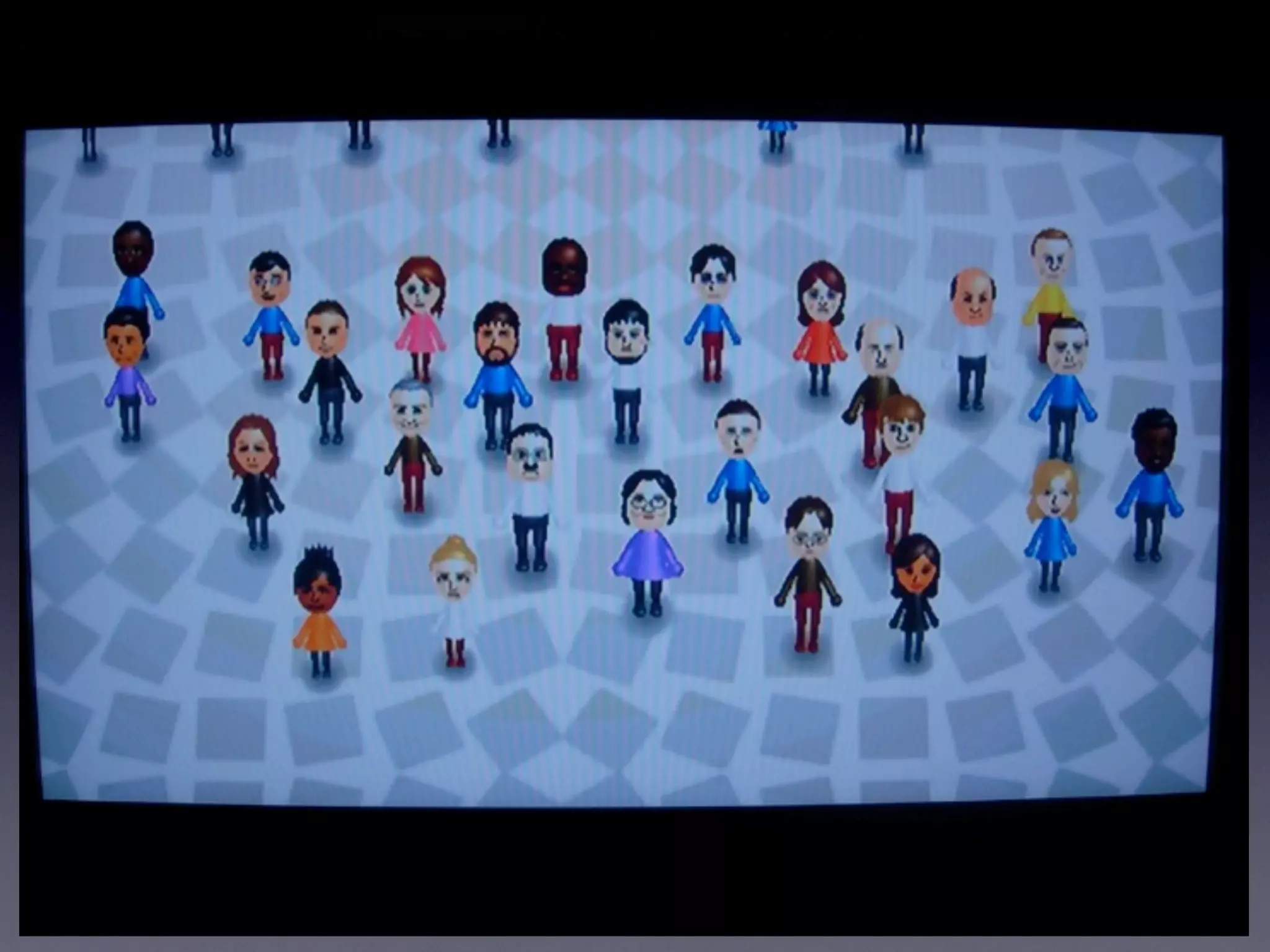
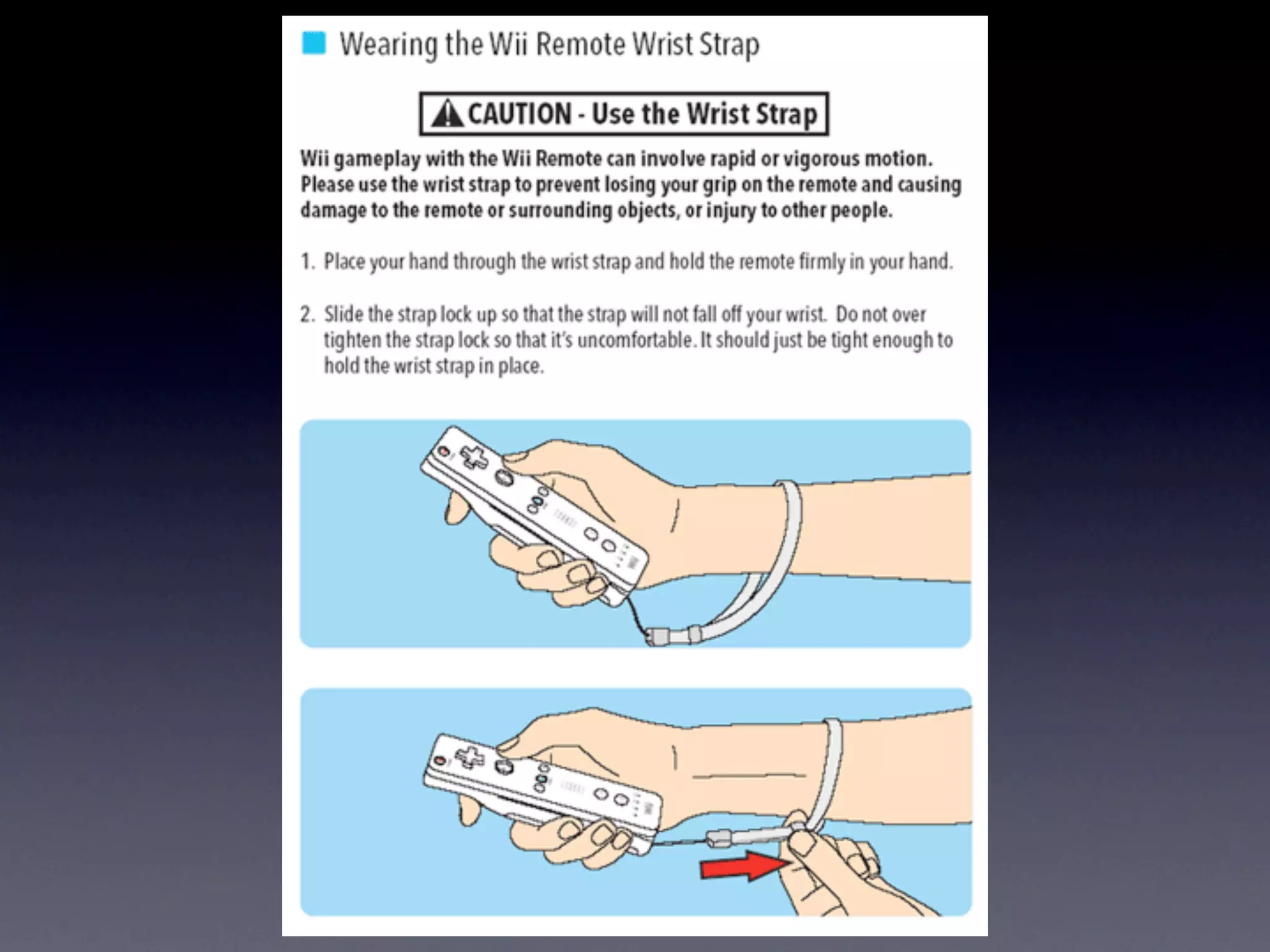
We have detected that you do not have it on your computer. To install it, go here.

0 comments

Post a comment

    Post a comment
    Embed Video
    Edit your comment Cancel

    15 Favorites
    Emerging Trends, 2.0 & Libraries - Presentation Transcript
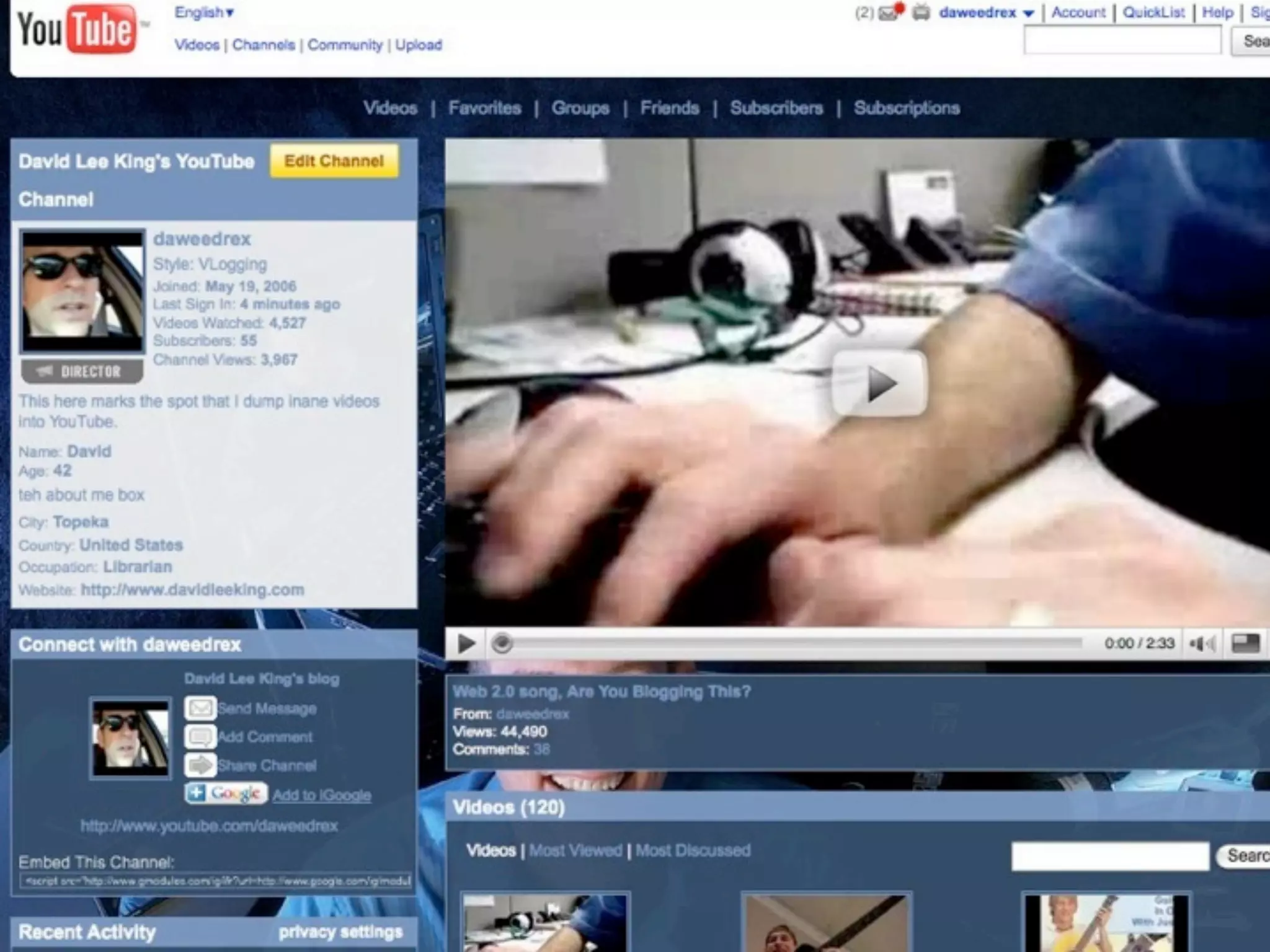
    1. Emerging Trends, 2.0, and Libraries David Lee King Topeka & Shawnee County Public Library davidleeking.com
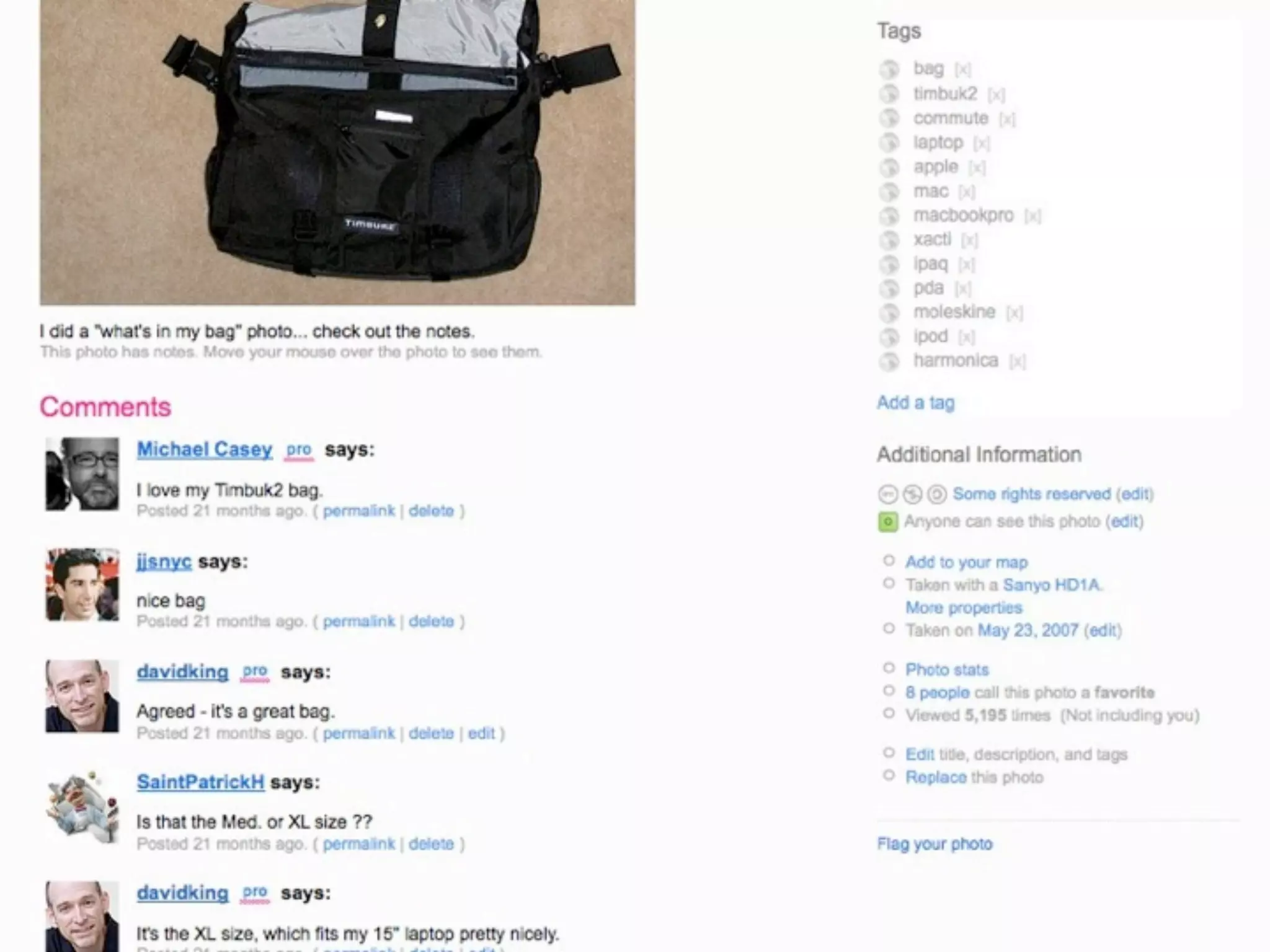
    2. What is Web 2.0?
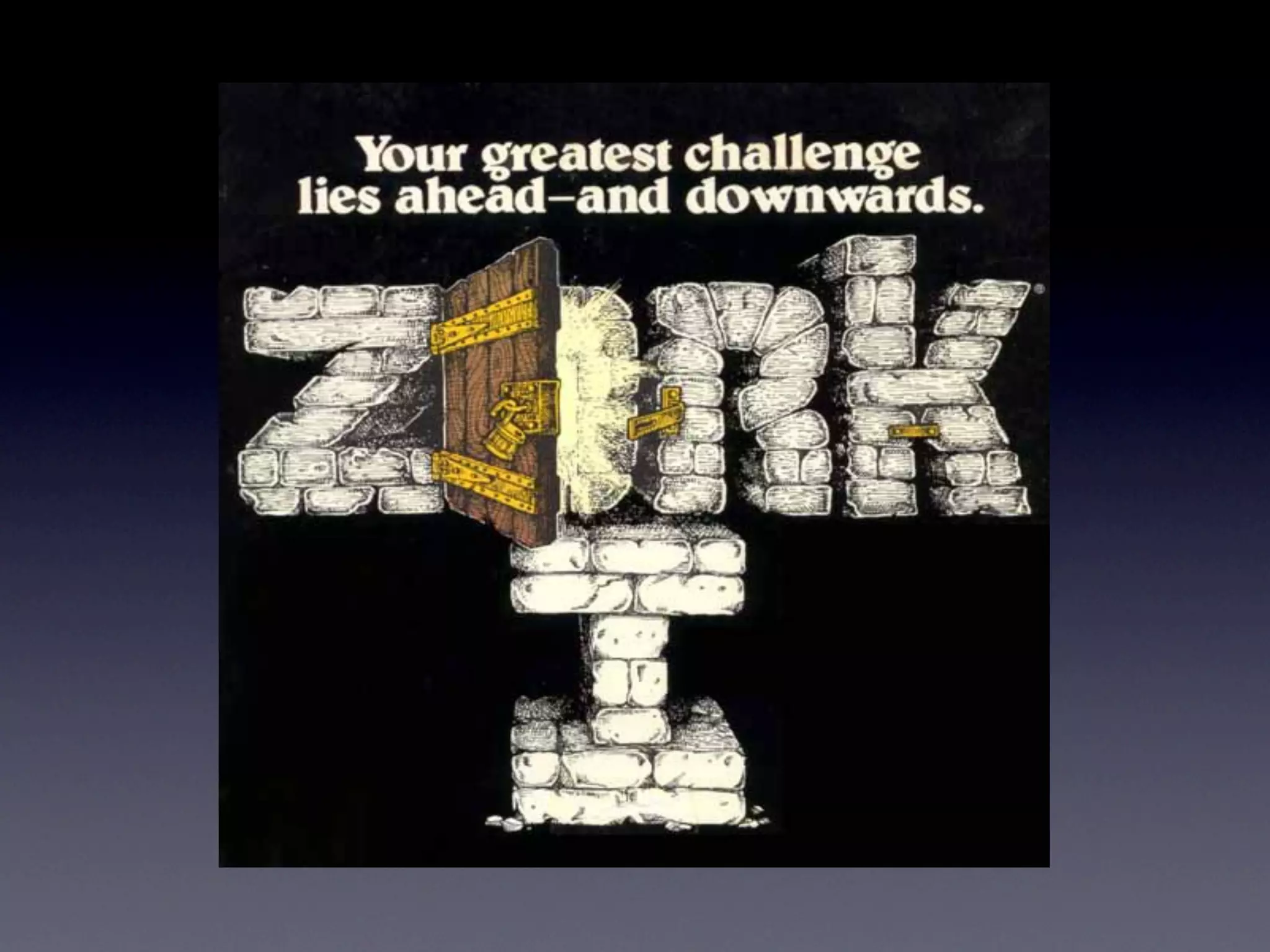
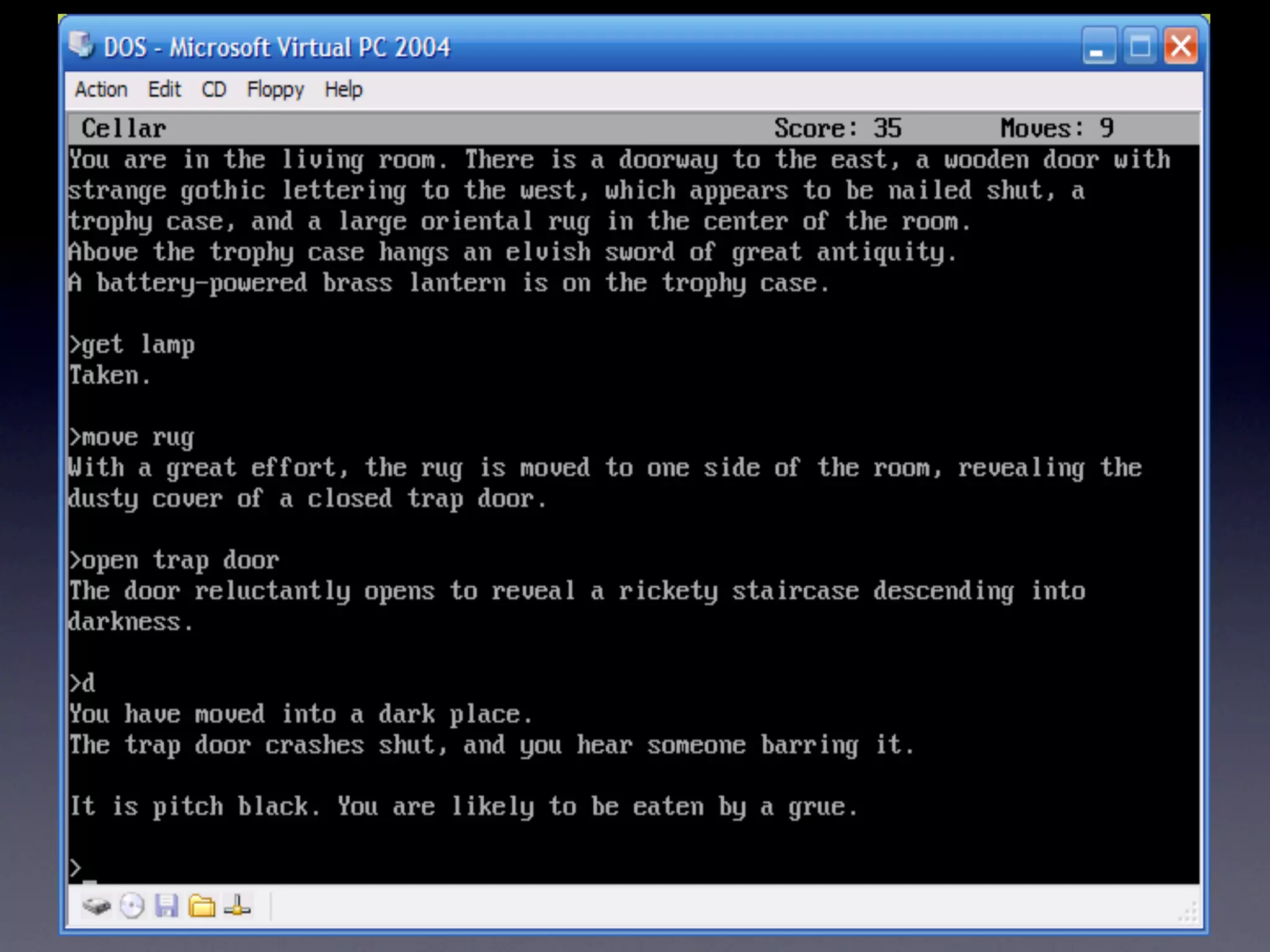
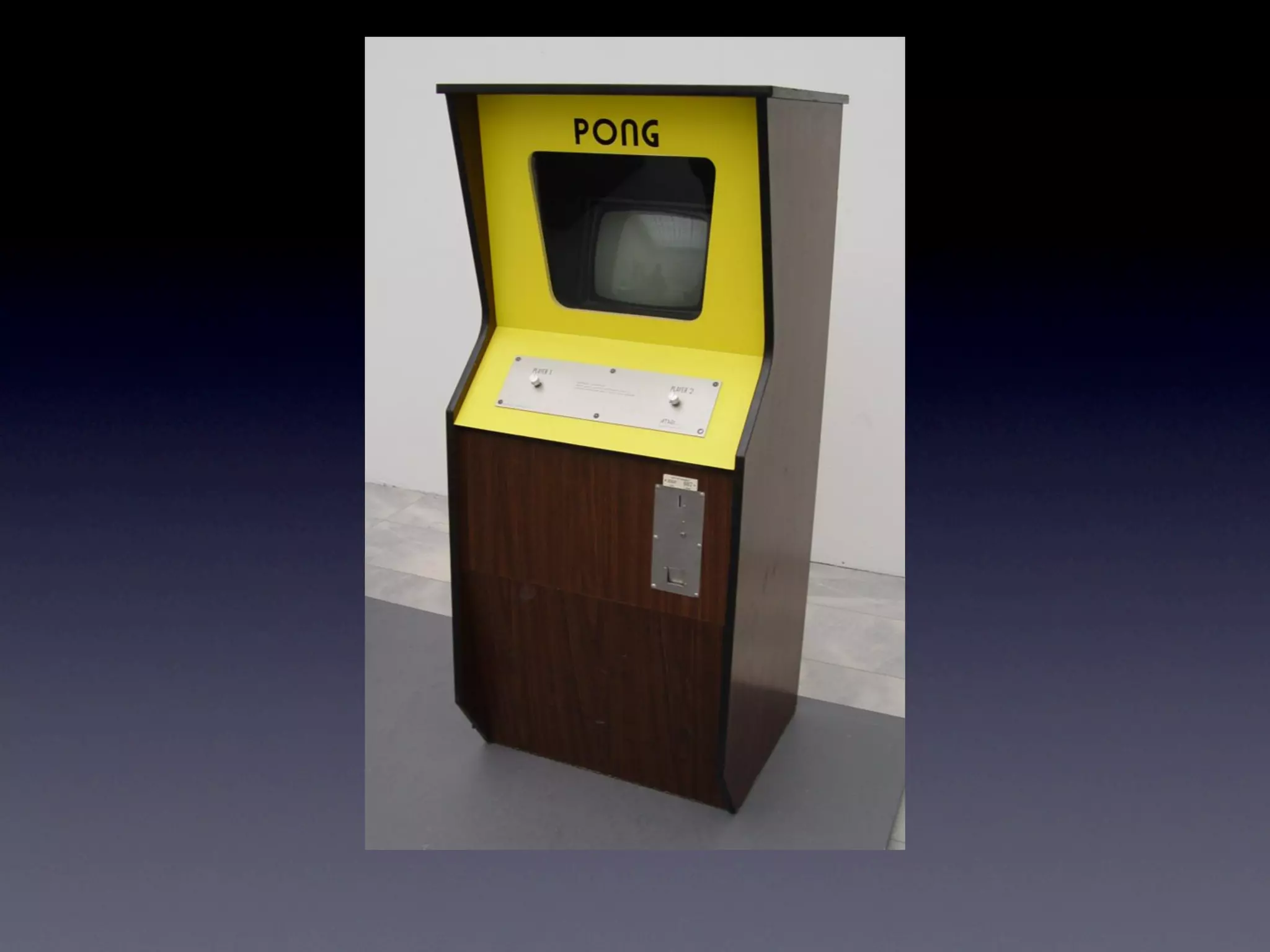
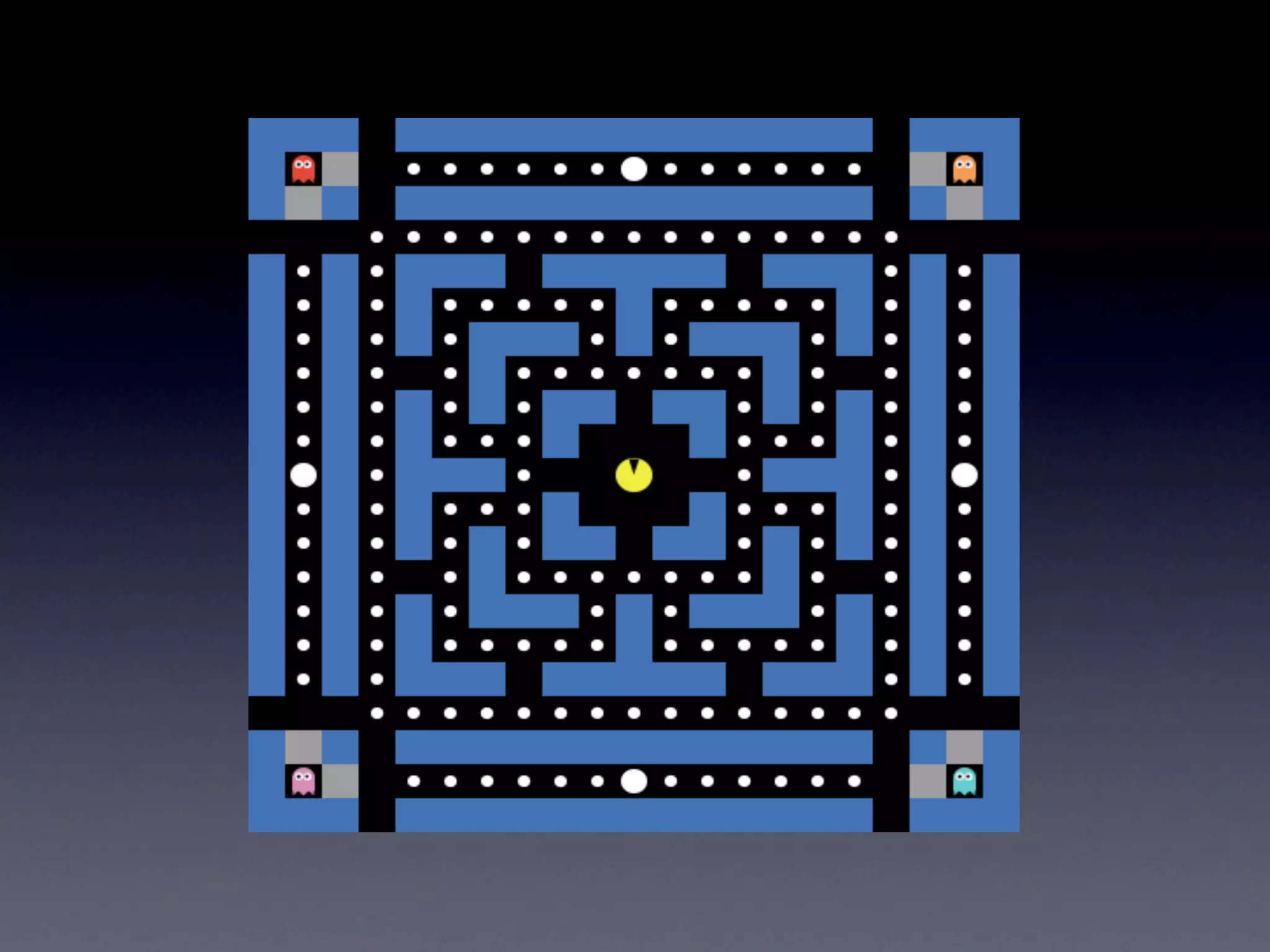
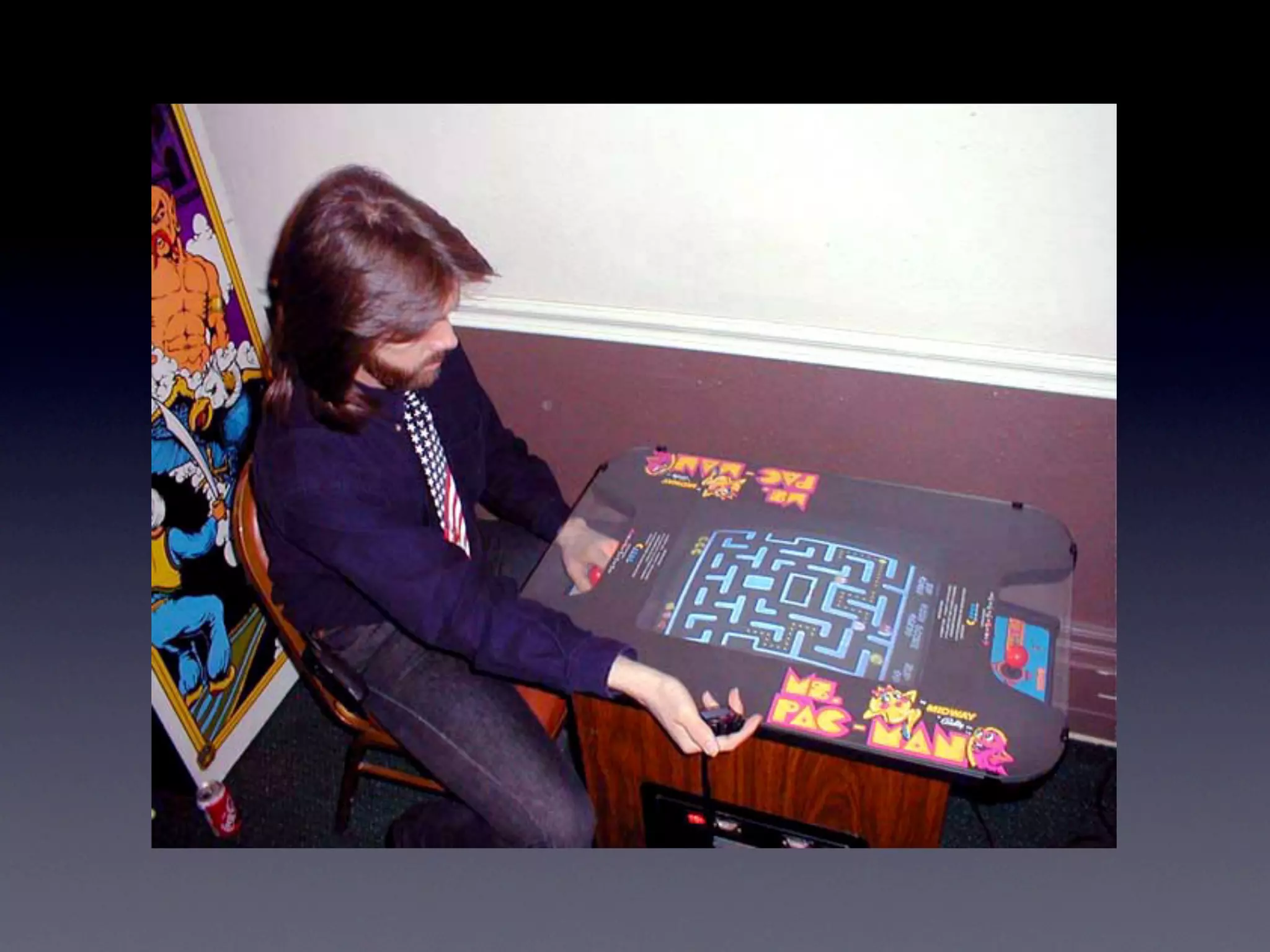
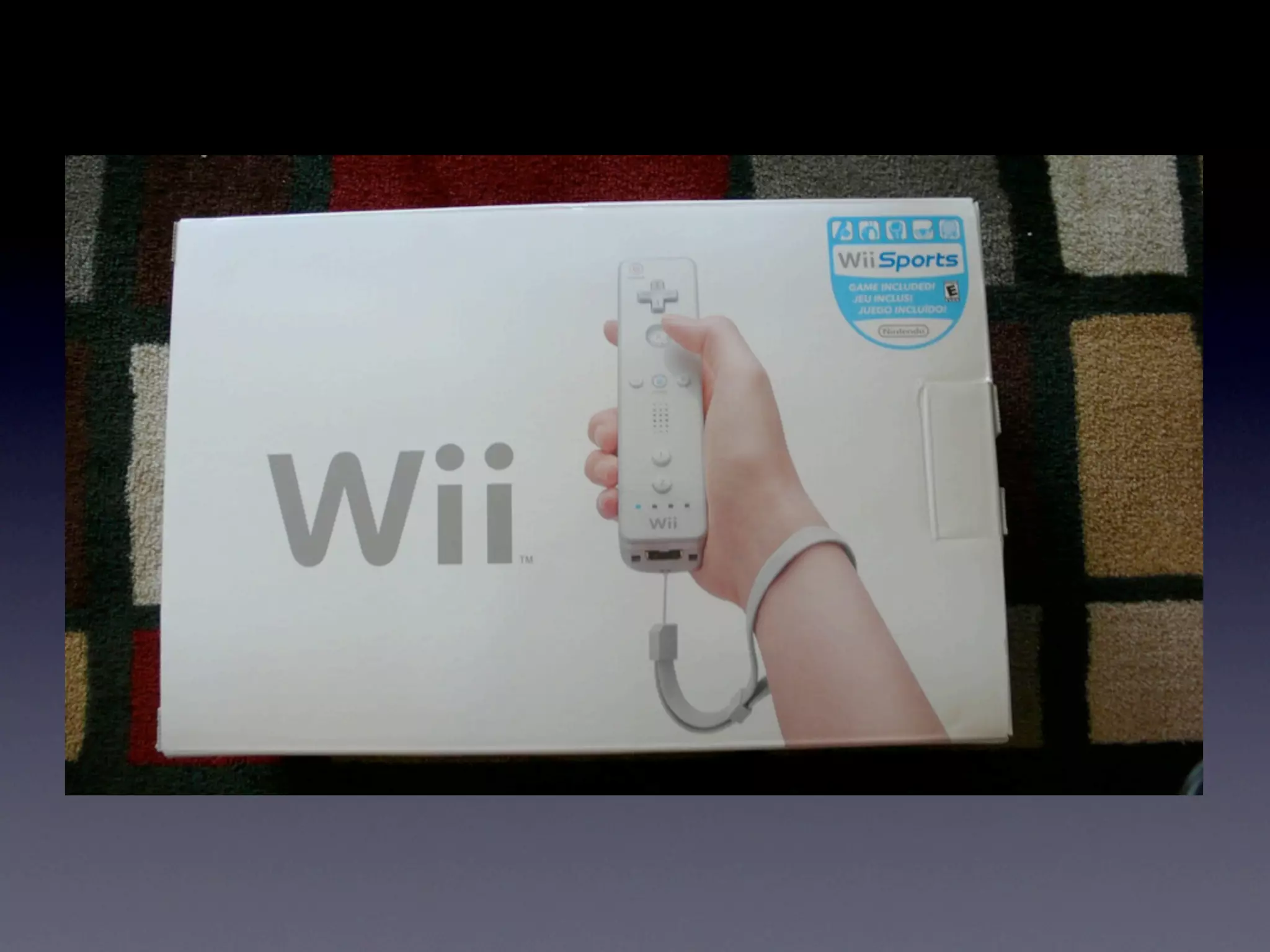
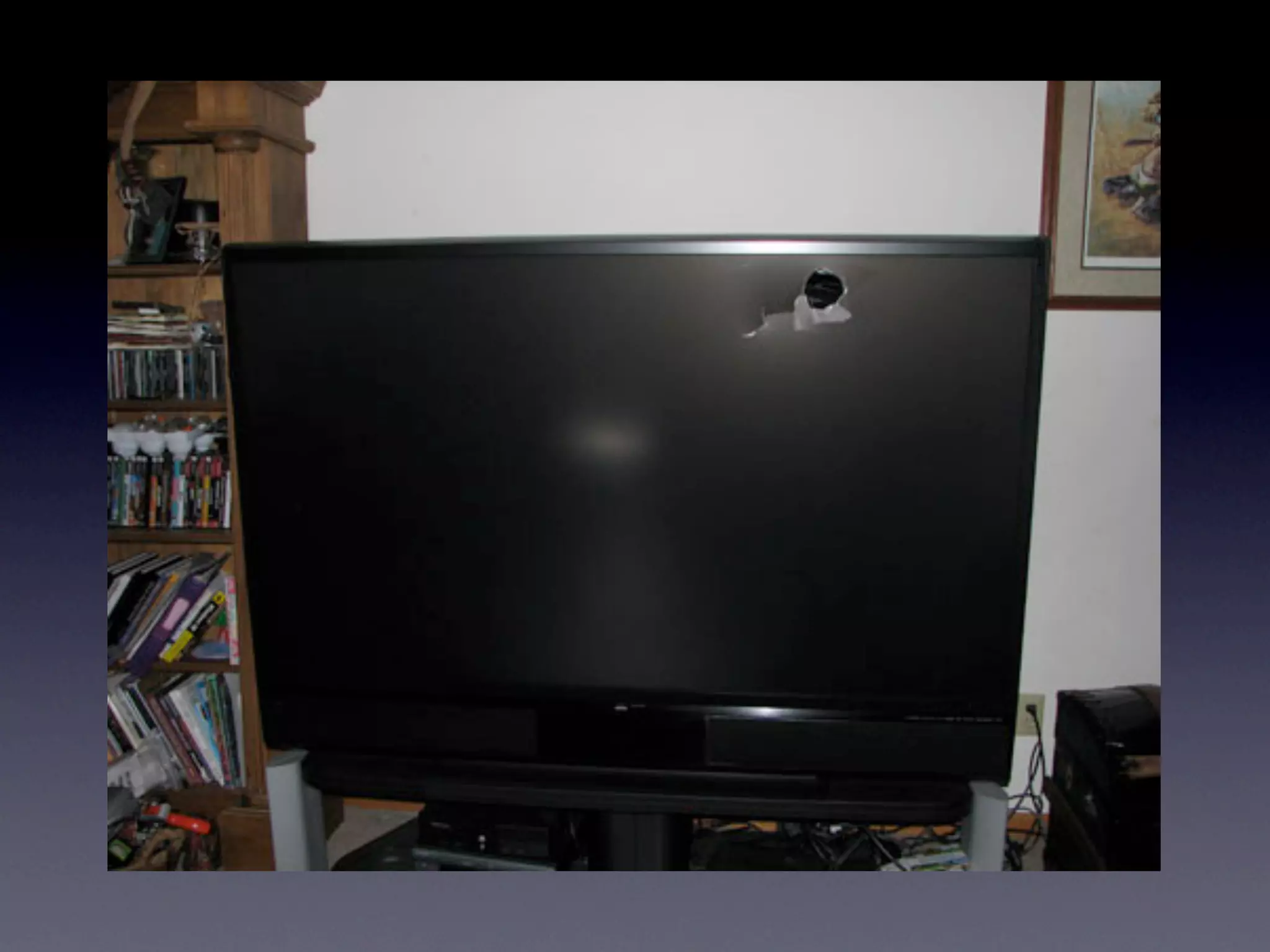
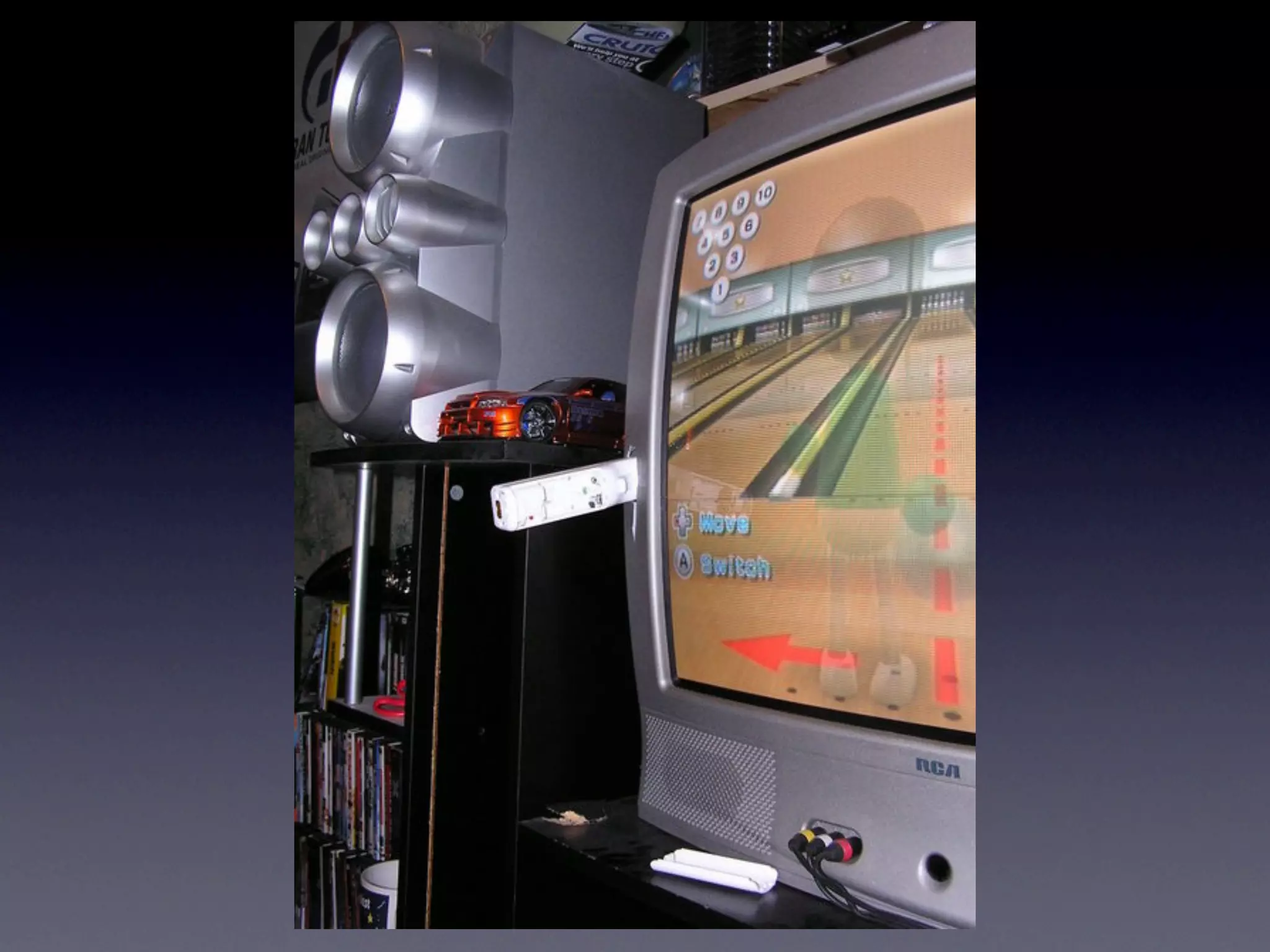
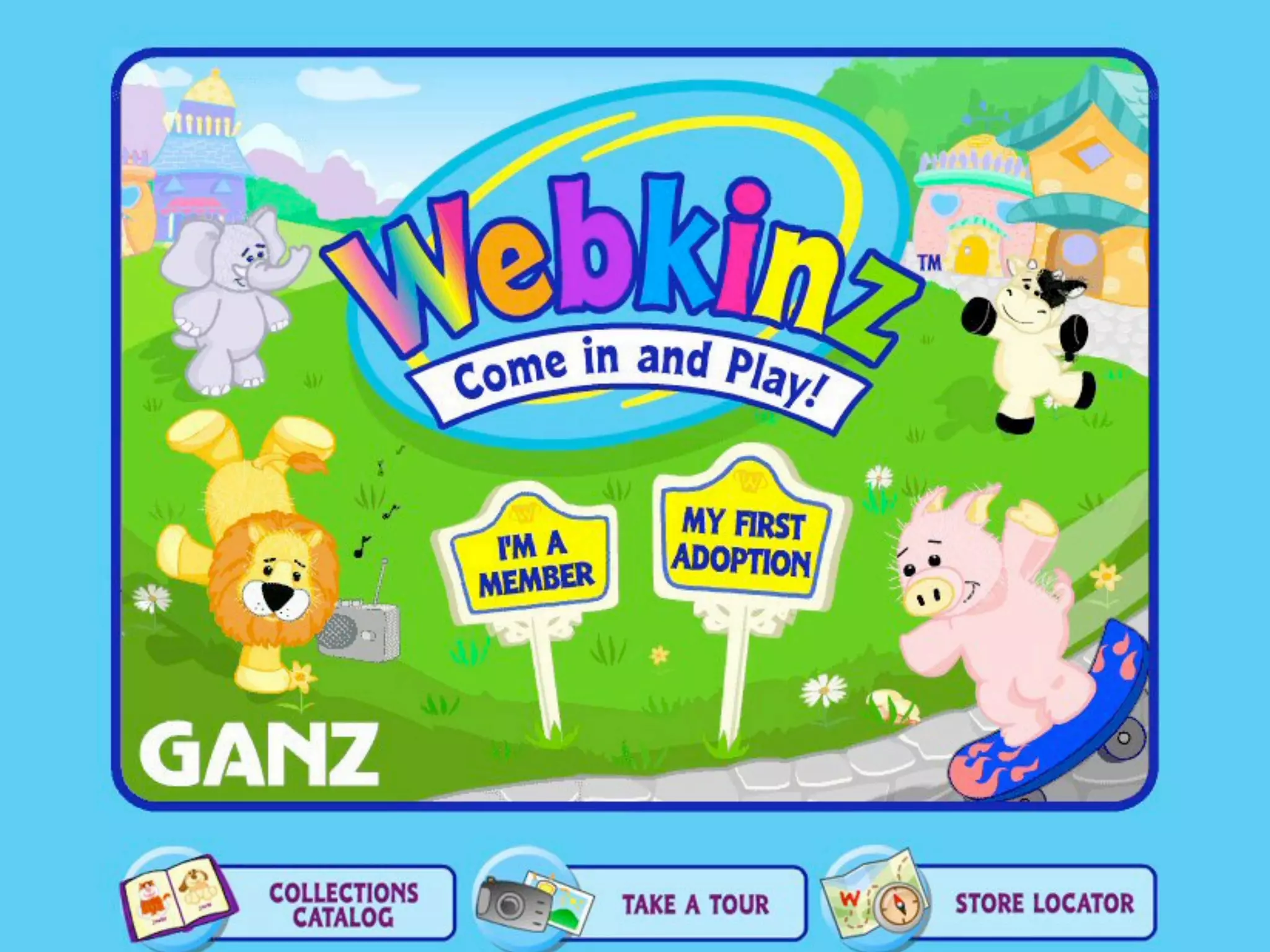
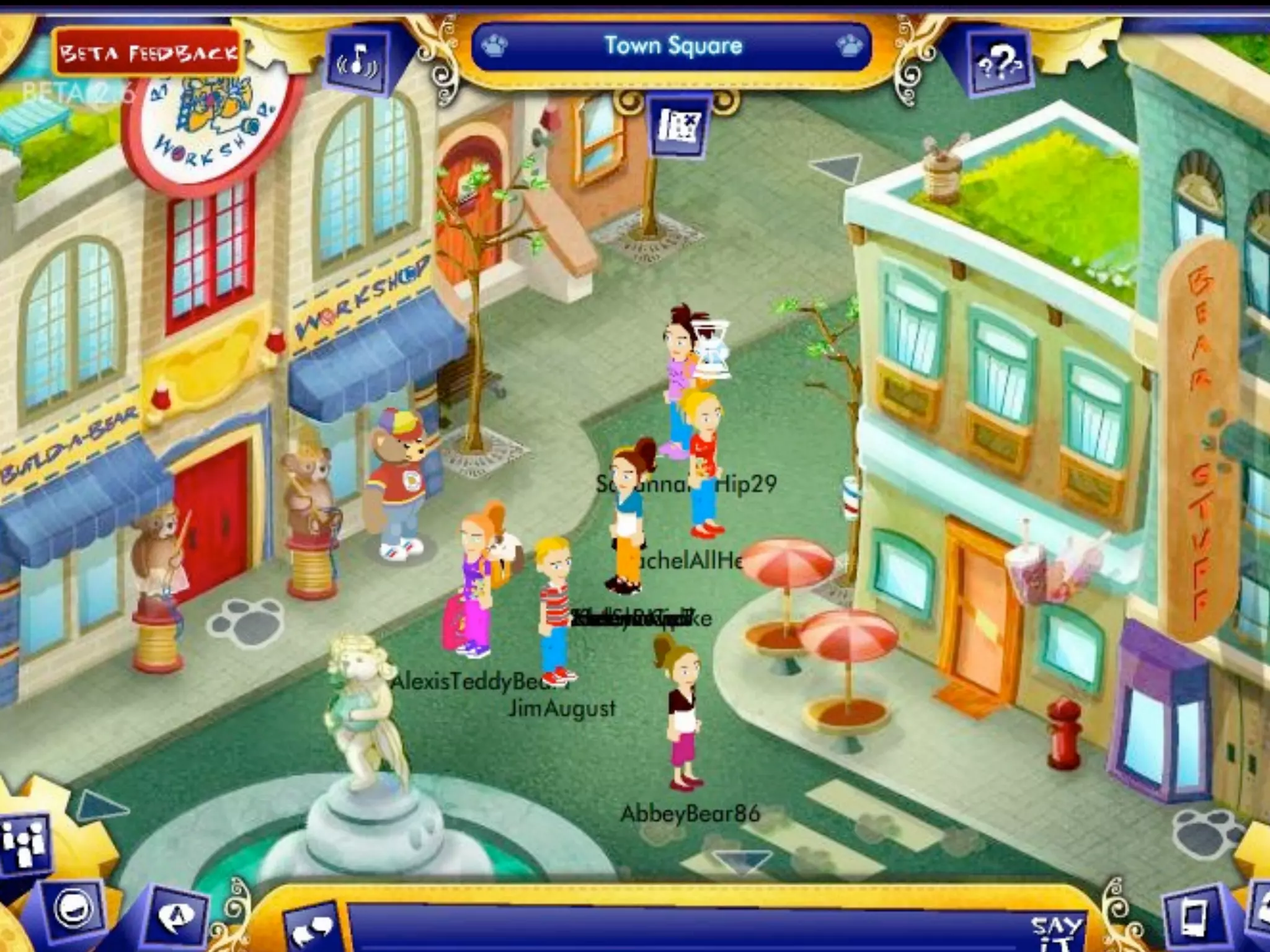
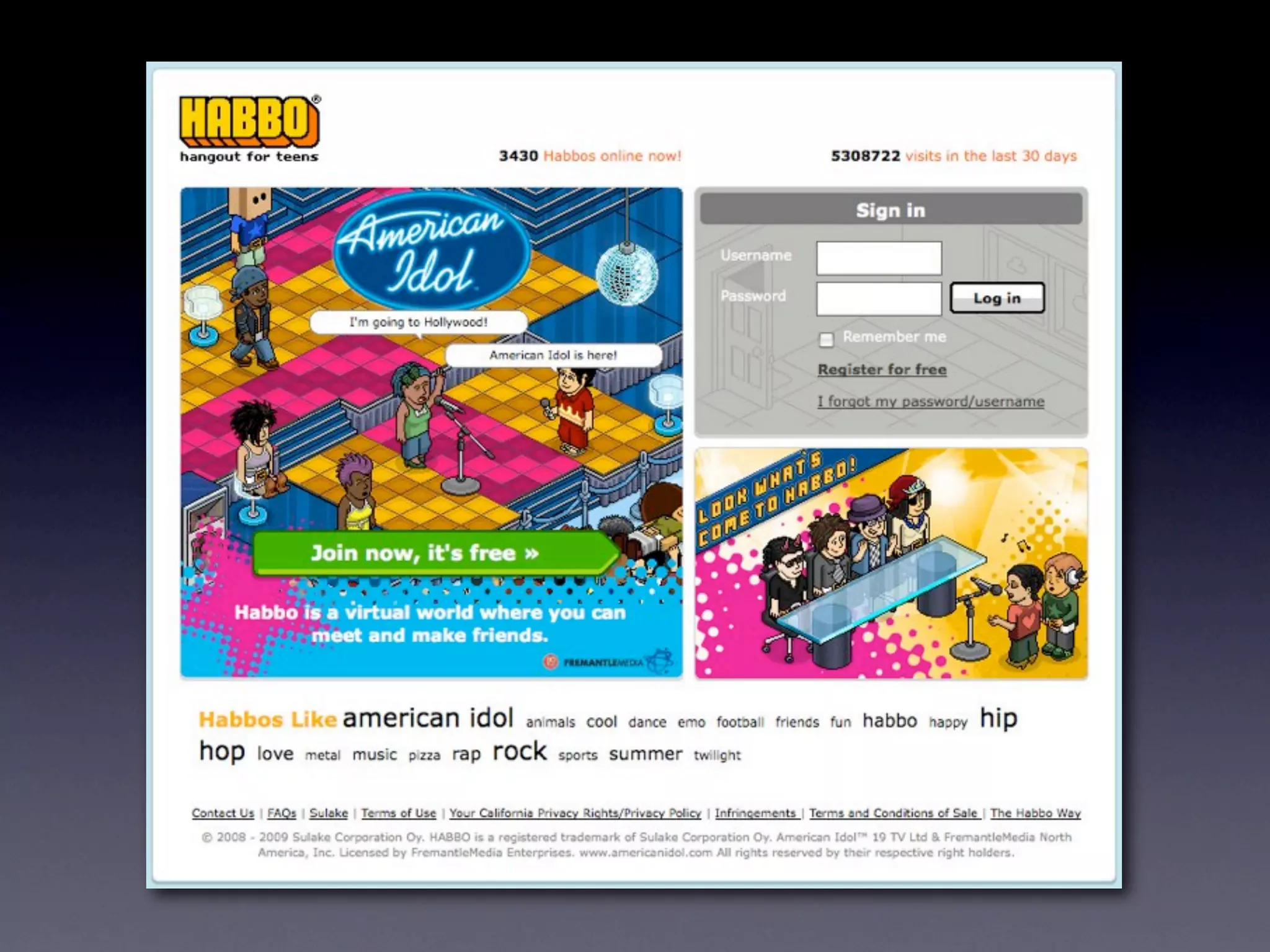
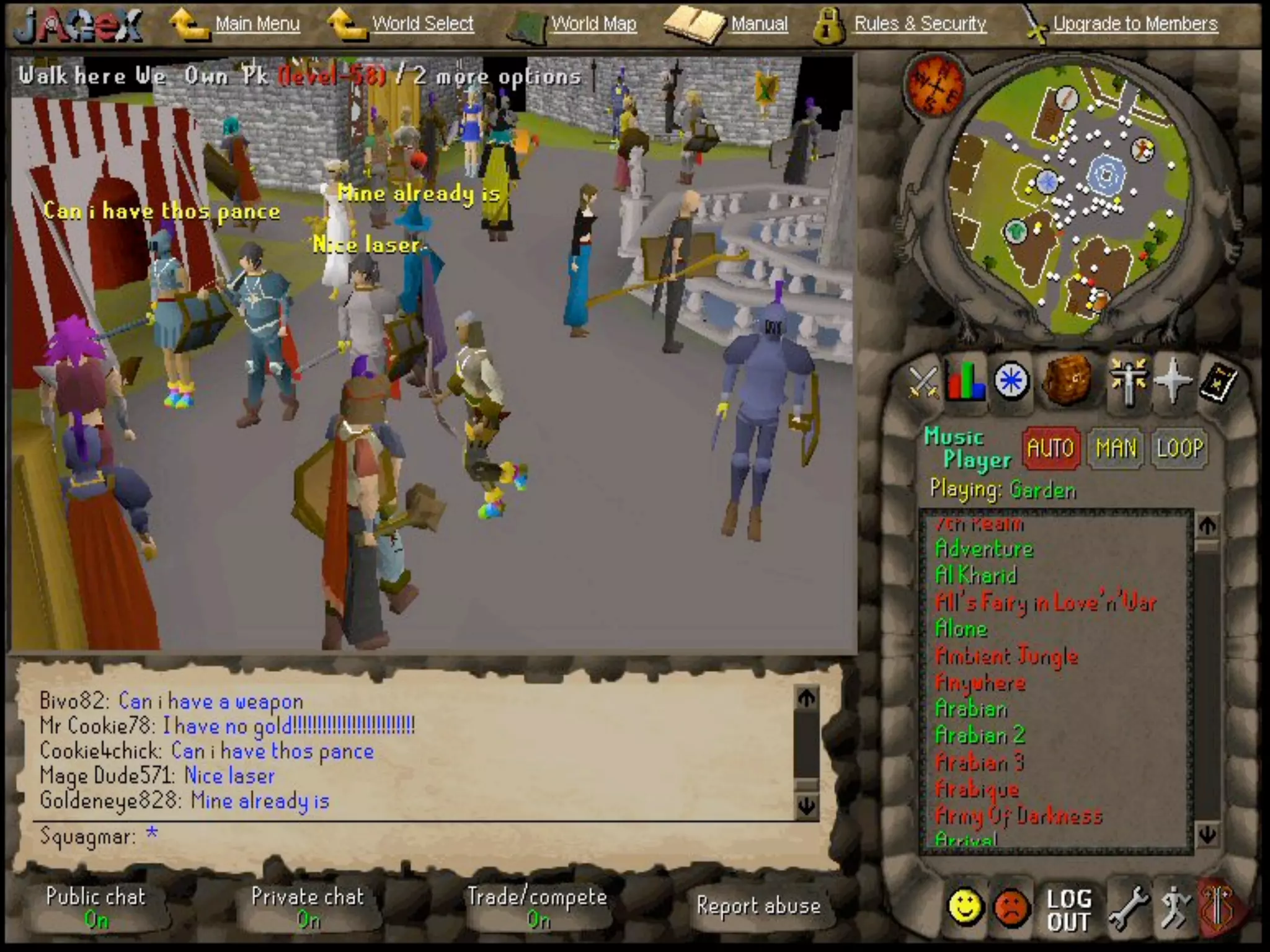
    3. Web 2.0 has done a similar thing for the web.
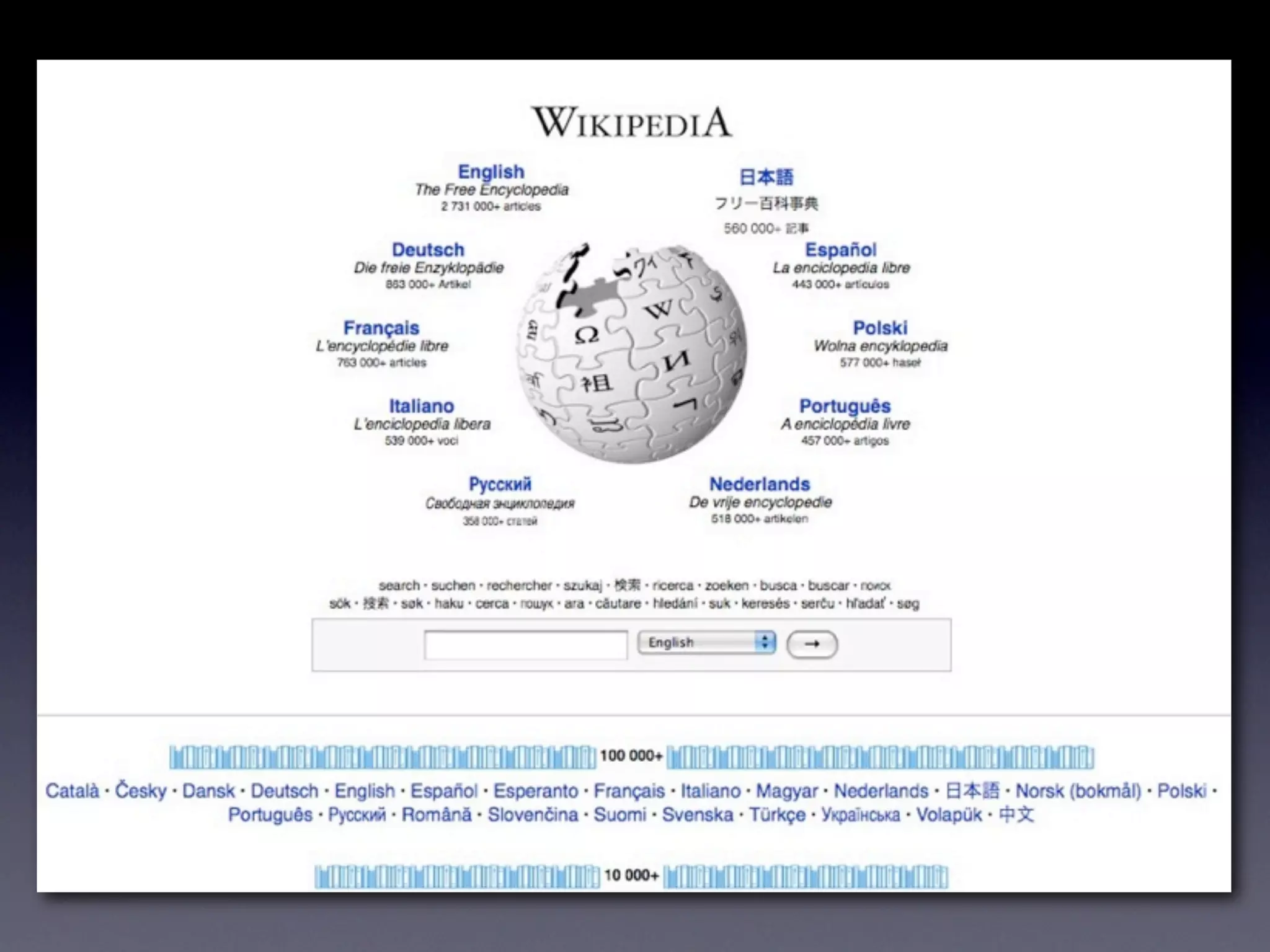
    4. From Wikipedia: “a … second- generation of Internet-based services — such as social networking sites, wikis, communication tools, and folksonomies — that let people collaborate and share information online in ways previously unavailable.”
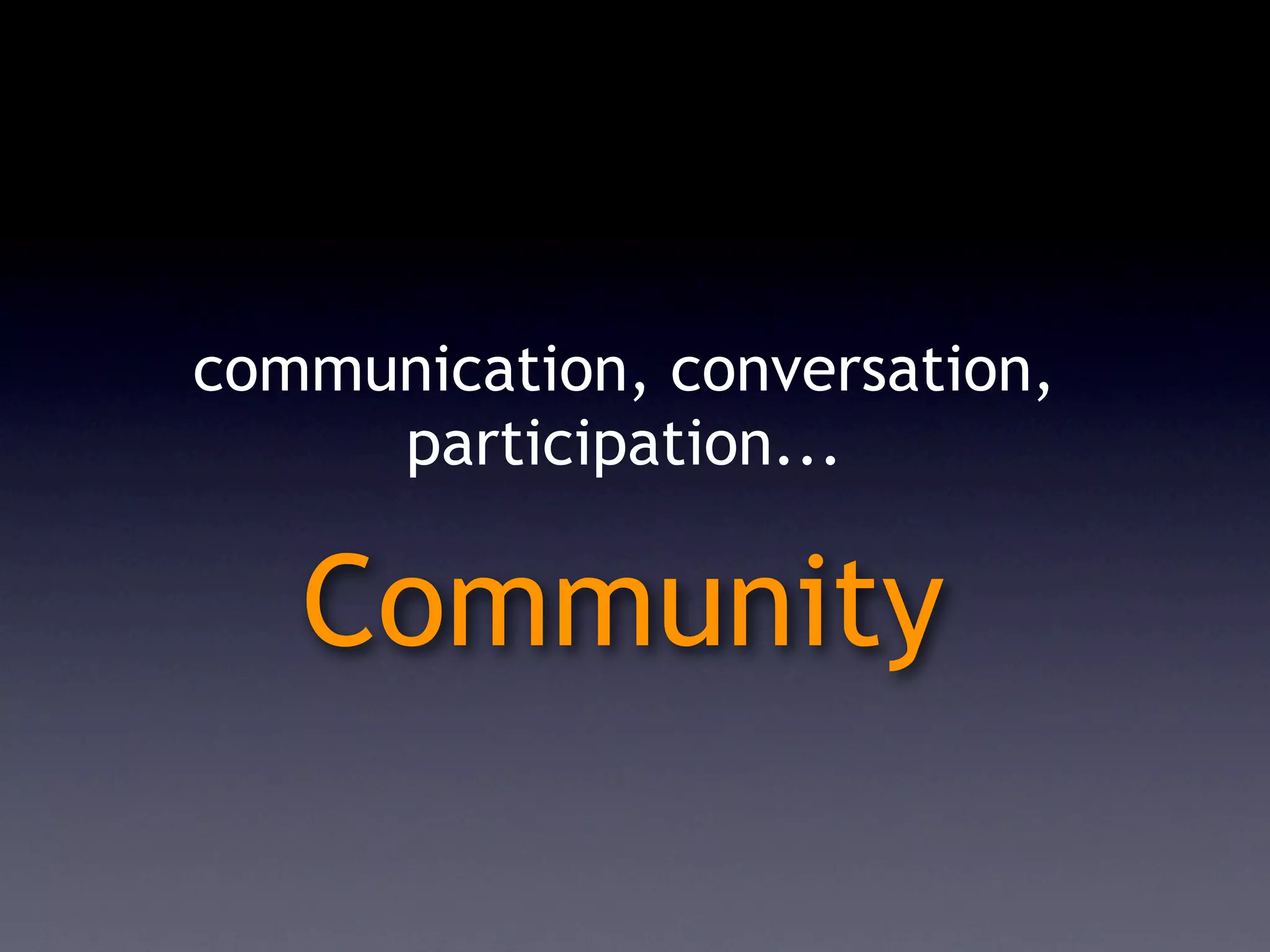
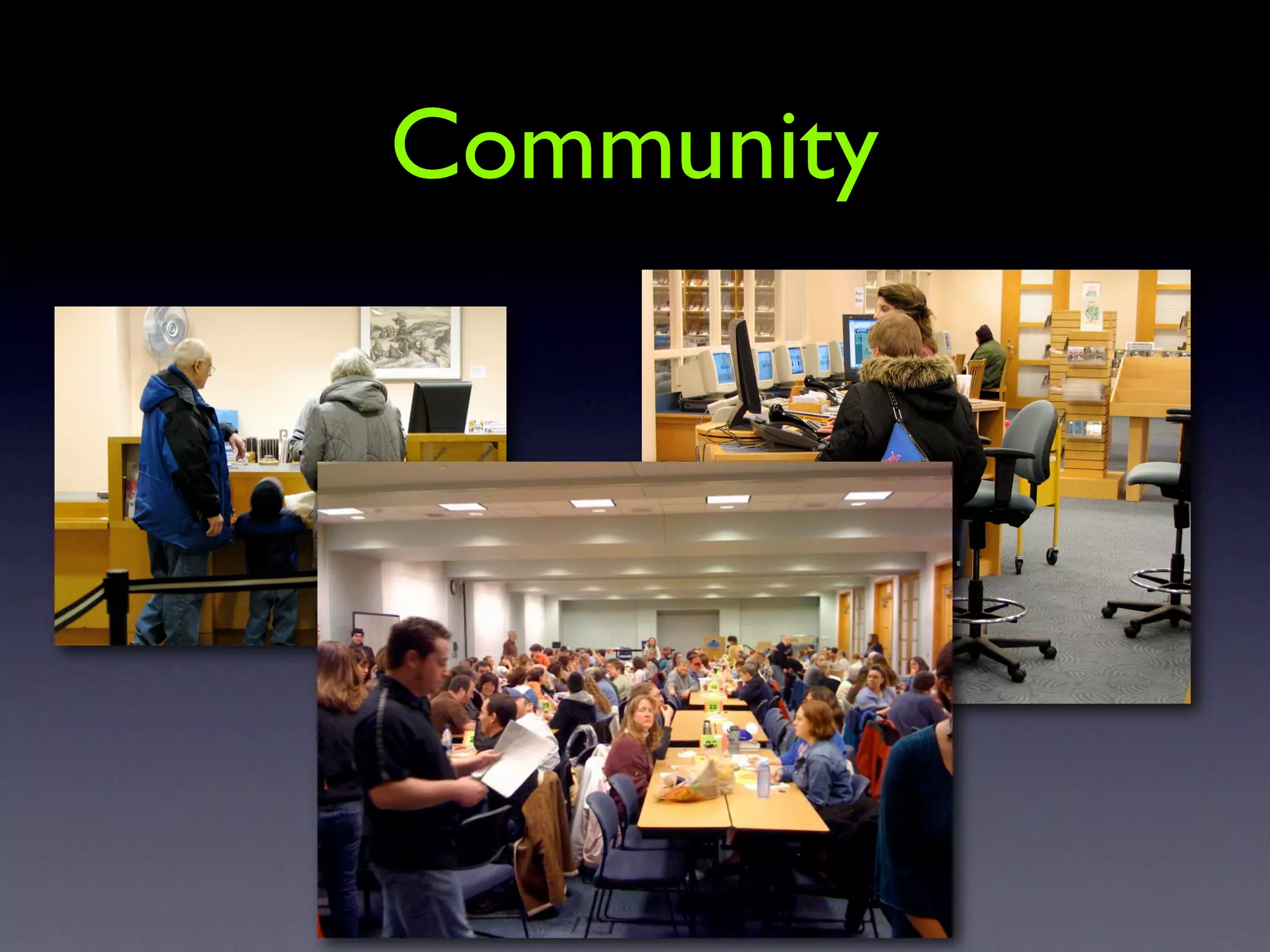
    5. communication, conversation, participation... Community
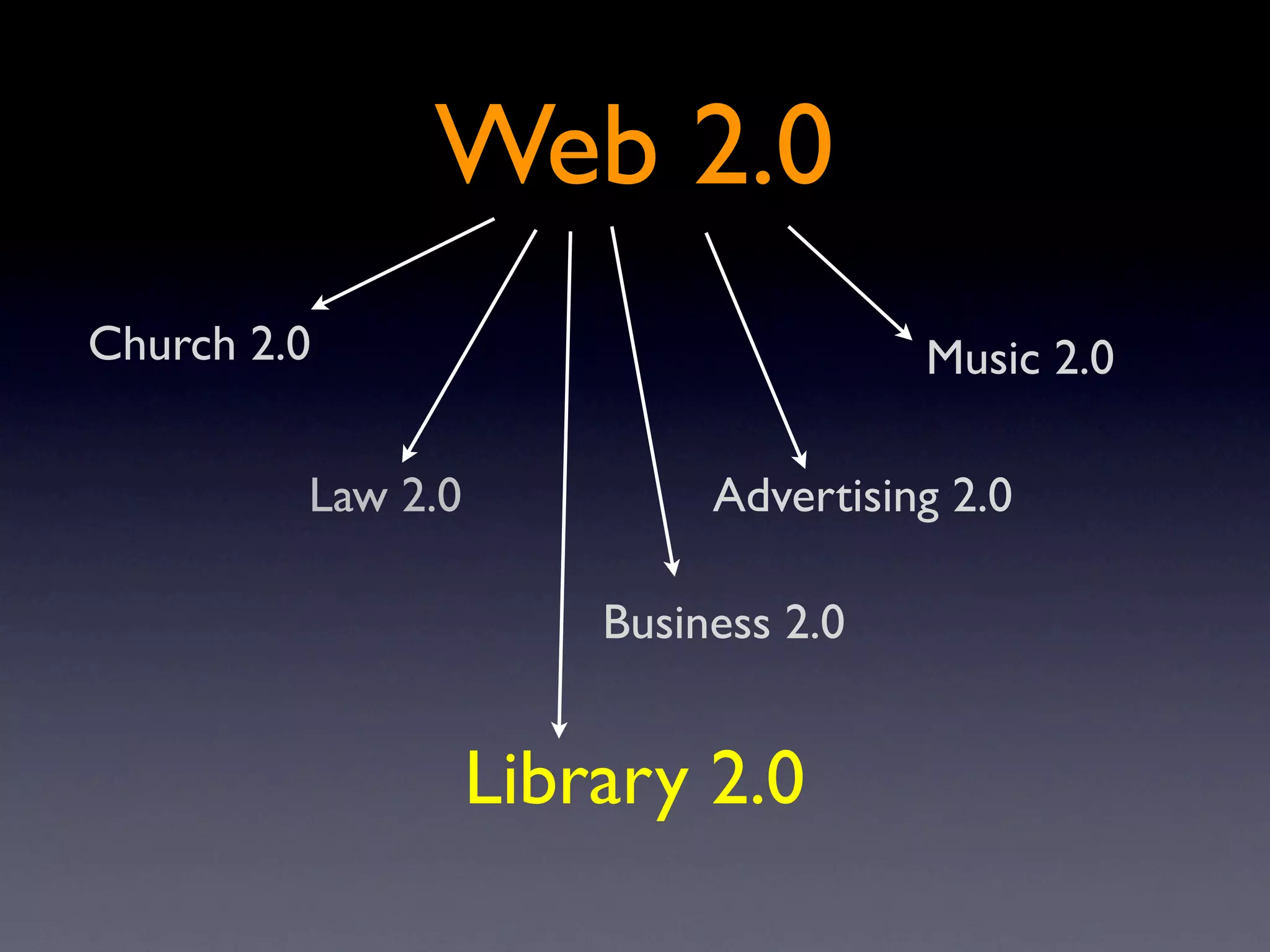
    6. Web 2.0 Church 2.0 Music 2.0 Law 2.0 Advertising 2.0 Business 2.0 Library 2.0
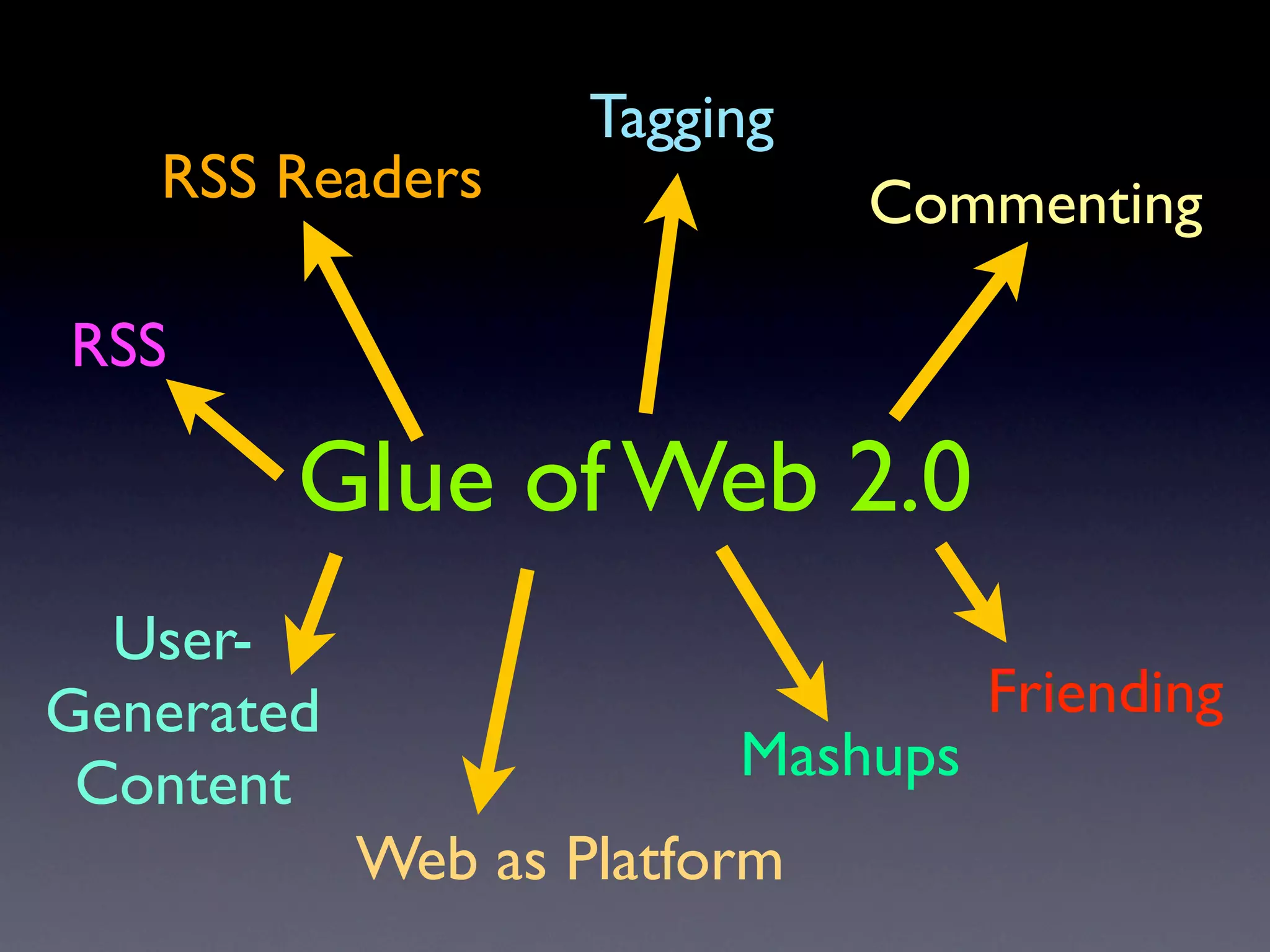
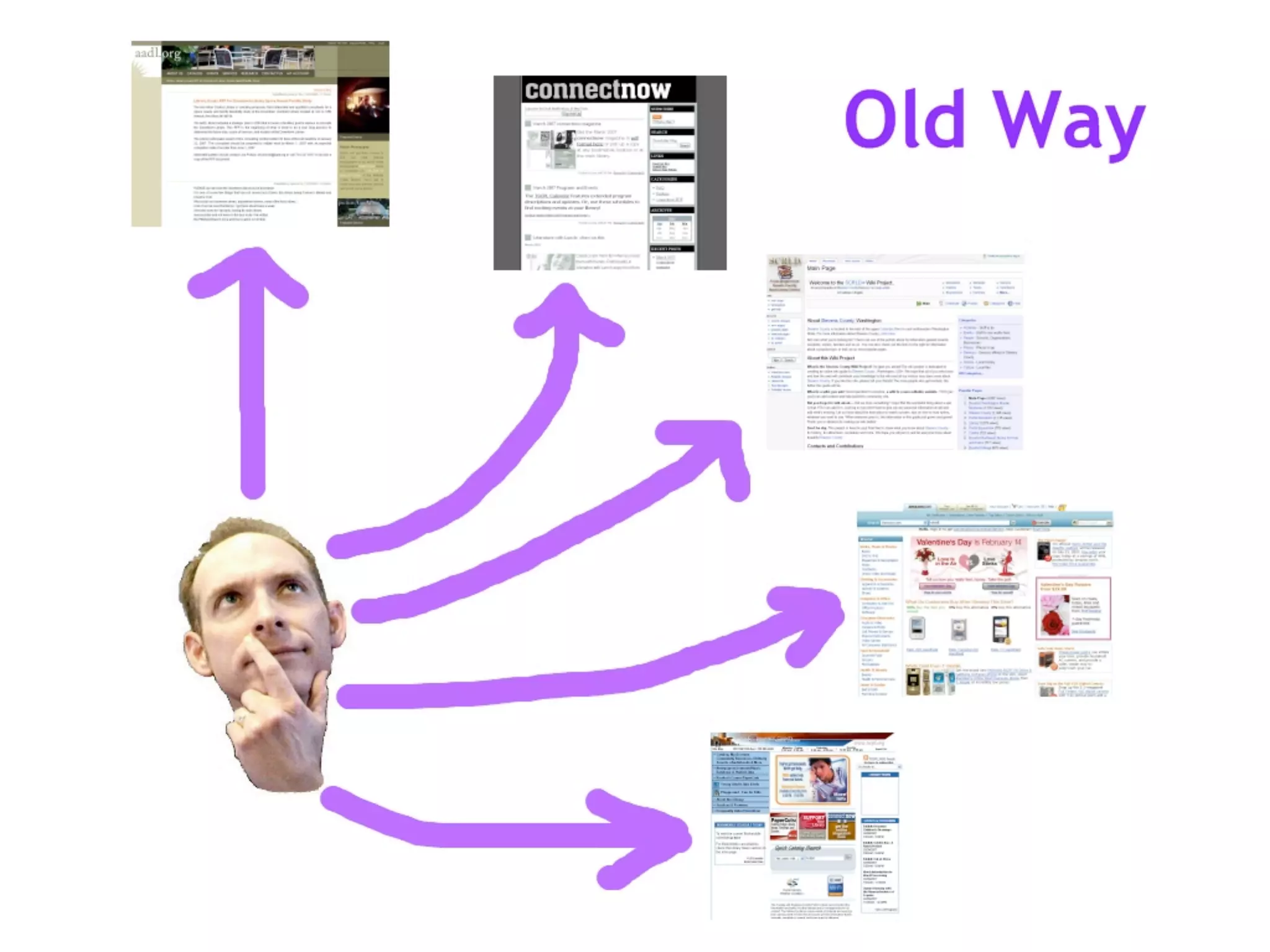
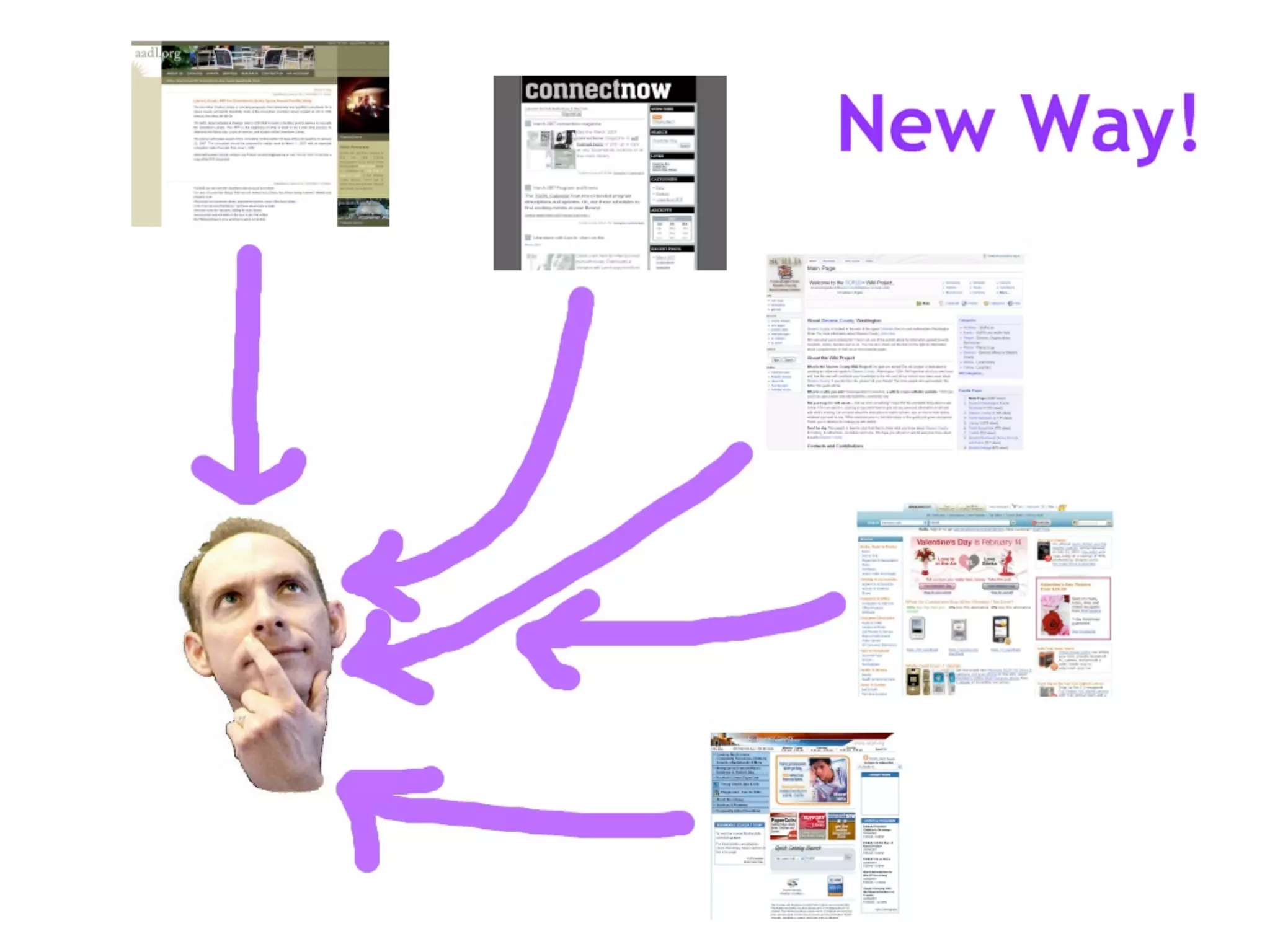
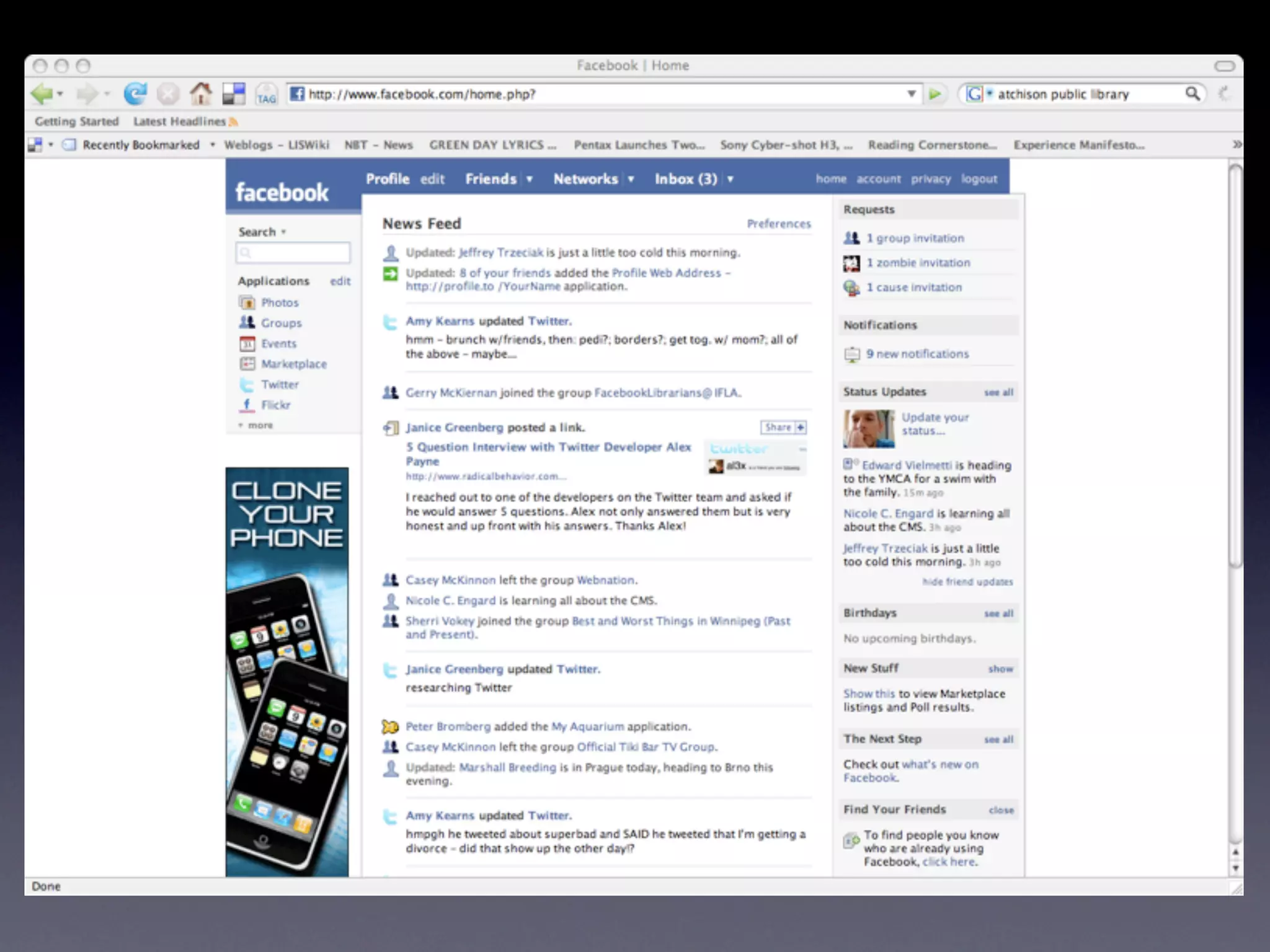
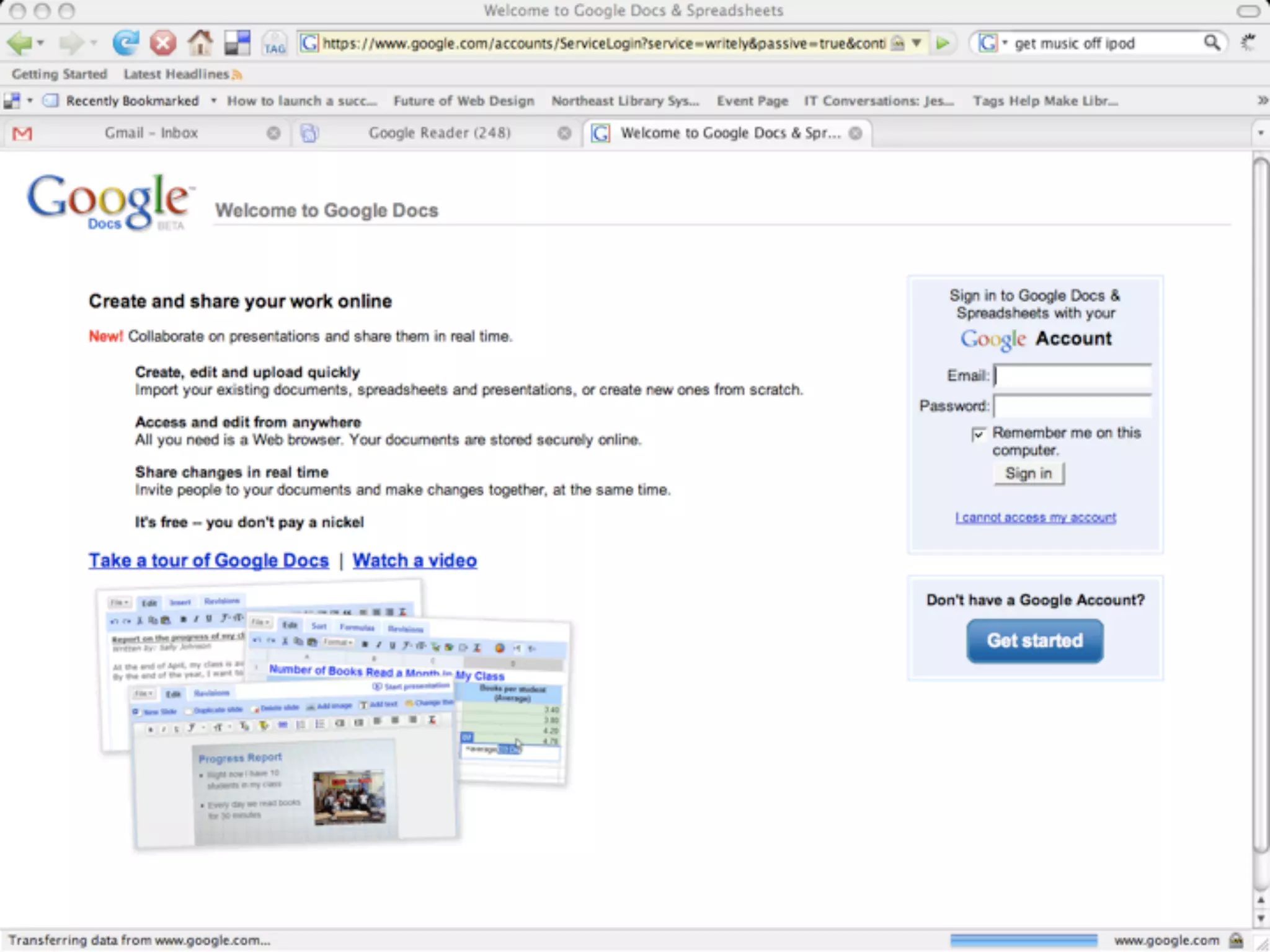
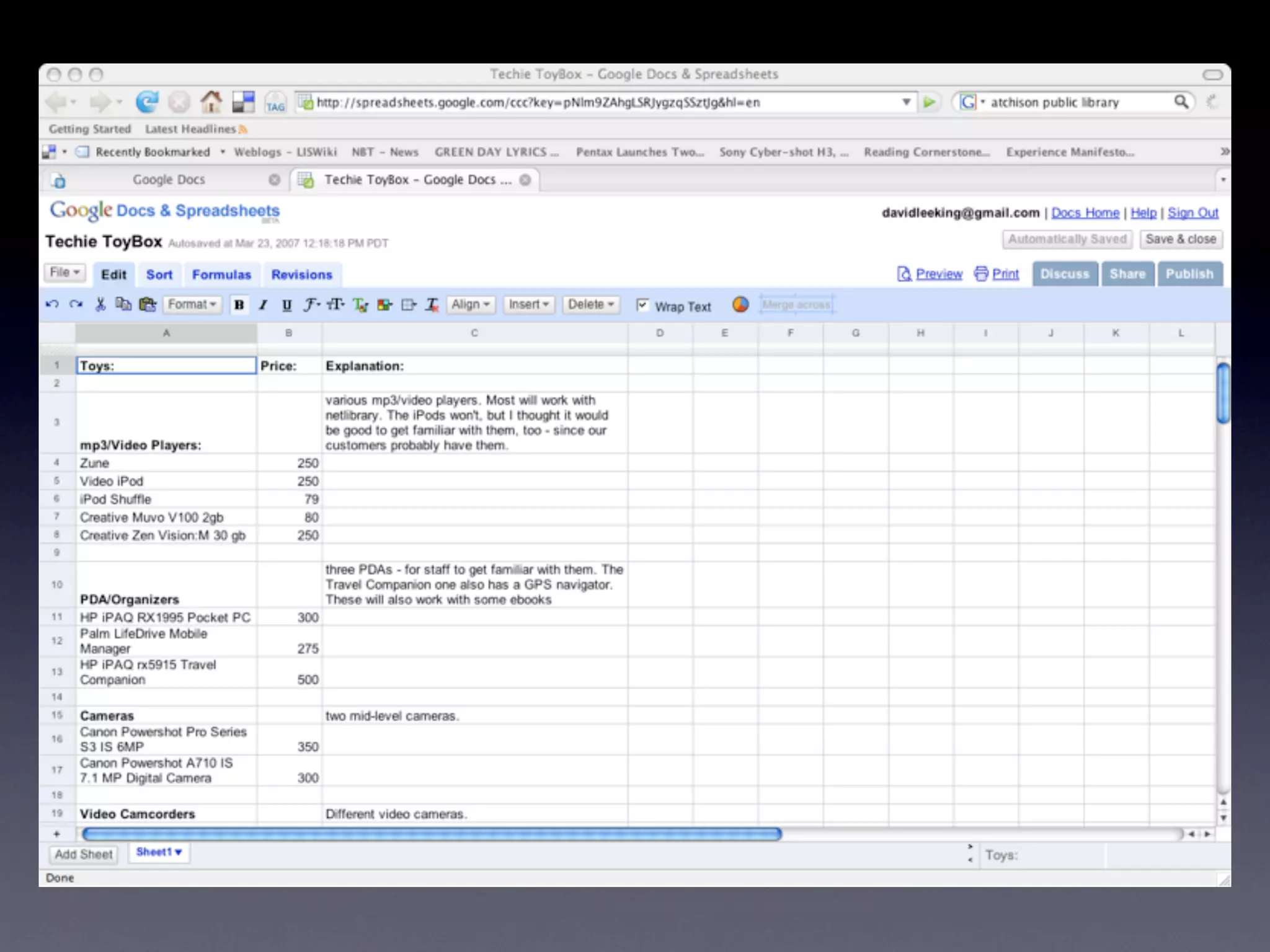
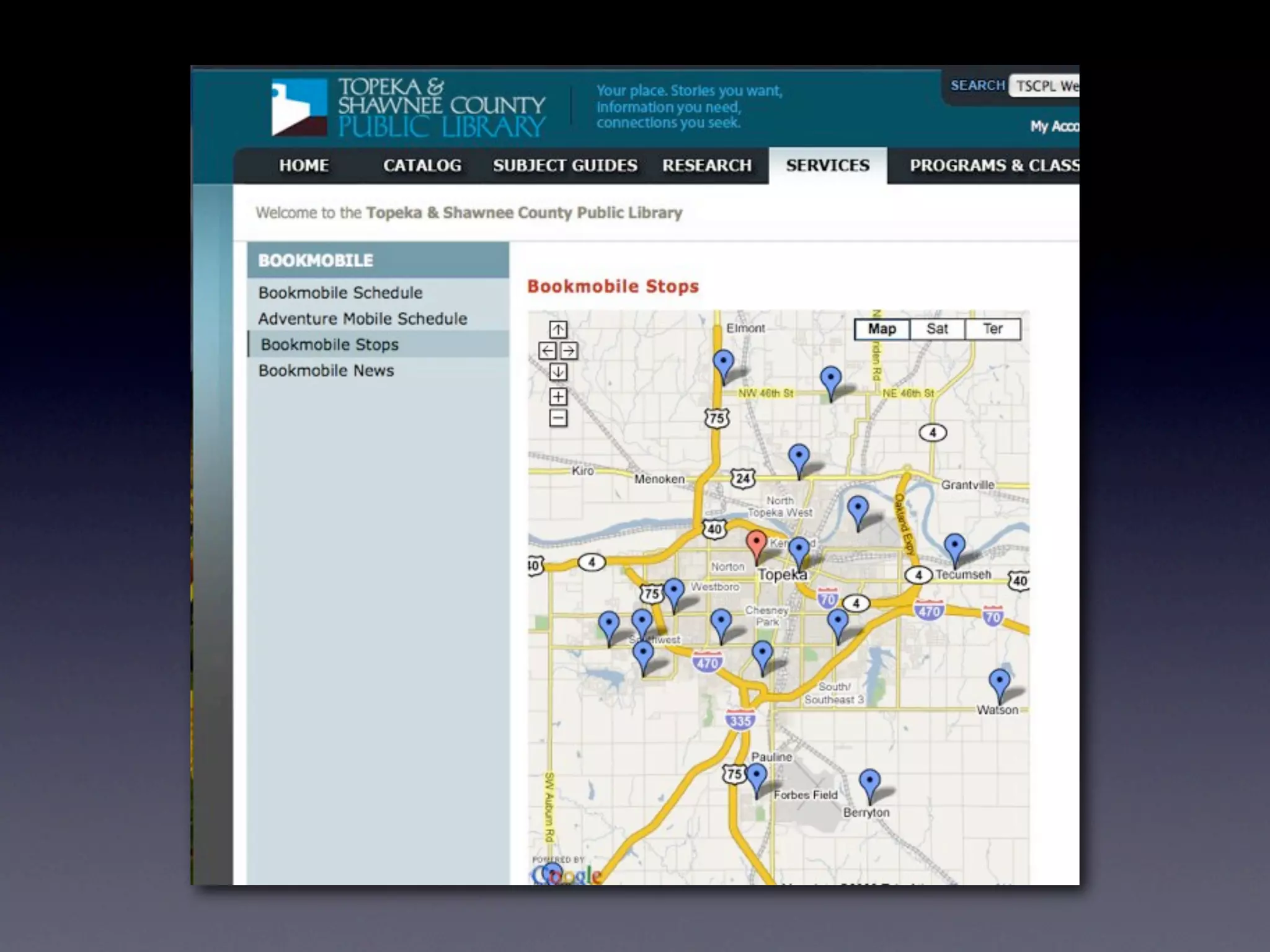
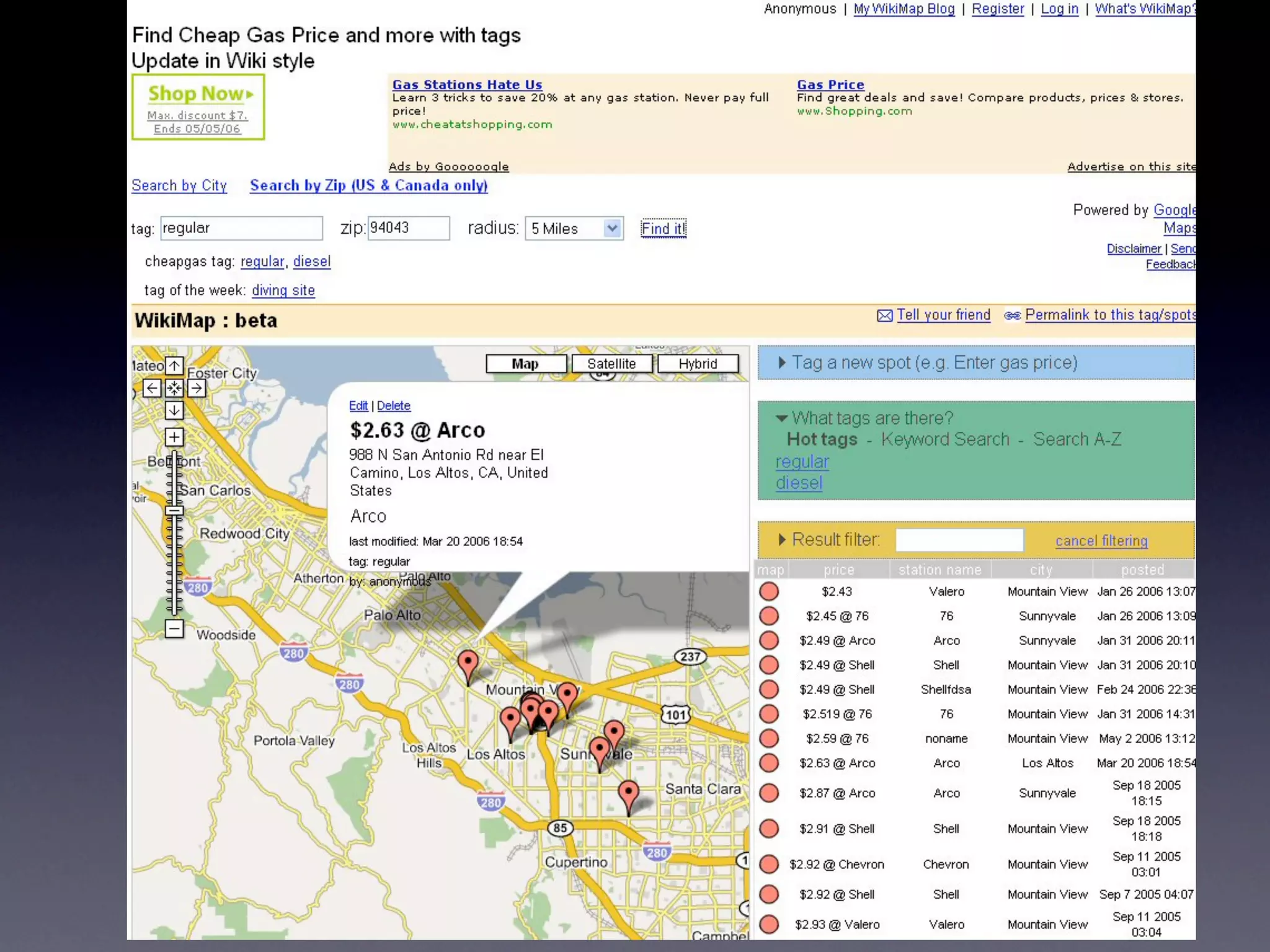
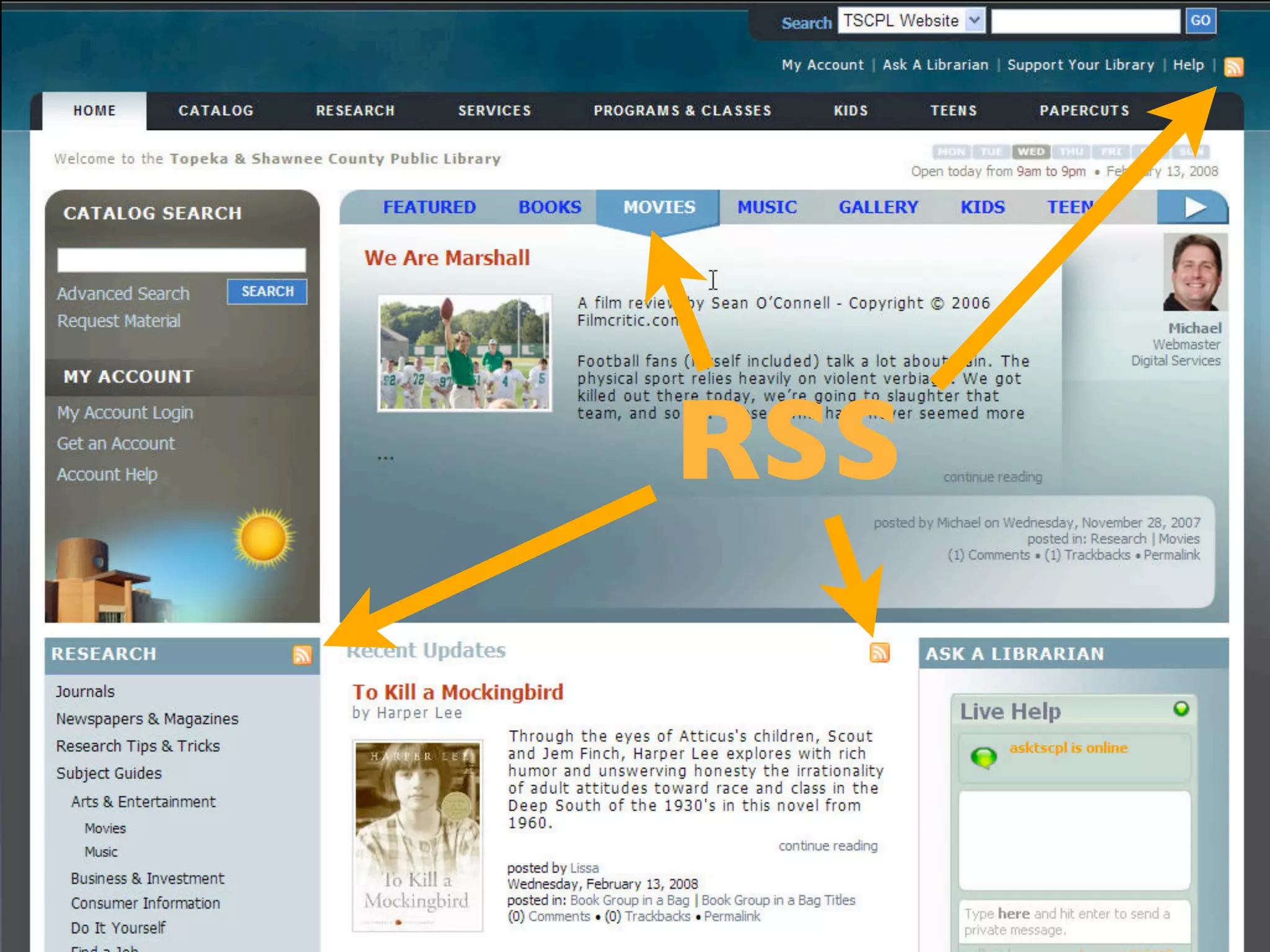
    7. Tagging RSS Readers Commenting RSS Glue of Web 2.0 User- Generated Friending Content Mashups Web as Platform
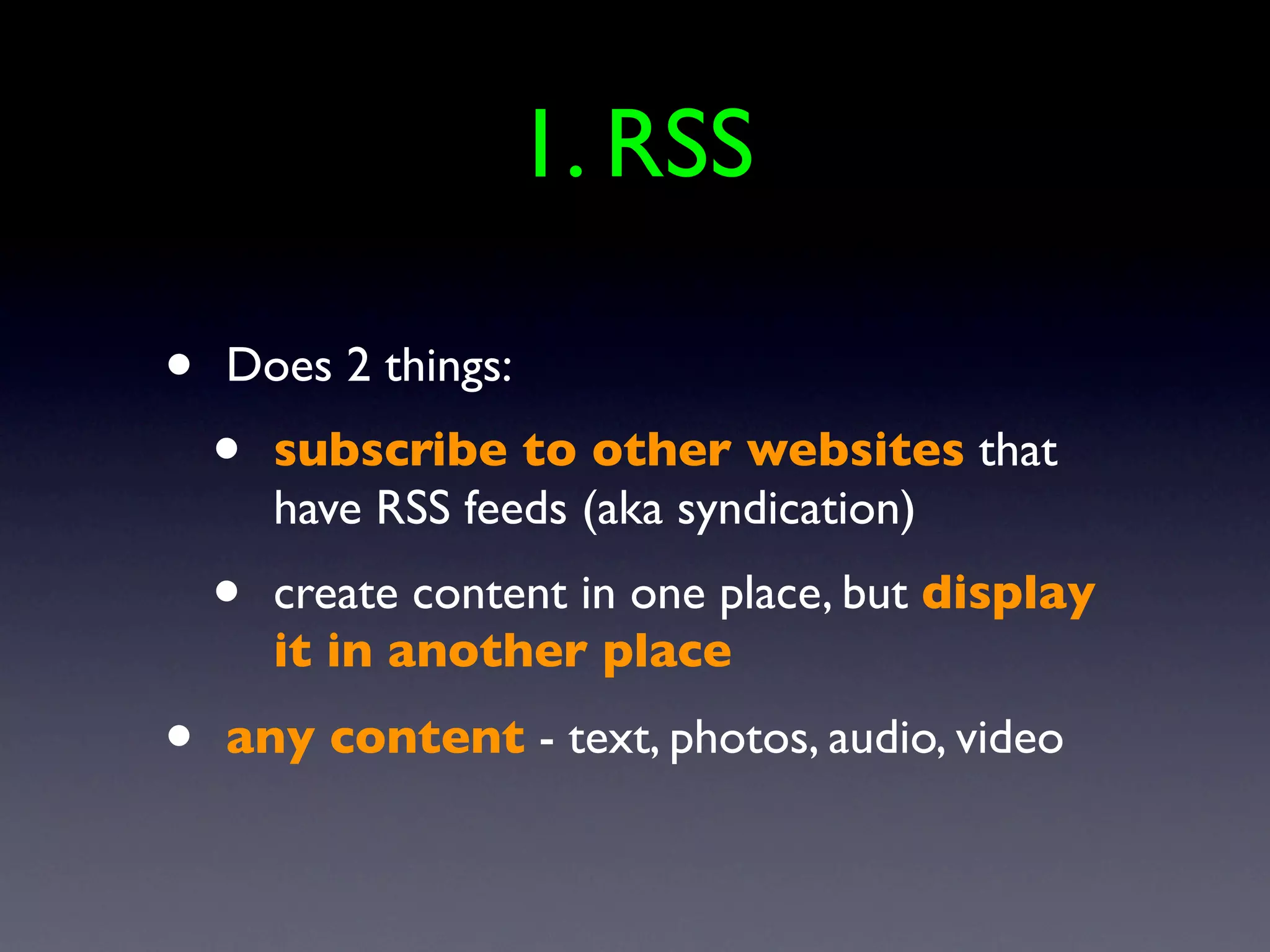
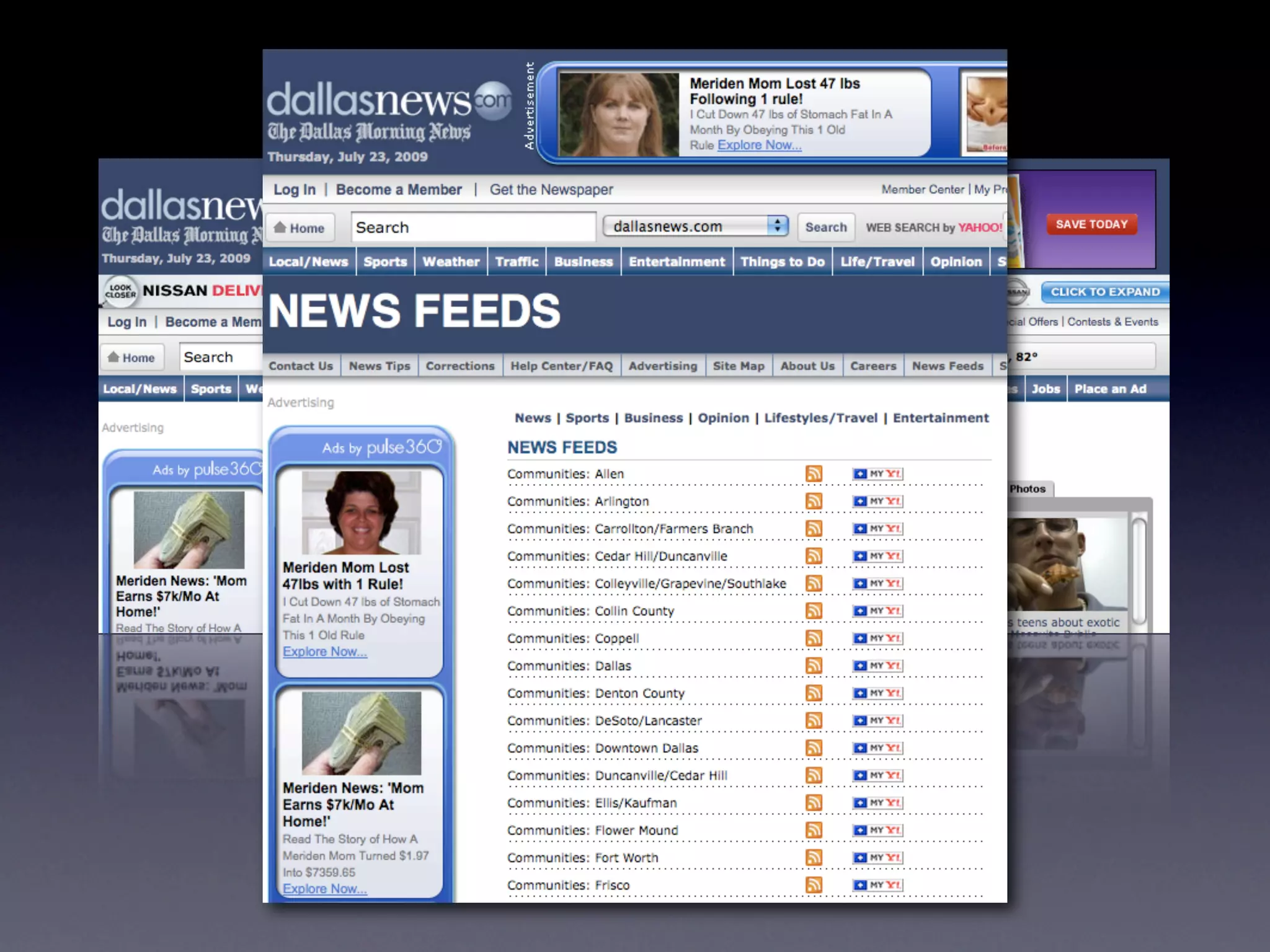
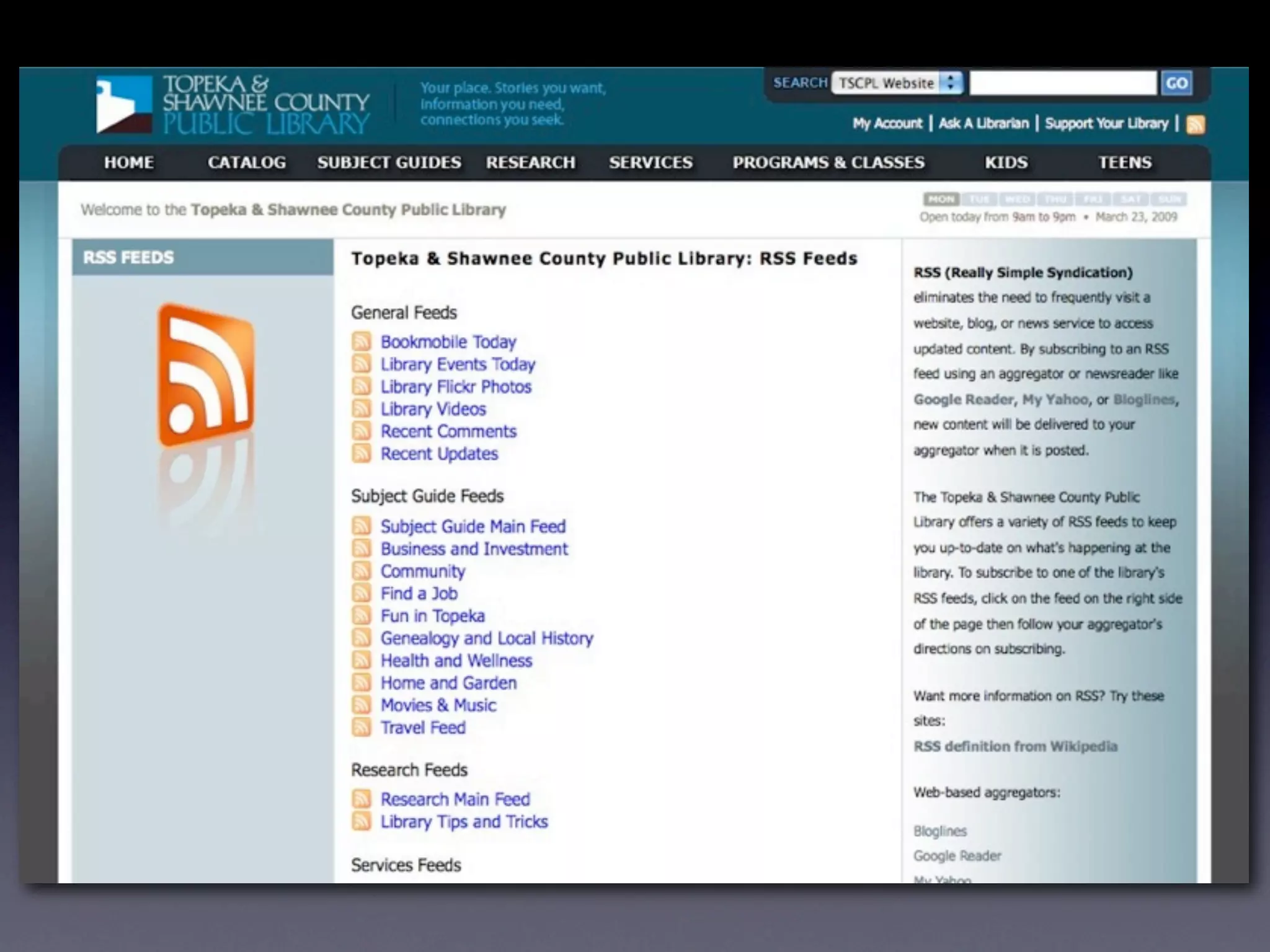
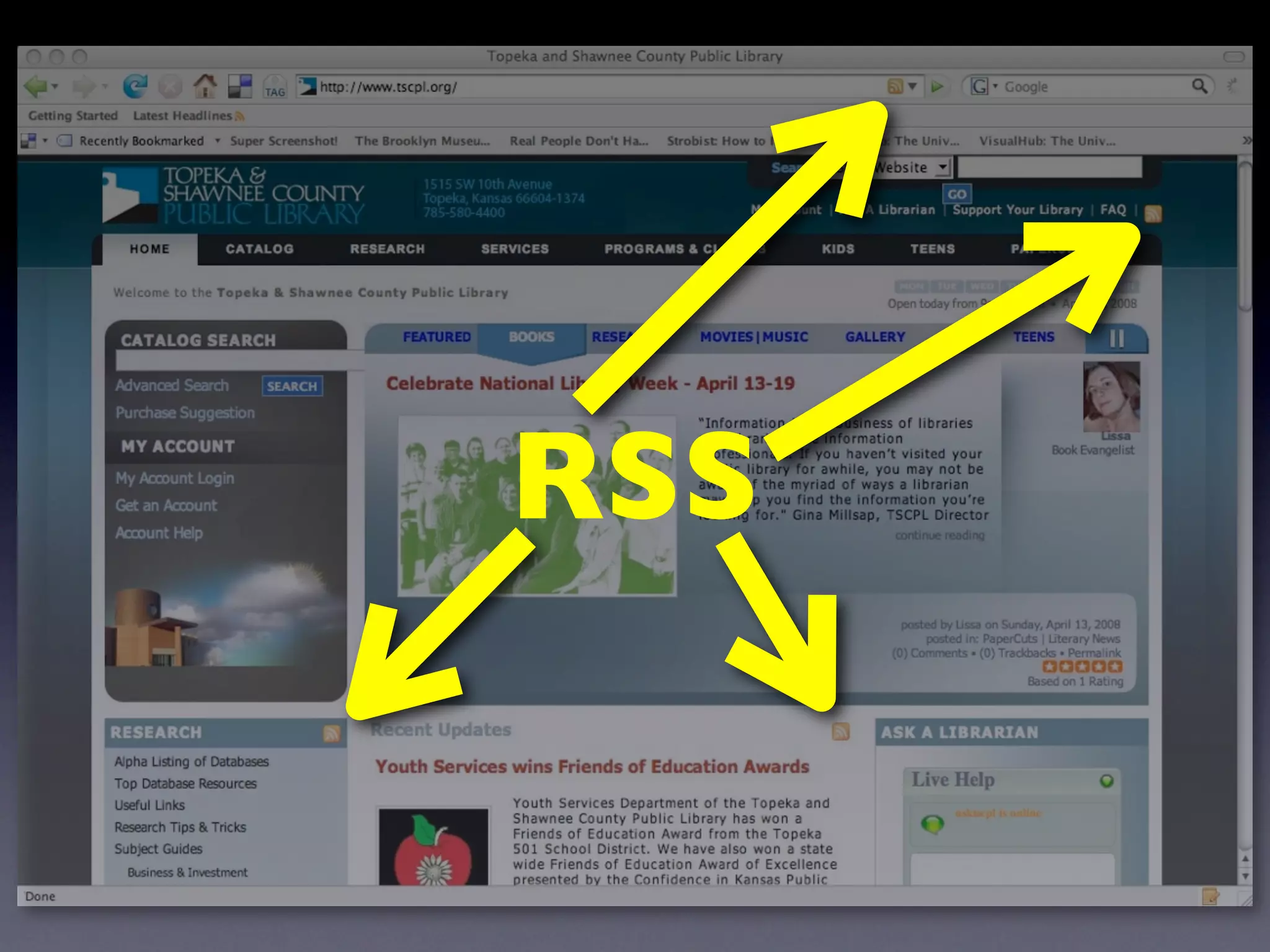
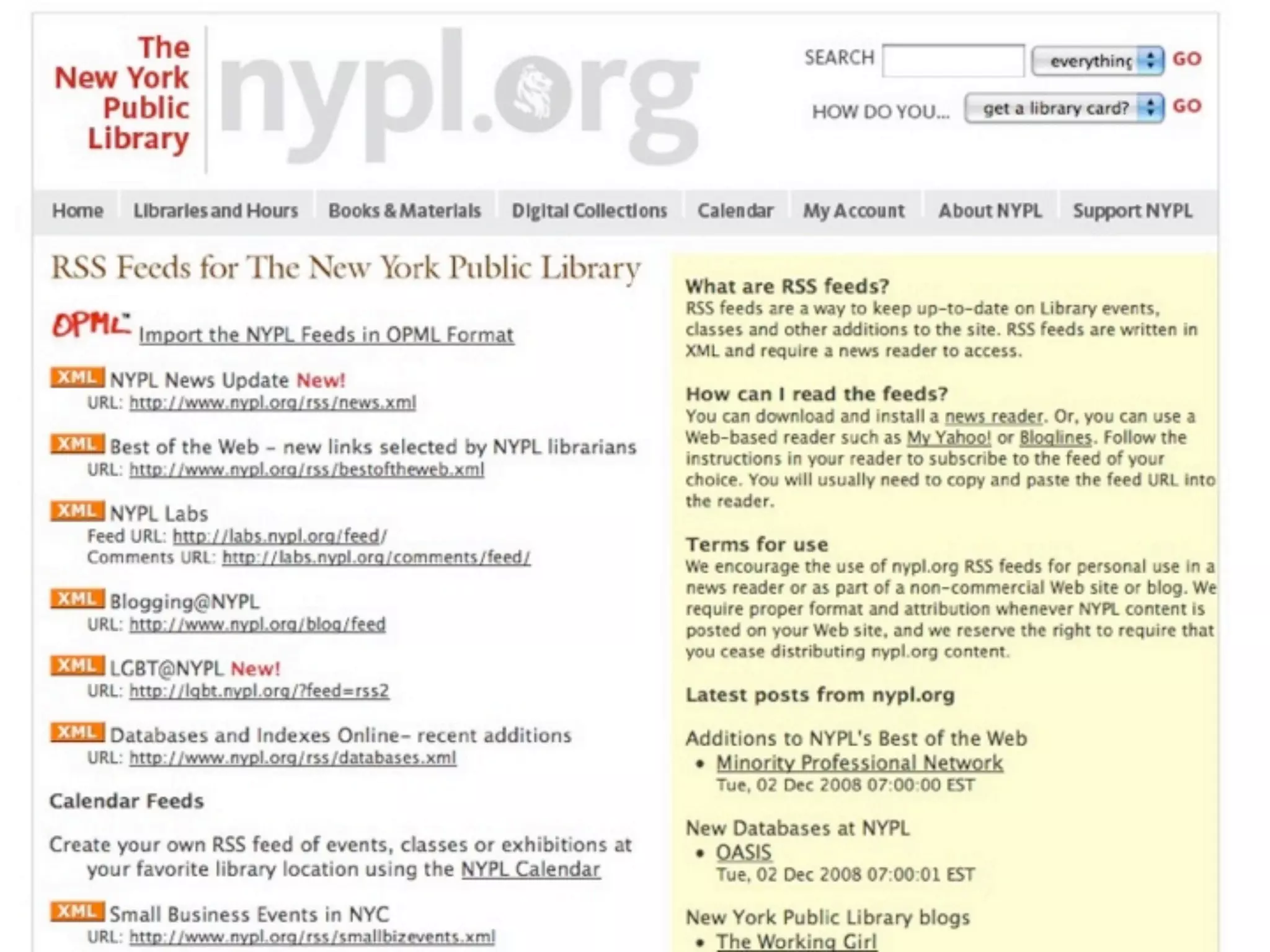
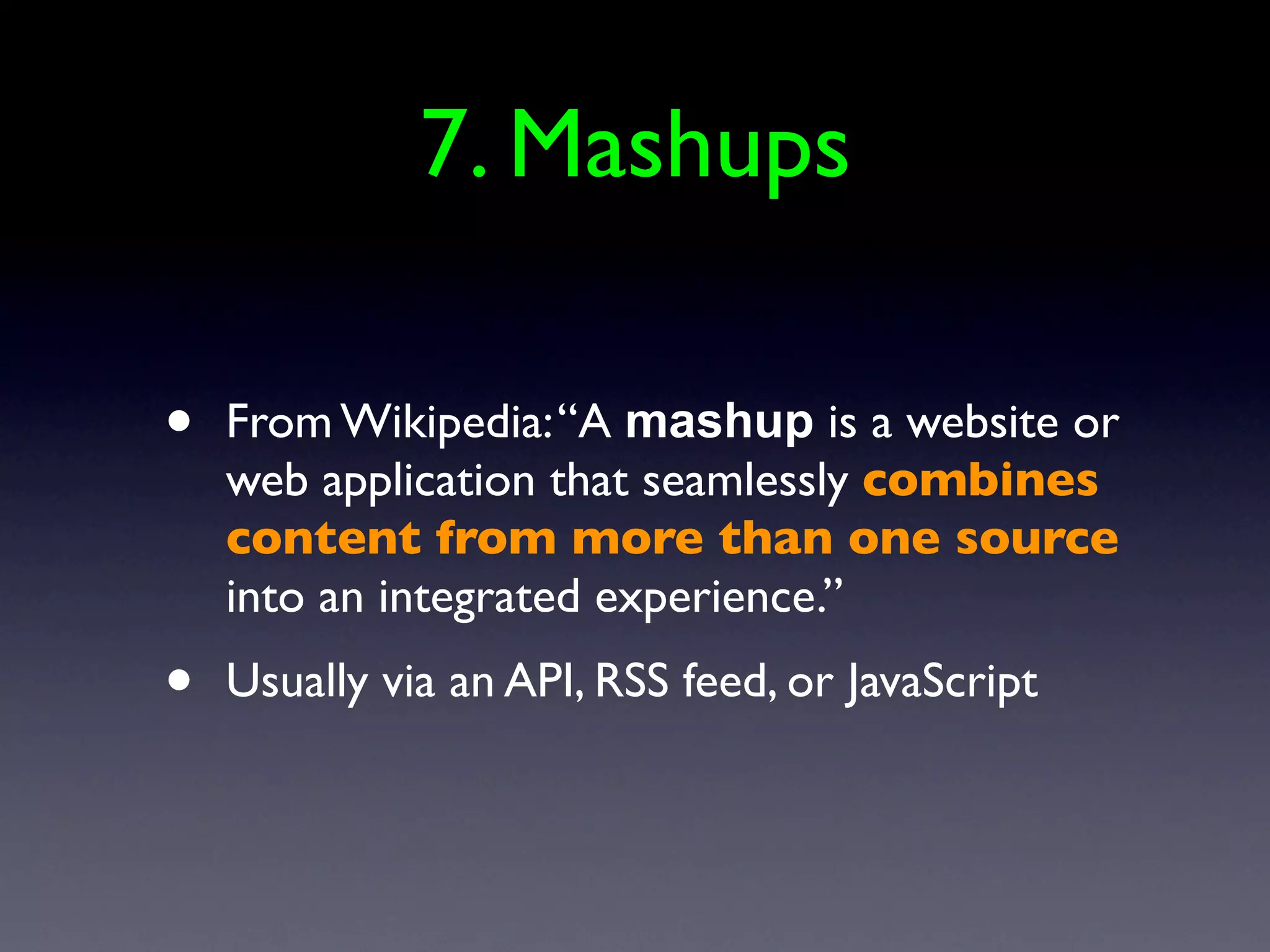
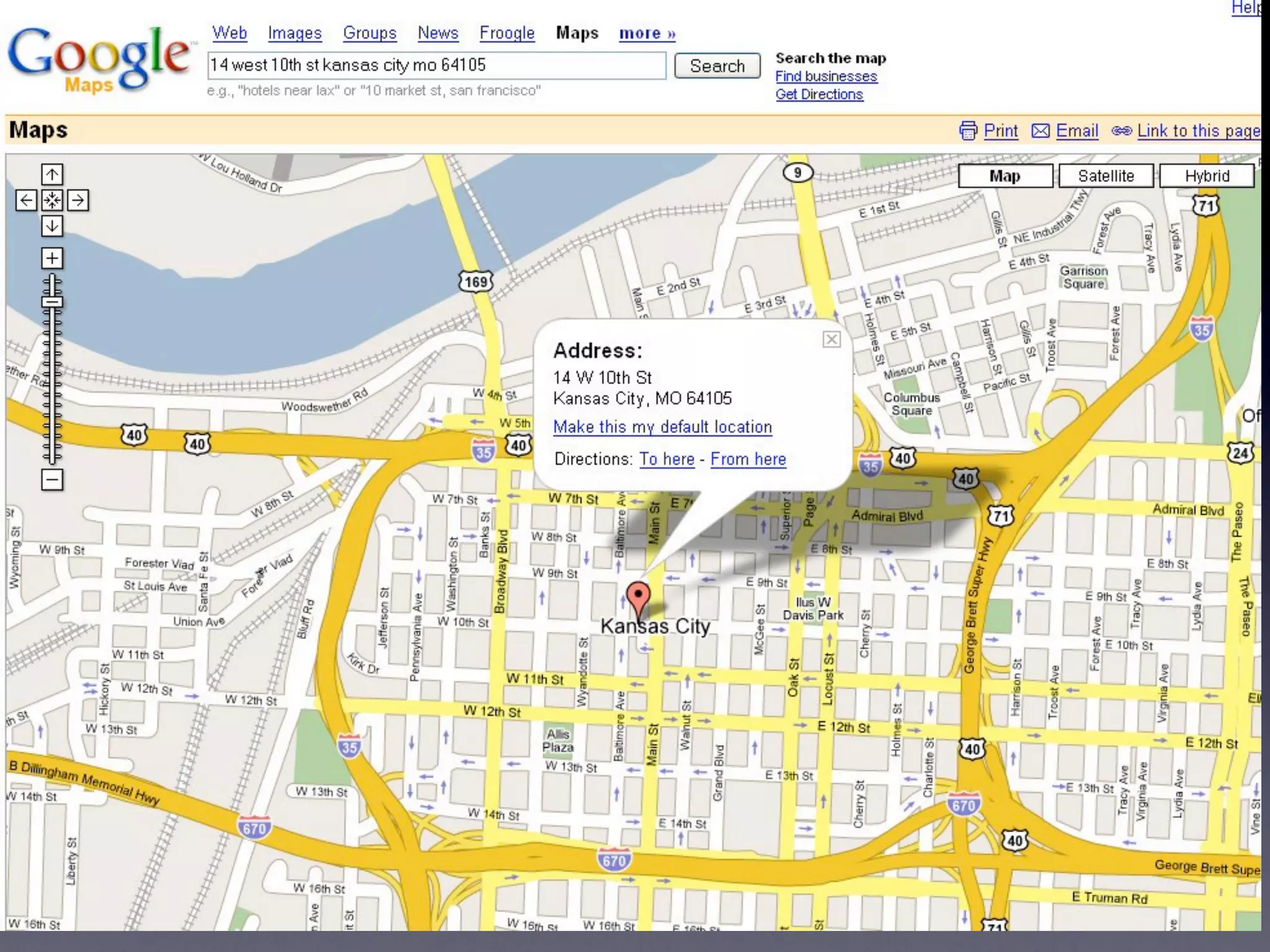
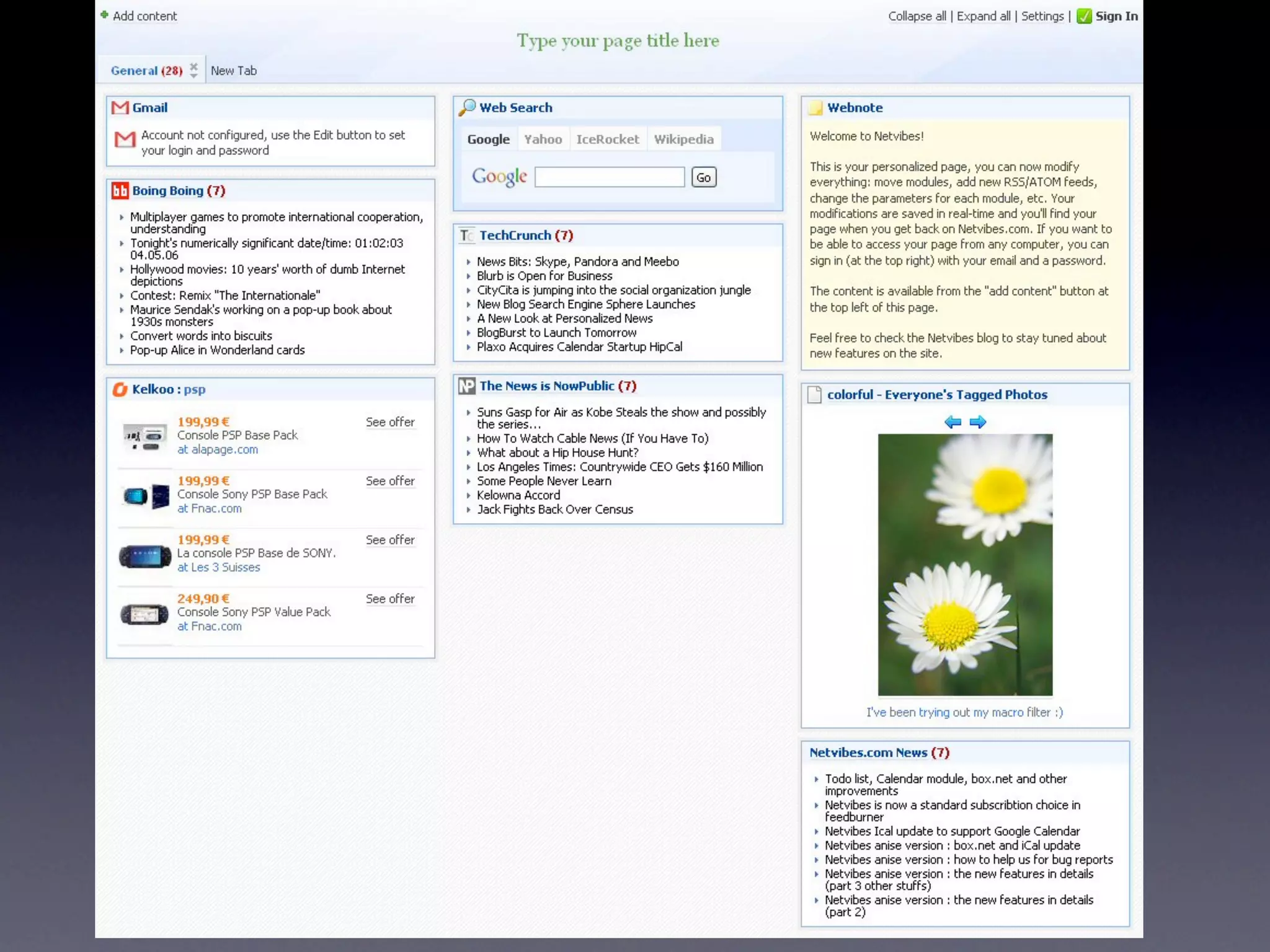
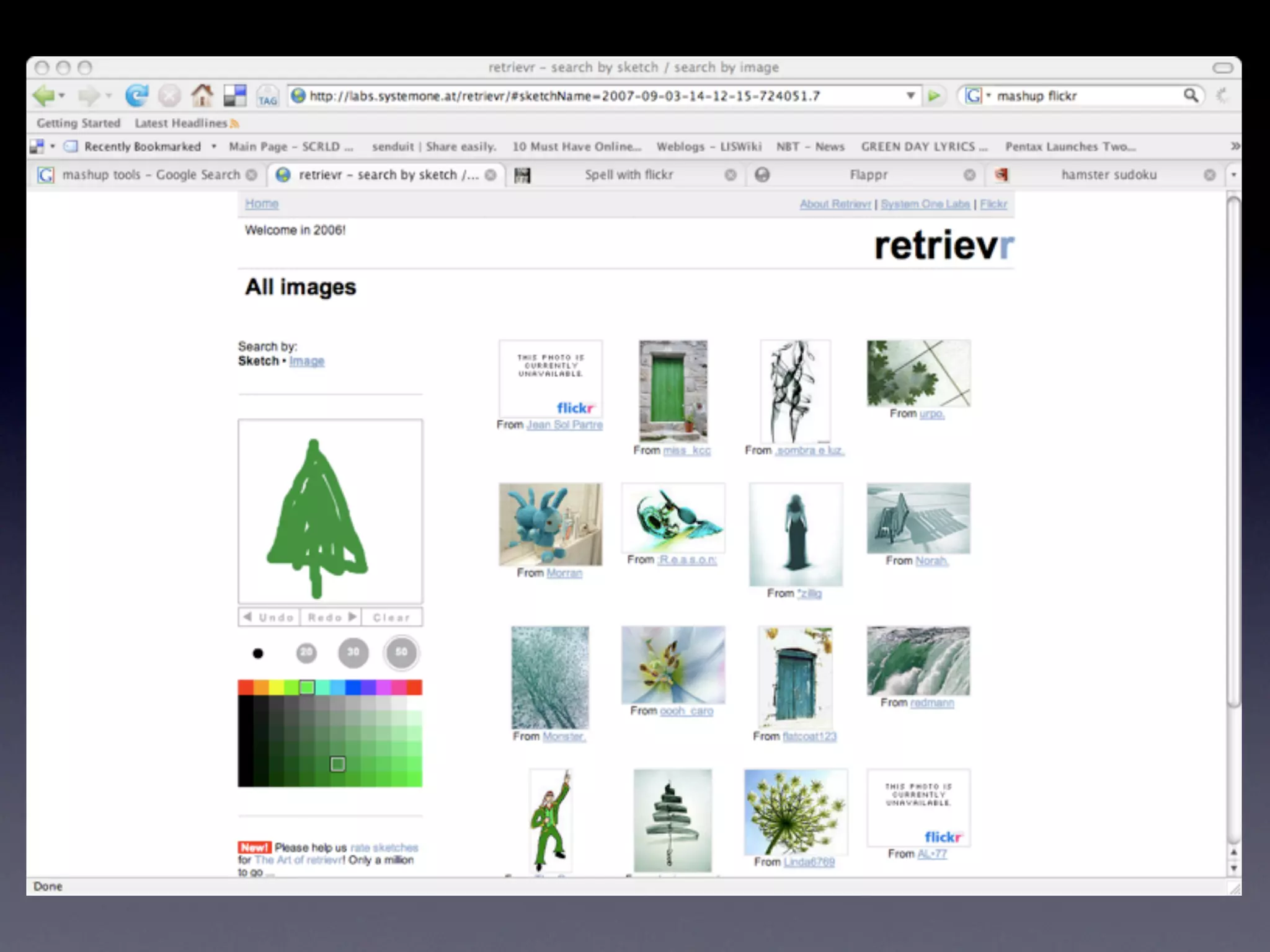
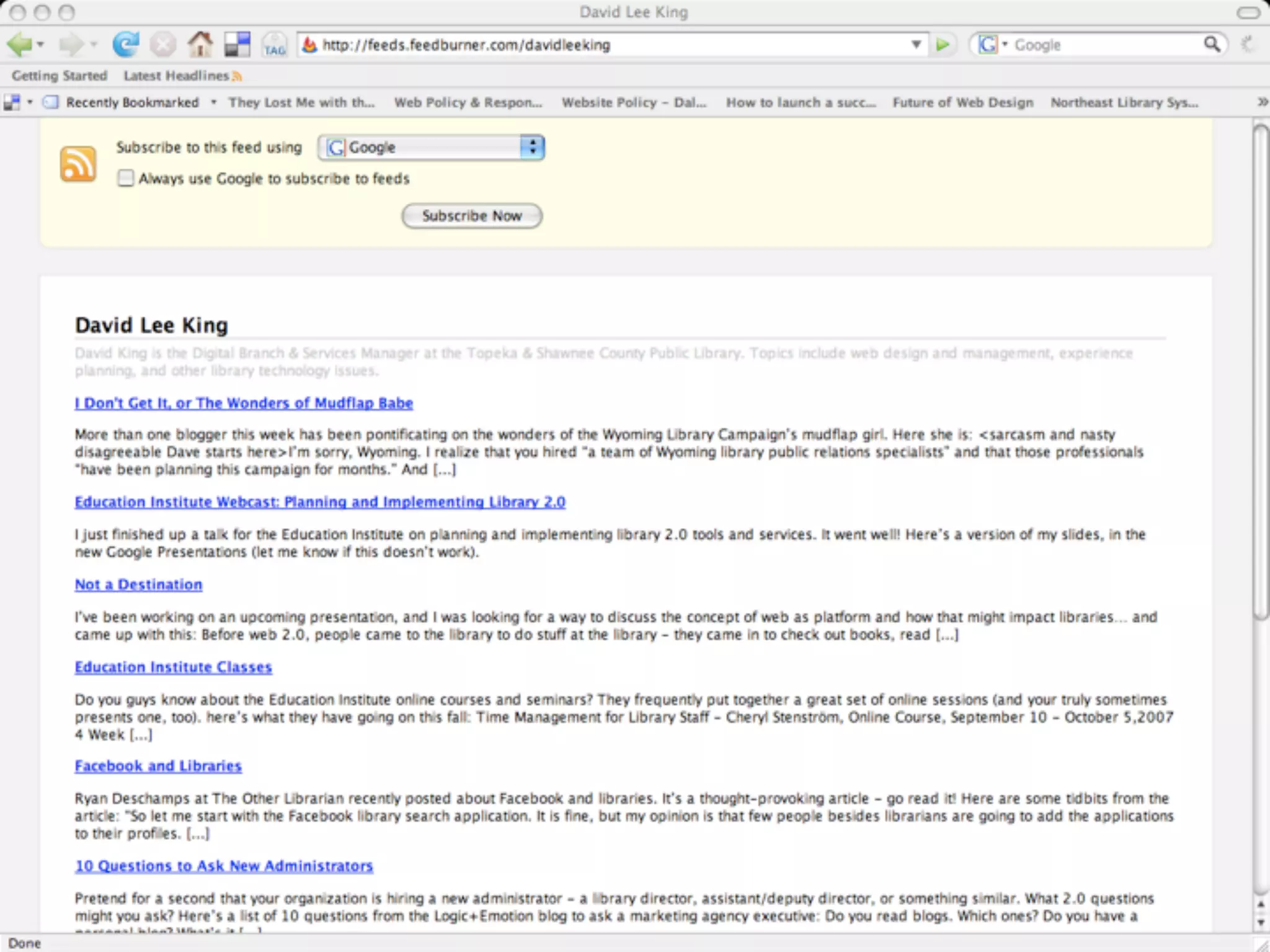
    8. 1. RSS • Does 2 things: • subscribe to other websites that have RSS feeds (aka syndication) • create content in one place, but display it in another place • any content - text, photos, audio, video
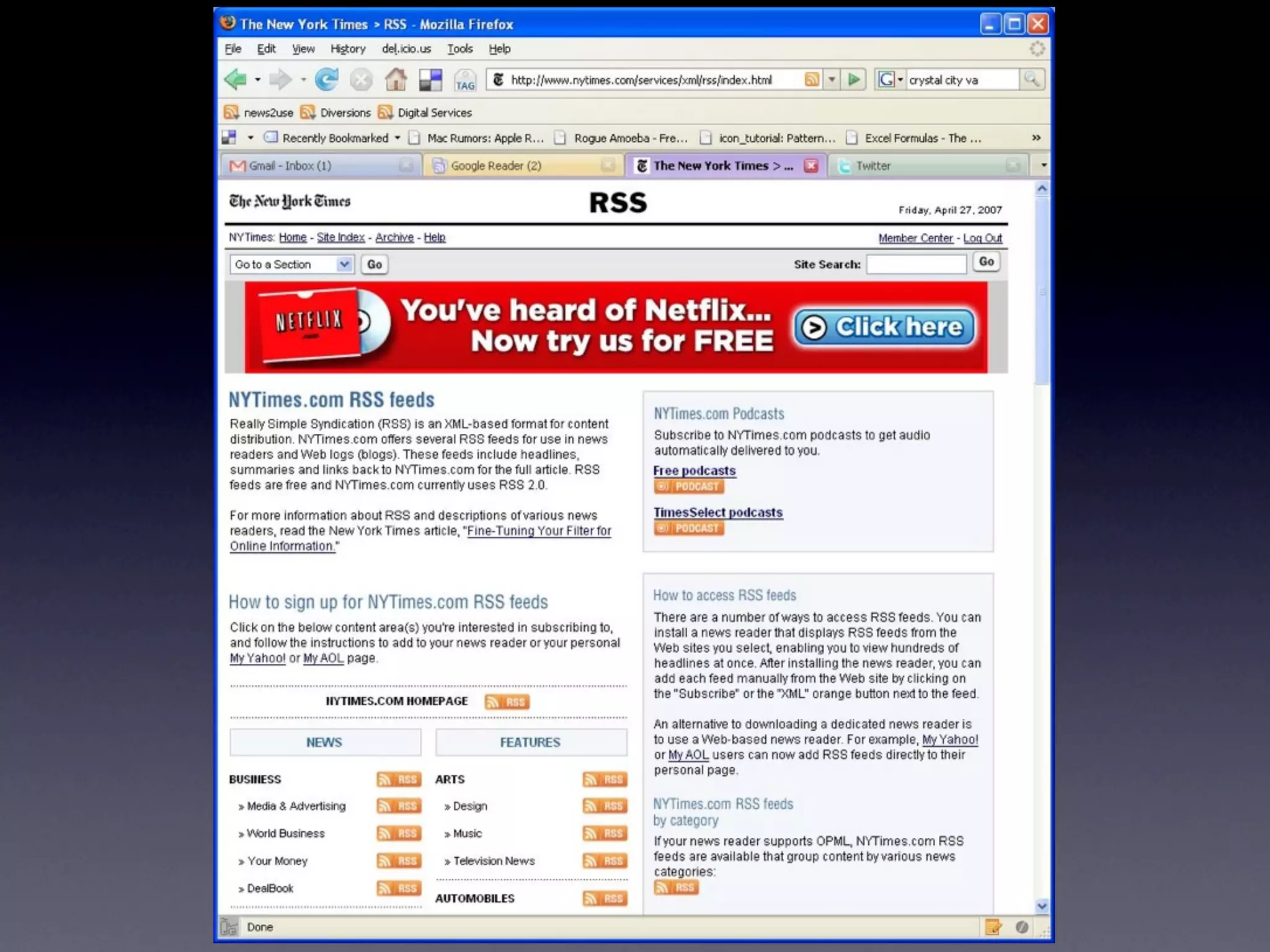
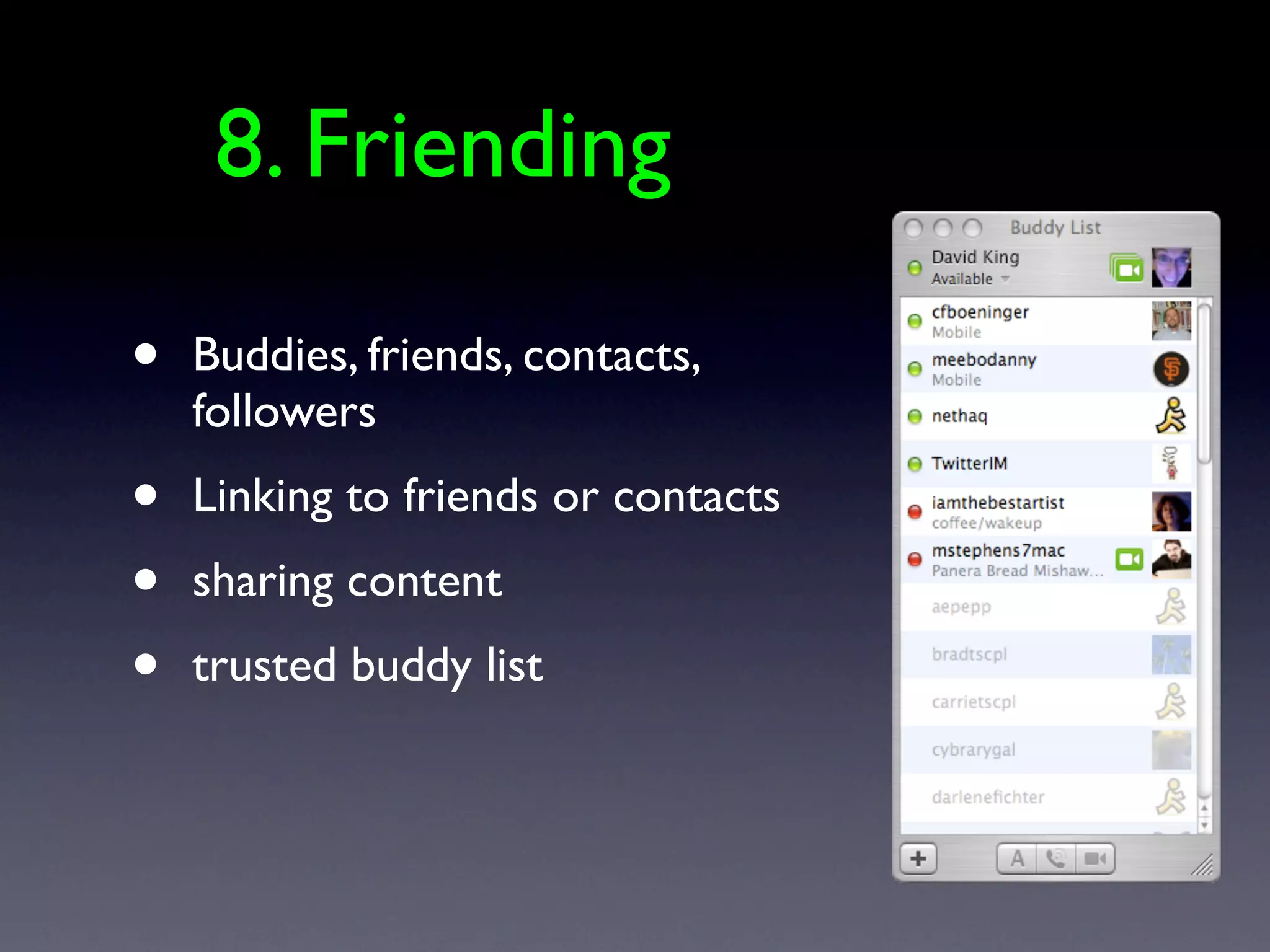
    9. RSS
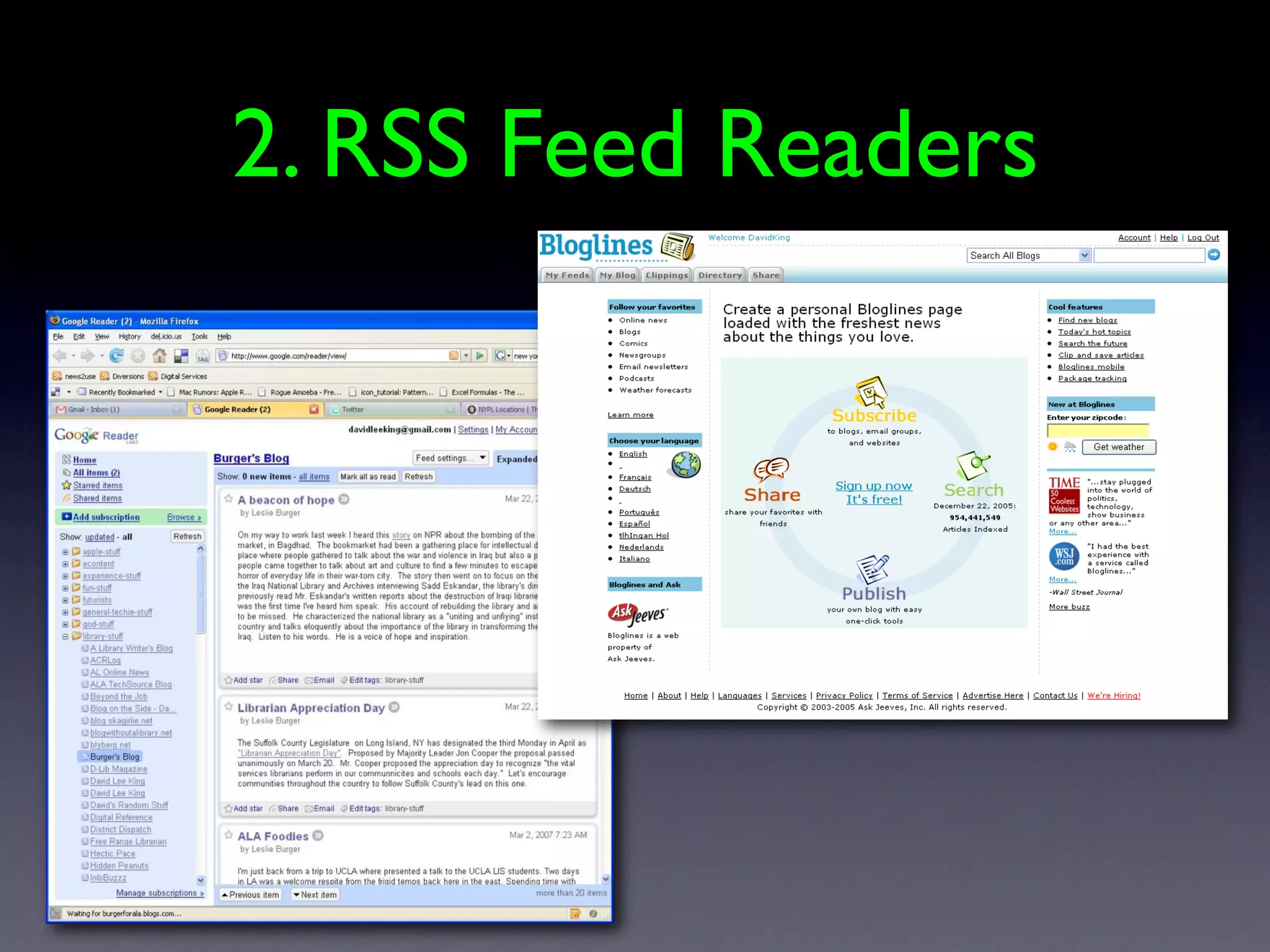
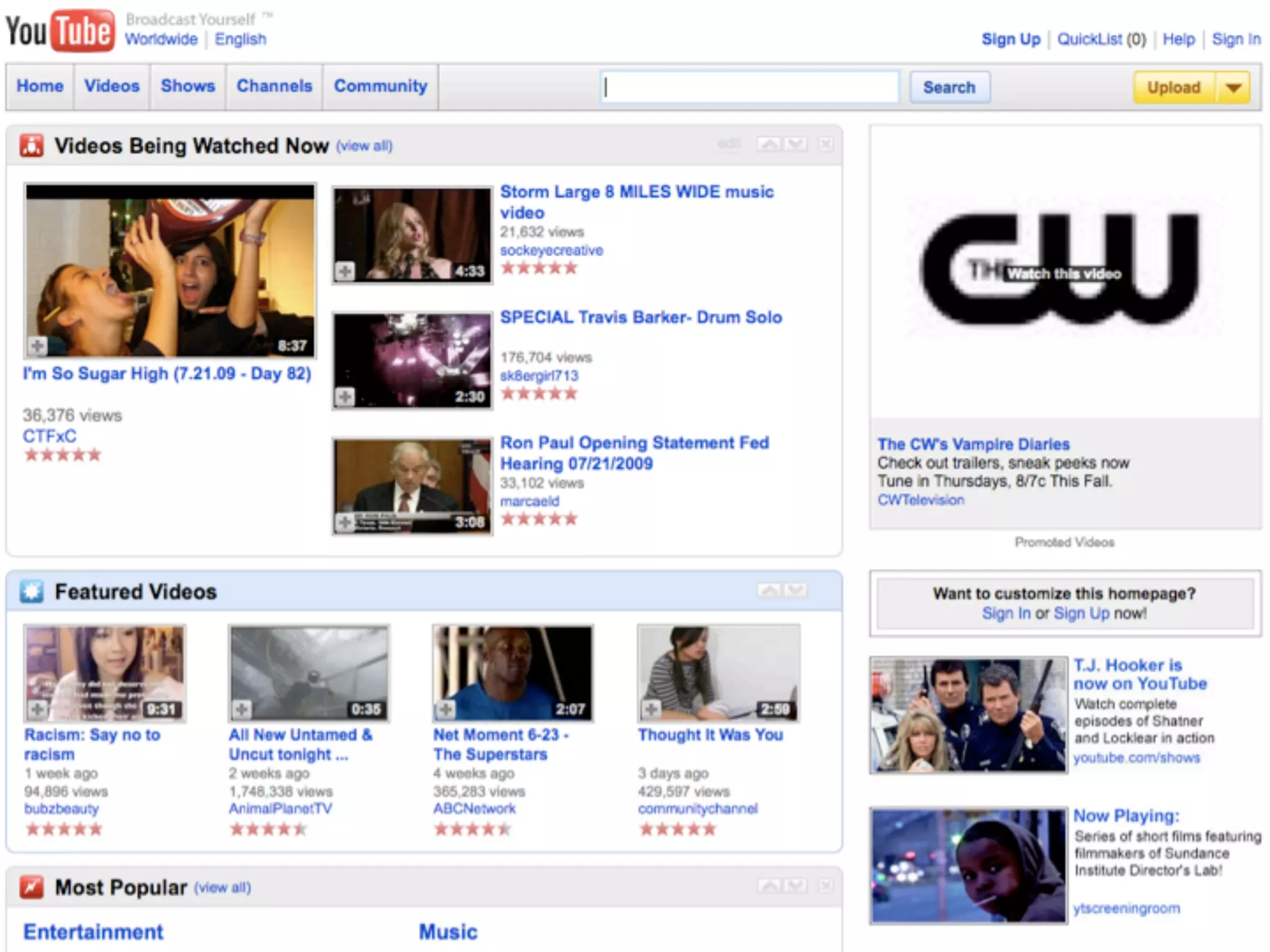
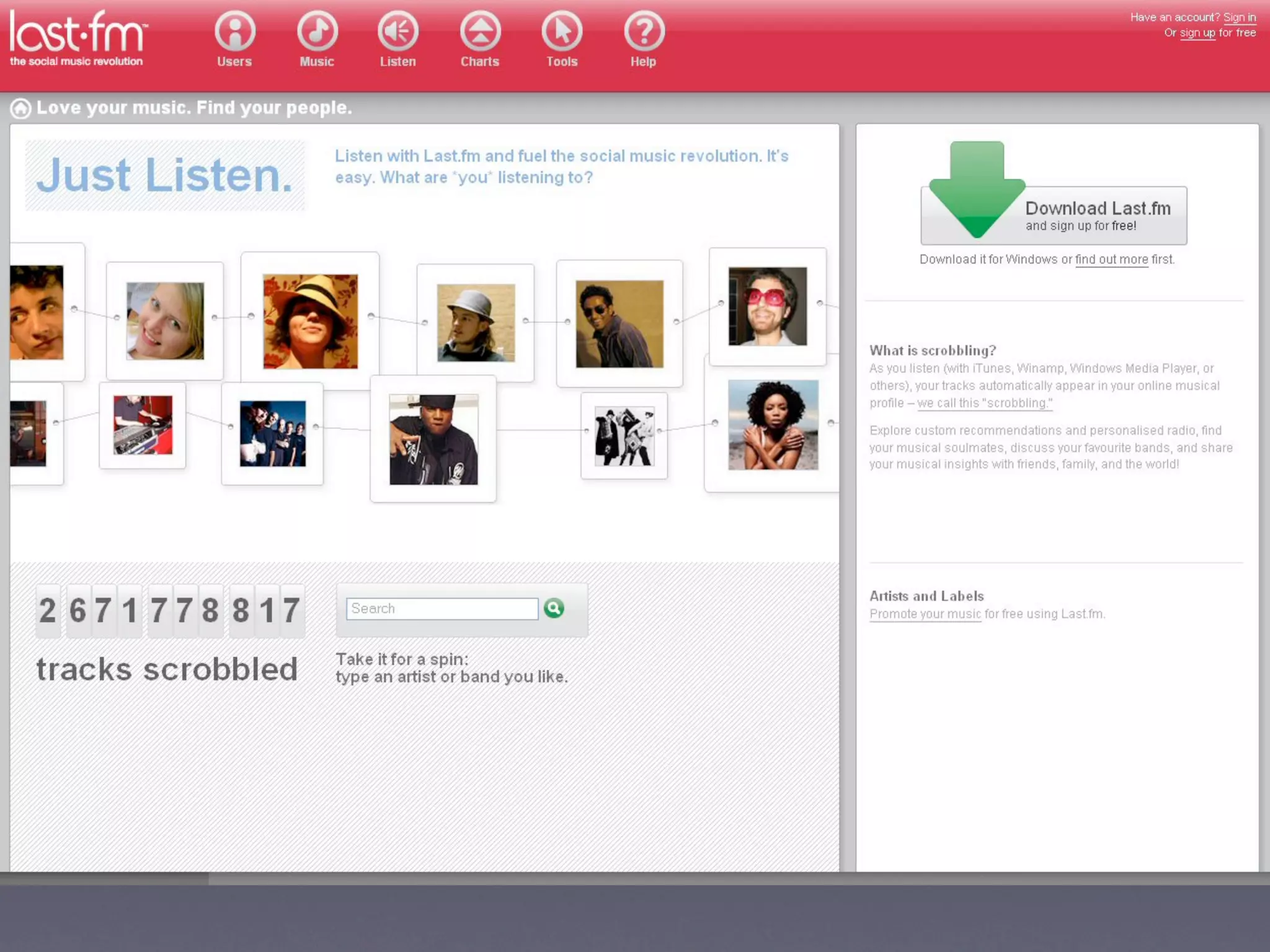
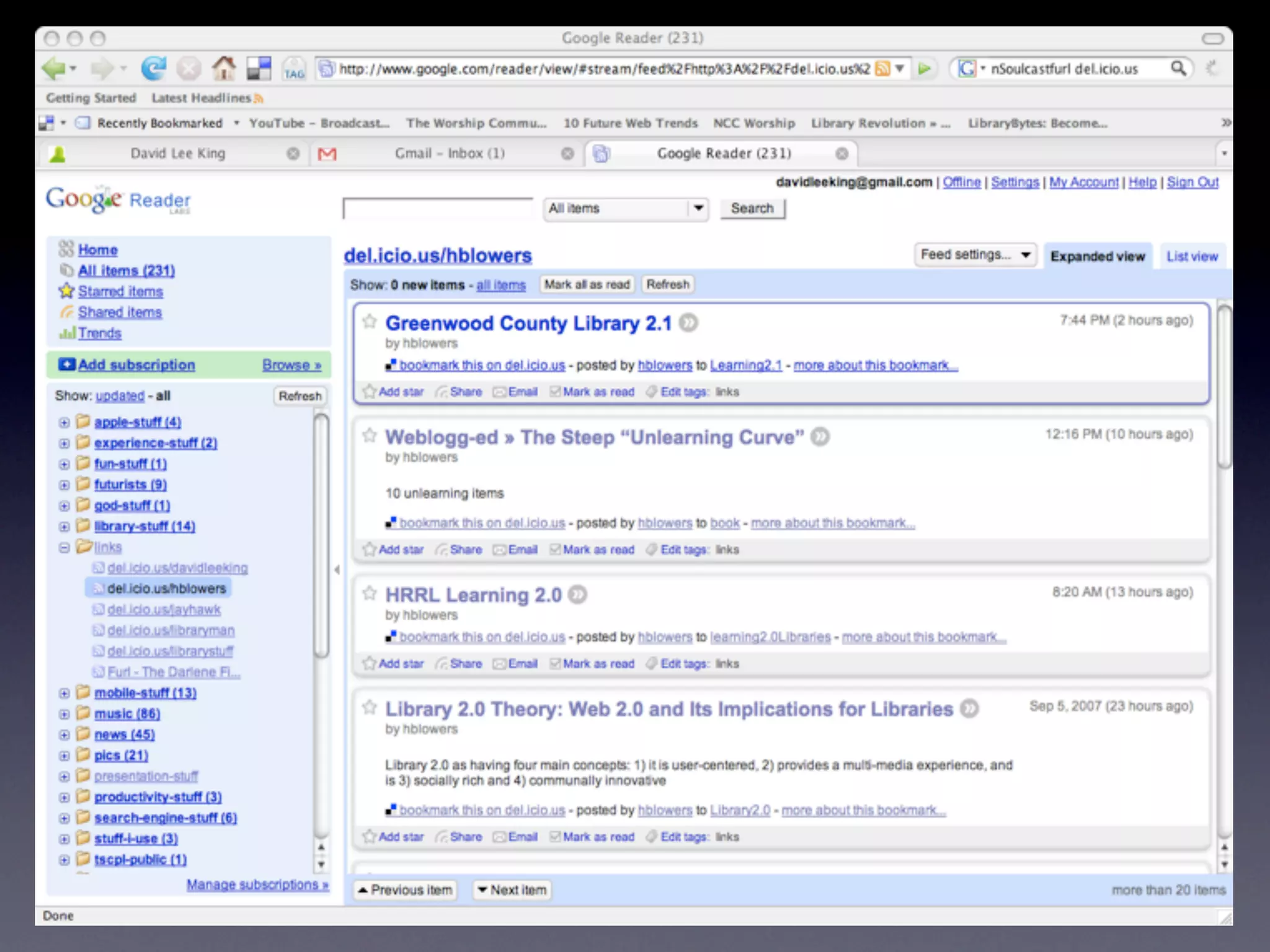
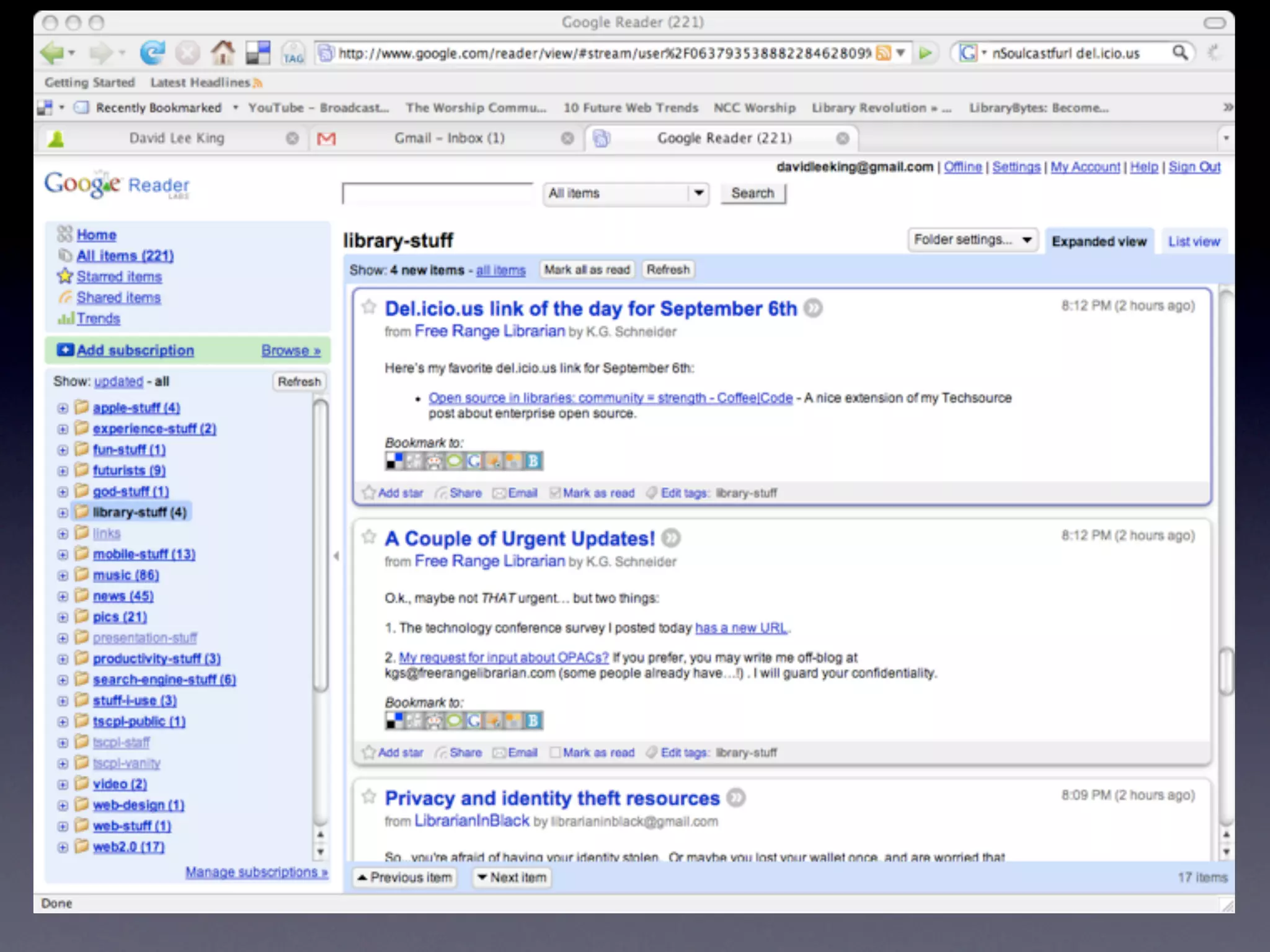
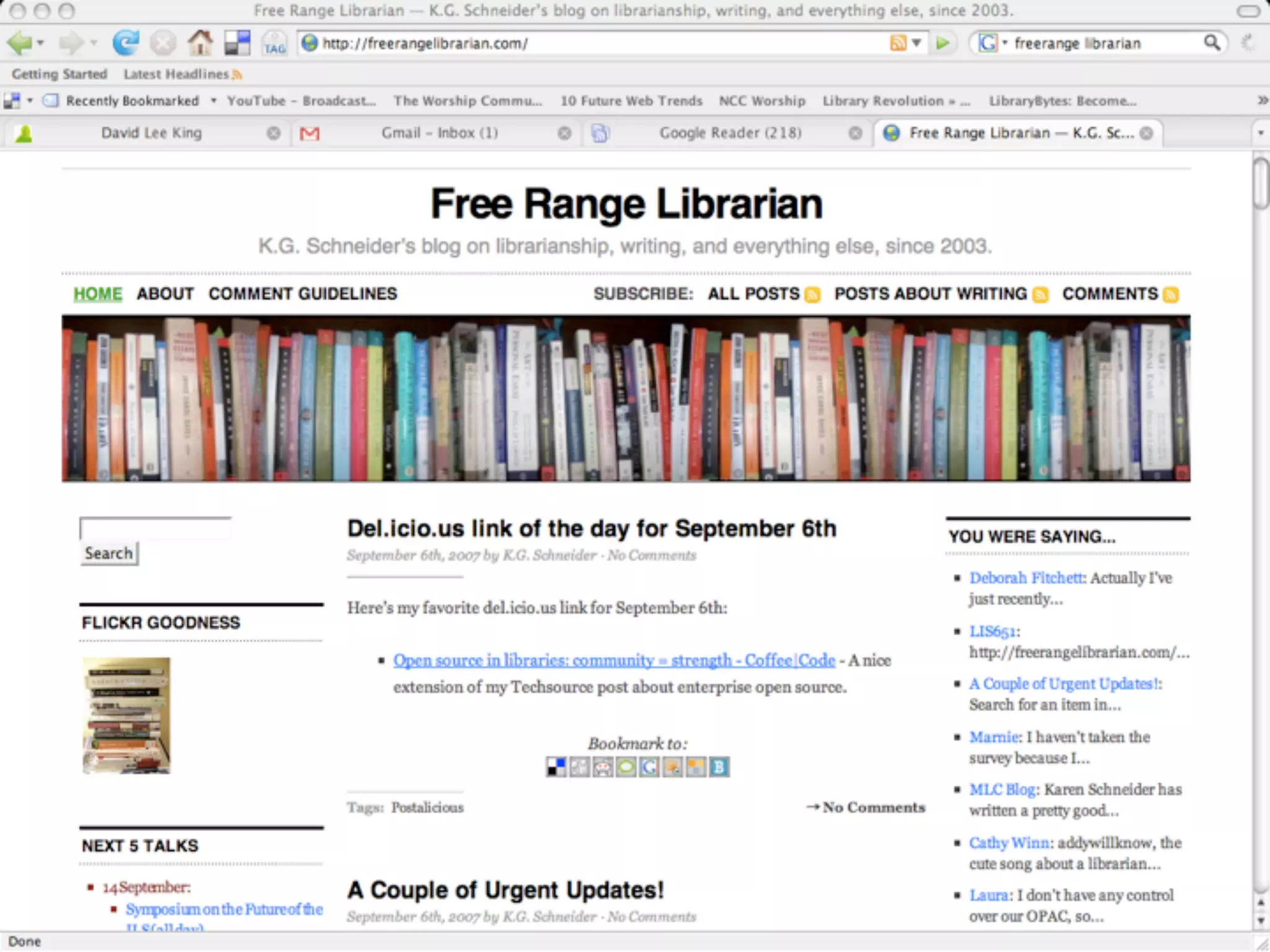
    10. 2. RSS Feed Readers
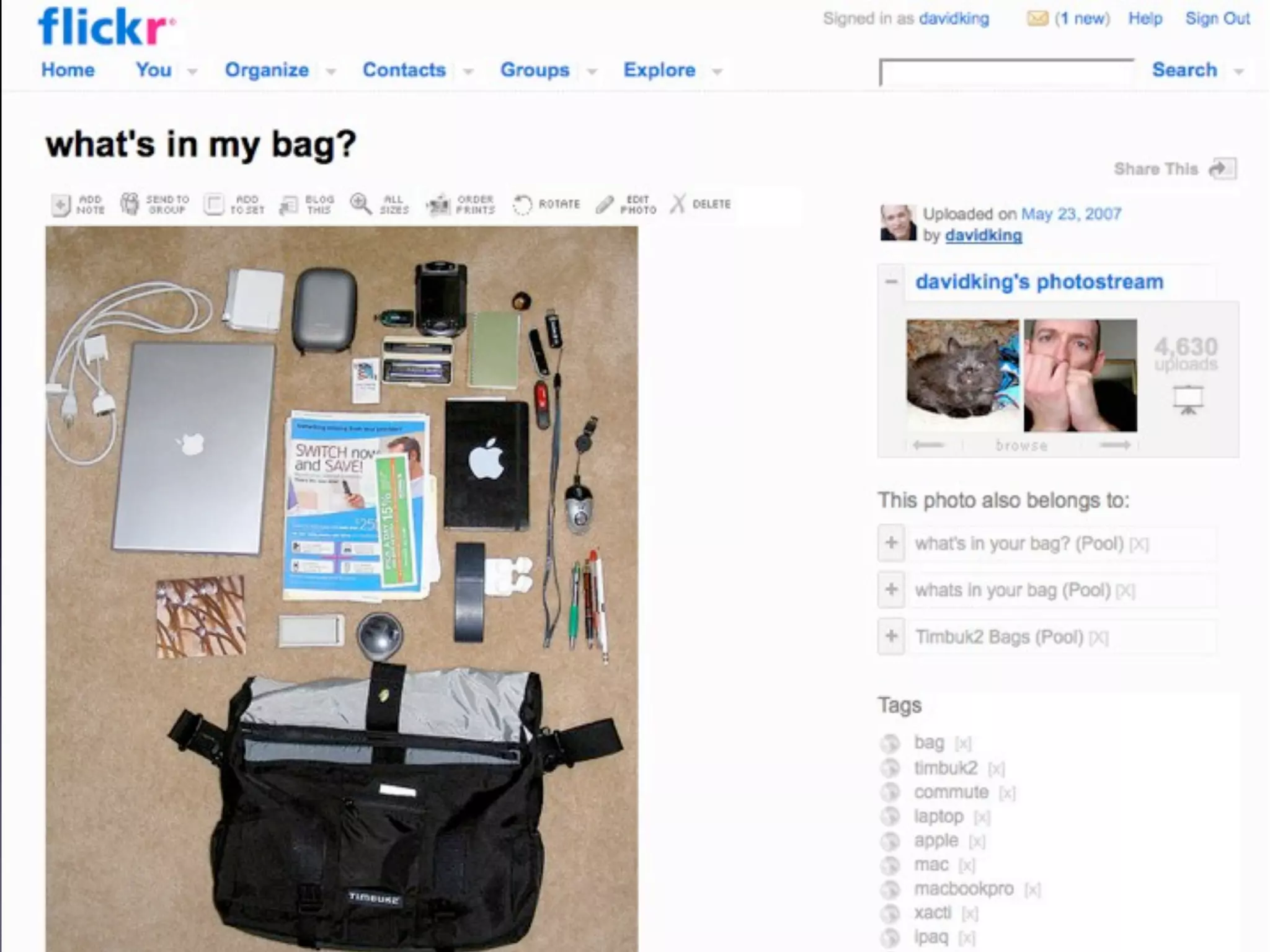
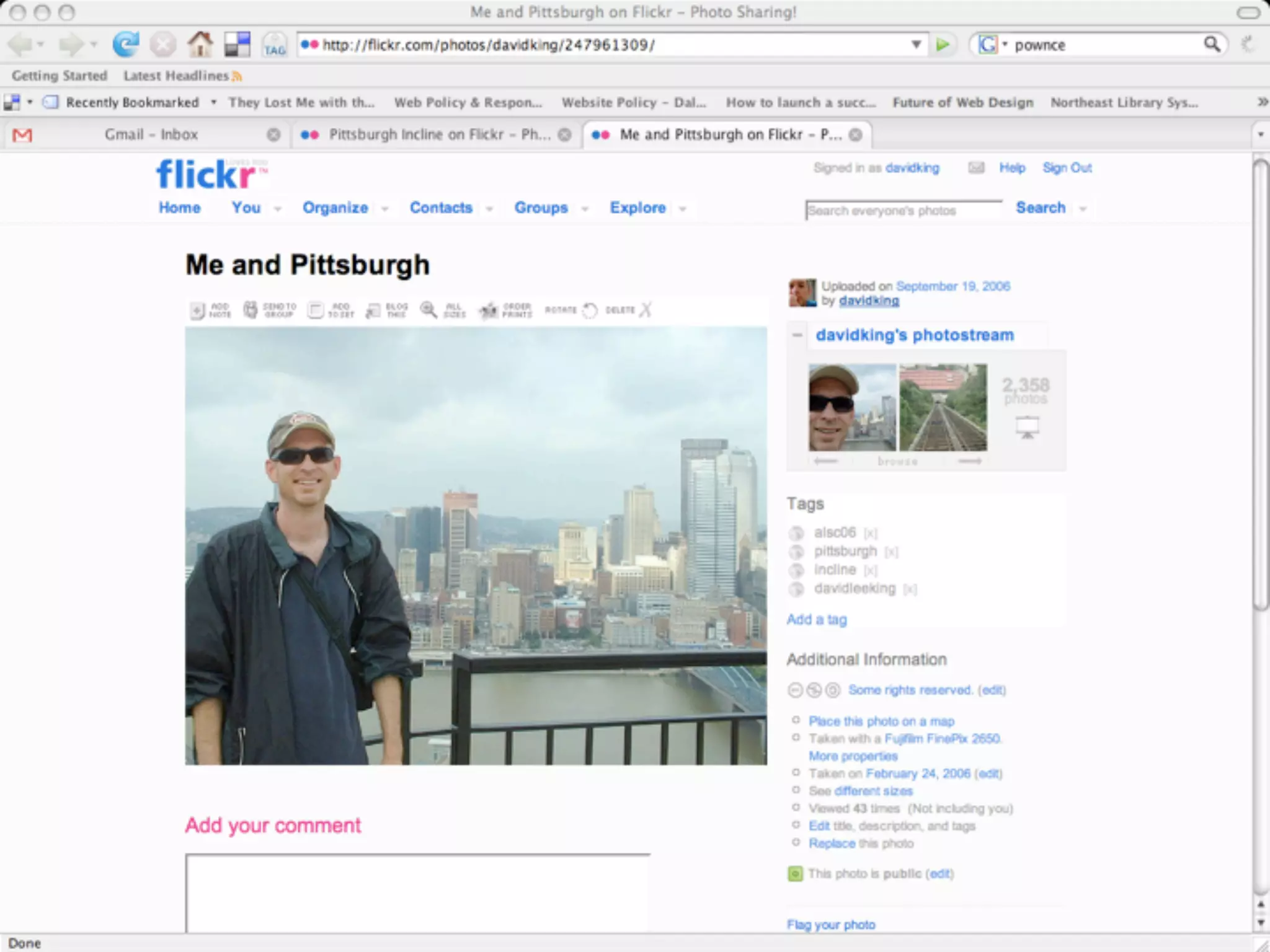
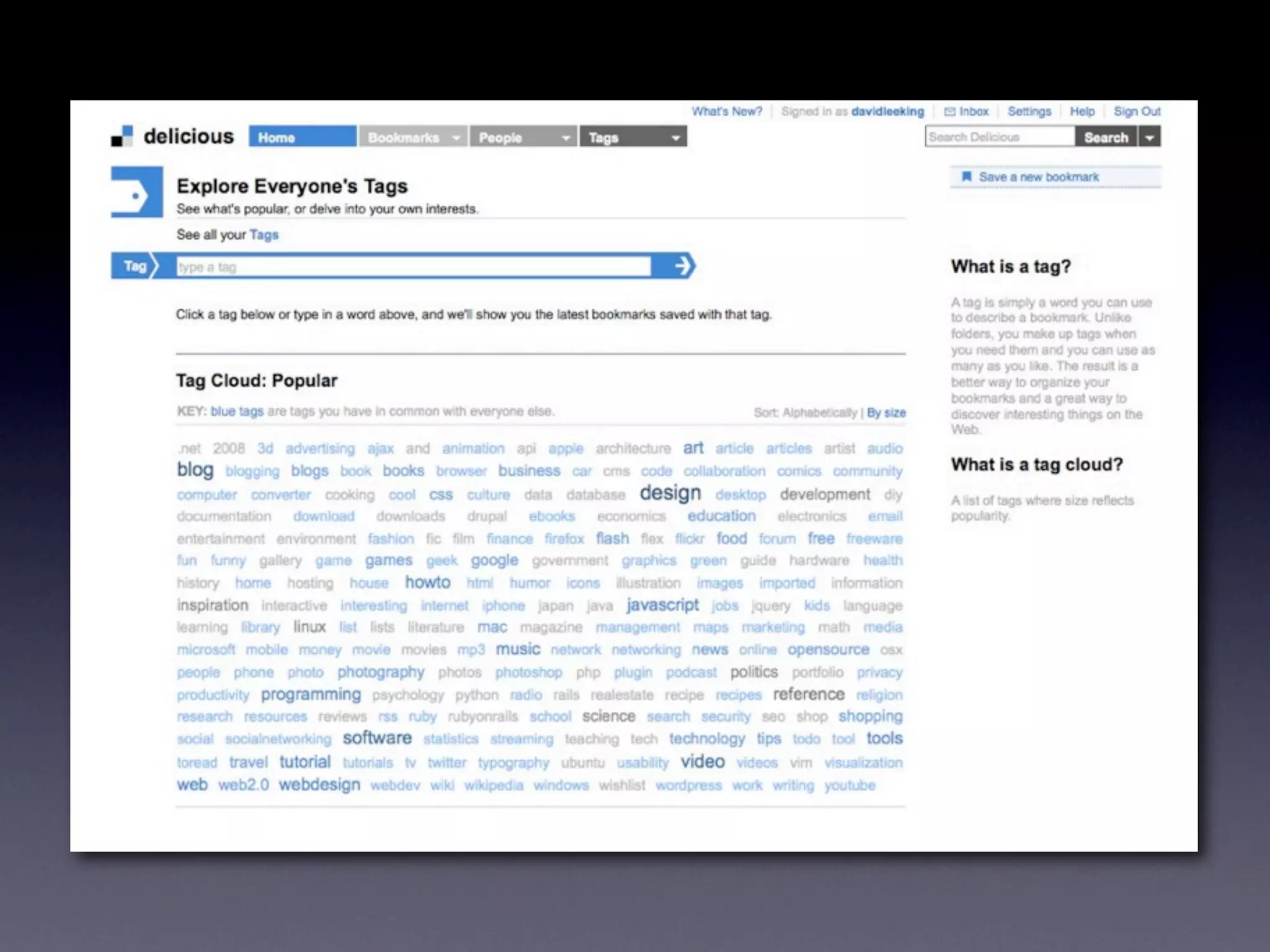
    11. 3. Tagging, or Folksonomies • Categorizing the web • Choose personal keywords • Browseable and searchable • web 2.0 uses tagging
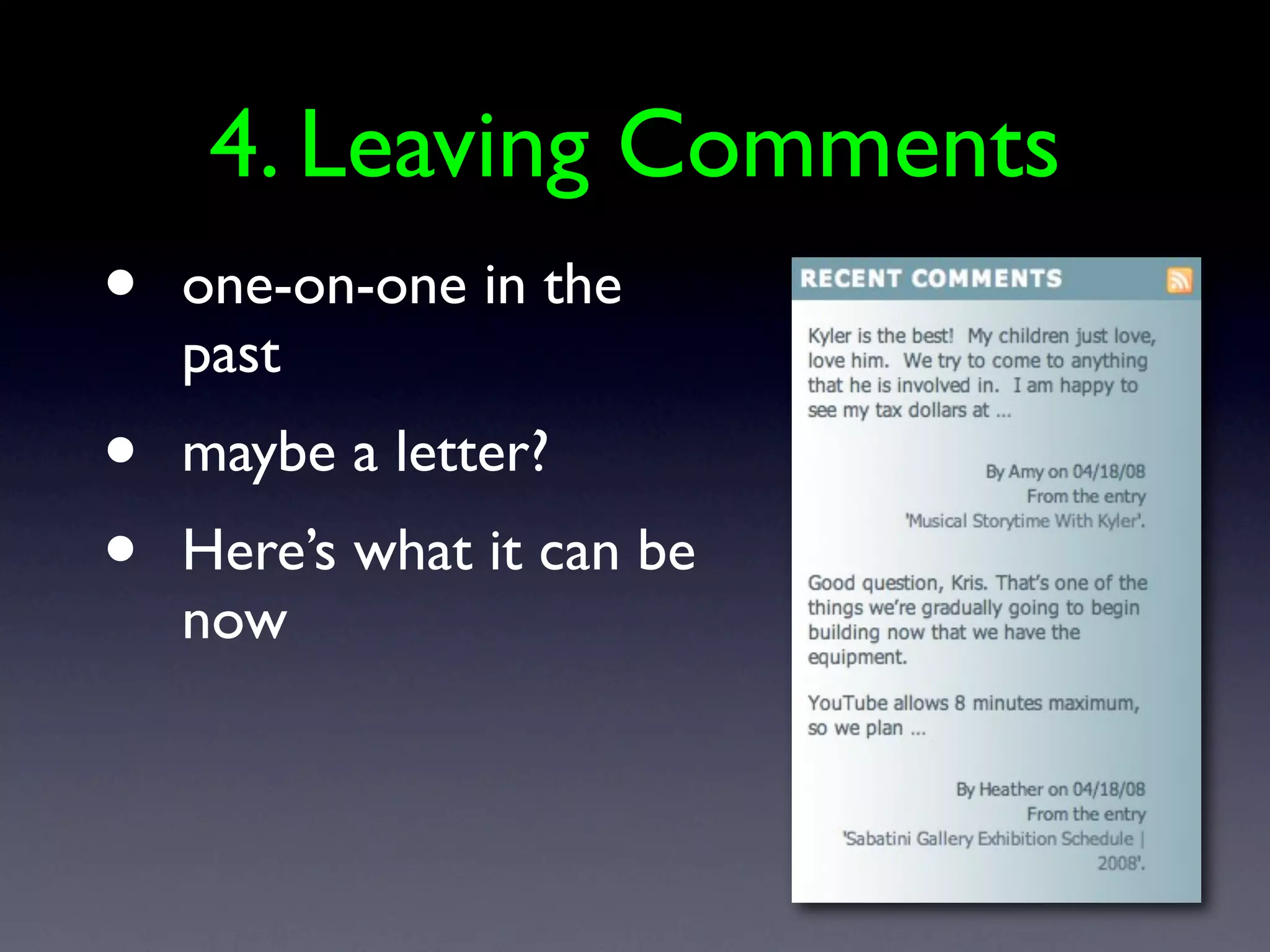
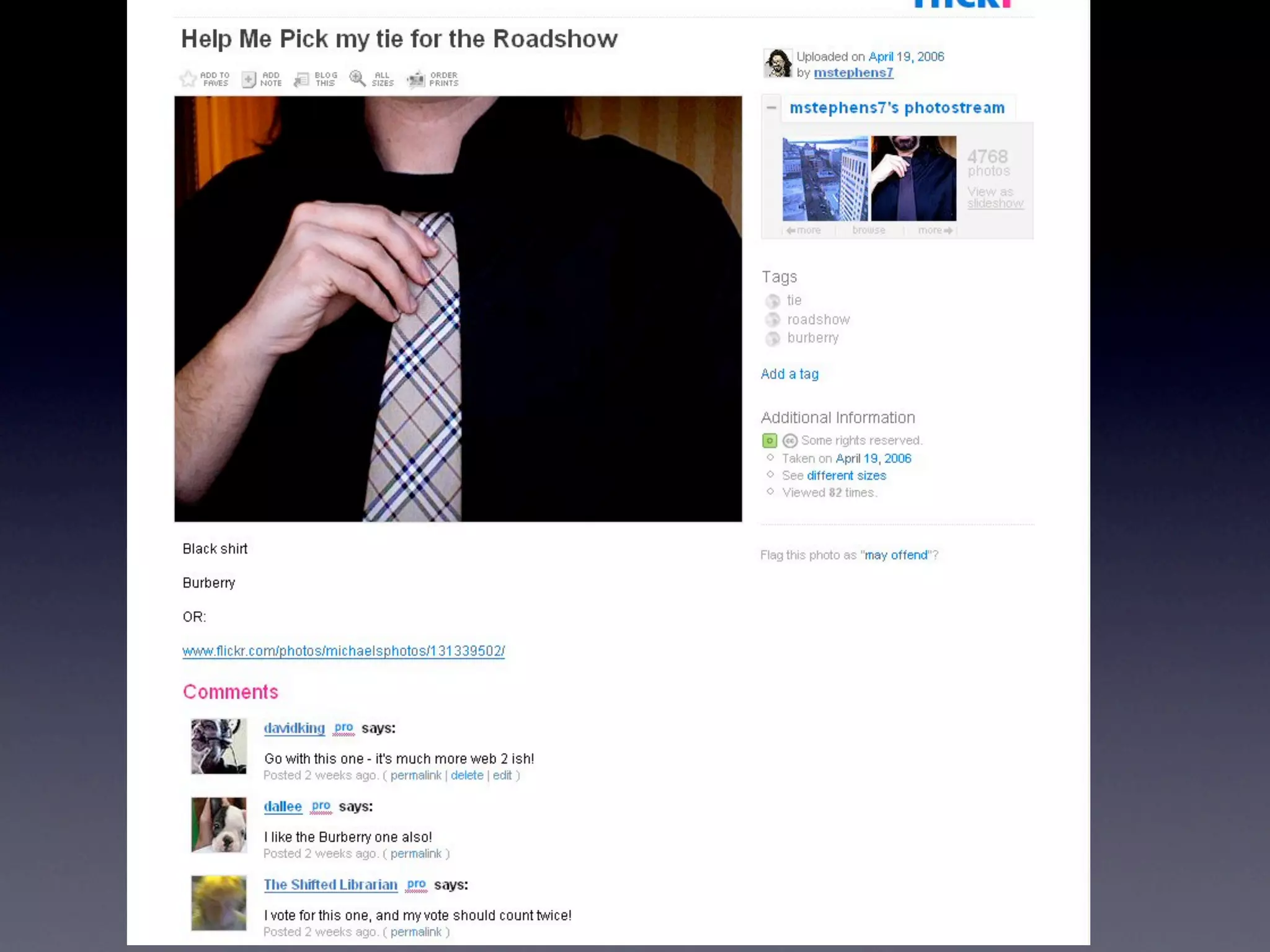
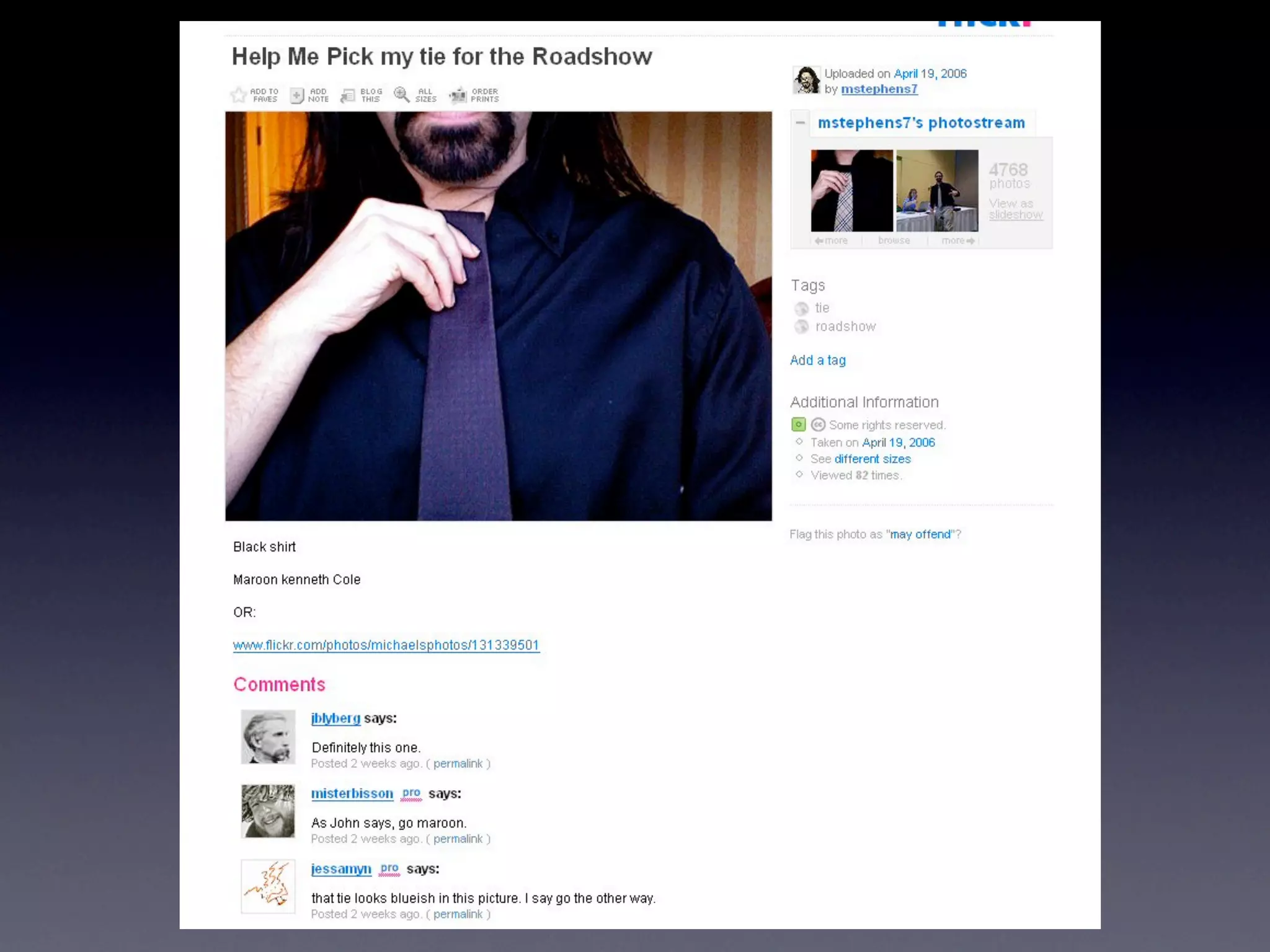
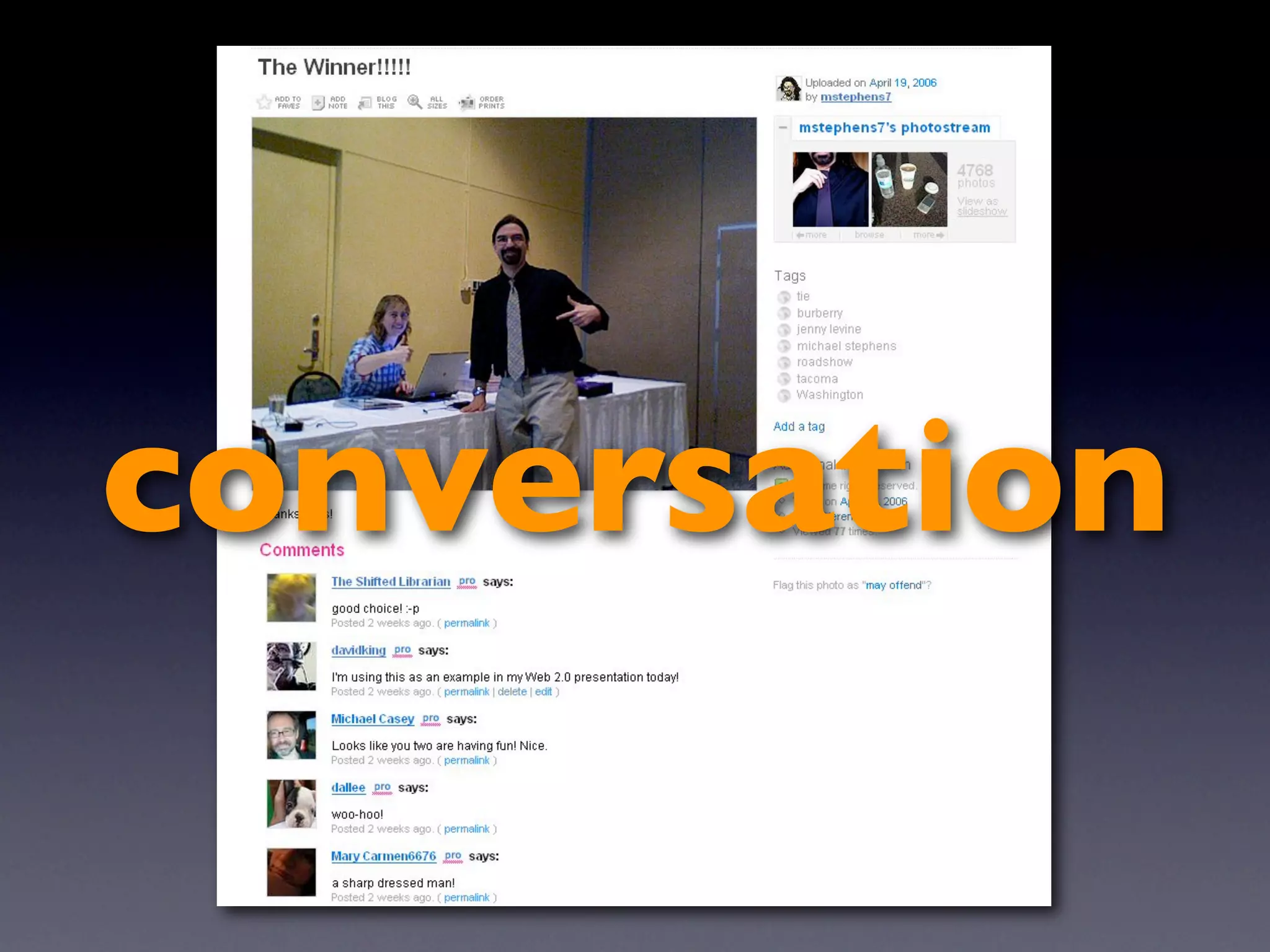
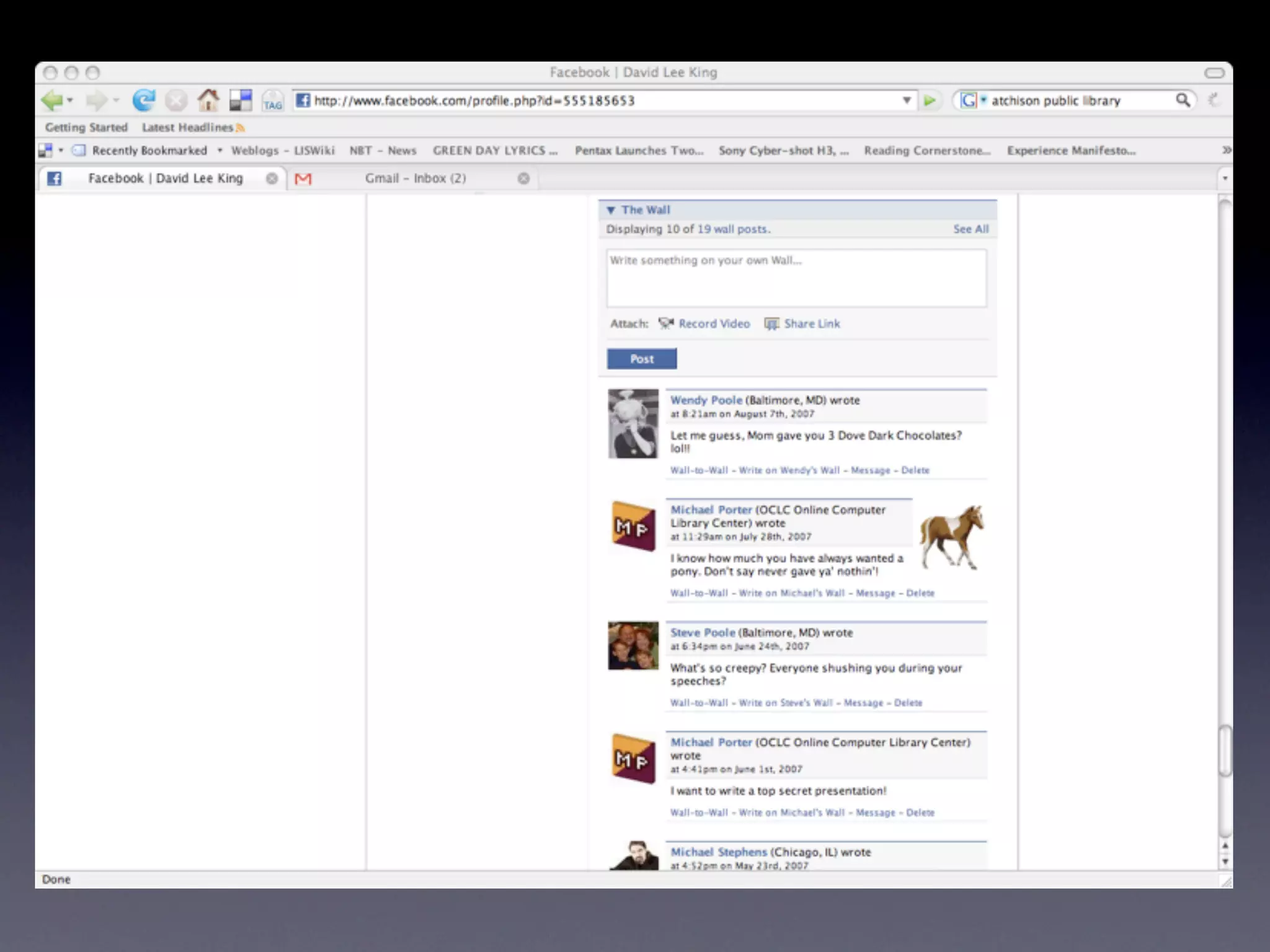
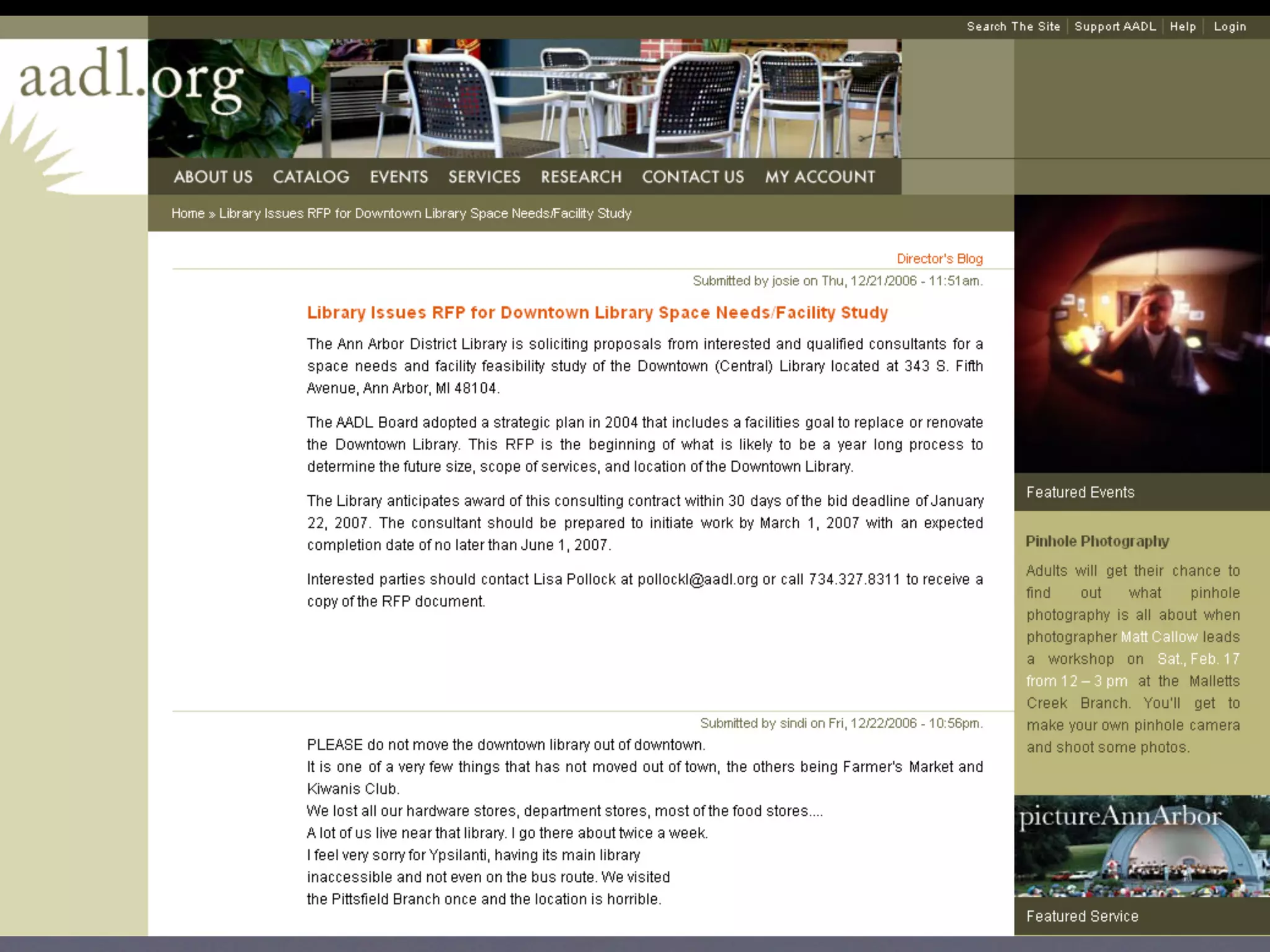
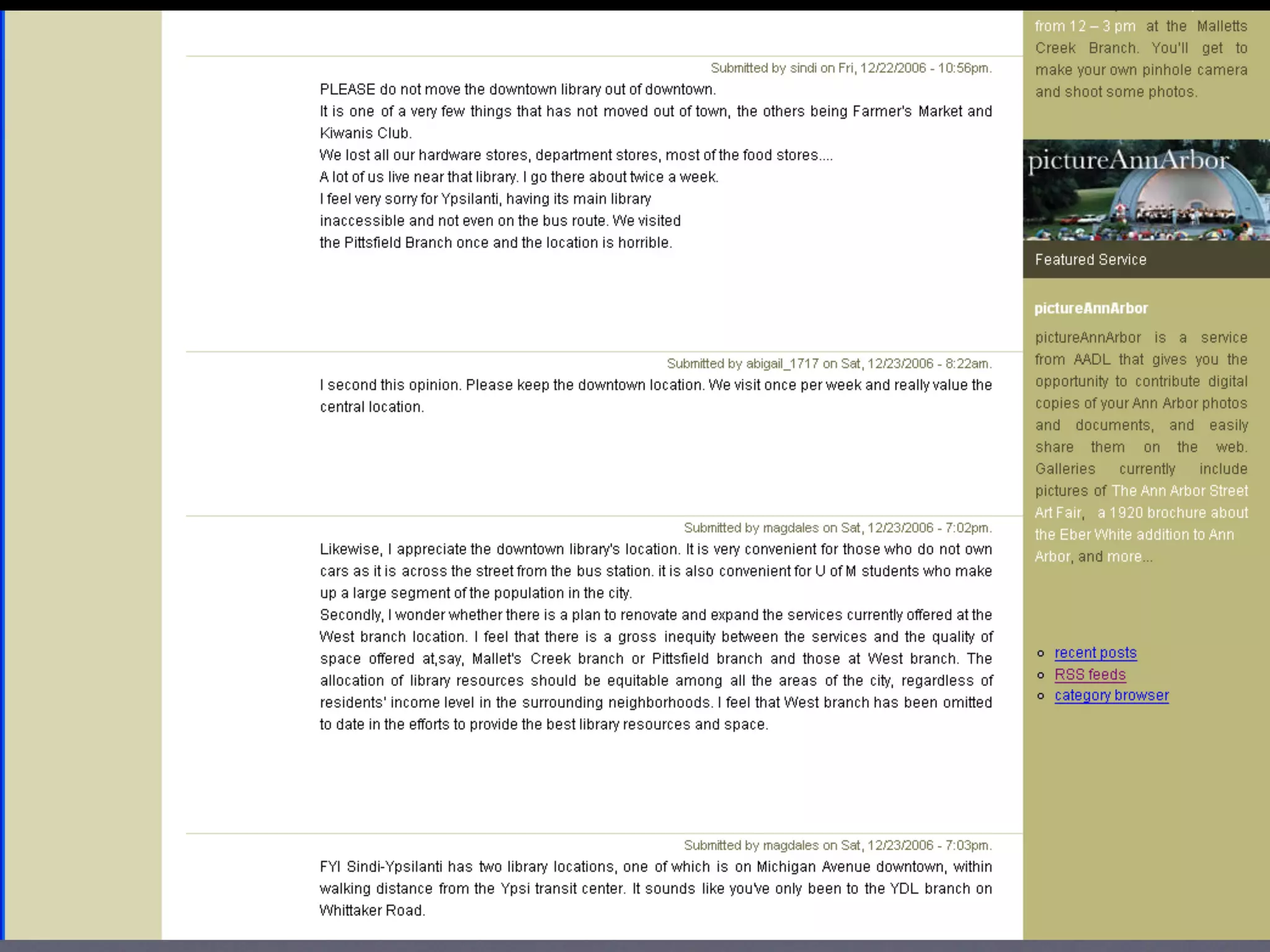
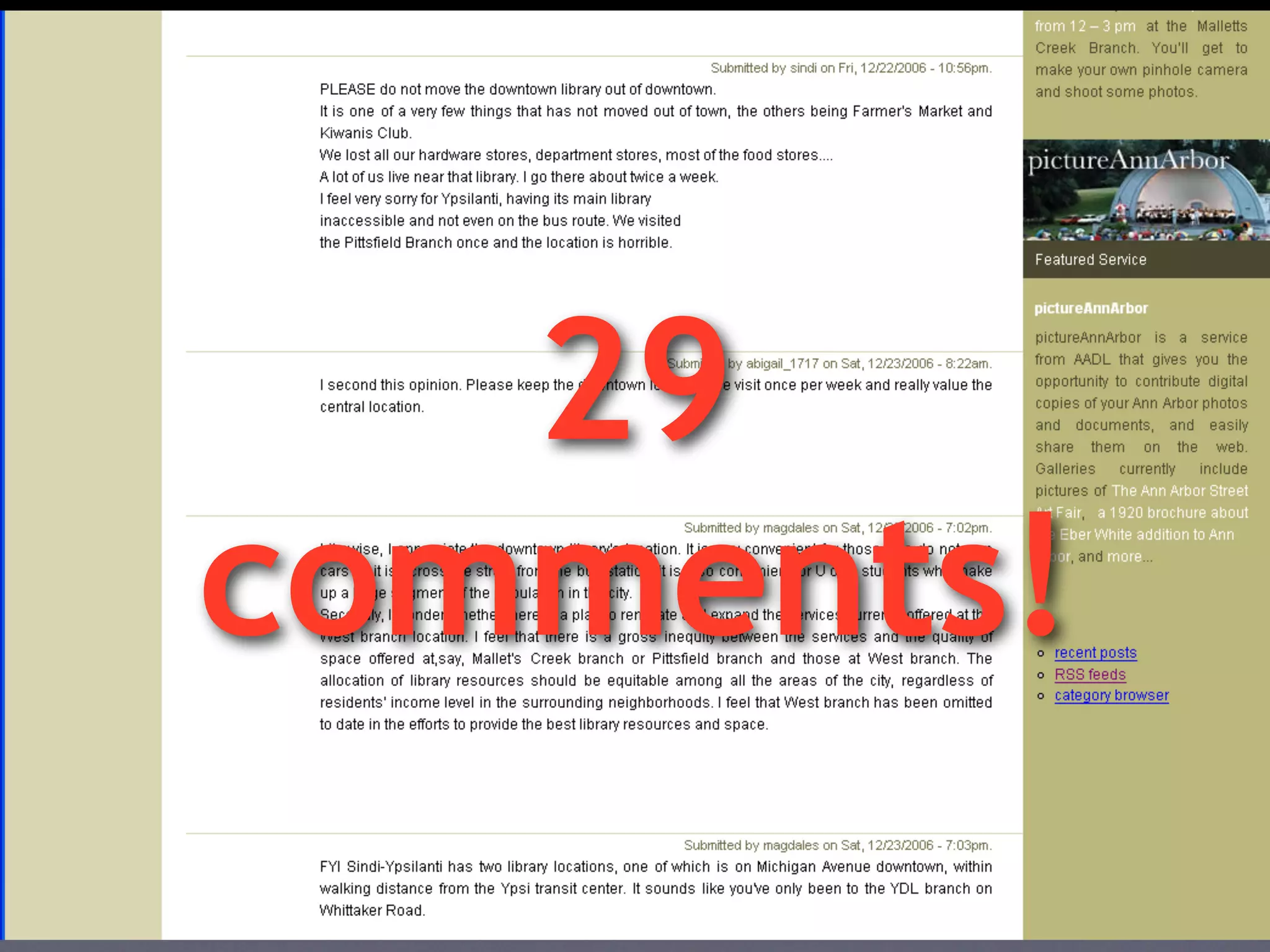
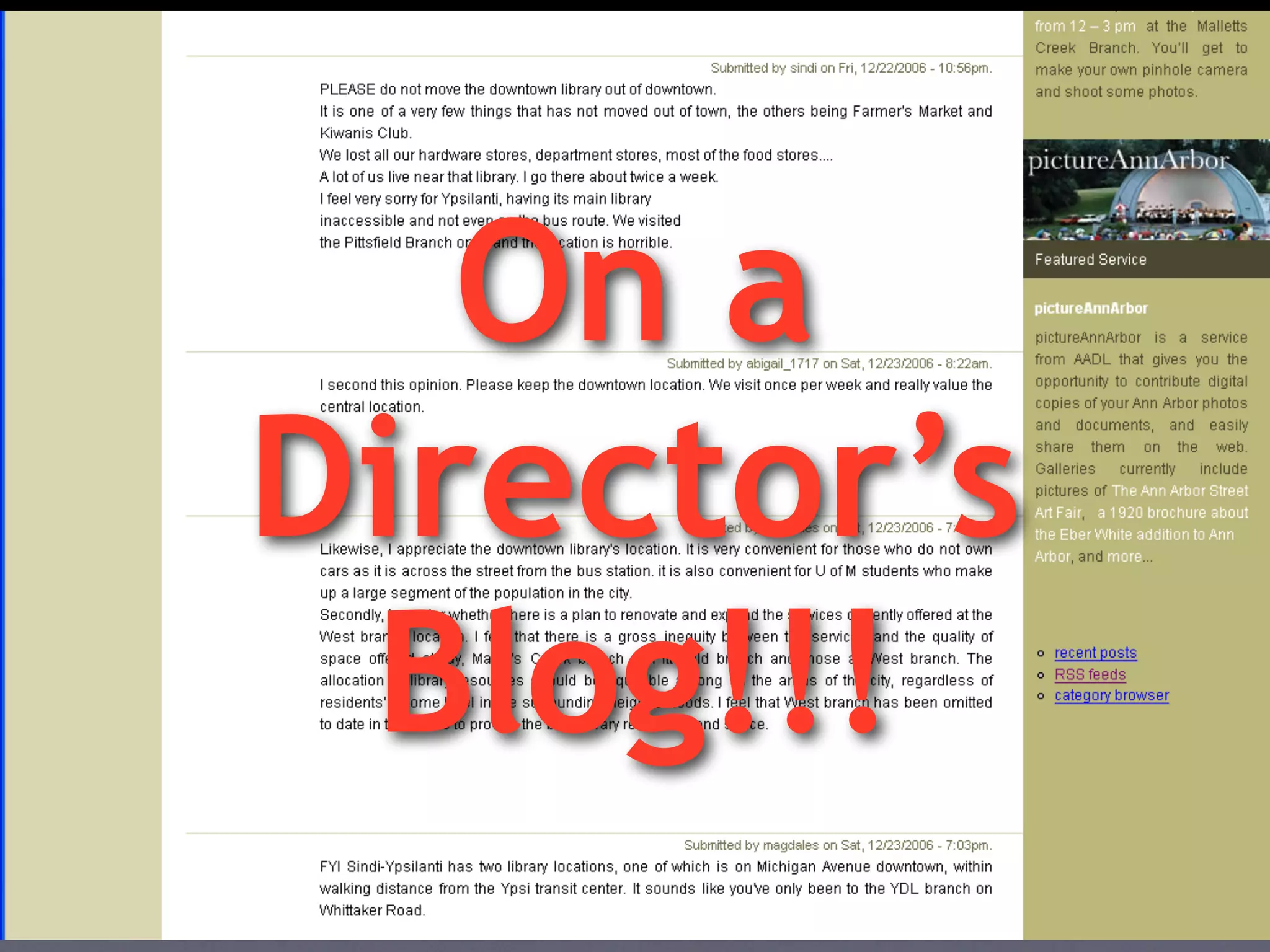
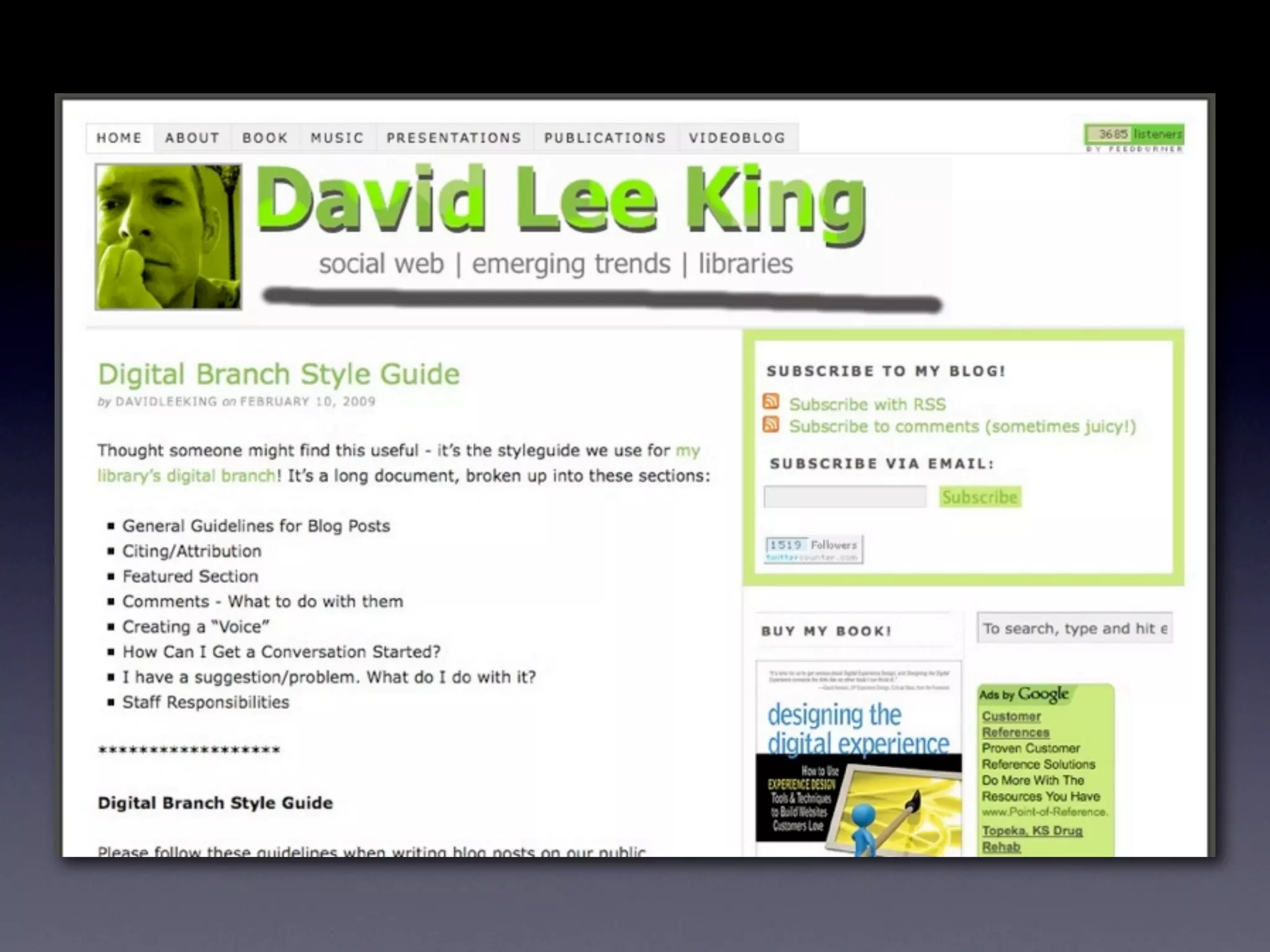
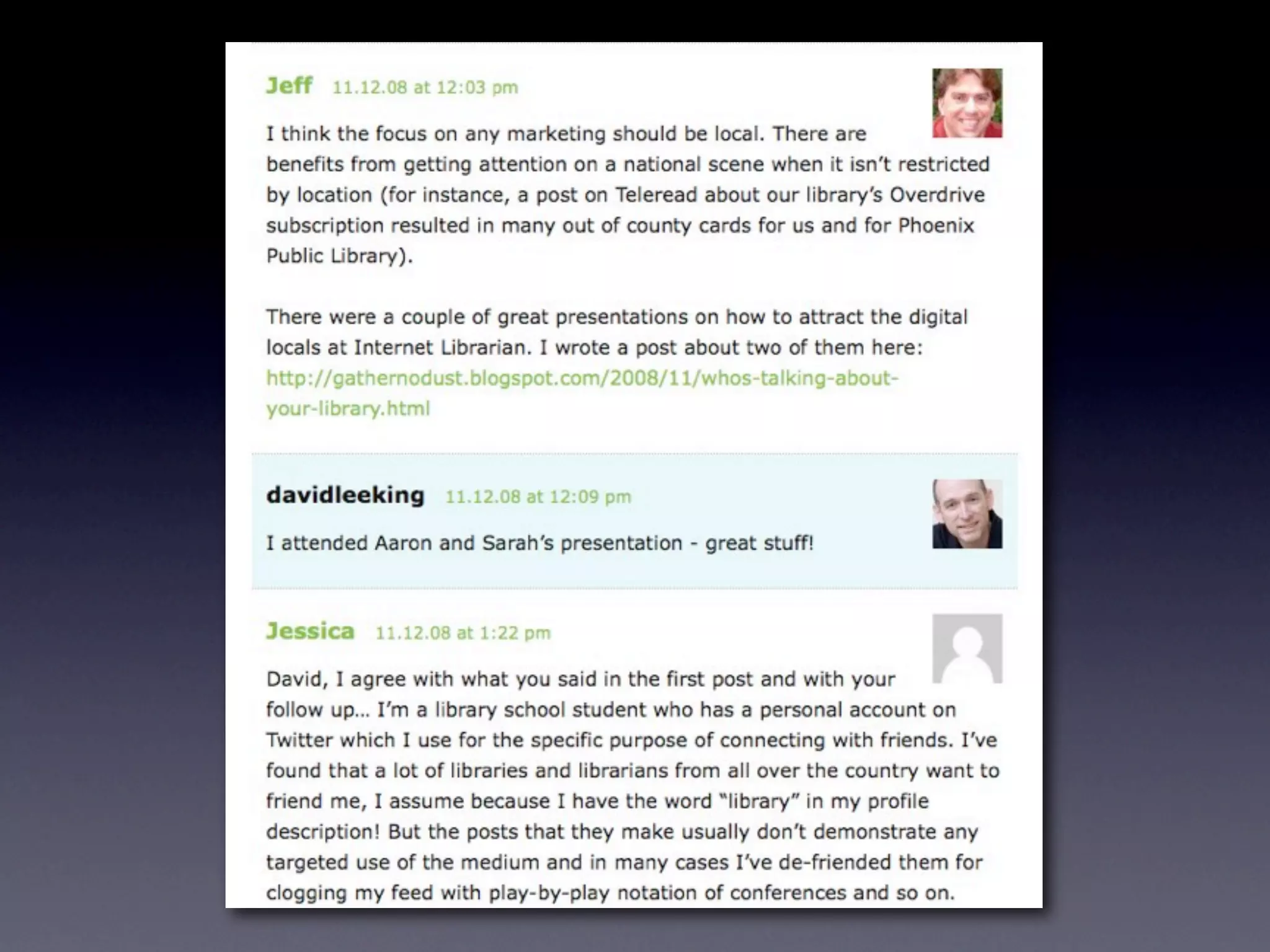
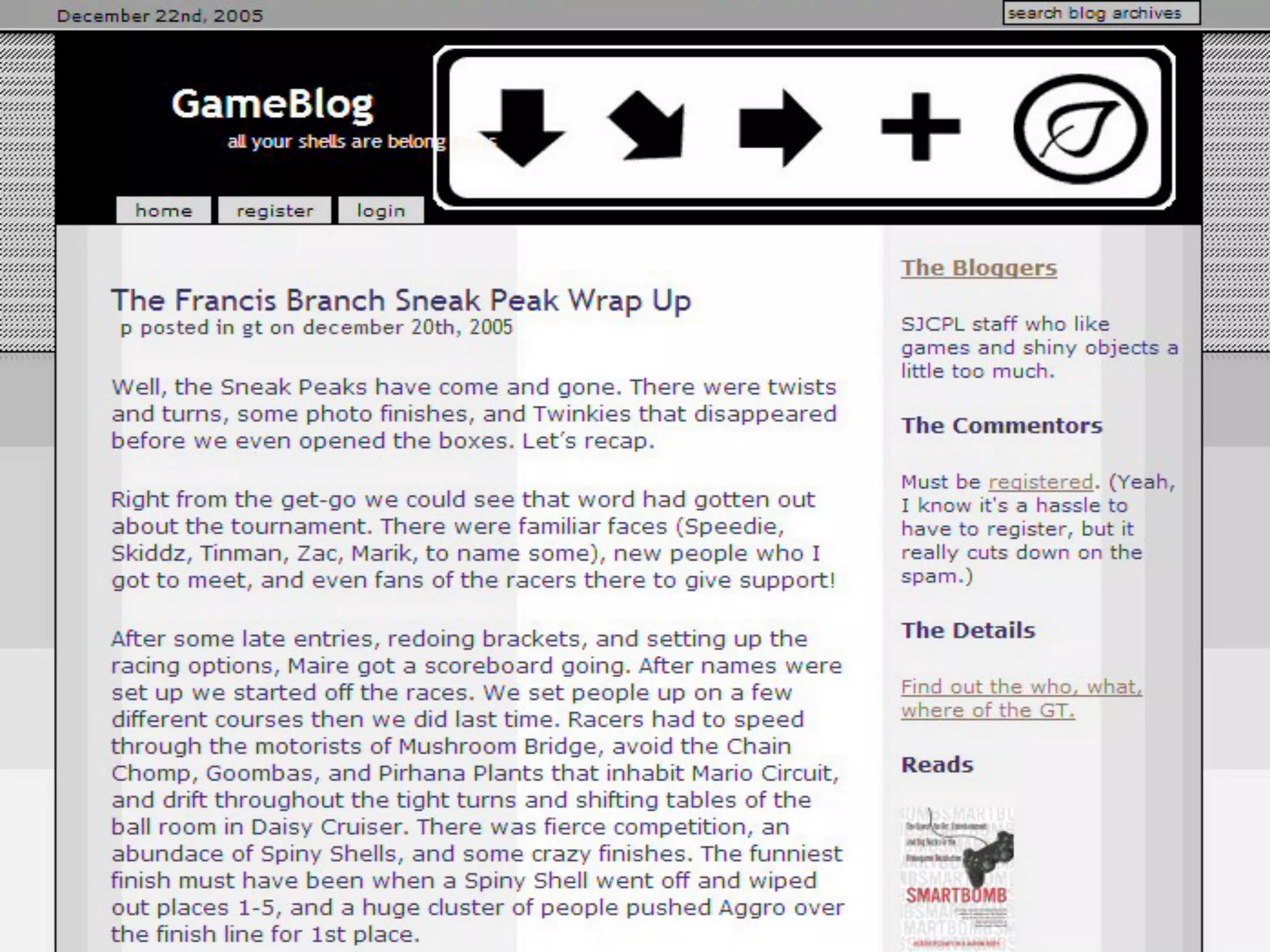
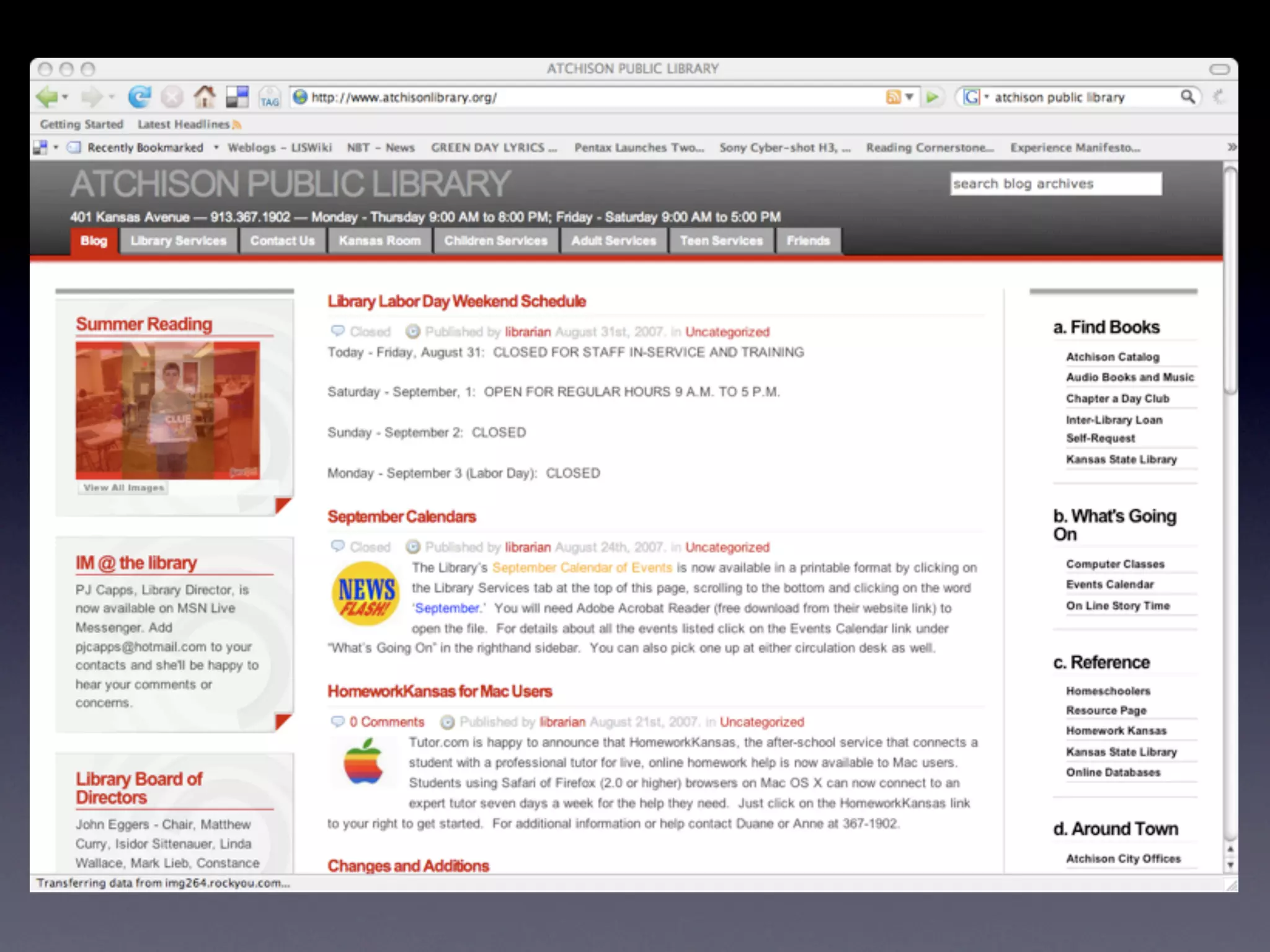
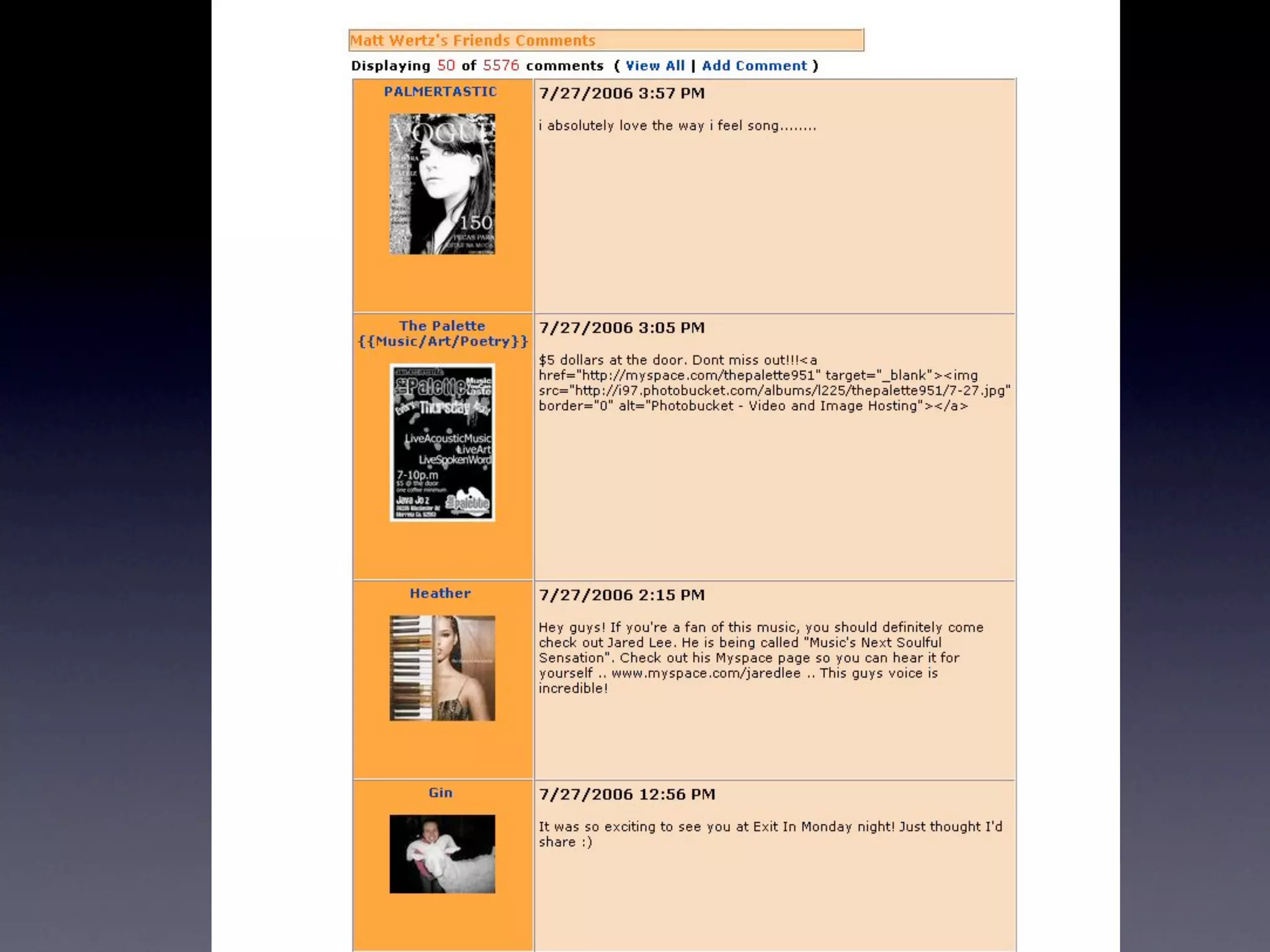
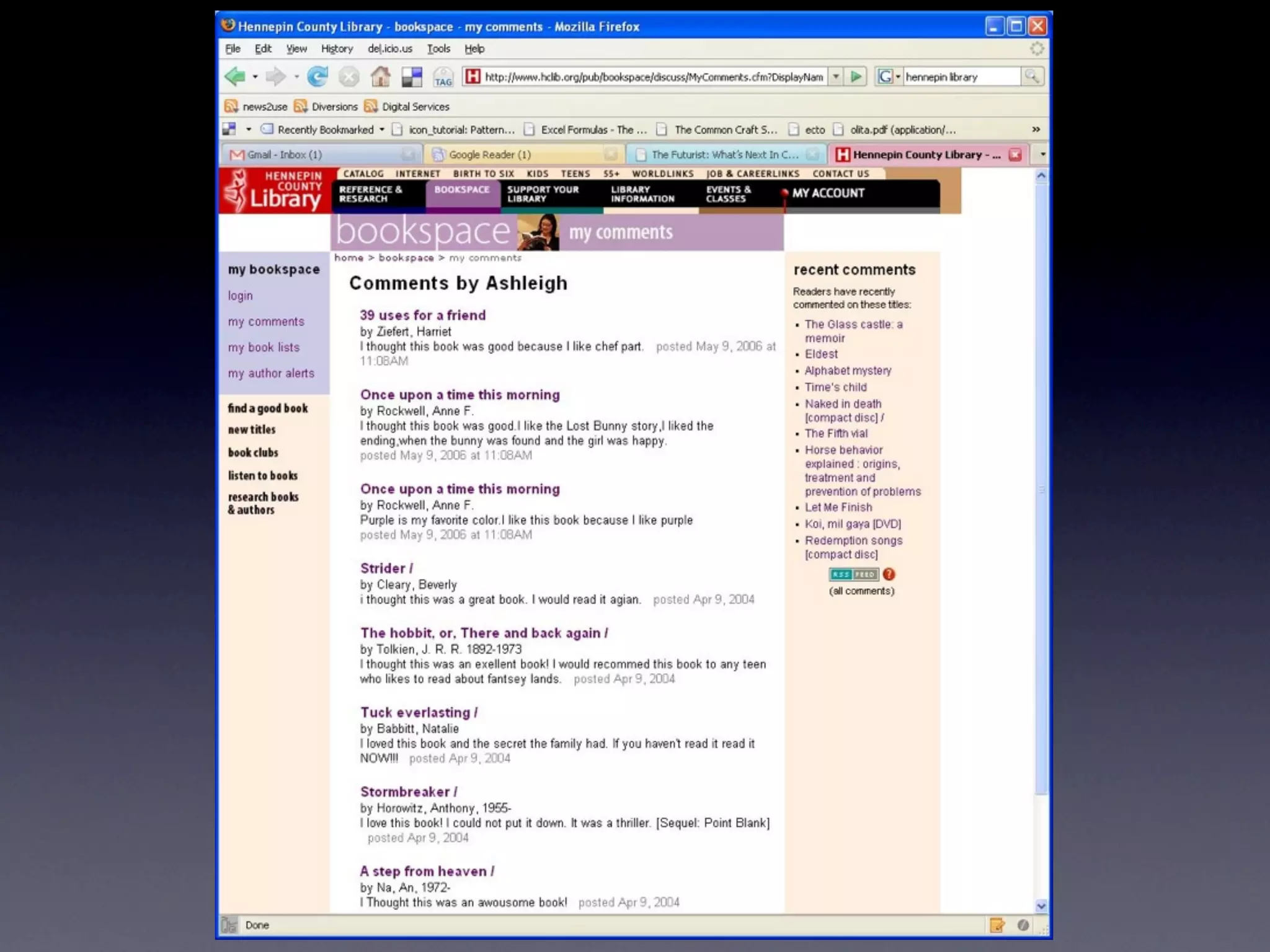
    12. 4. Leaving Comments • one-on-one in the past • maybe a letter? • Here’s what it can be now
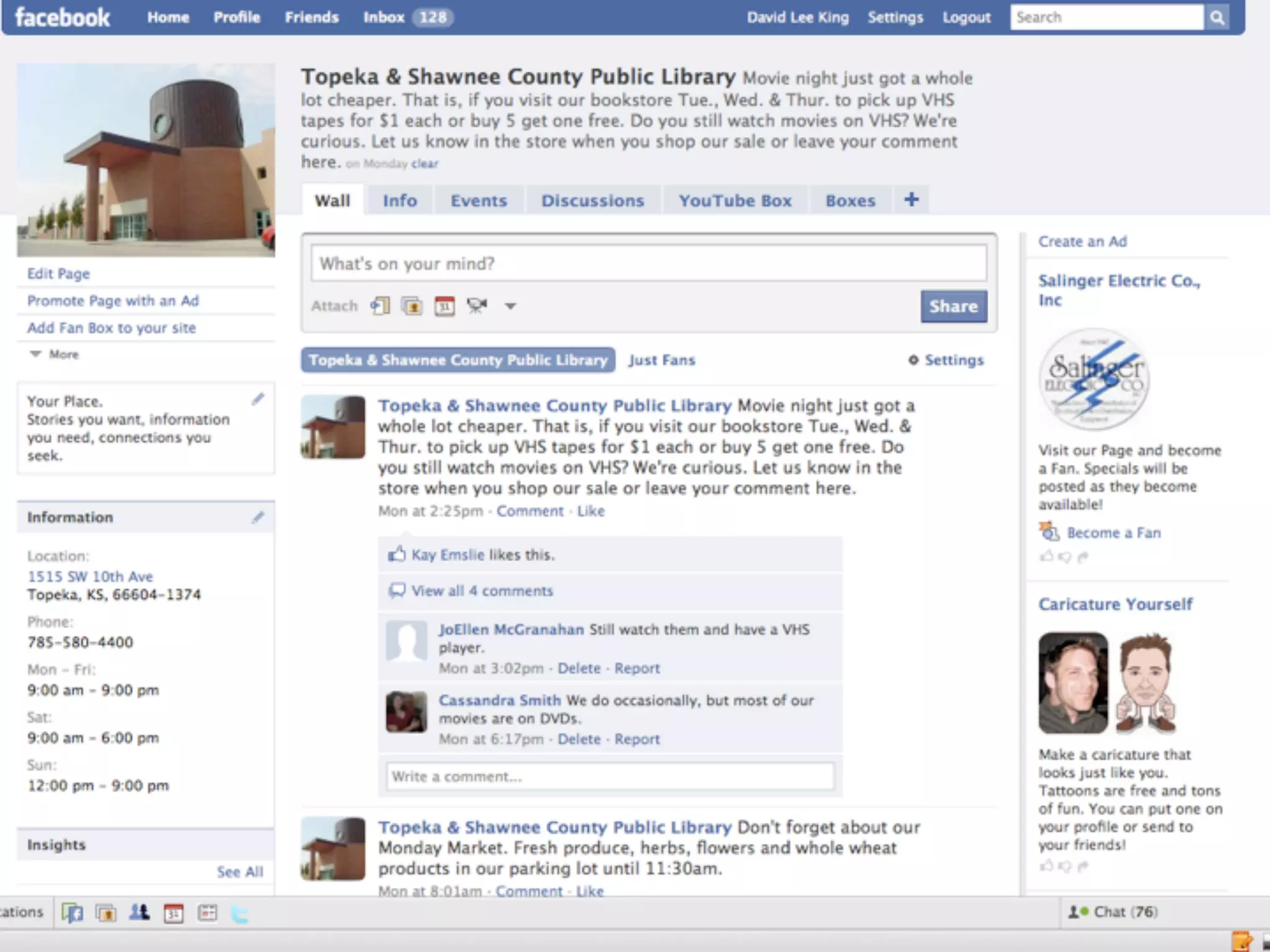
    13. conversation
    14. 29 comments!
    15. On a Director’s Blog!!!
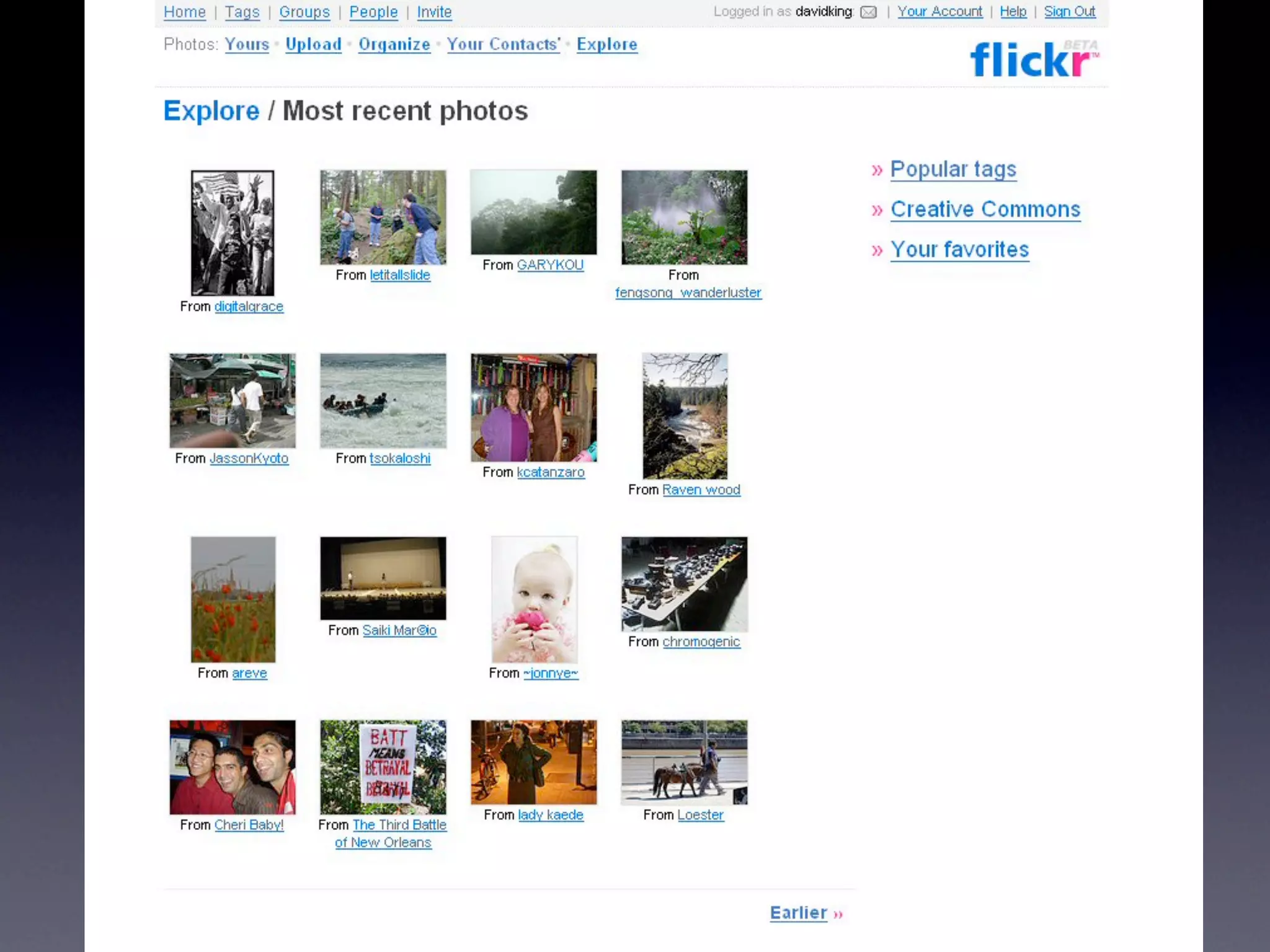
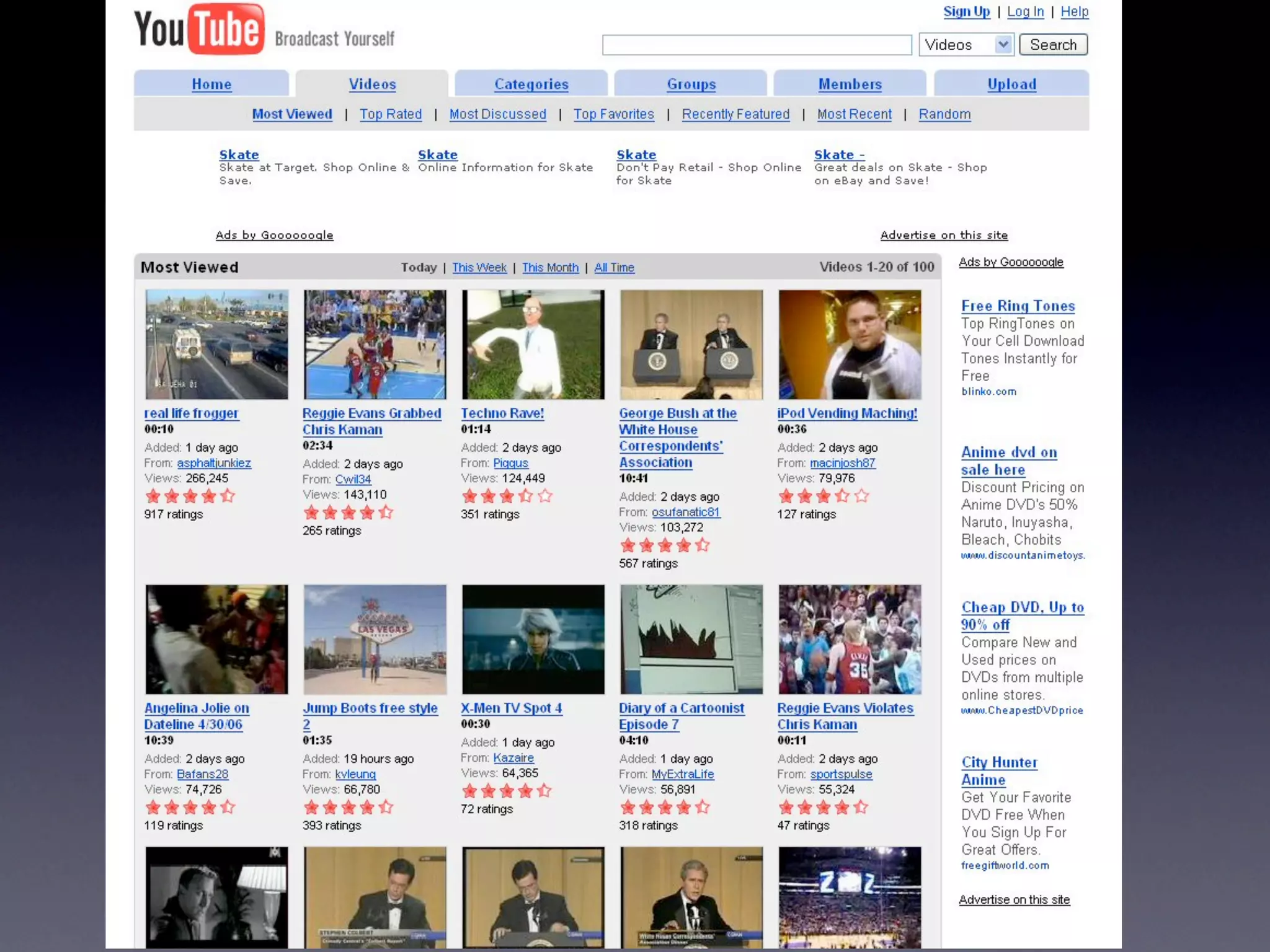
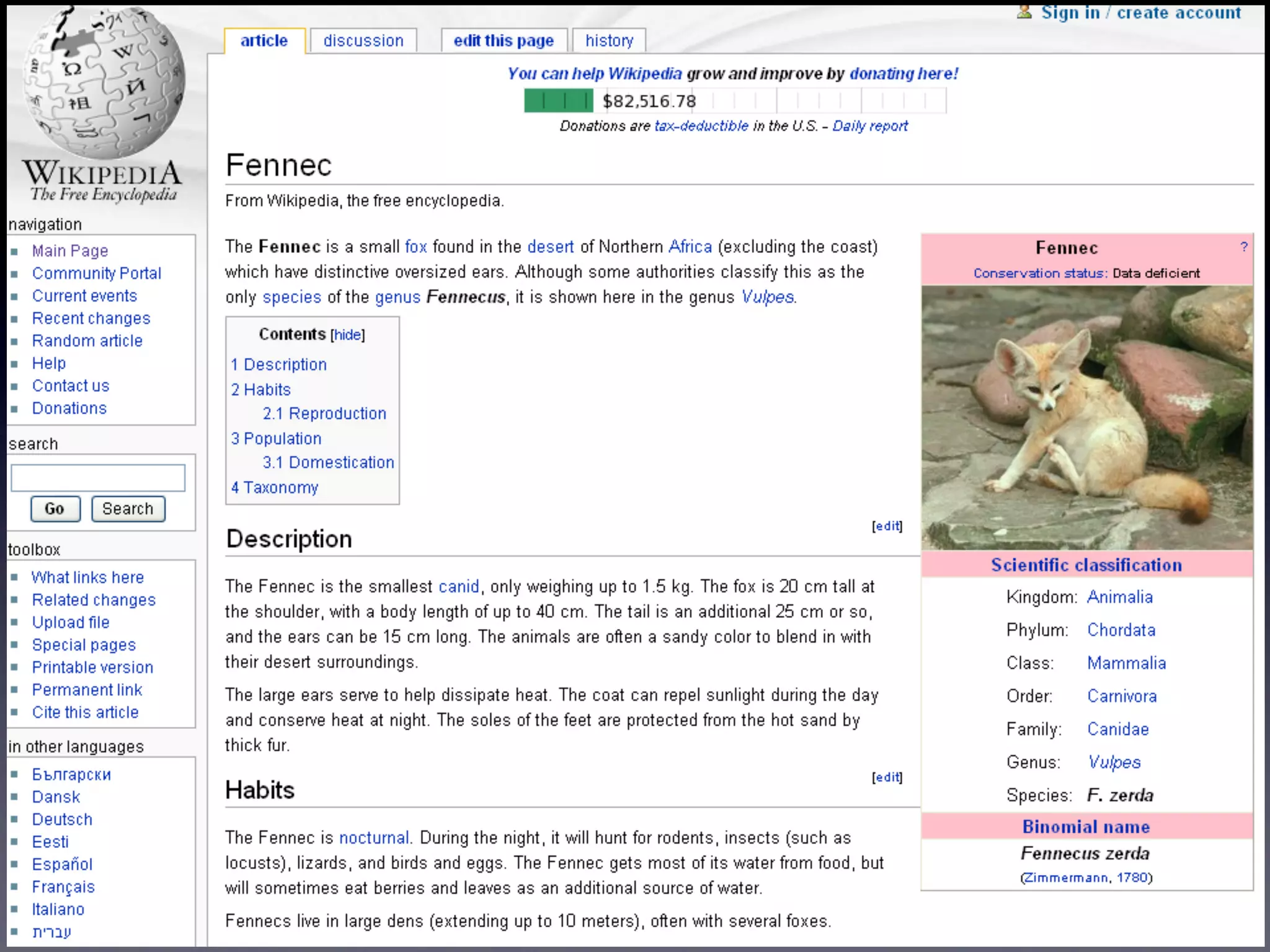
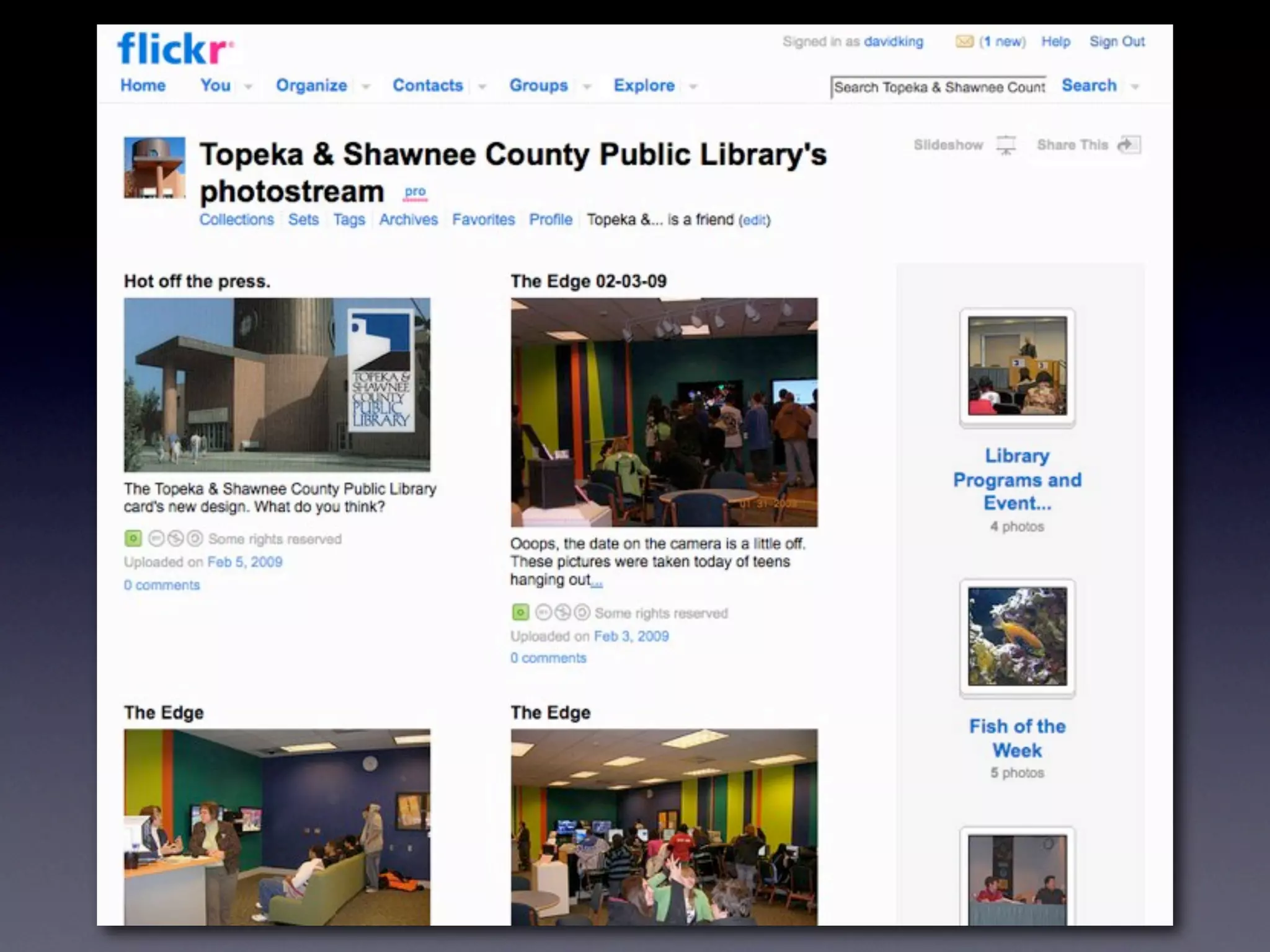
    16. 5. User-Supplied Content • web 2.0 doesn’t exist without user generated content • most web 2.0 sites feature “my stuff” • text • photos • videos
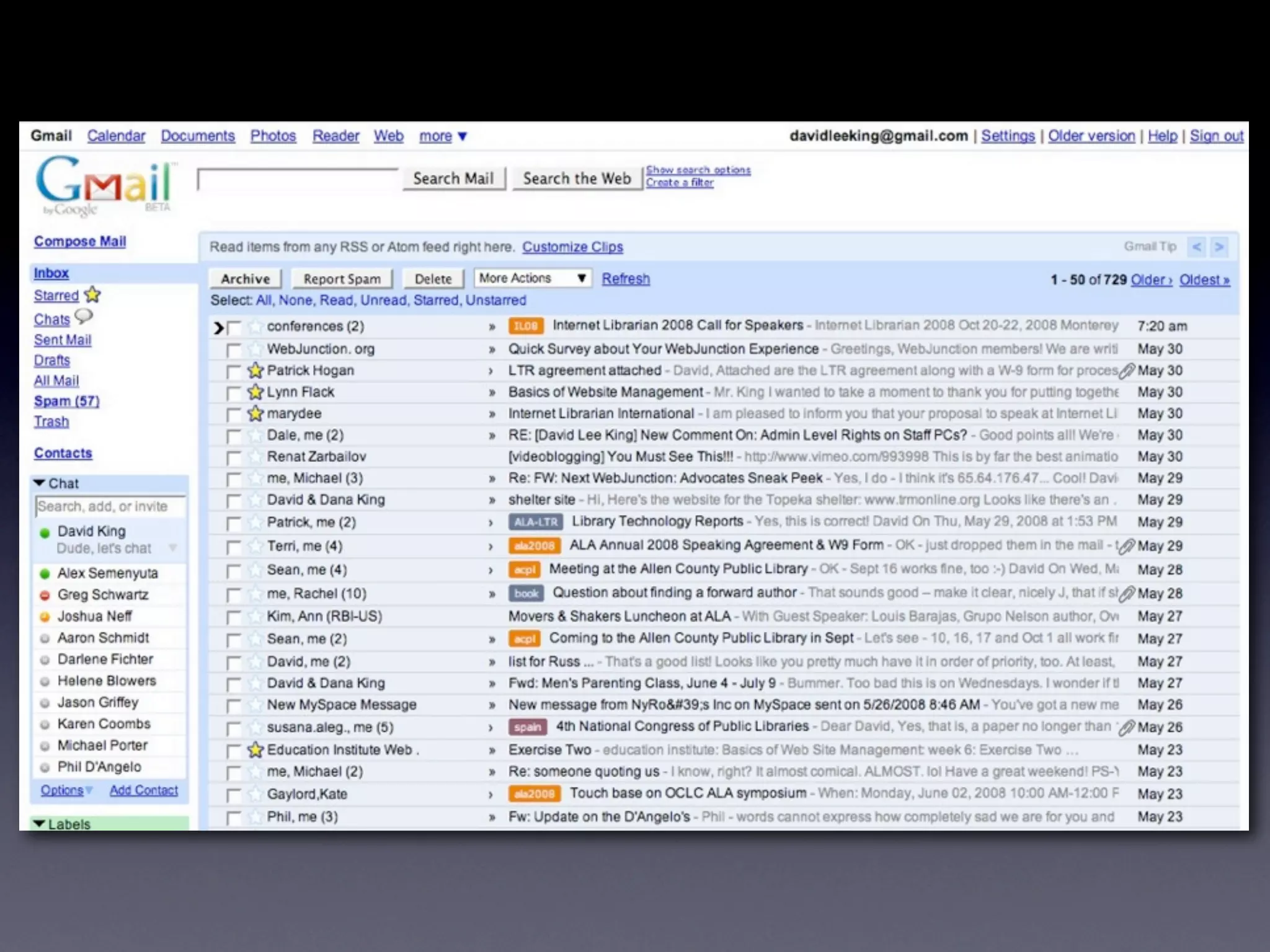
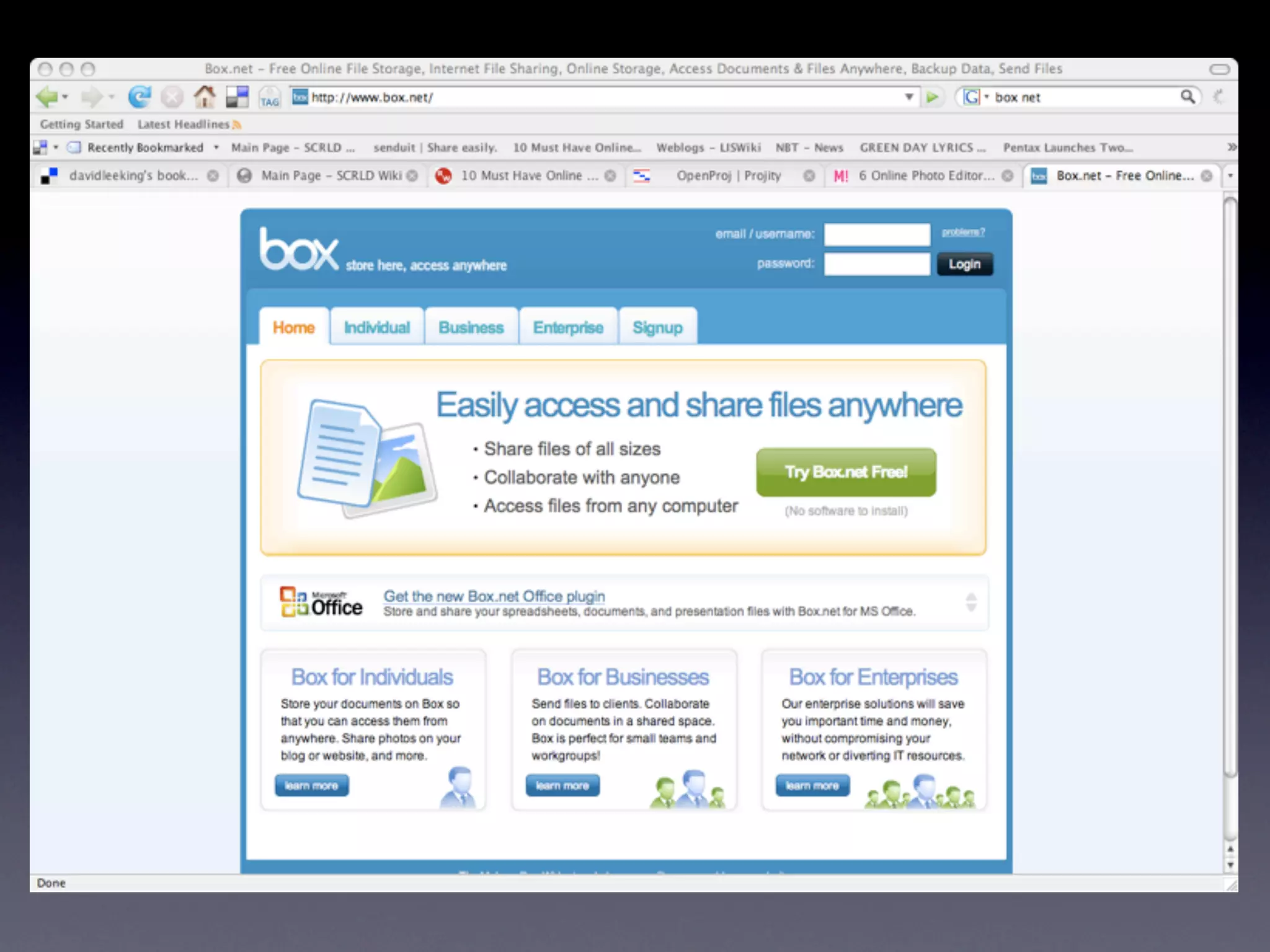
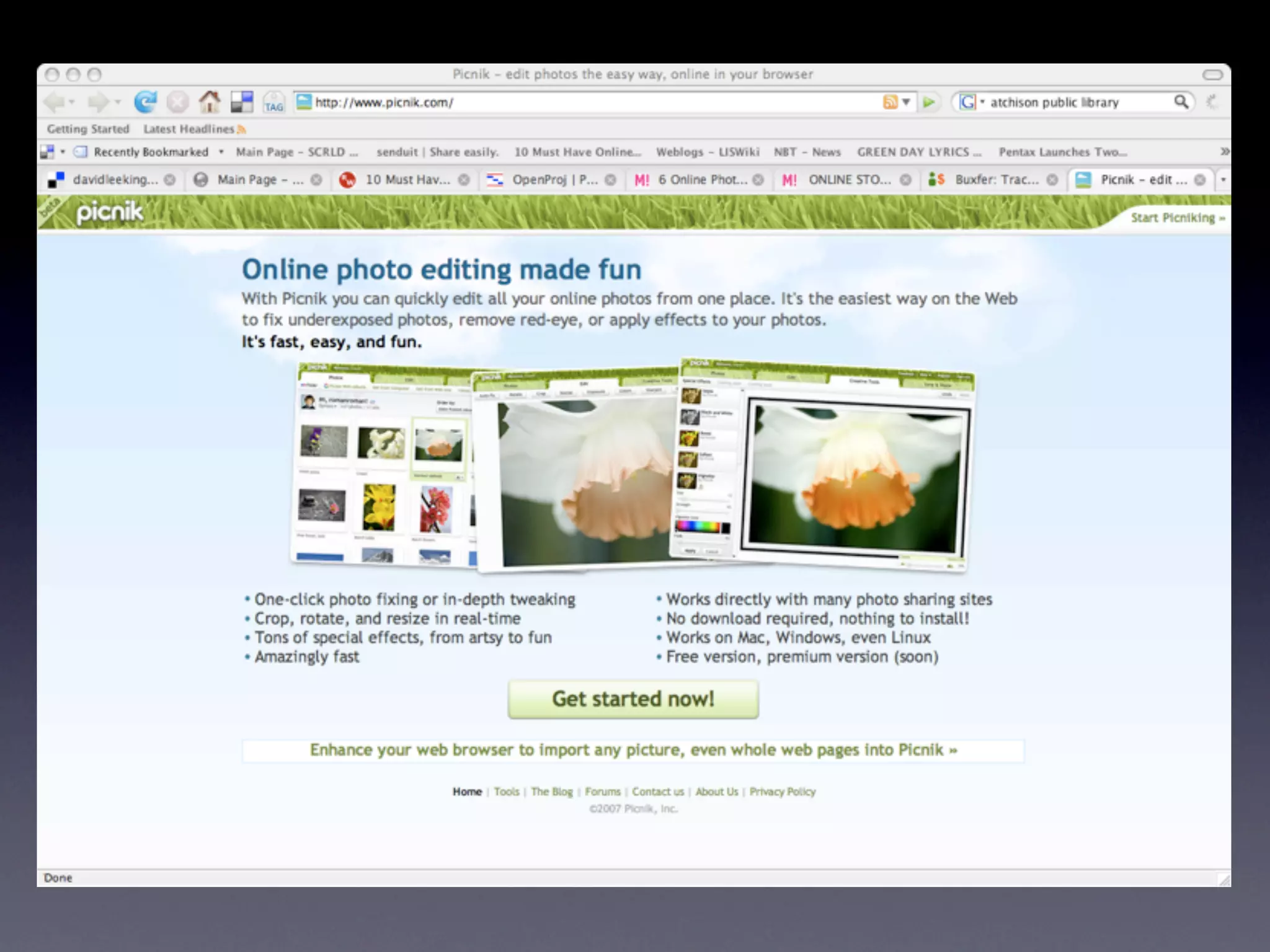
    17. 6. Web as Platform • web-based software • a platform that allows people to interact • not the usual “here’s the info about my organization” • email is a good example
    18. 7. Mashups • From Wikipedia: “A mashup is a website or web application that seamlessly combines content from more than one source into an integrated experience.” • Usually via an API, RSS feed, or JavaScript
    19. 8. Friending • Buddies, friends, contacts, followers • Linking to friends or contacts • sharing content • trusted buddy list
    20. now, let’s jump right in • blogs • social networking sites • bookmark managers • wikis • instant messaging • podcasting and videocasting • Library Catalogs???
    21. blogs
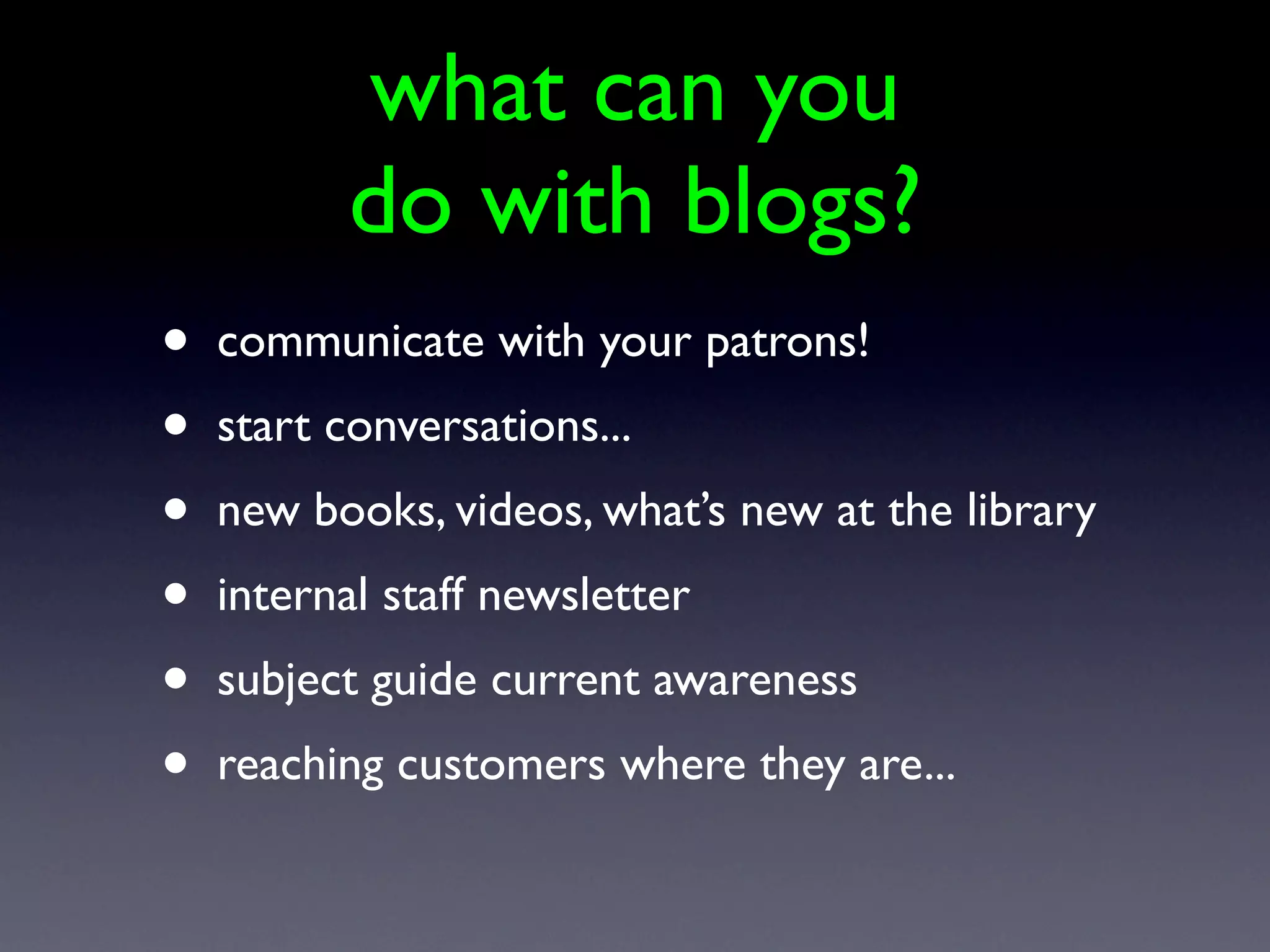
    22. what can you do with blogs? • communicate with your patrons! • start conversations... • new books, videos, what’s new at the library • internal staff newsletter • subject guide current awareness • reaching customers where they are...
    23. Social Networking Sites
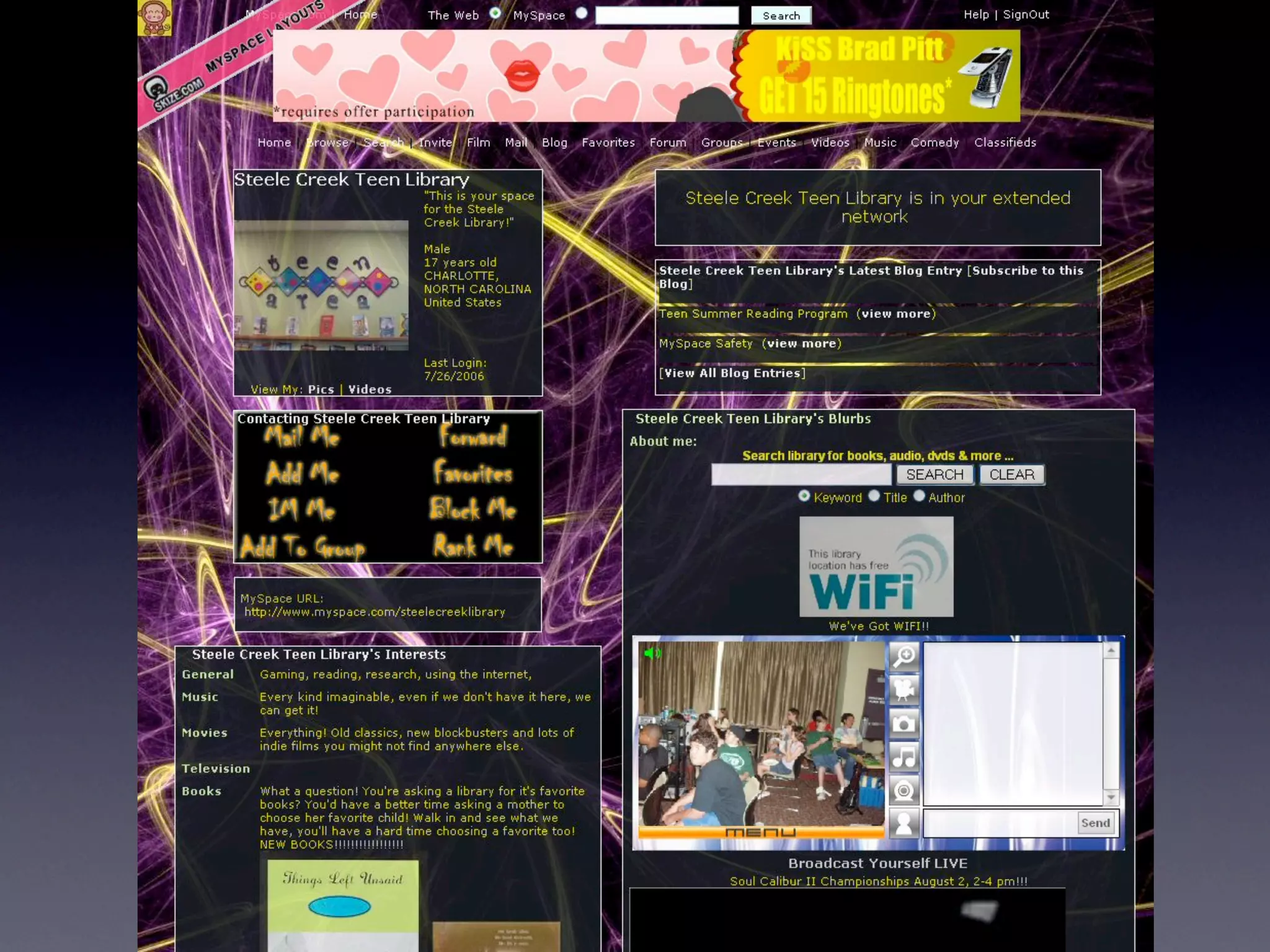
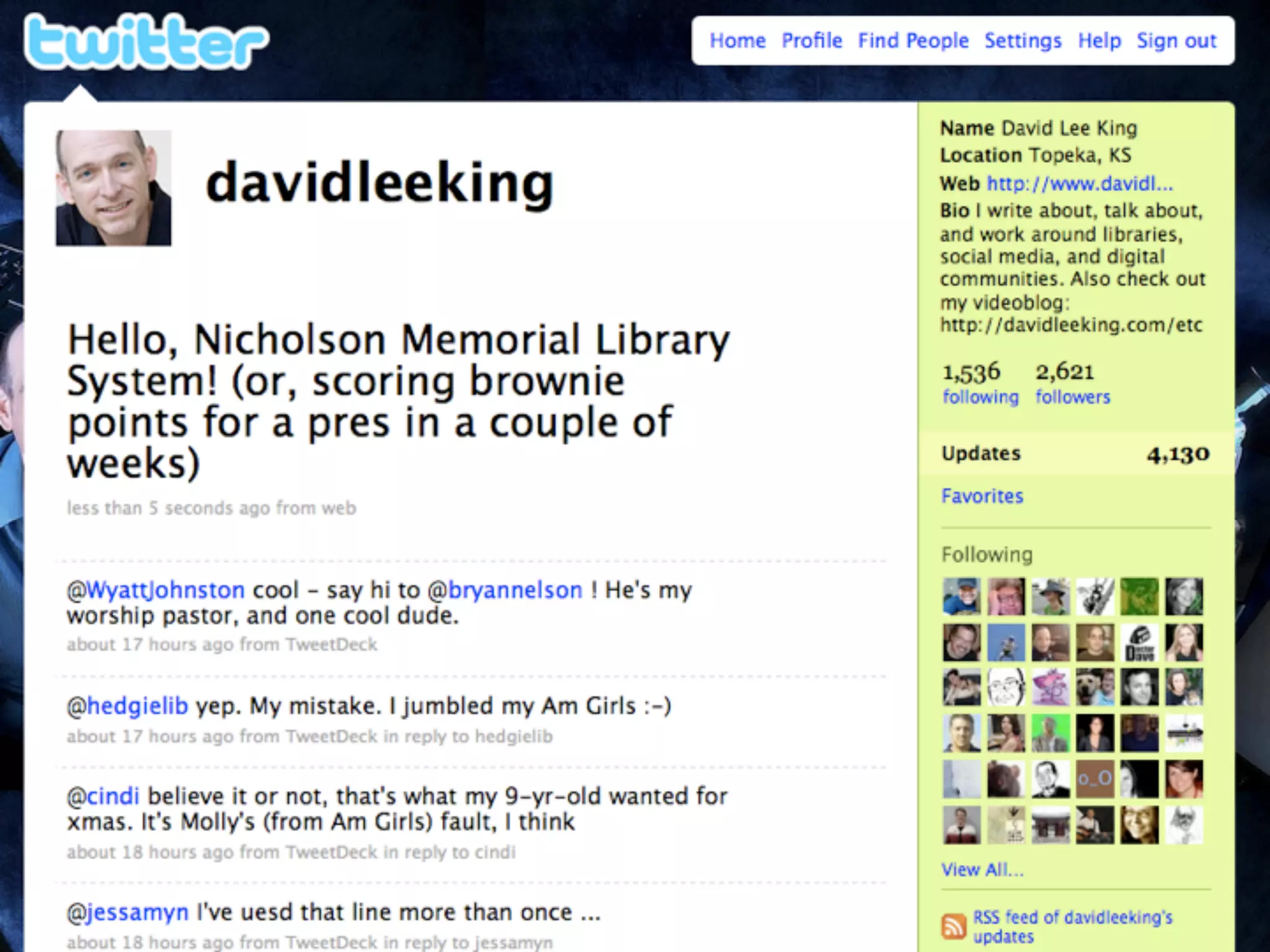
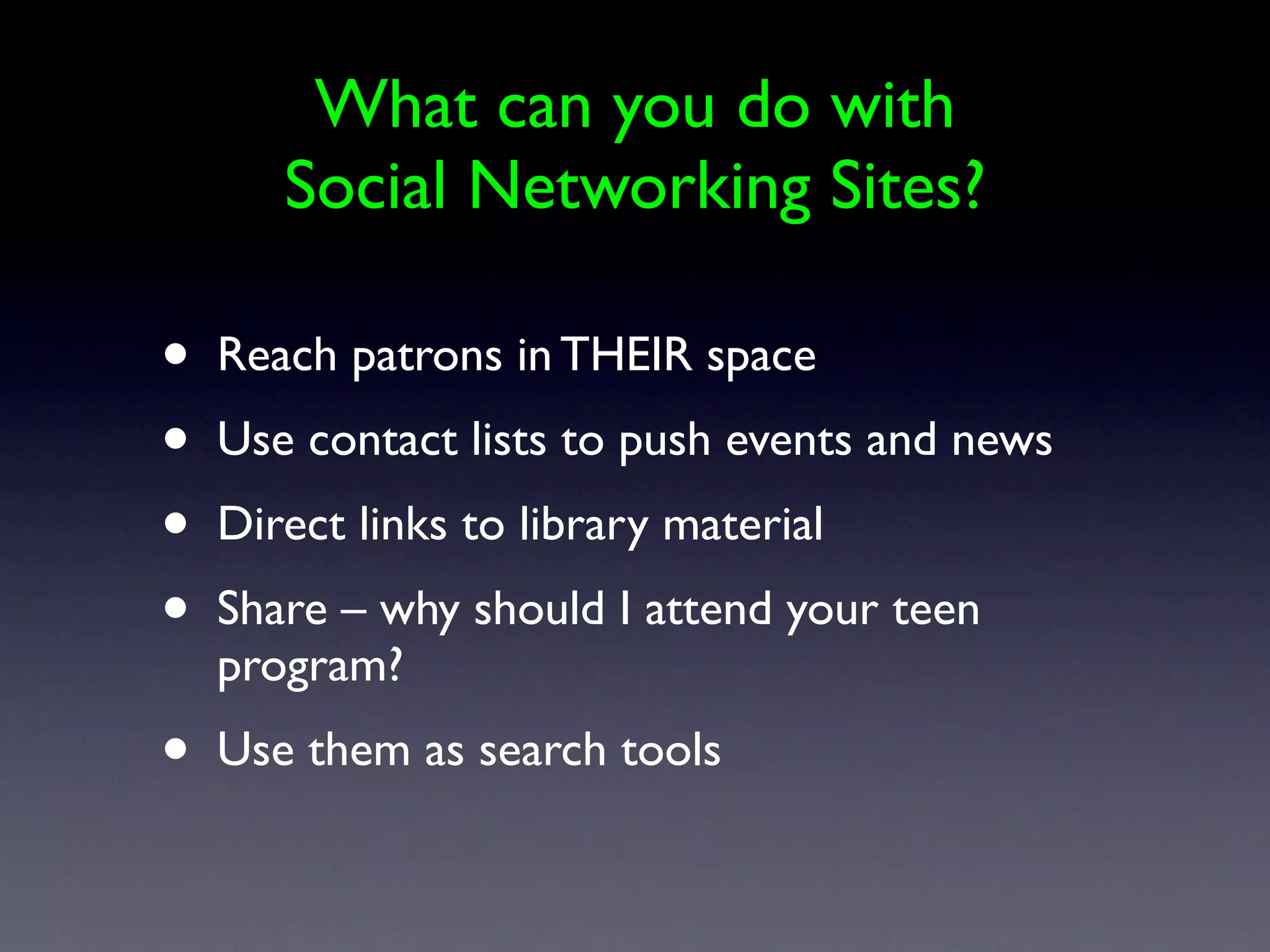
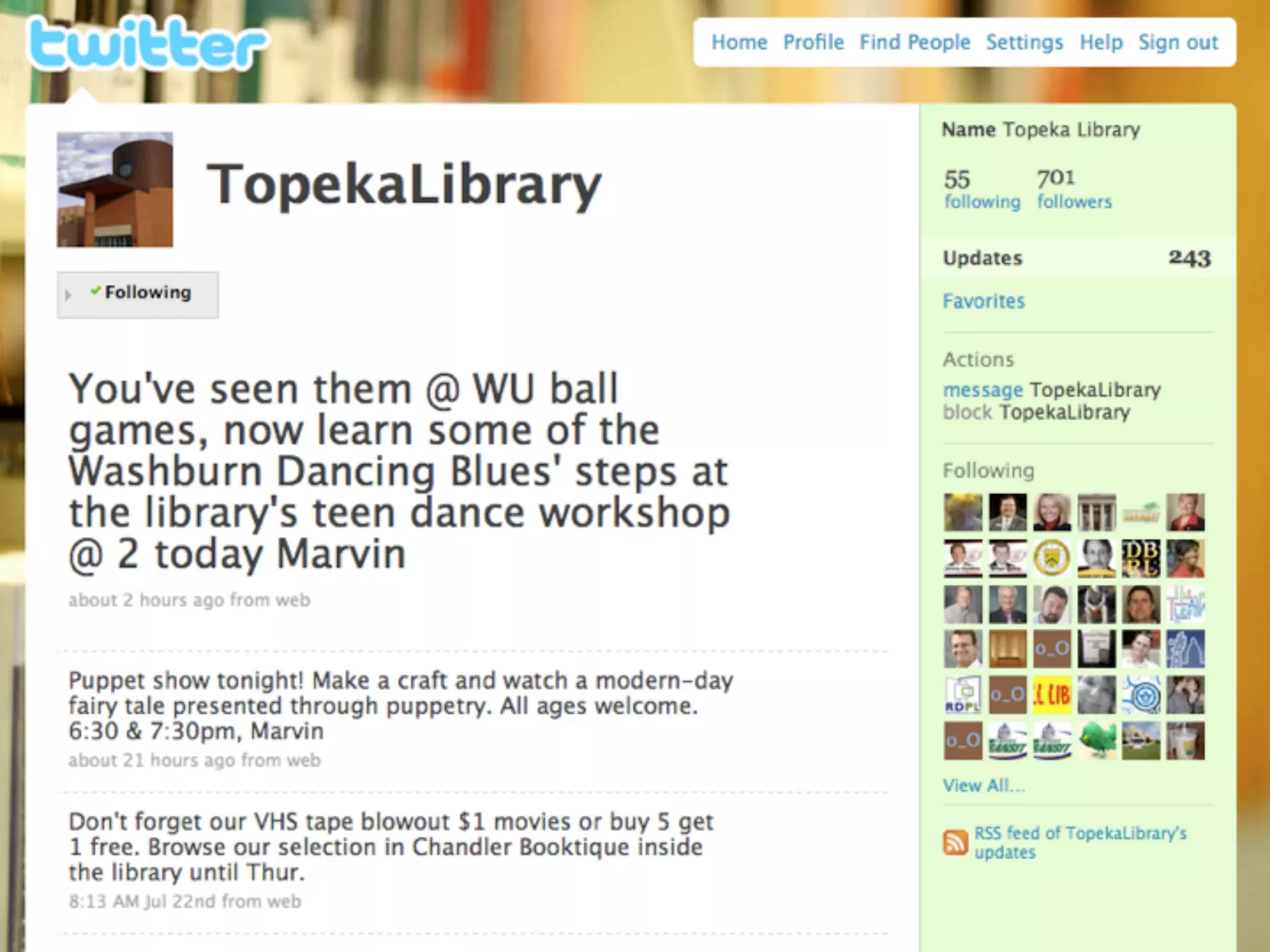
    24. What can you do with Social Networking Sites? • Reach patrons in THEIR space • Use contact lists to push events and news • Direct links to library material • Share – why should I attend your teen program? • Use them as search tools
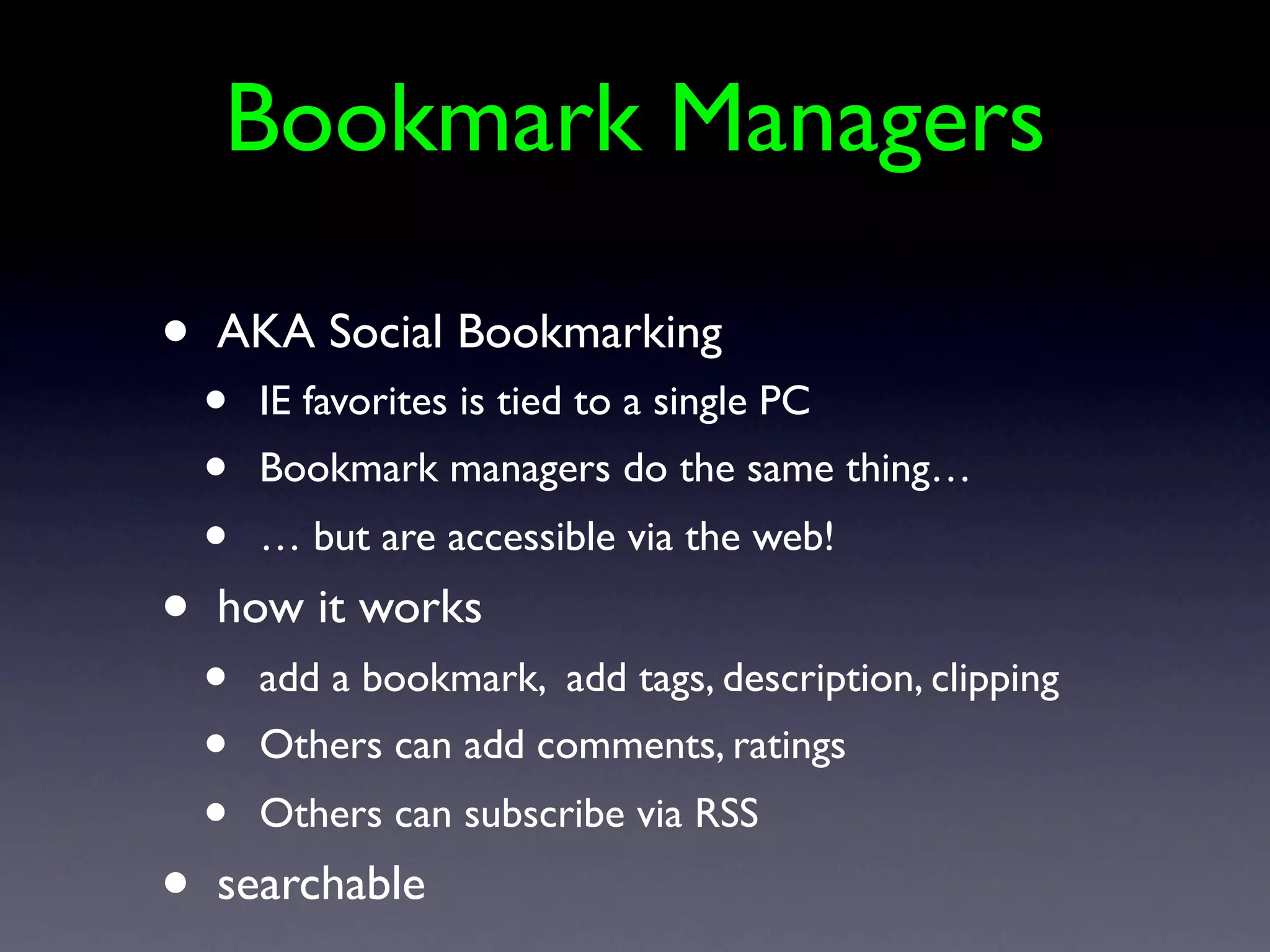
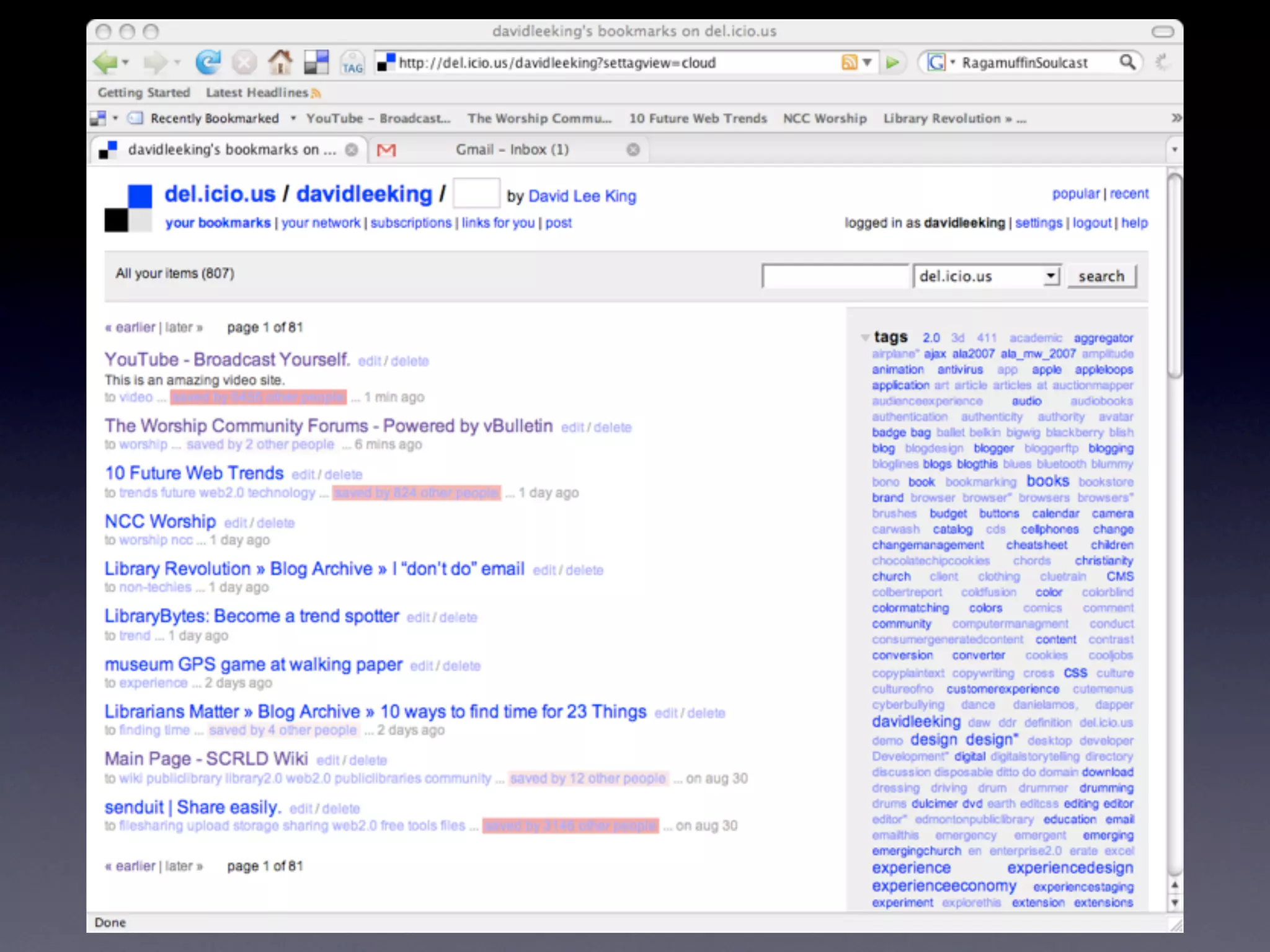
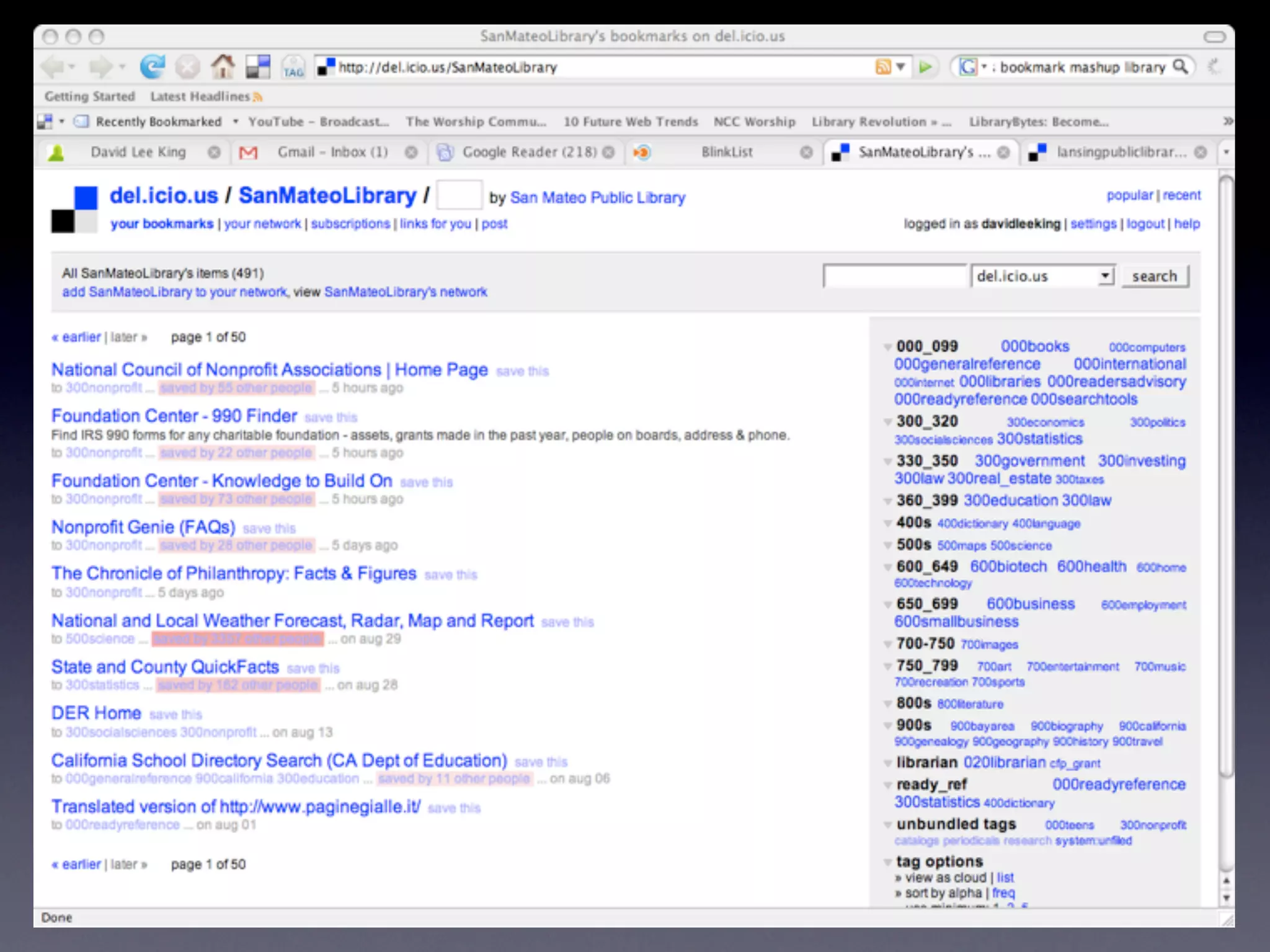
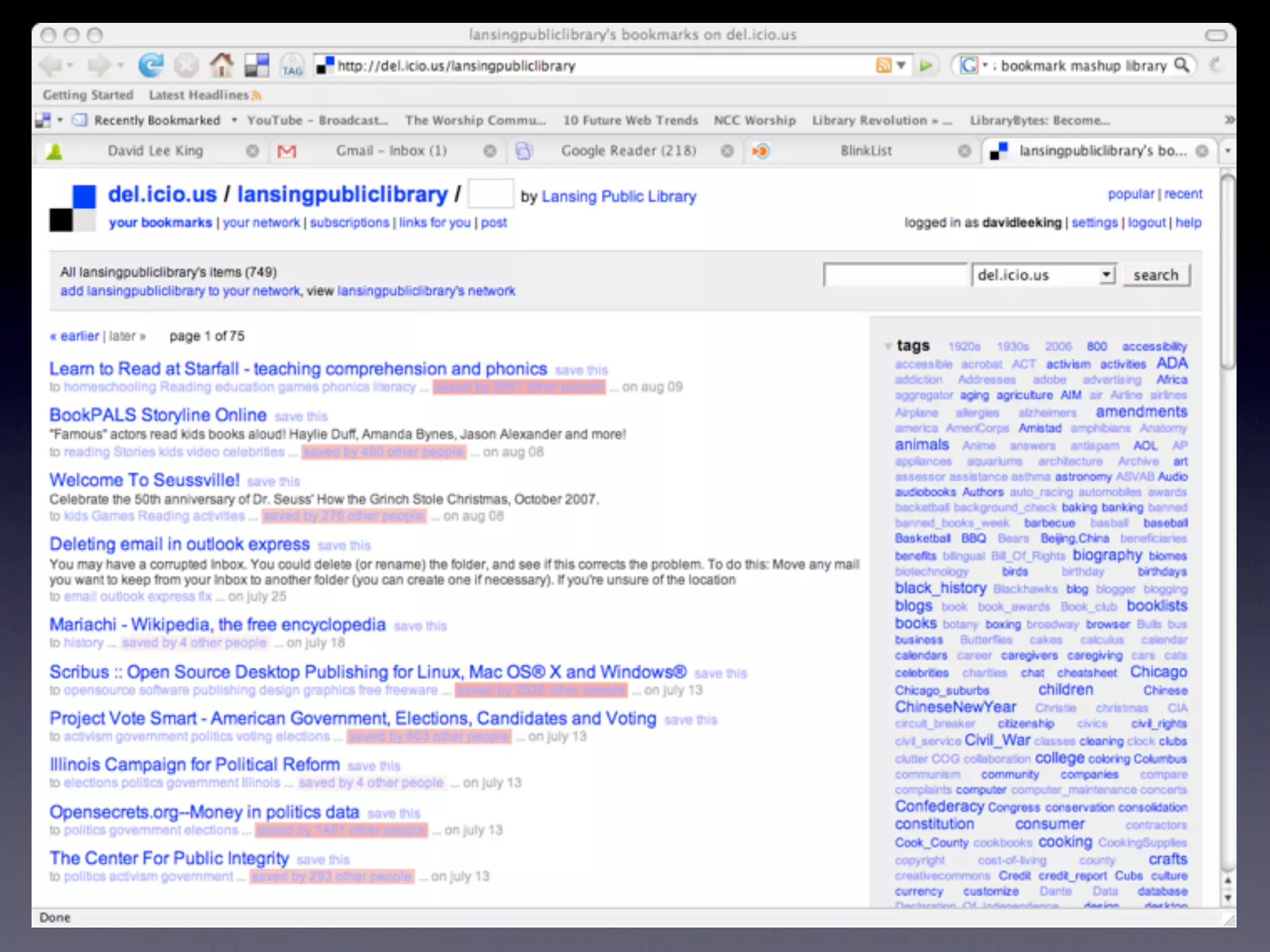
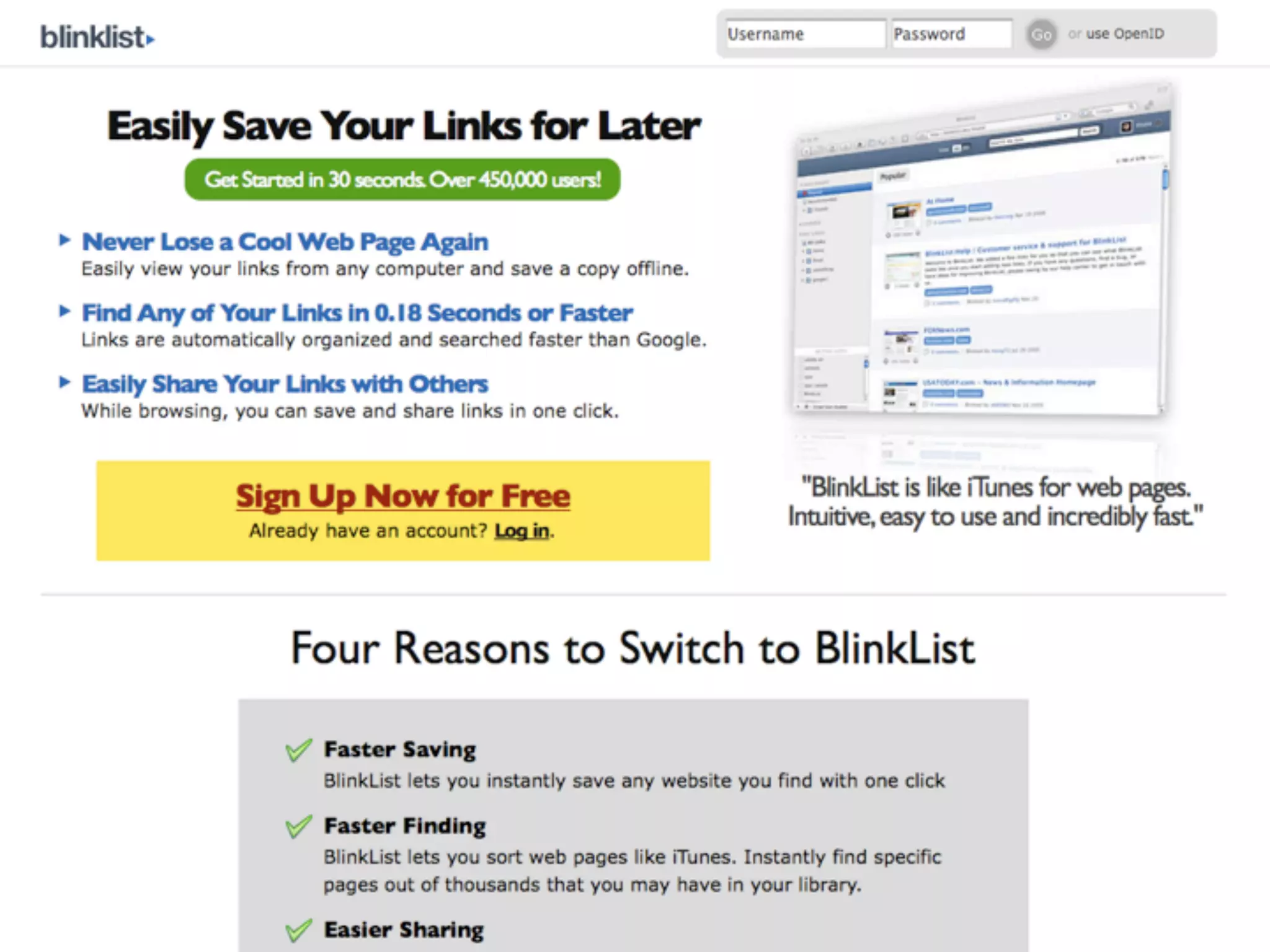
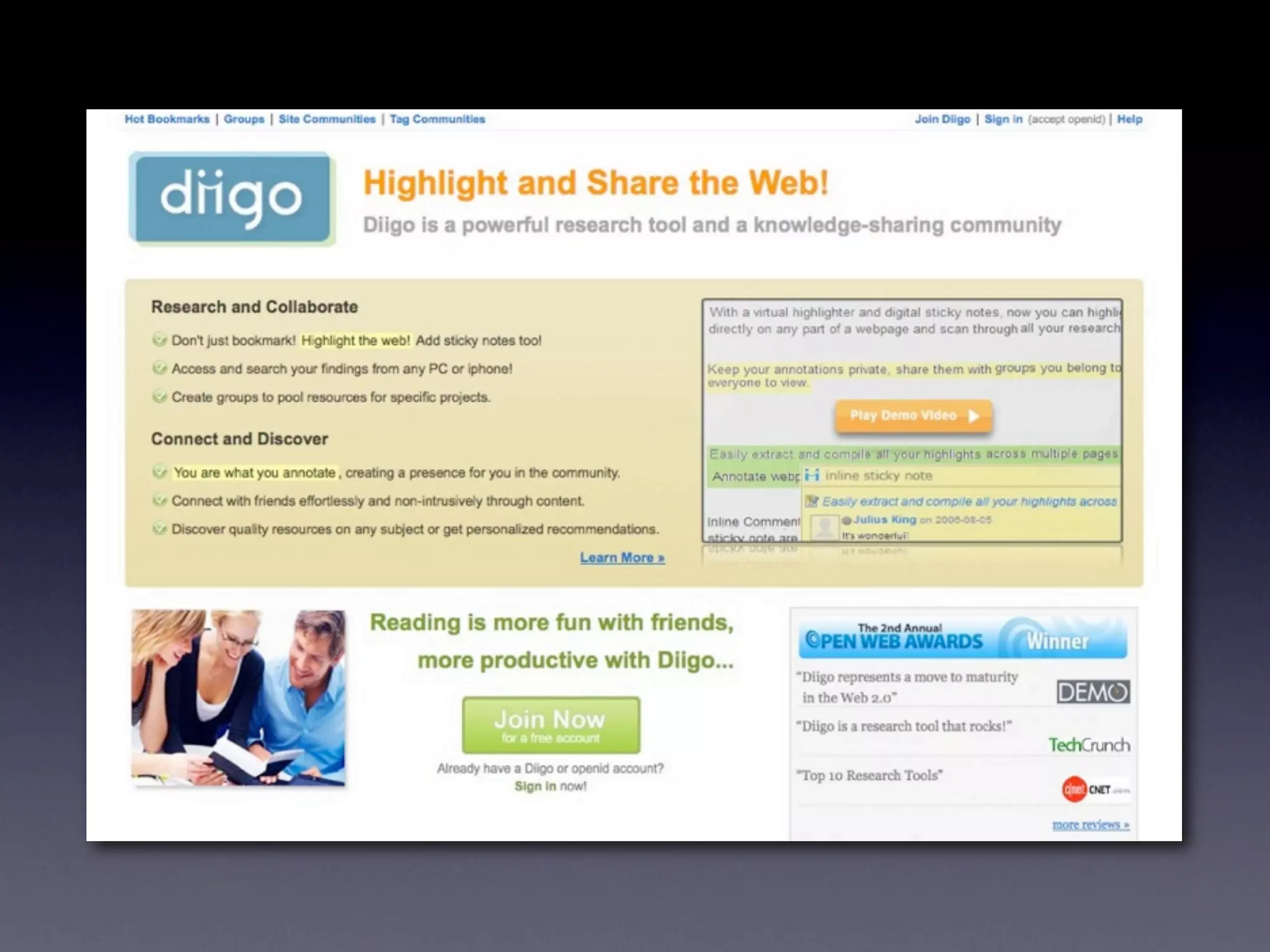
    25. Bookmark Managers • AKA Social Bookmarking • IE favorites is tied to a single PC • Bookmark managers do the same thing… • … but are accessible via the web! • how it works • add a bookmark, add tags, description, clipping • Others can add comments, ratings • Others can subscribe via RSS • searchable
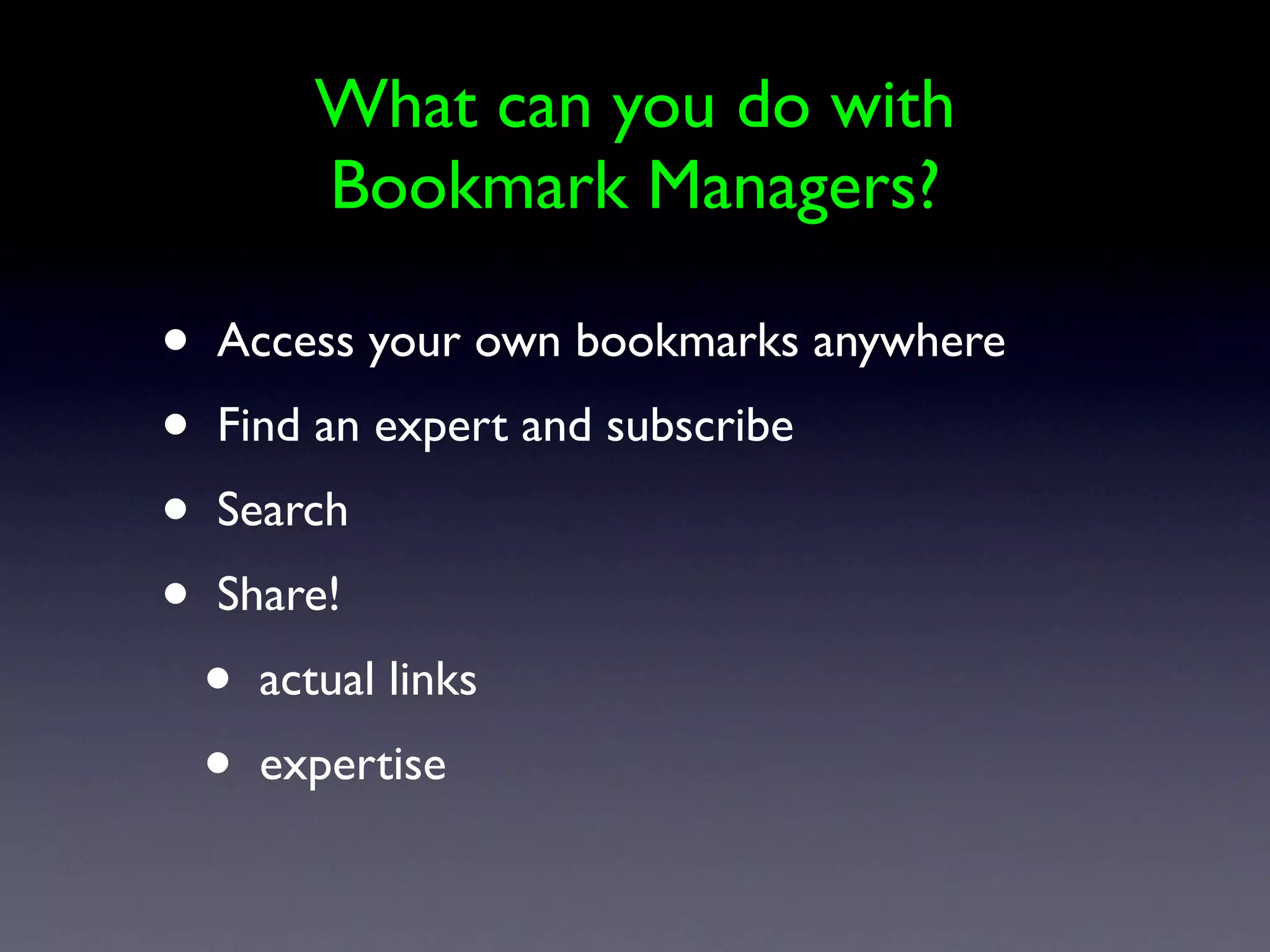
    26. What can you do with Bookmark Managers? • Access your own bookmarks anywhere • Find an expert and subscribe • Search • Share! • actual links • expertise
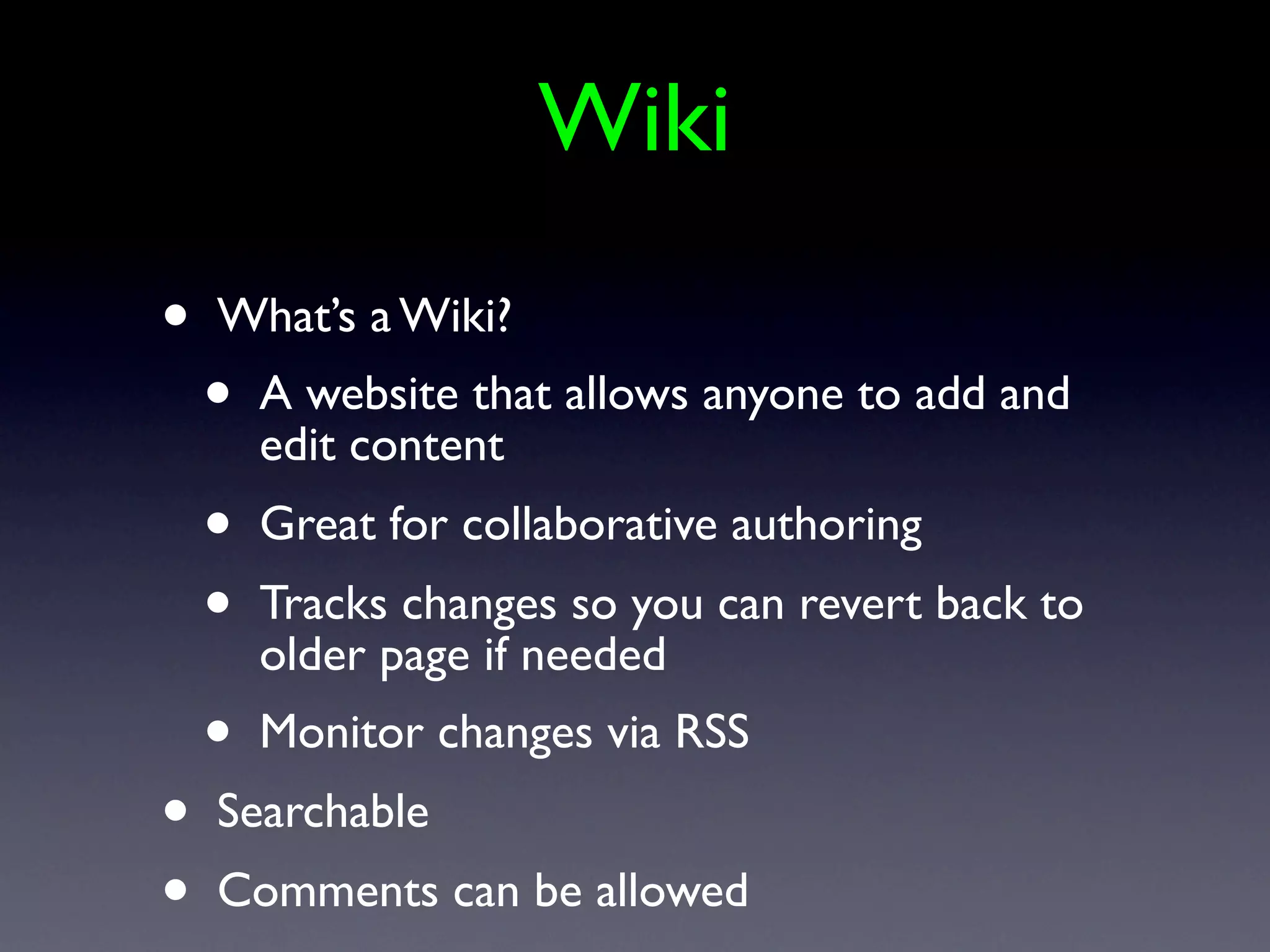
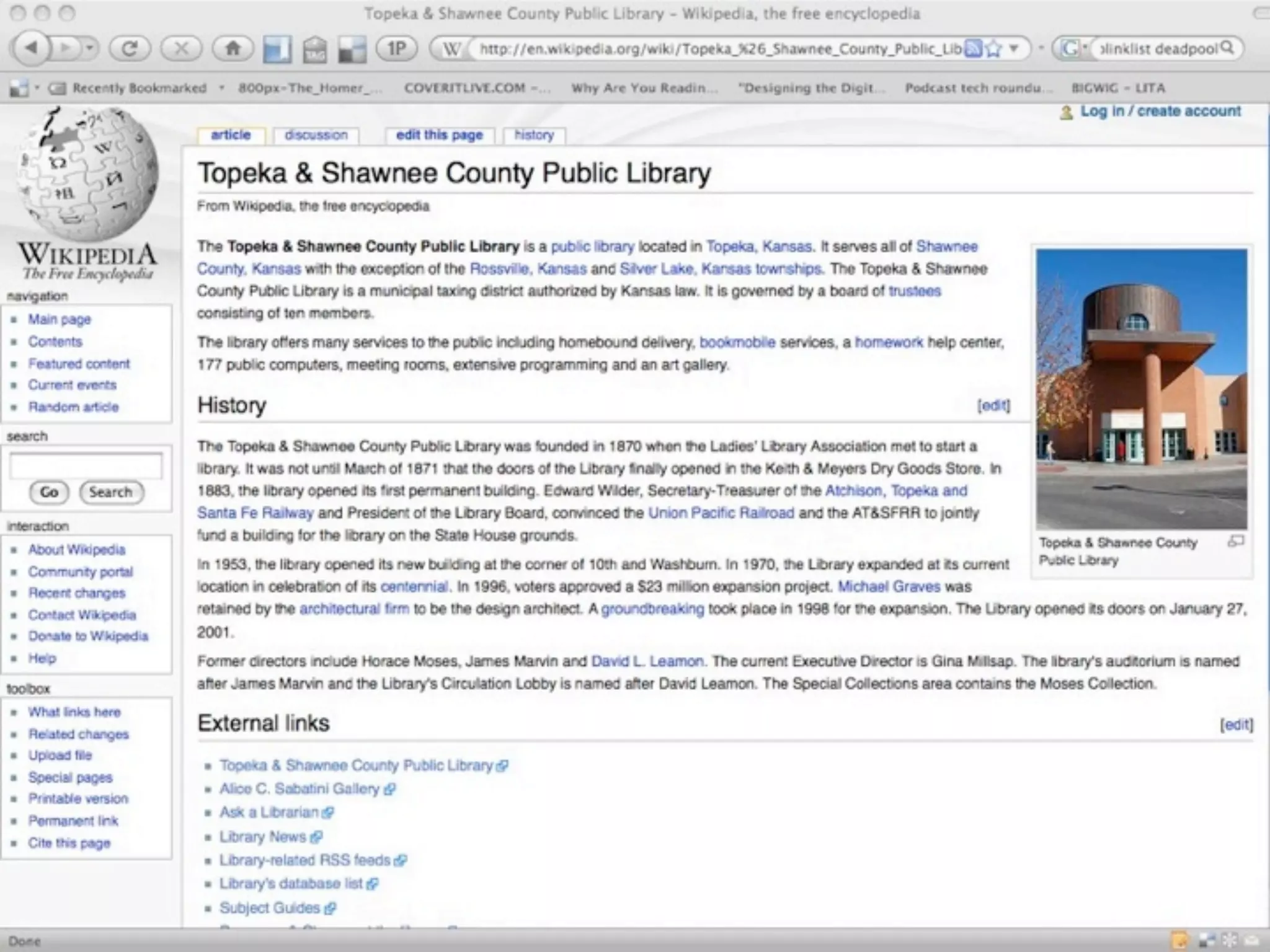
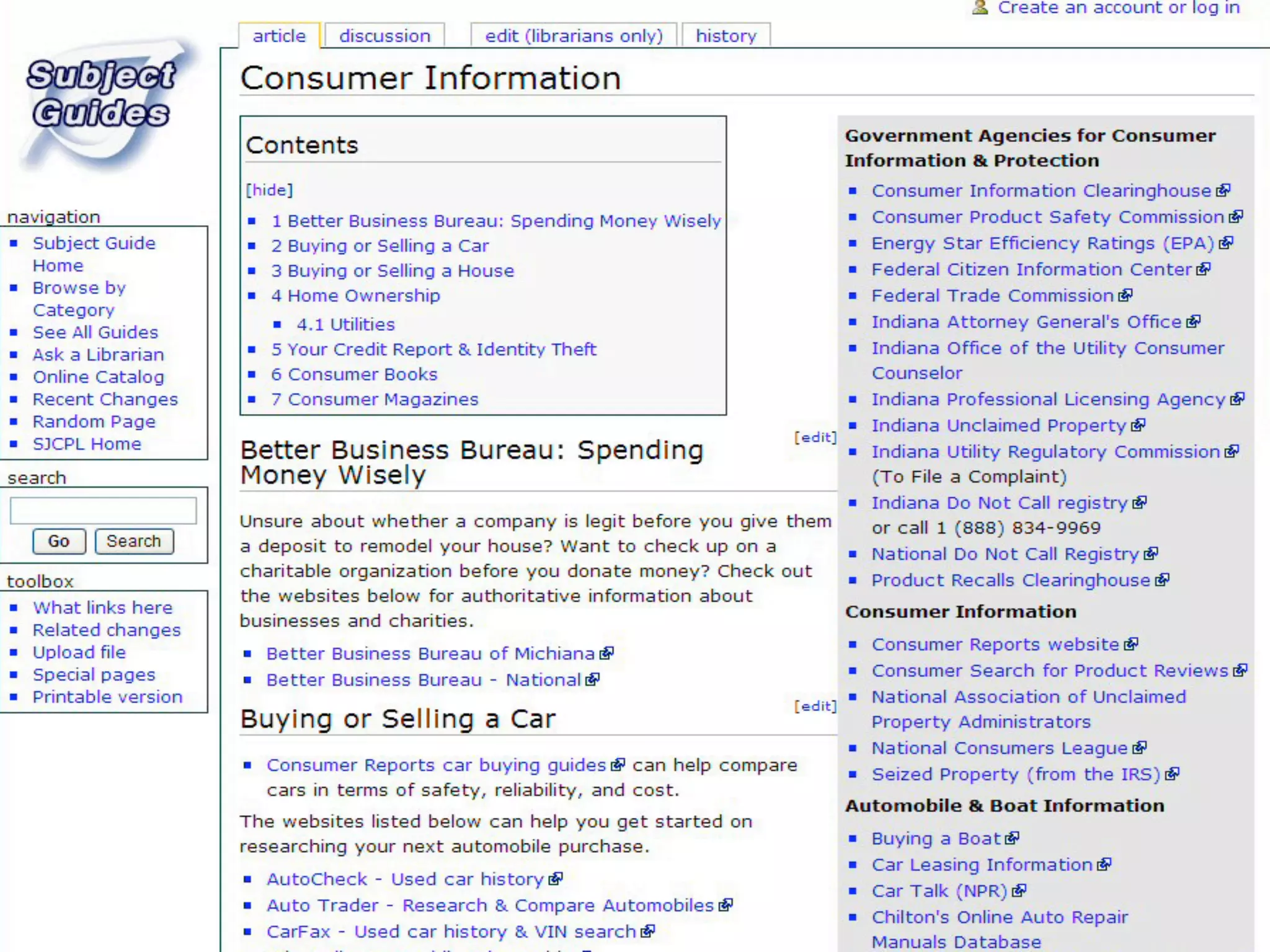
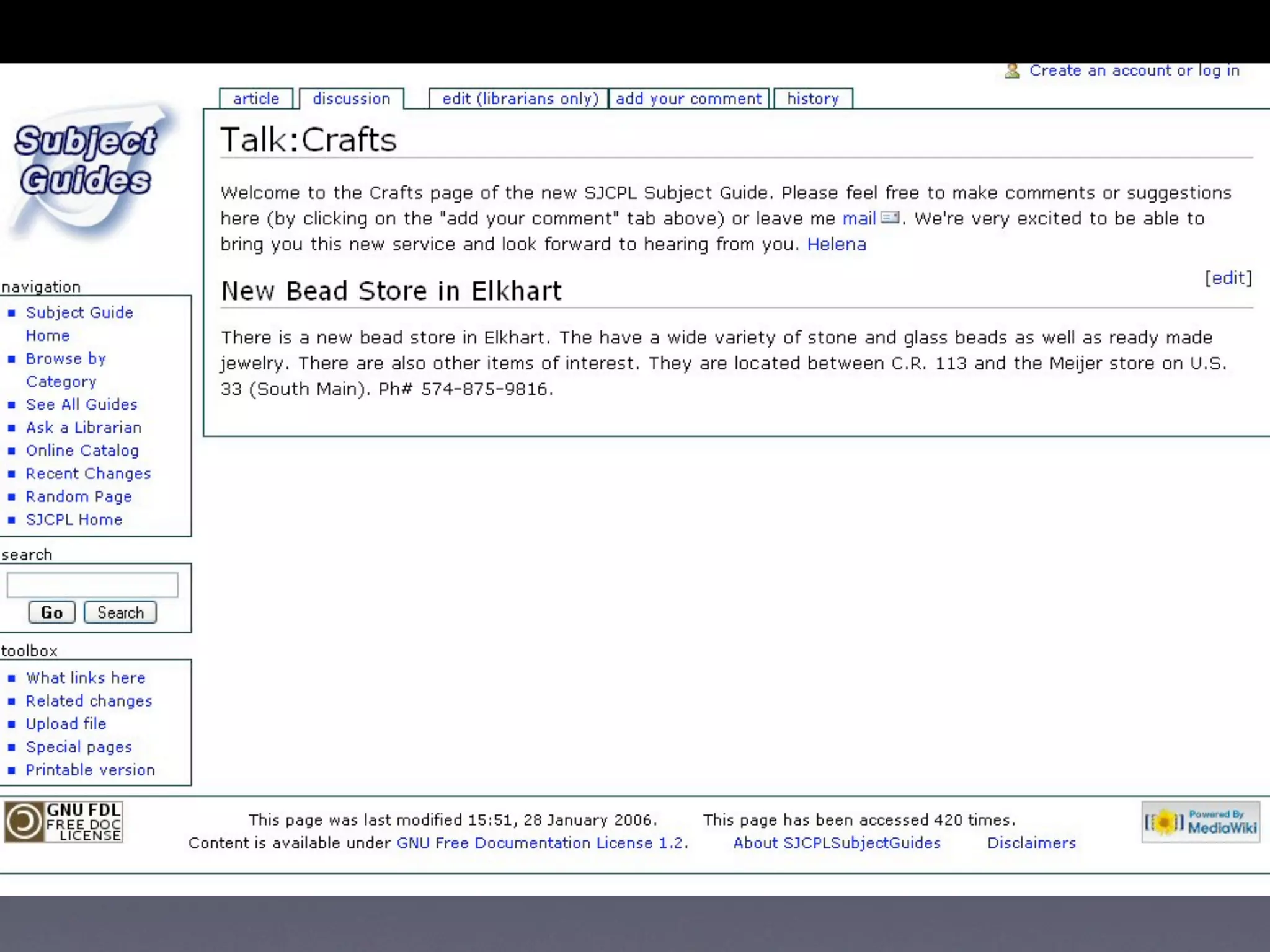
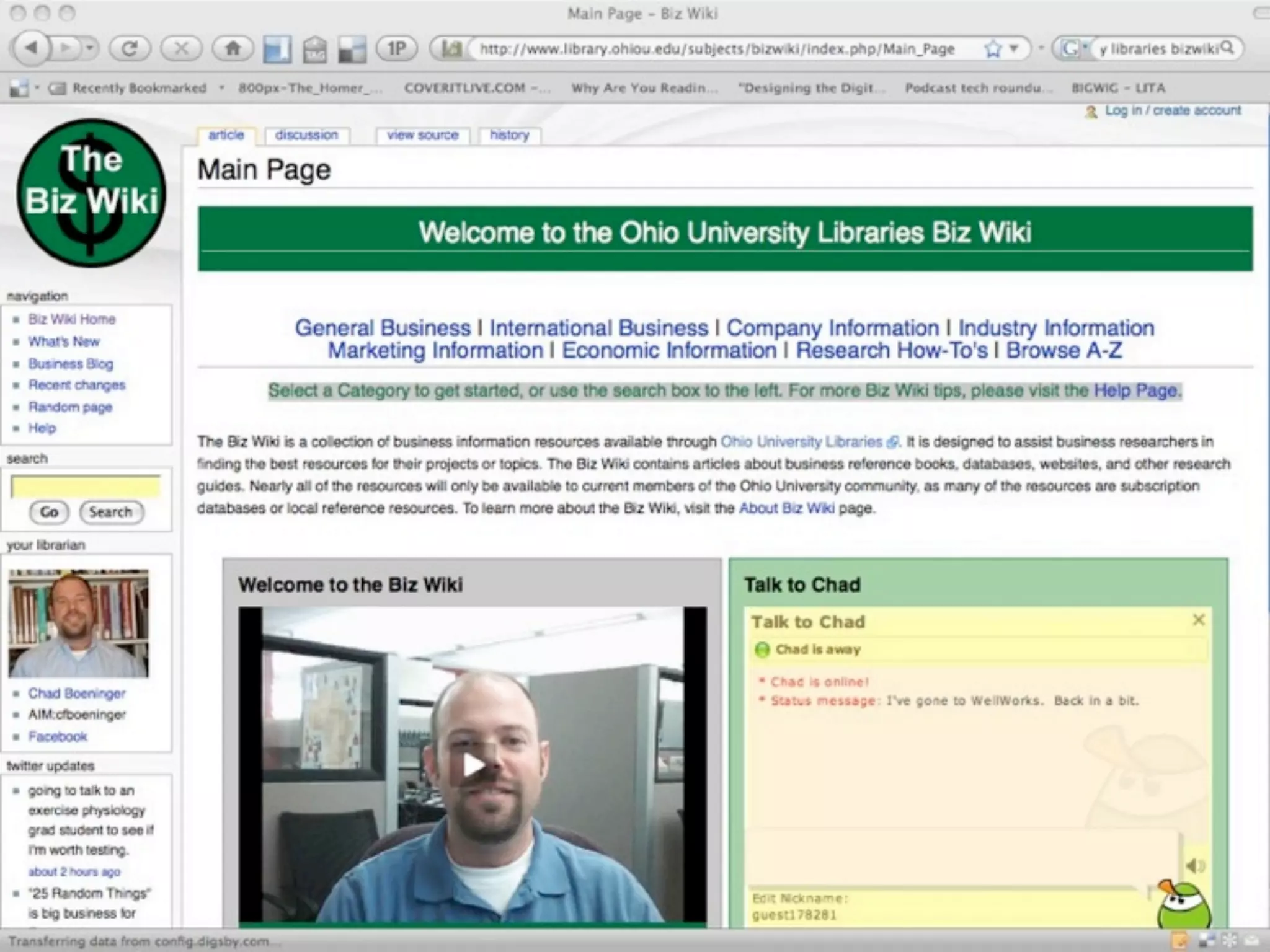
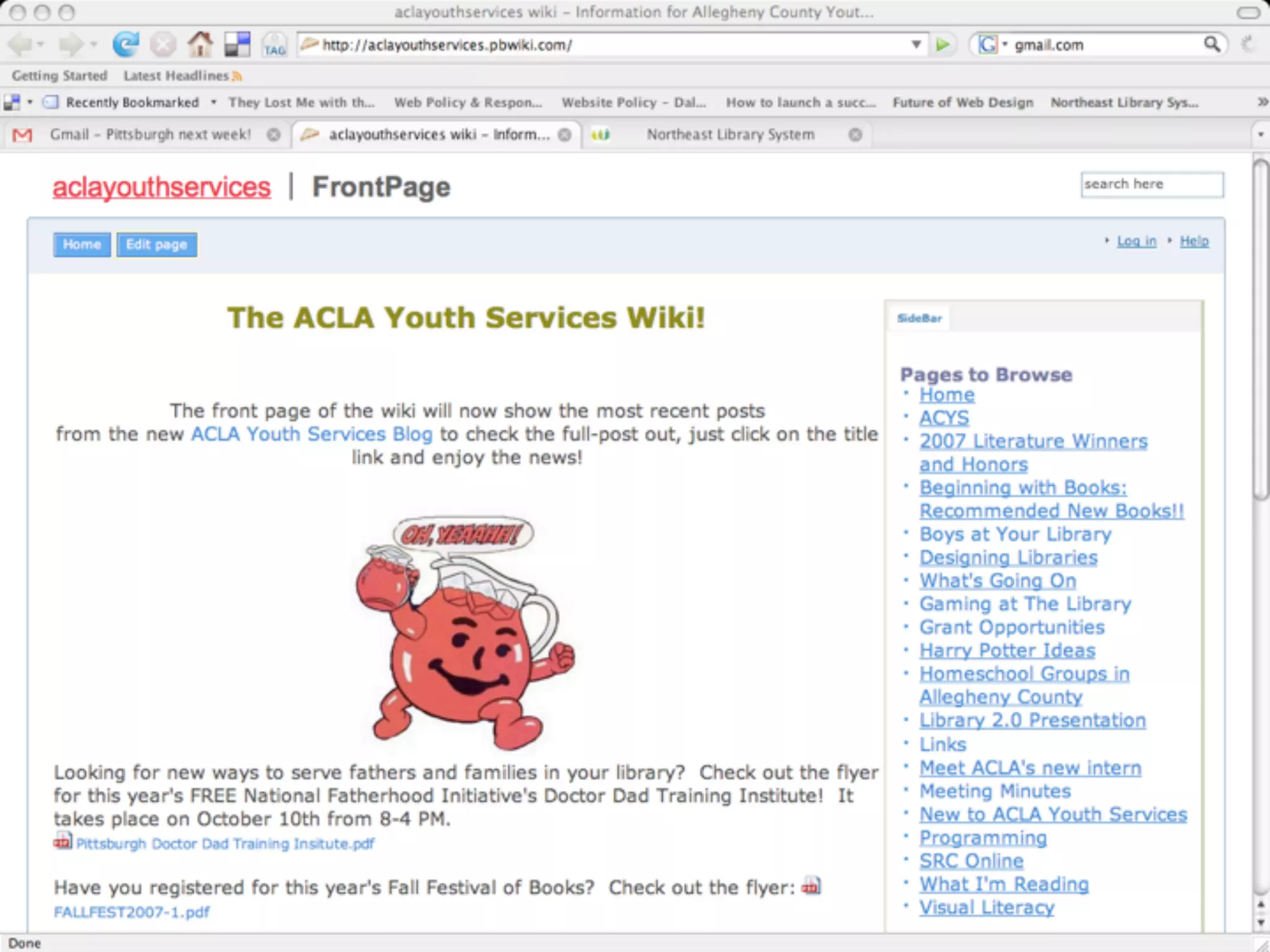
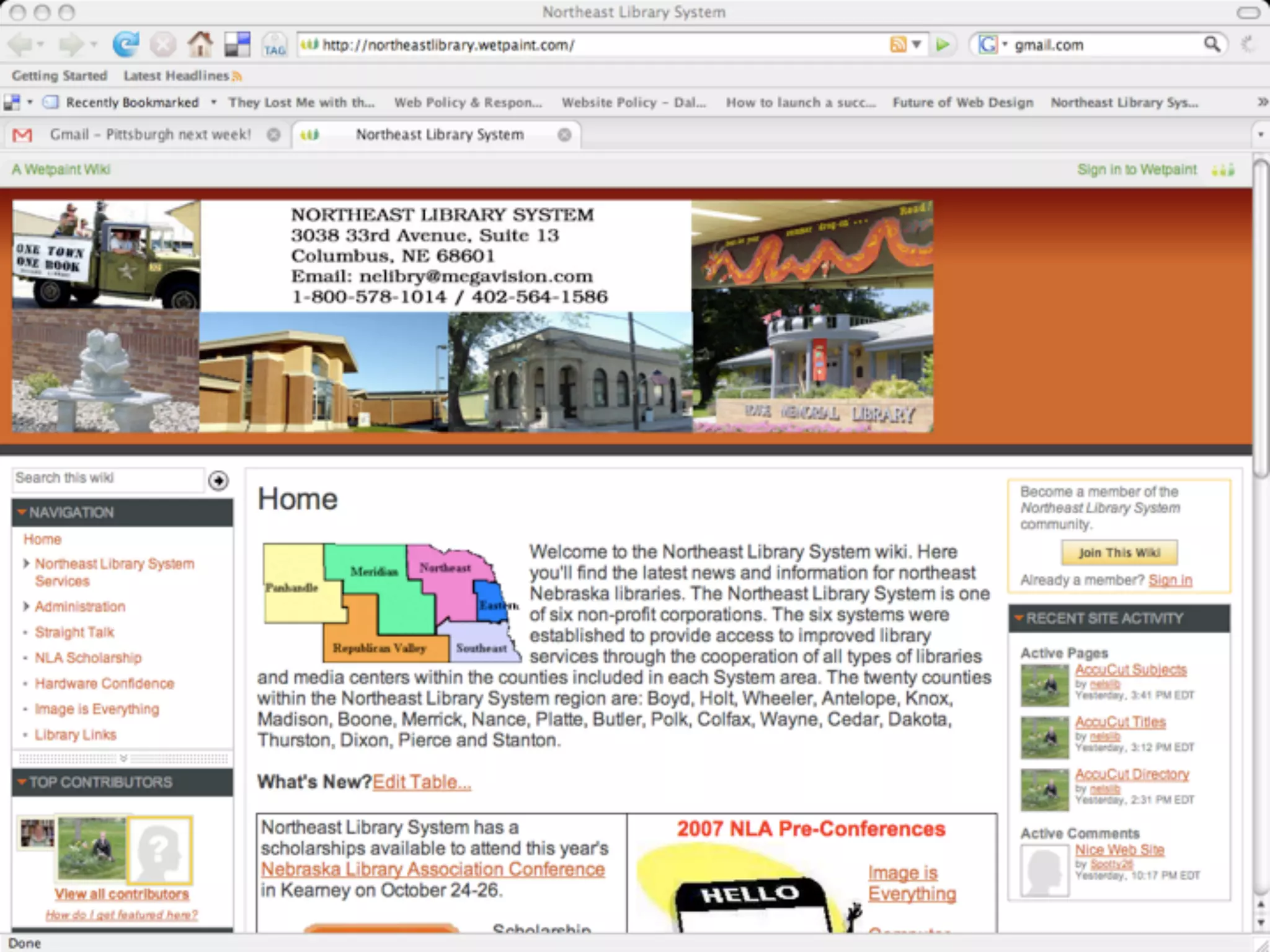
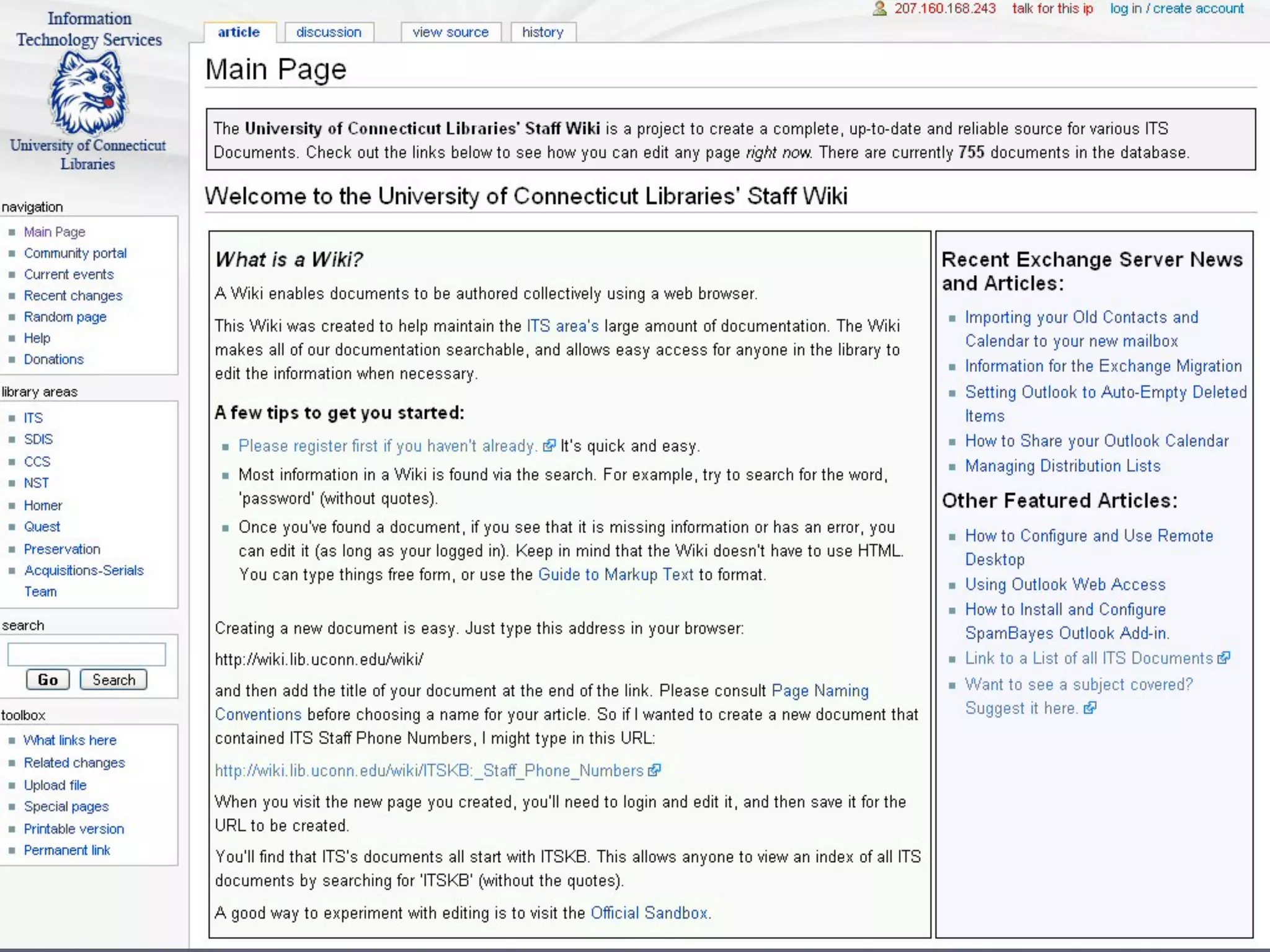
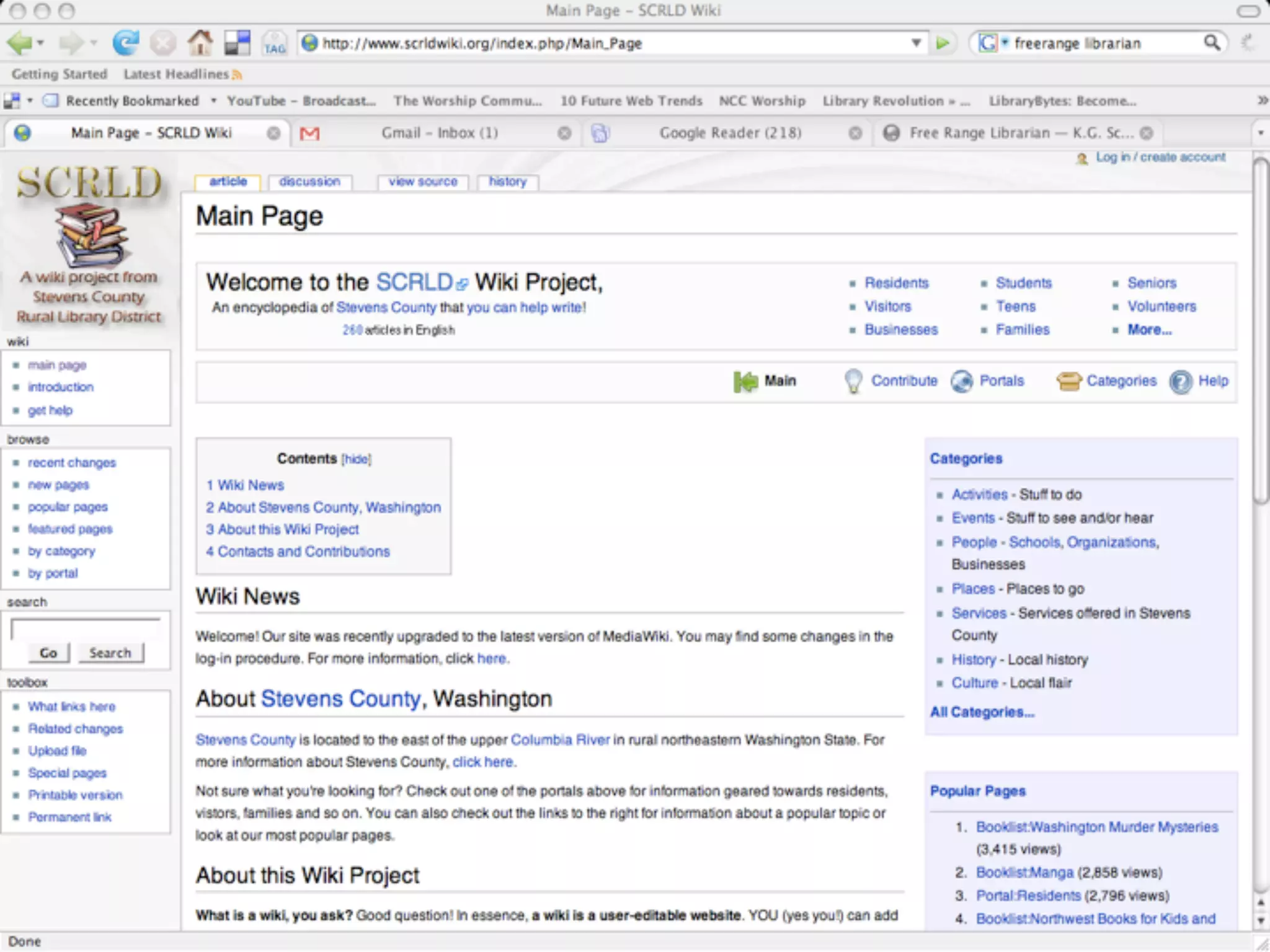
    27. Wiki • What’s a Wiki? • A website that allows anyone to add and edit content • Great for collaborative authoring • Tracks changes so you can revert back to older page if needed • Monitor changes via RSS • Searchable • Comments can be allowed
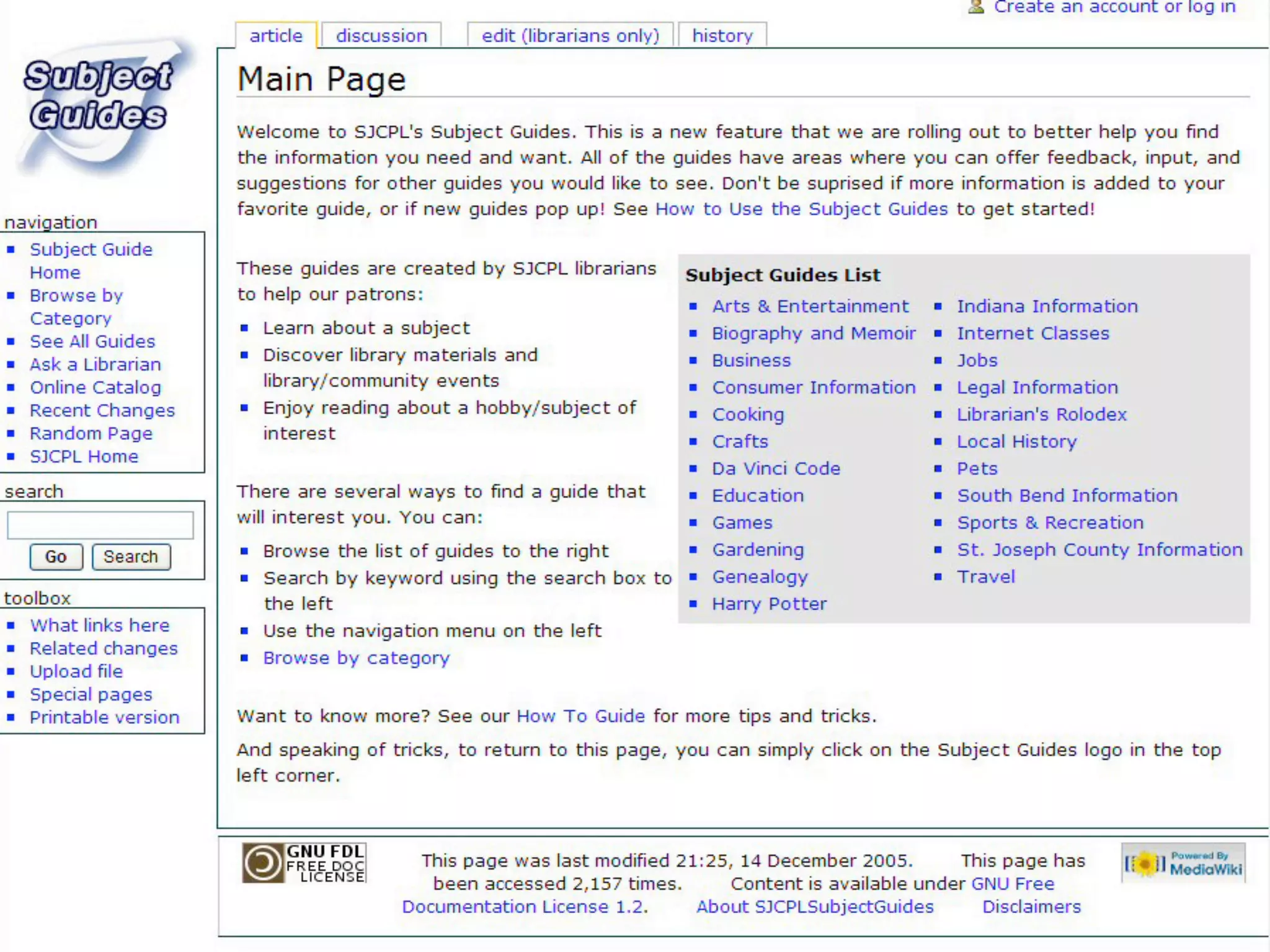
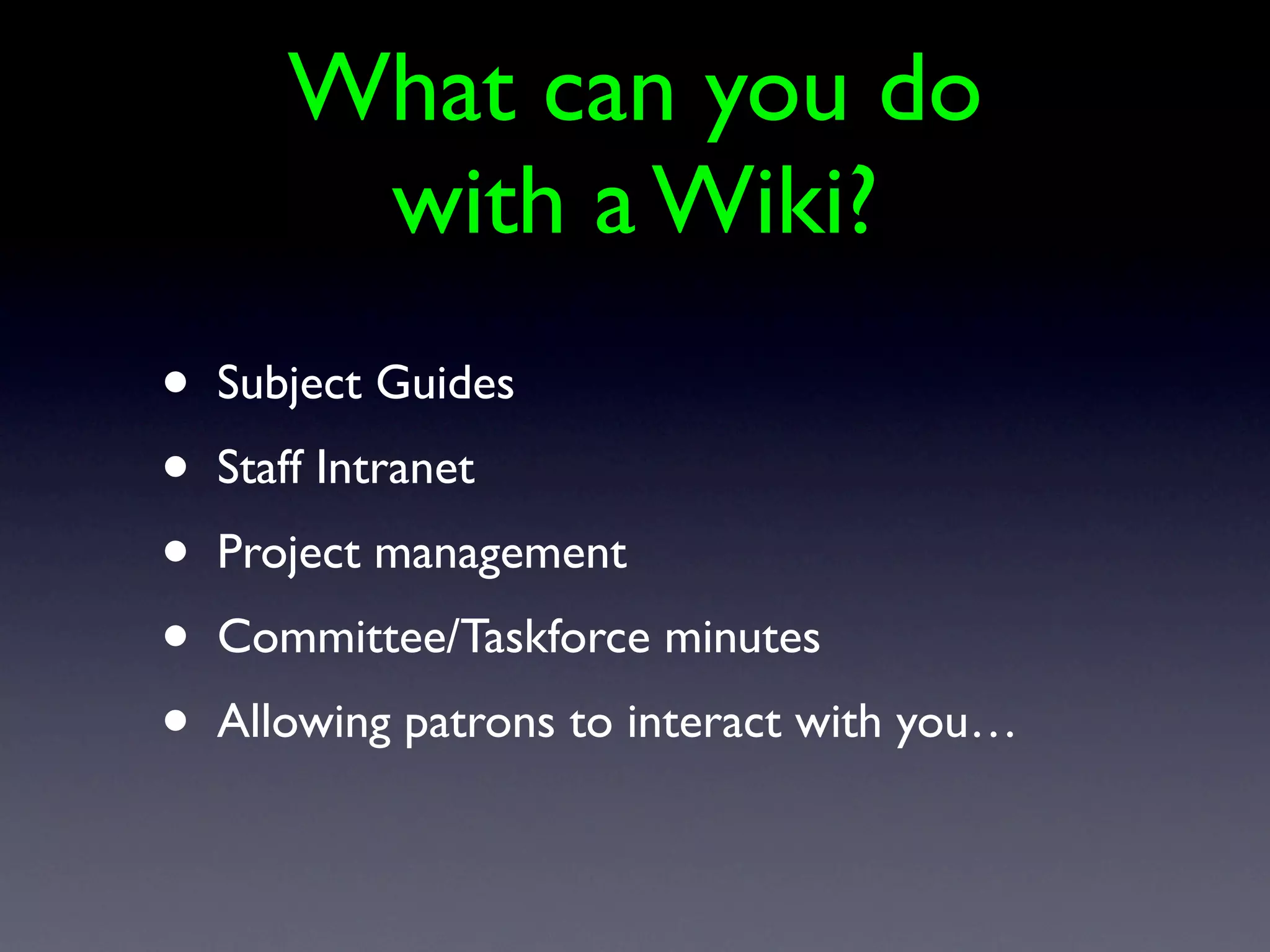
    28. What can you do with a Wiki? • Subject Guides • Staff Intranet • Project management • Committee/Taskforce minutes • Allowing patrons to interact with you…
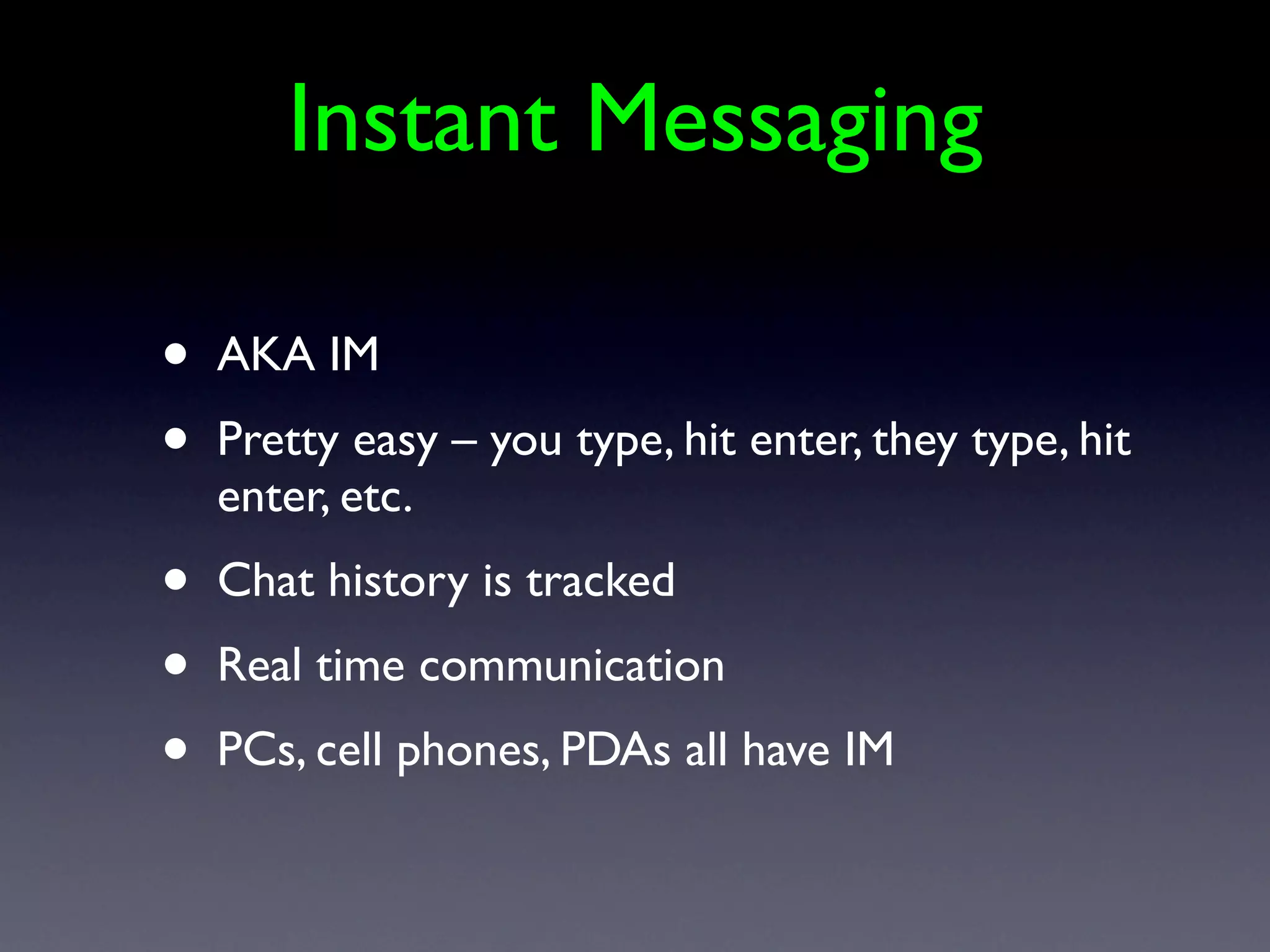
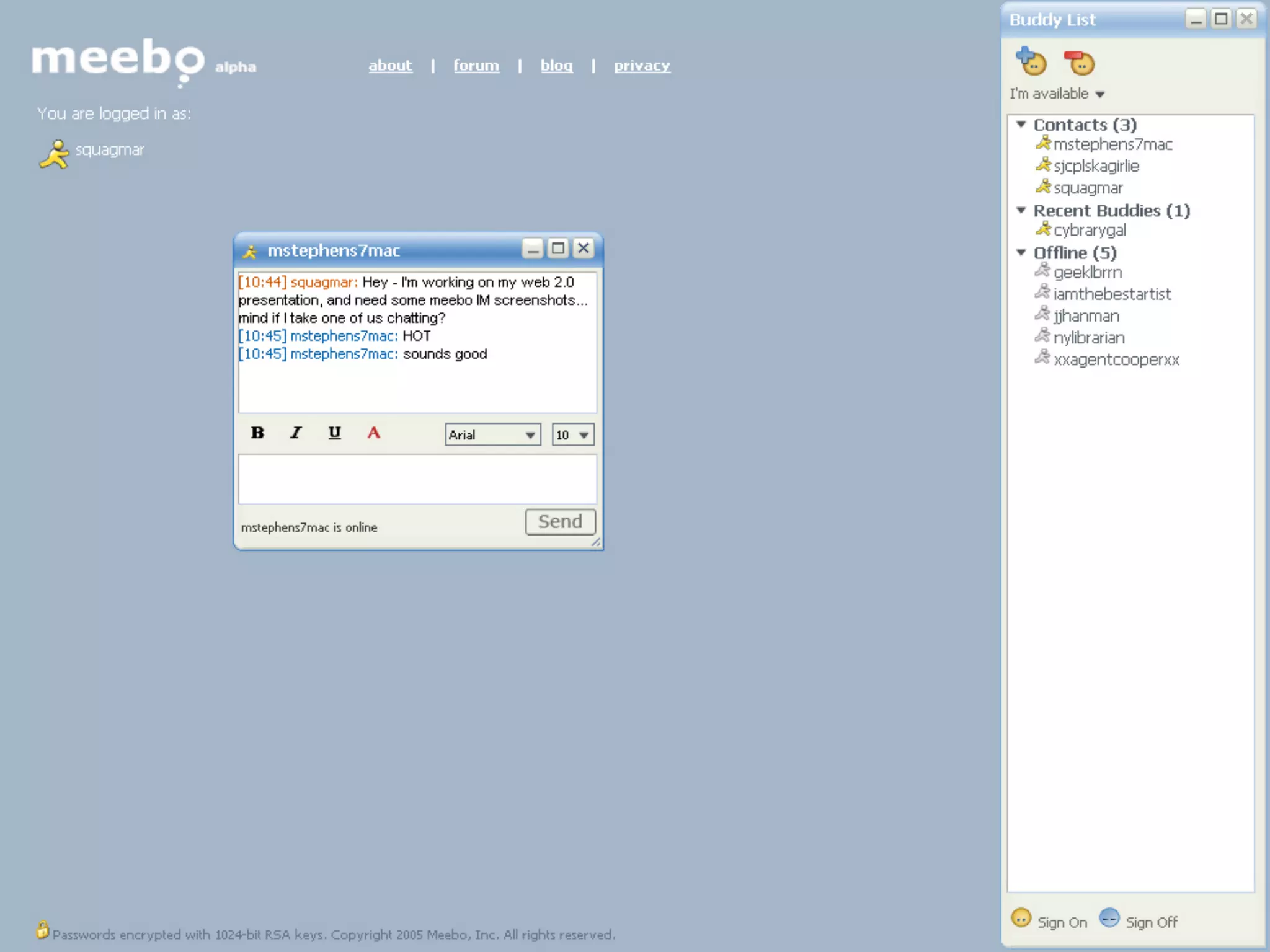
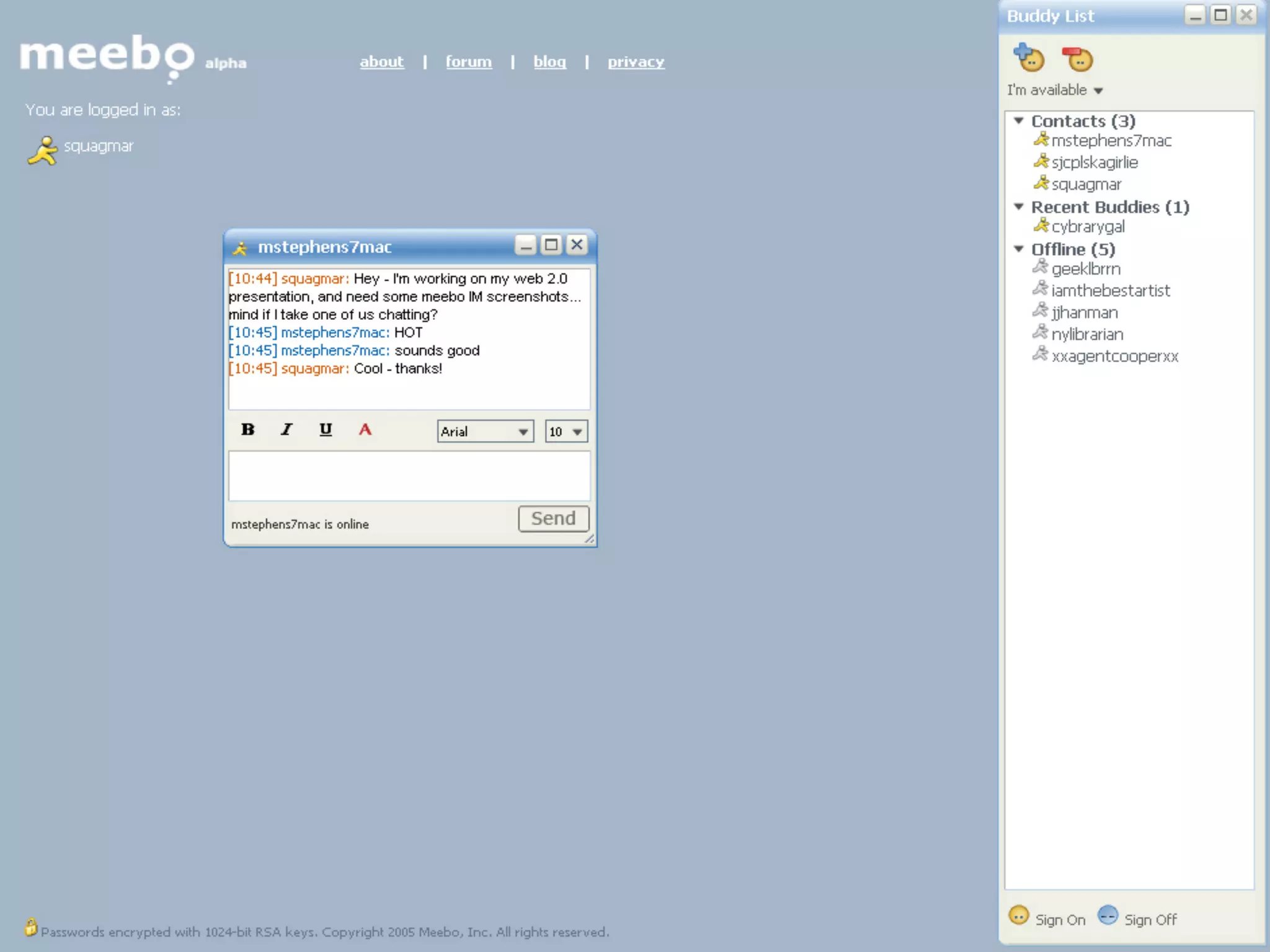
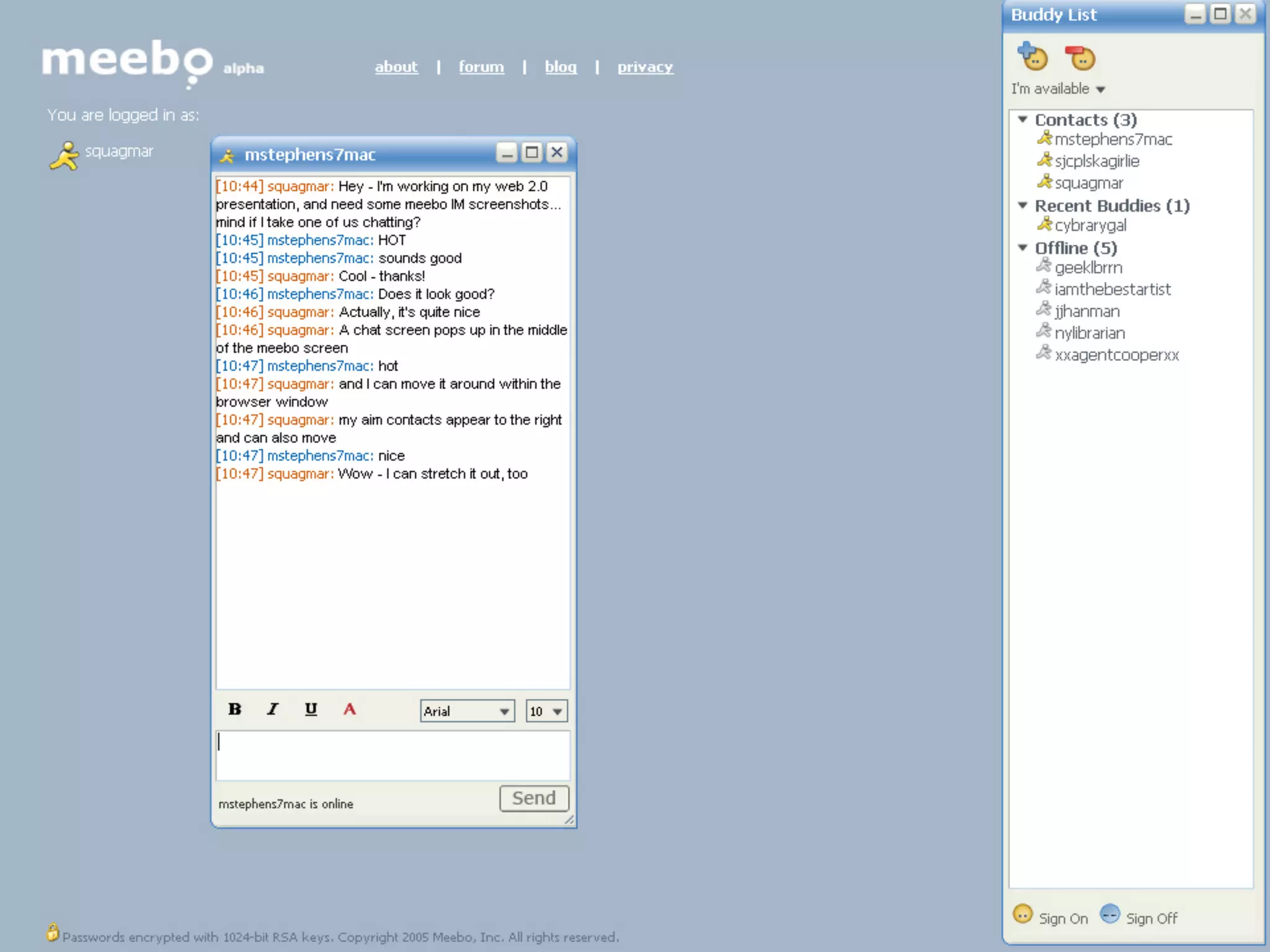
    29. Instant Messaging • AKA IM • Pretty easy – you type, hit enter, they type, hit enter, etc. • Chat history is tracked • Real time communication • PCs, cell phones, PDAs all have IM
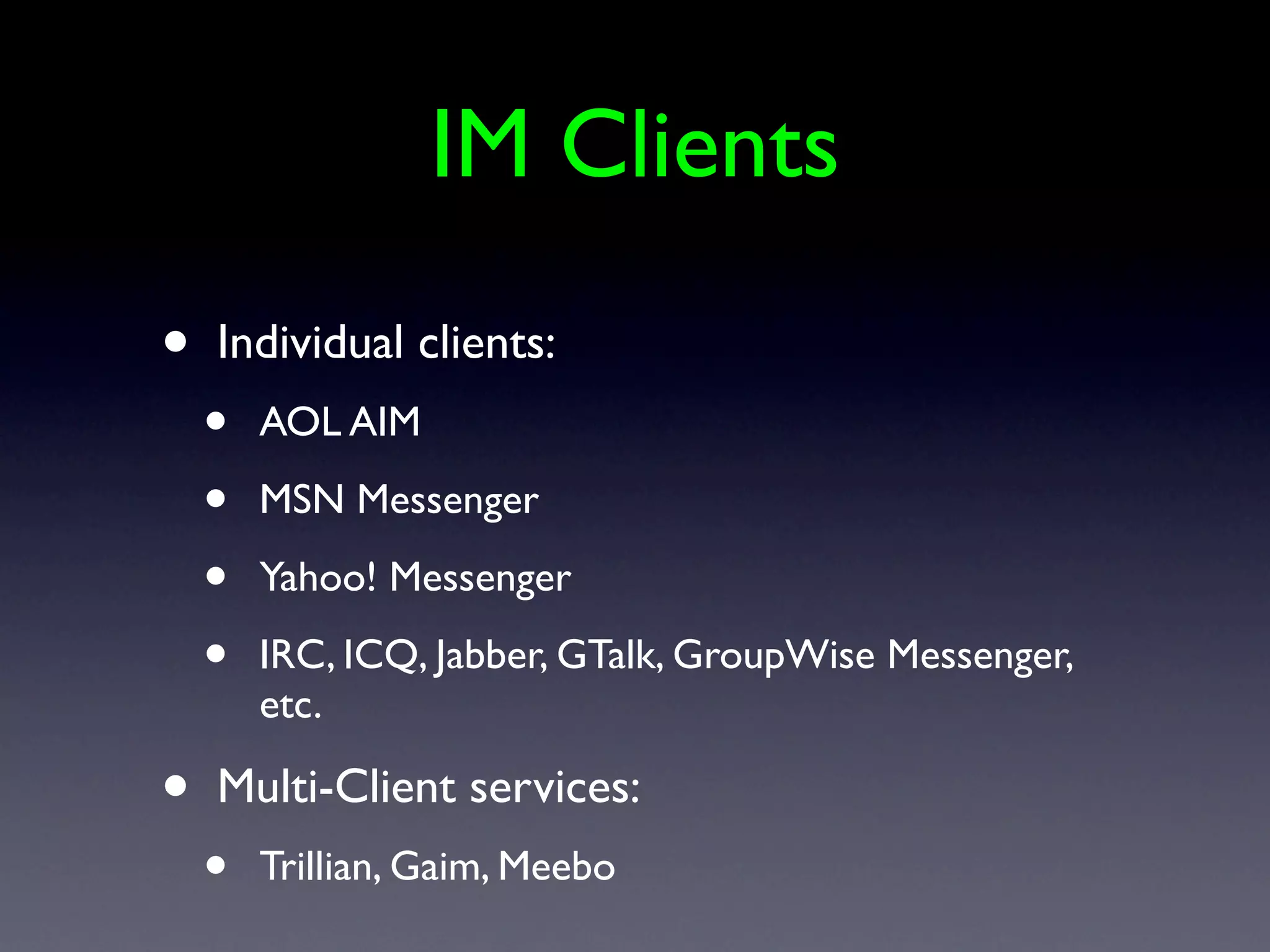
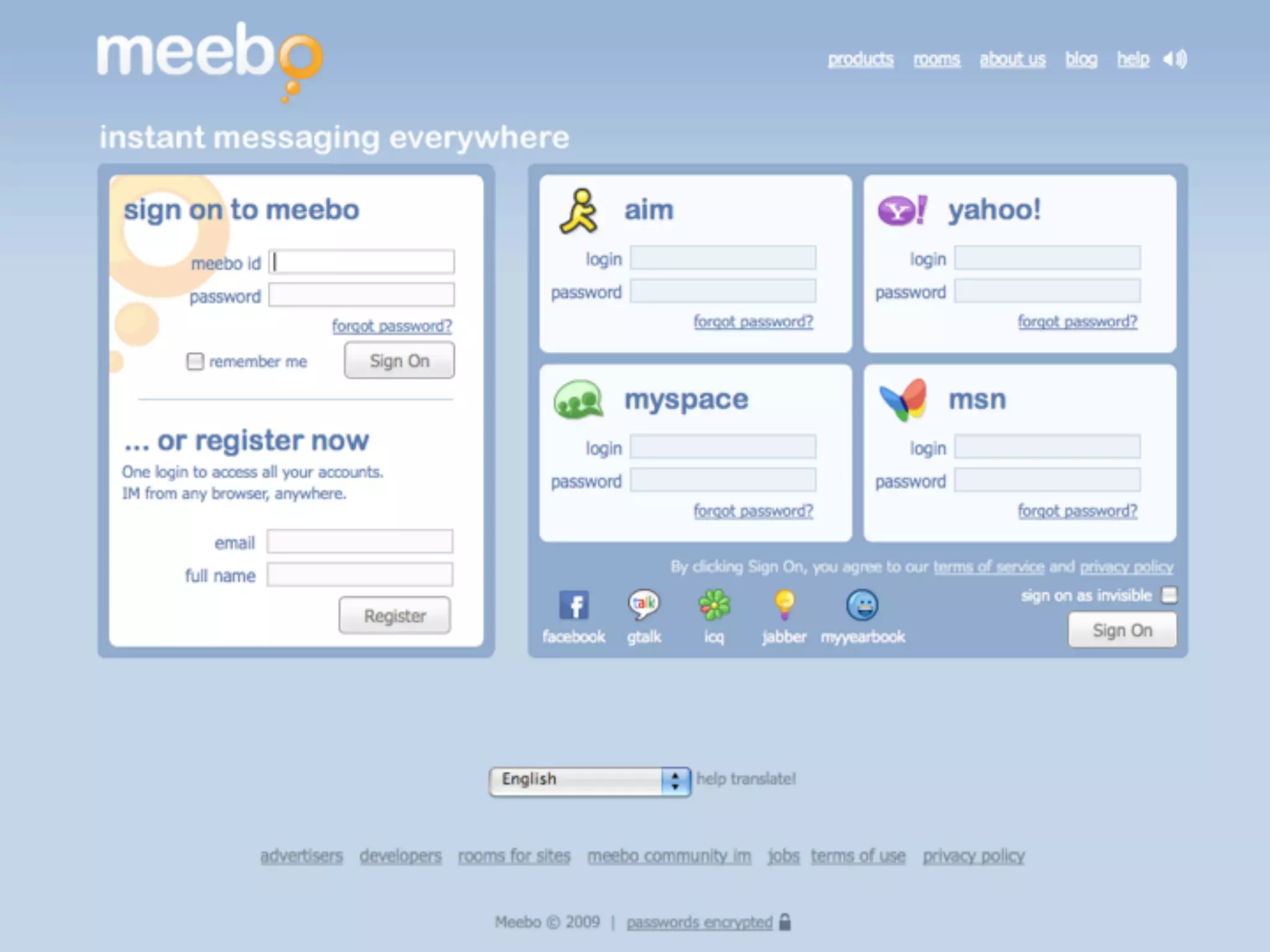
    30. IM Clients • Individual clients: • AOL AIM • MSN Messenger • Yahoo! Messenger • IRC, ICQ, Jabber, GTalk, GroupWise Messenger, etc. • Multi-Client services: • Trillian, Gaim, Meebo
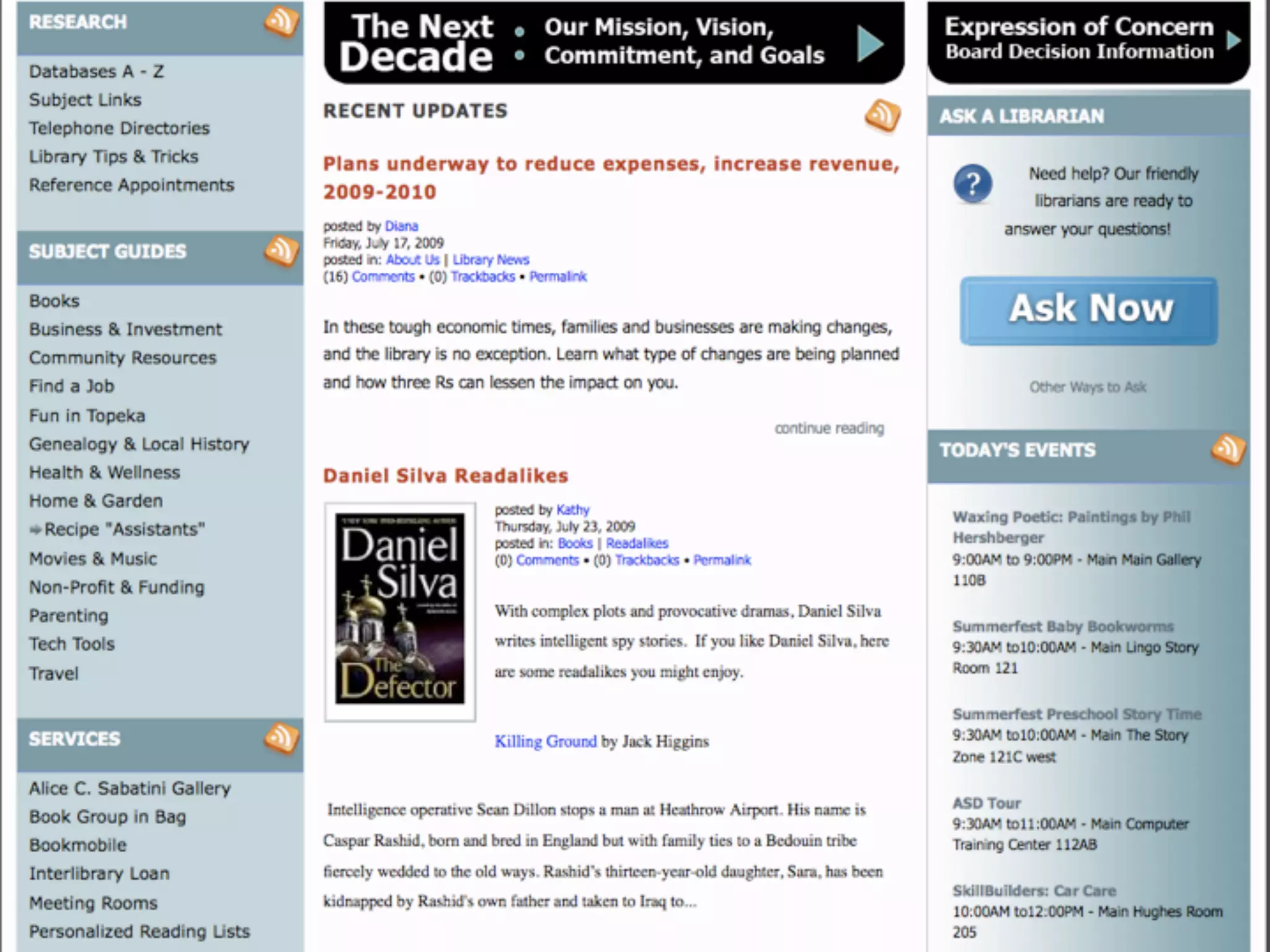
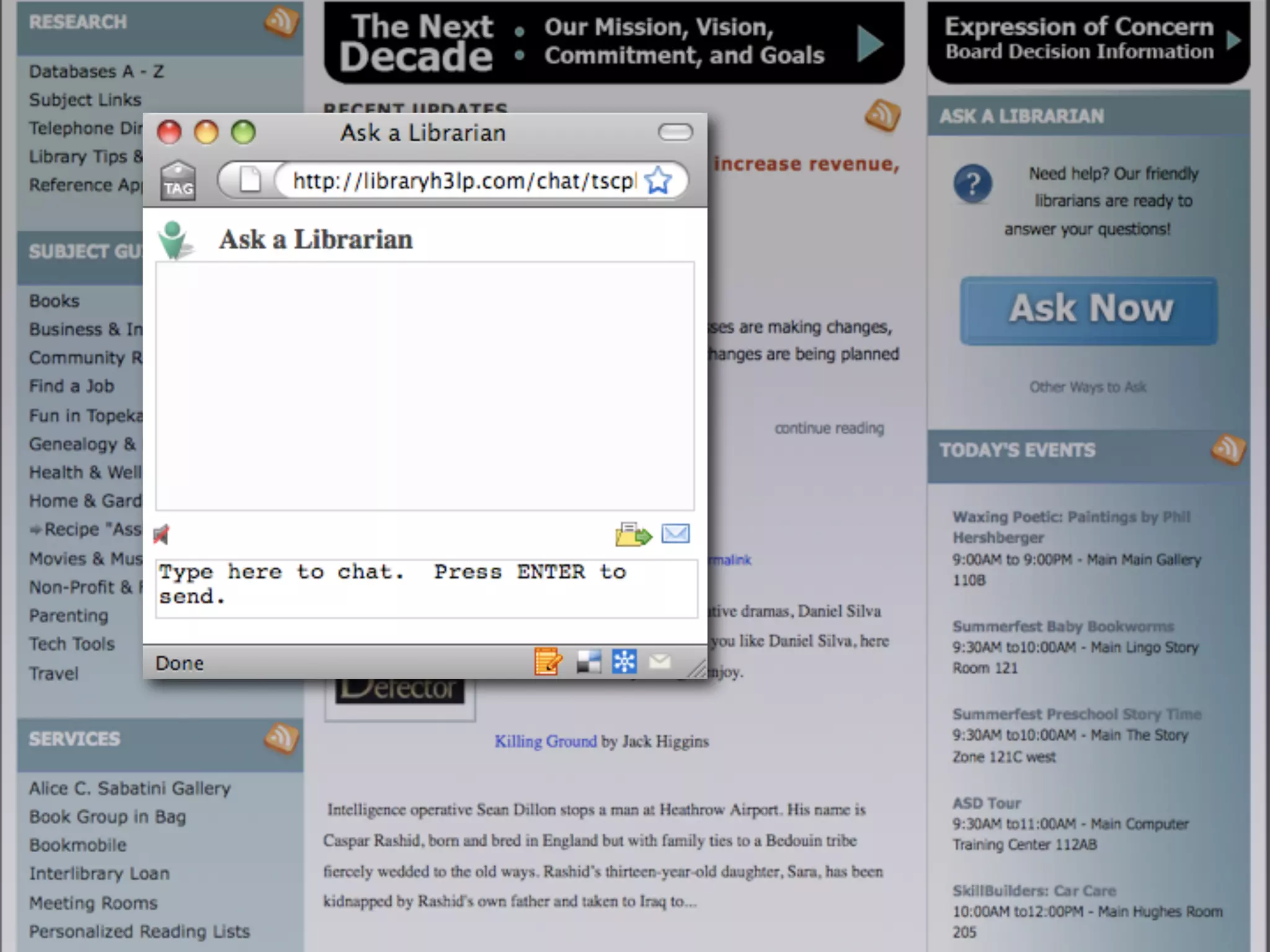
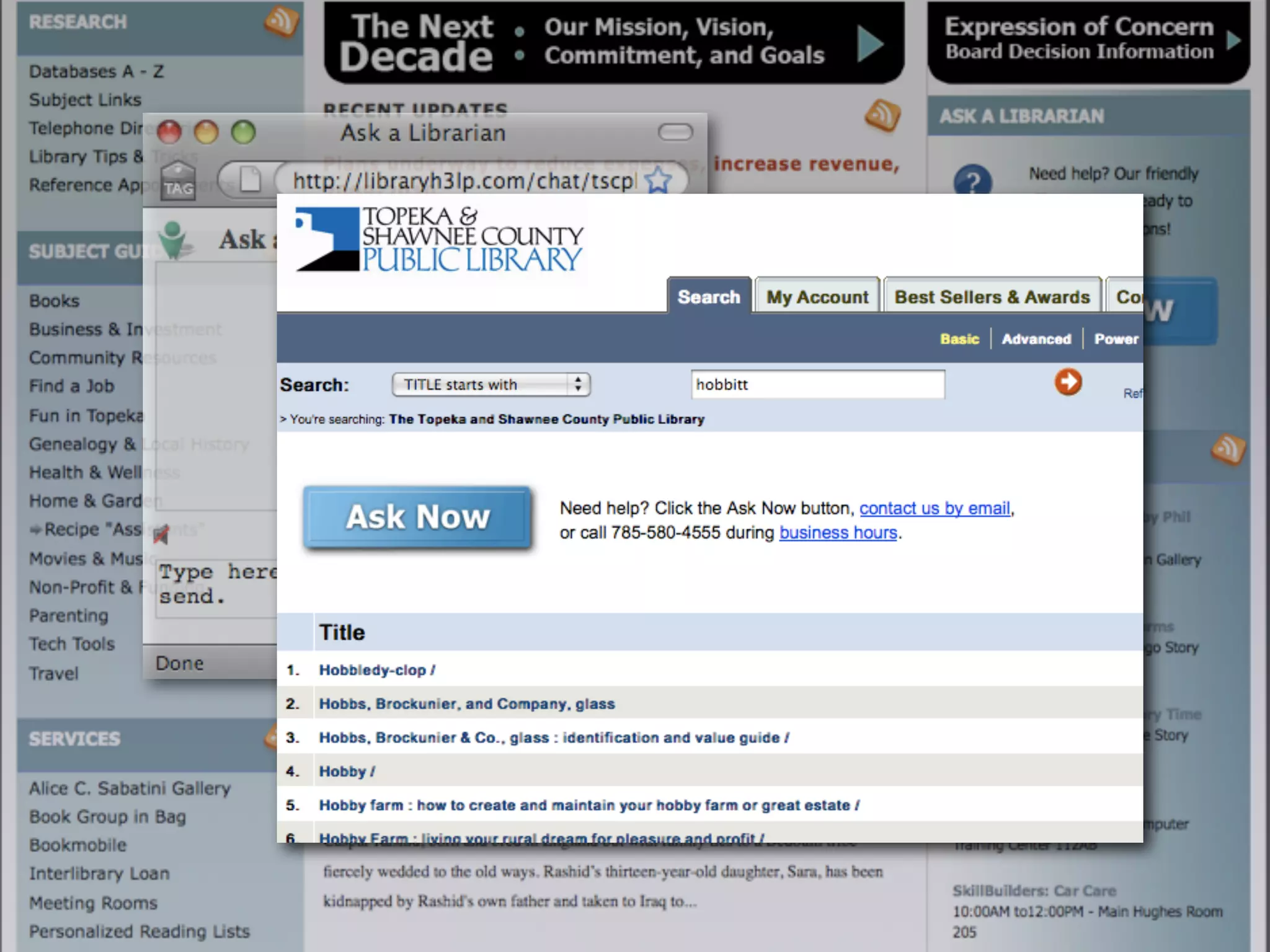
    31. What can you do with IM? • IM Reference • IM library staff • Can be less hassle than email or phone • Allowing patrons to reach you!
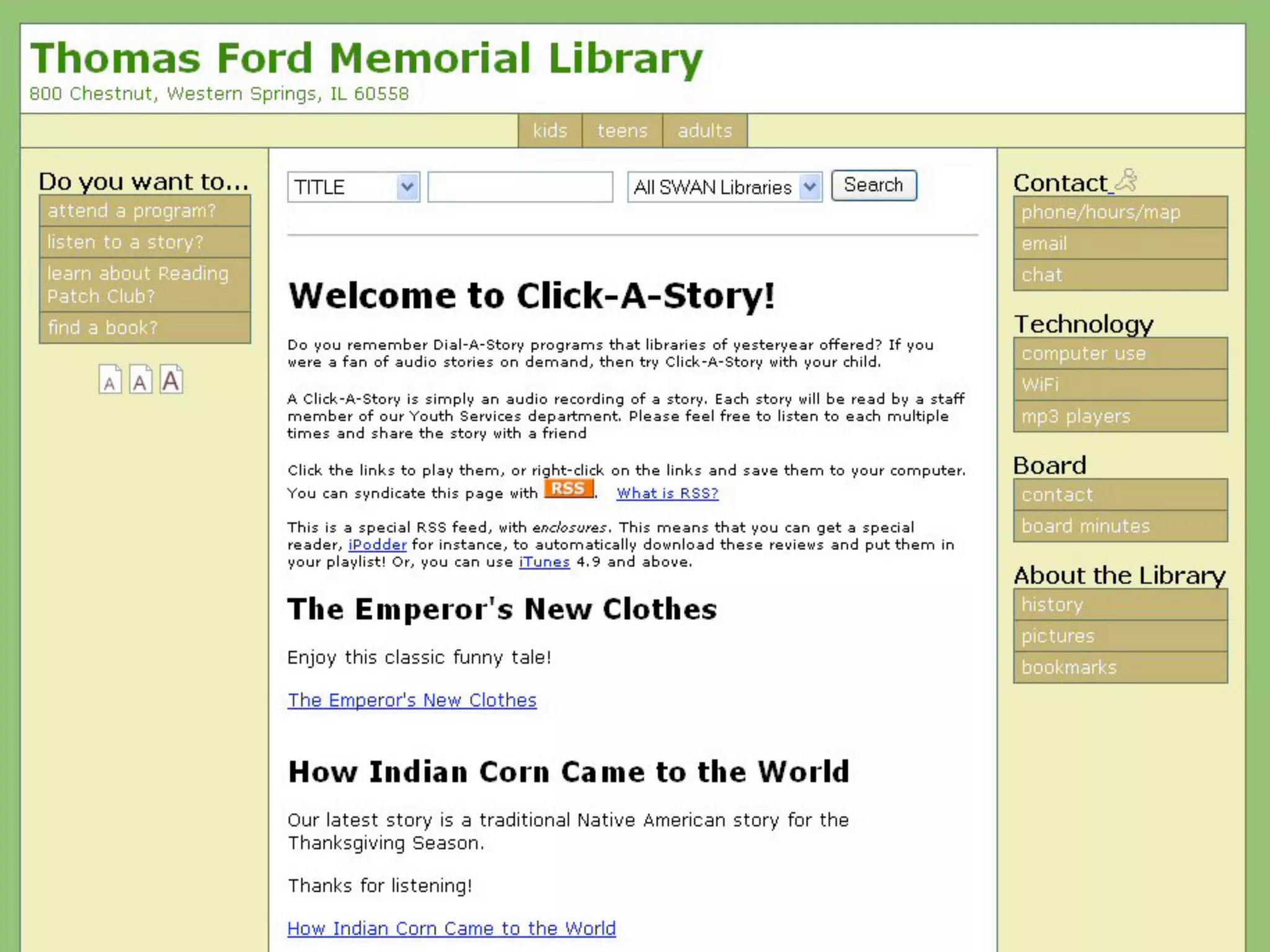
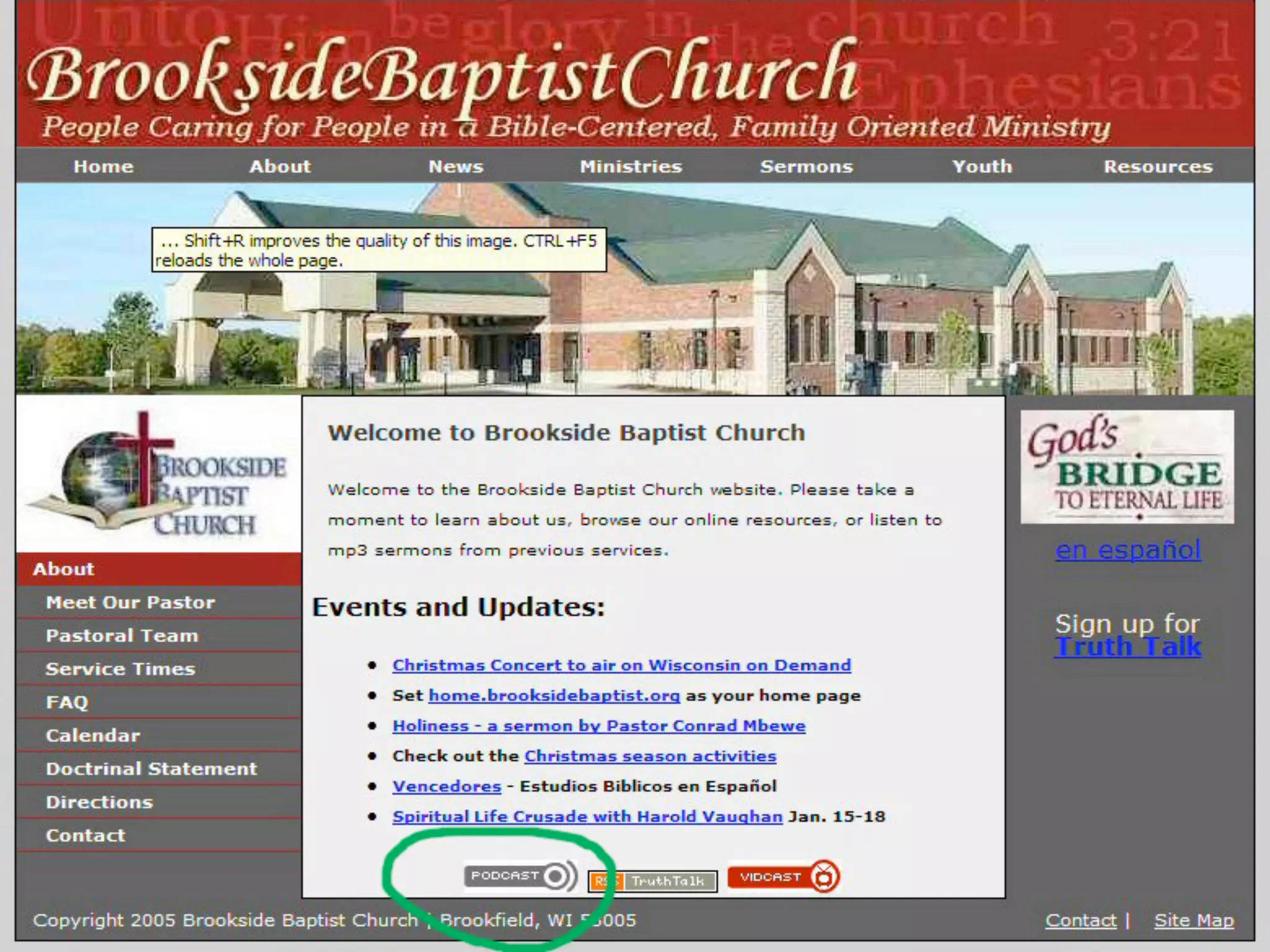
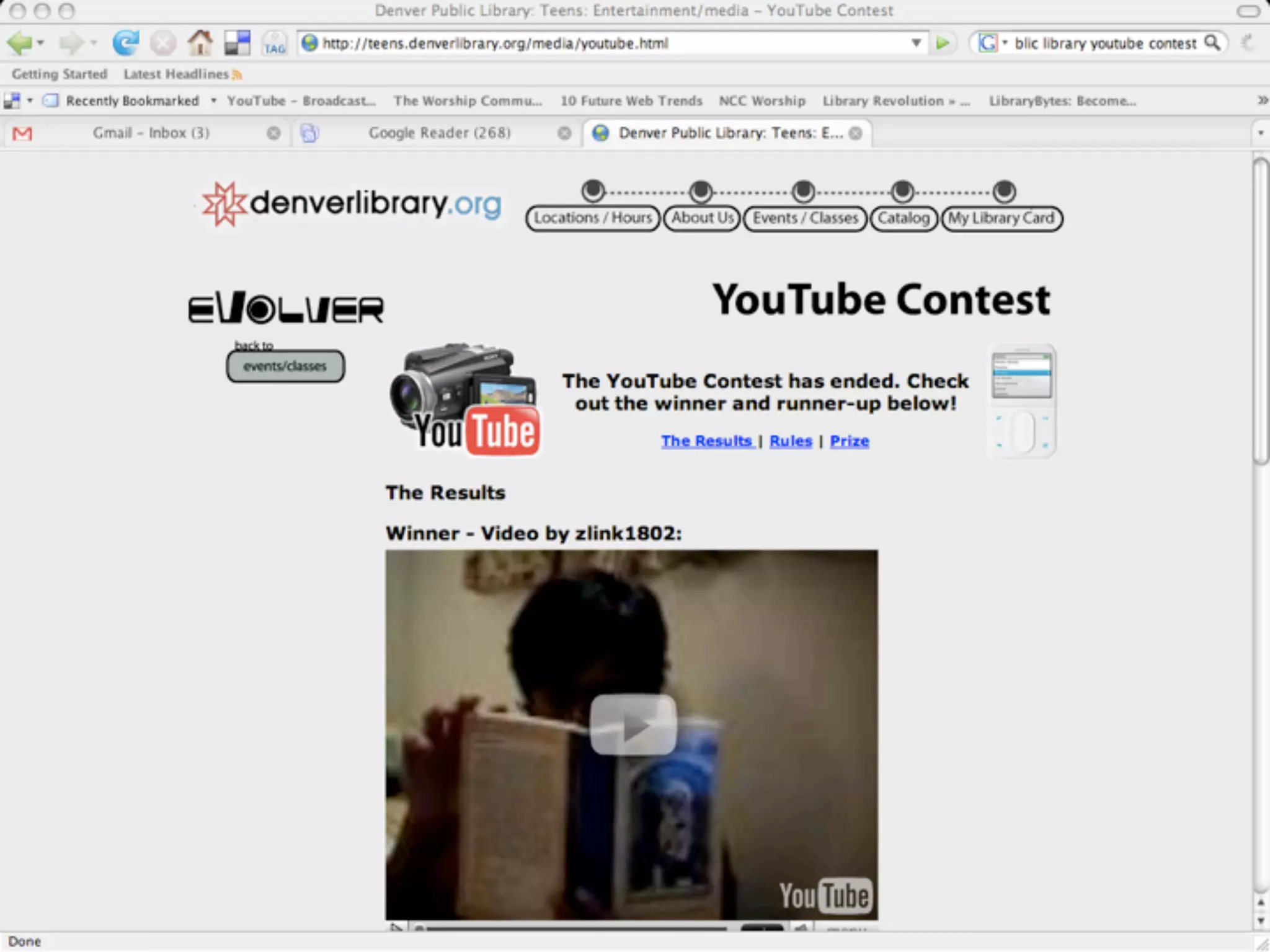
    32. Podcasting • Web feed of audio that anyone can subscribe to • To listen: • Need an MP3 player • Need an RSS feed • Need a feed reader • Even better - A podcasting aggregator (ie., iTunes and Juice)
    33. 1. Creating a Podcast • Something to say – most important • Microphone = can be a Radio Shack cheapie • Audacity = free • Place to store the podcast – archive.org, blip.tv, etc. = free • RSS feed that will distribute podcasts = free (FeedBurner does this) • Free, free, free vs Time, Time, Time!
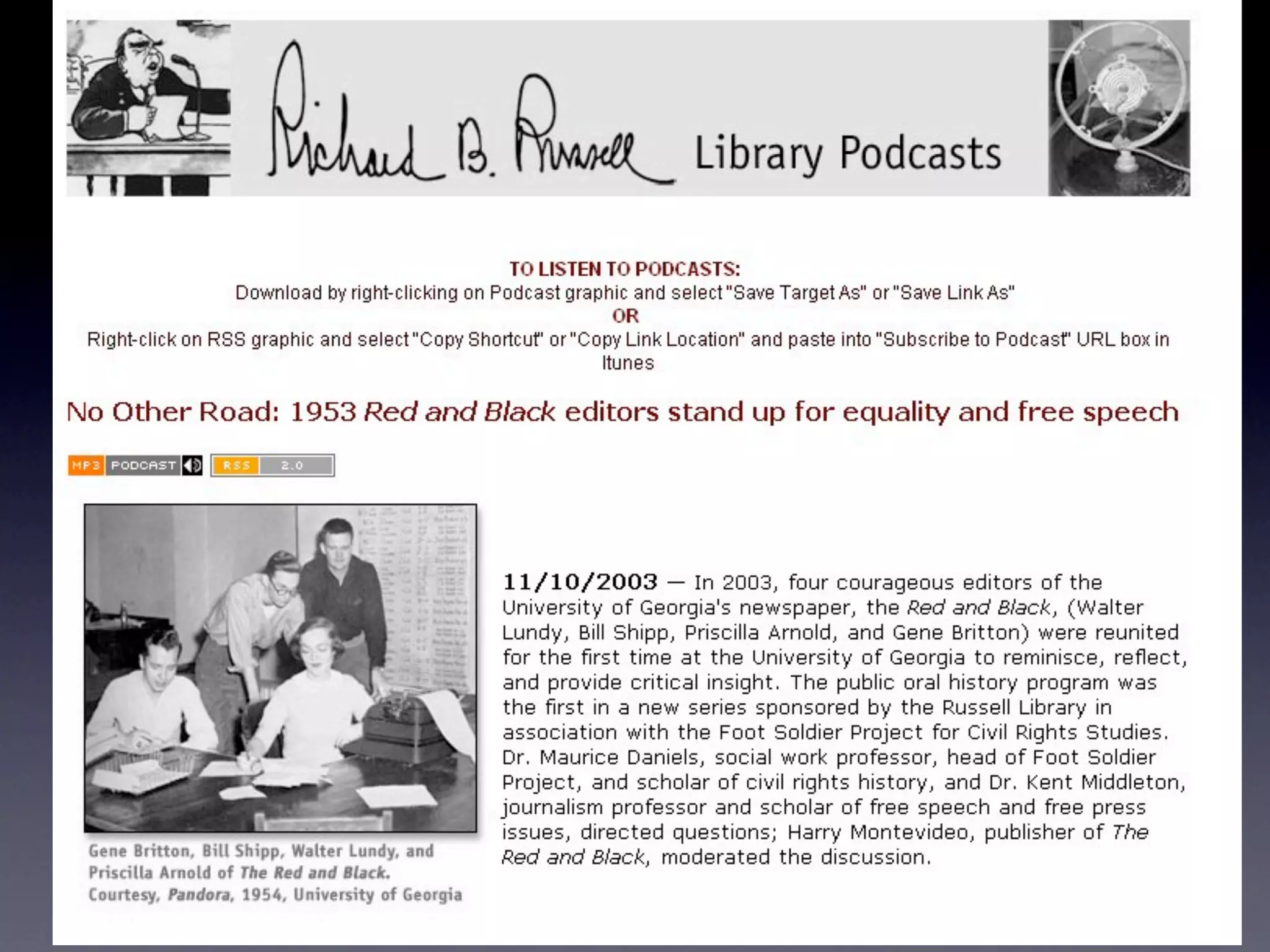
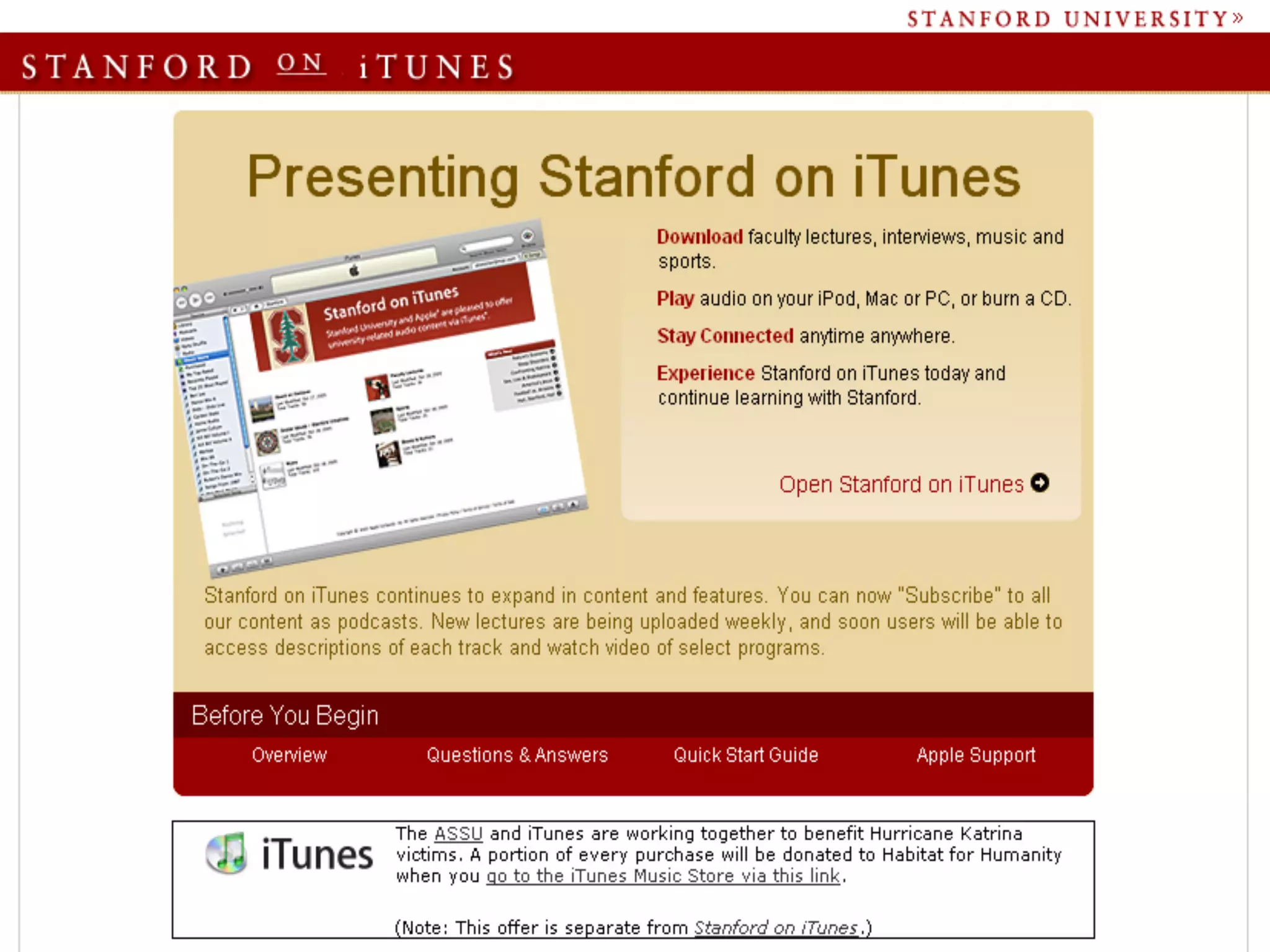
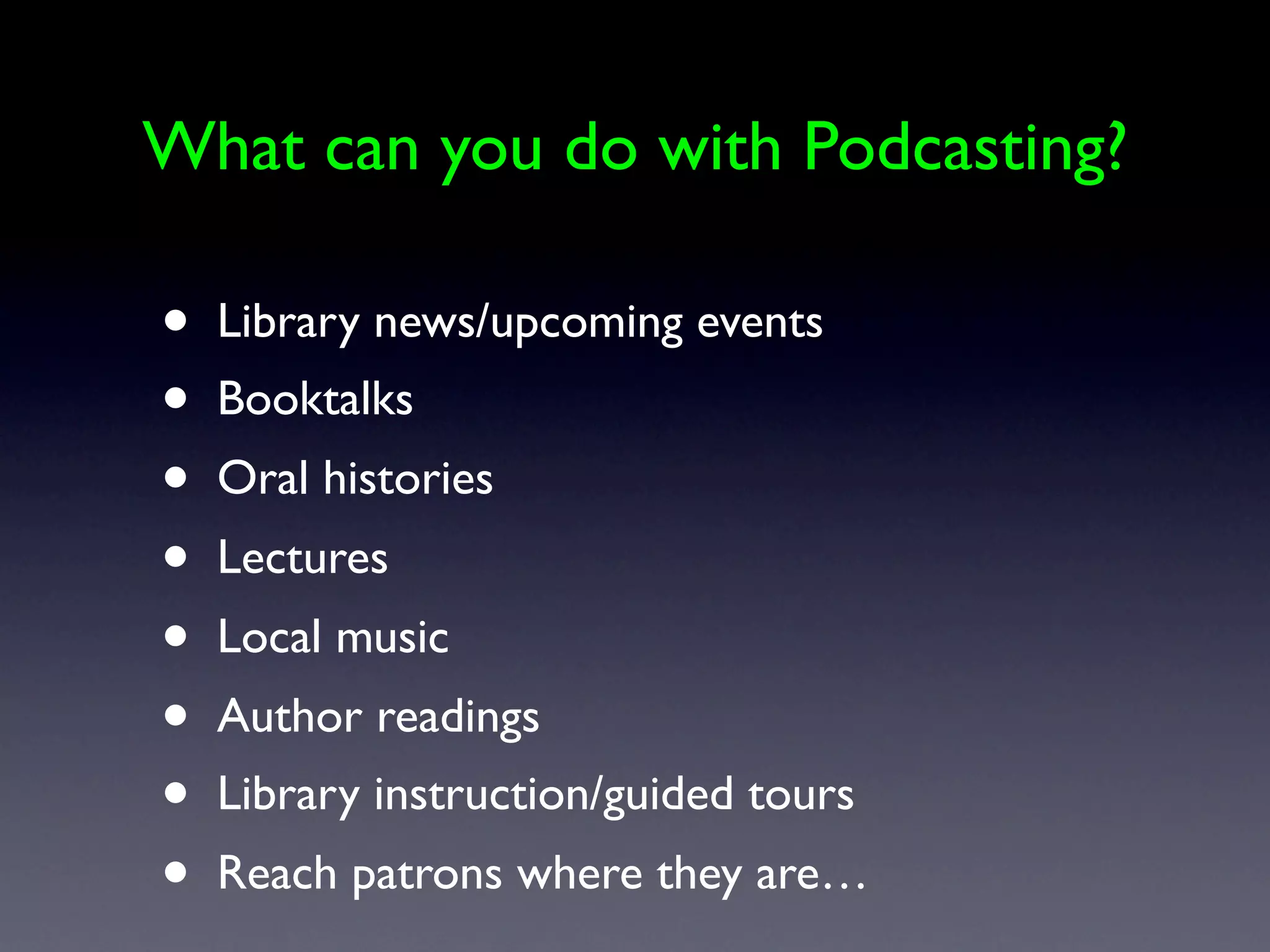
    34. What can you do with Podcasting? • Library news/upcoming events • Booktalks • Oral histories • Lectures • Local music • Author readings • Library instruction/guided tours • Reach patrons where they are…
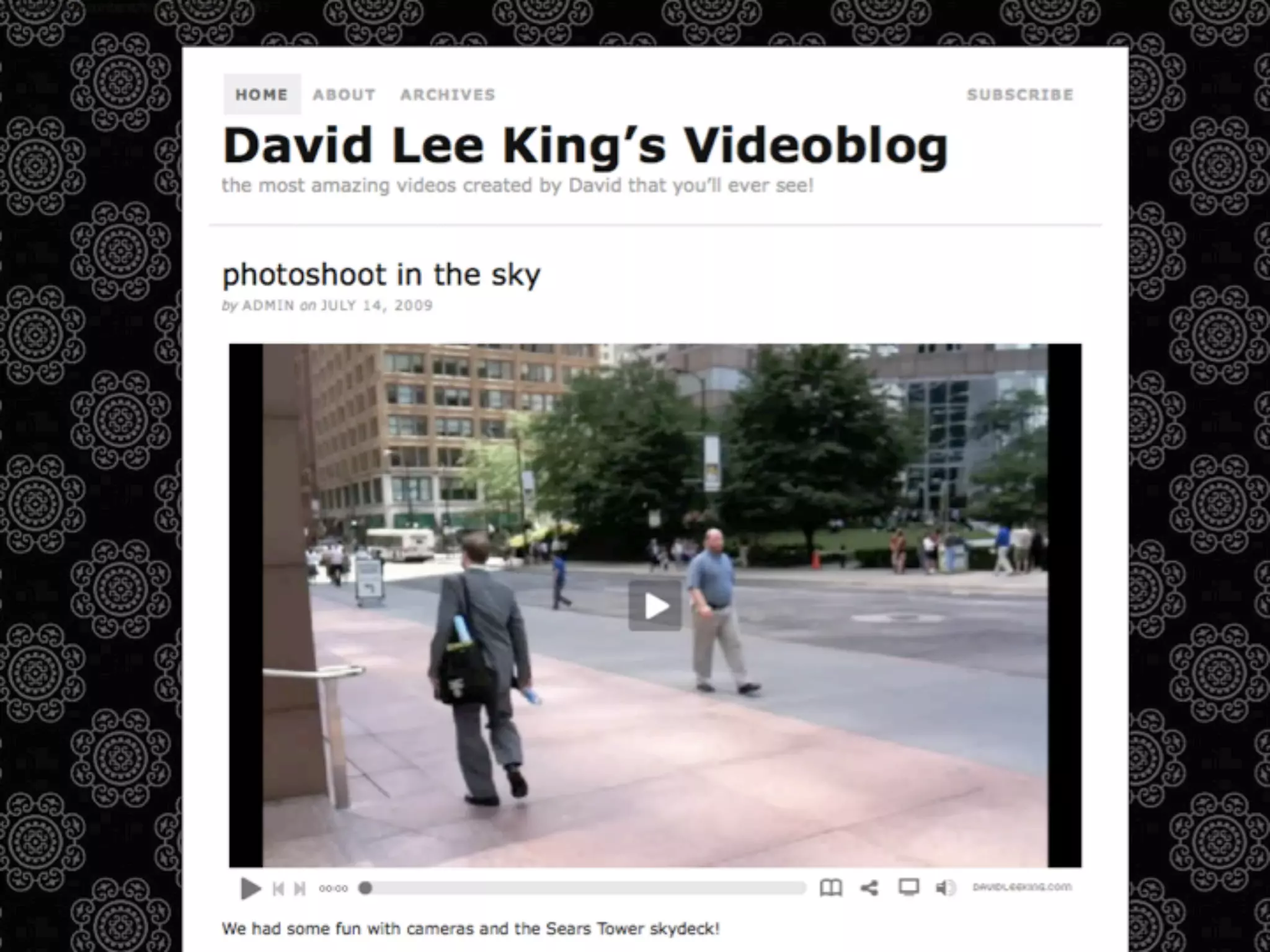
    35. Videocasting • same idea as podcasting - but with video • to watch: need a video player • rss feed • feed reader • even better - a video aggregator (mefeedia, fireant, itunes)
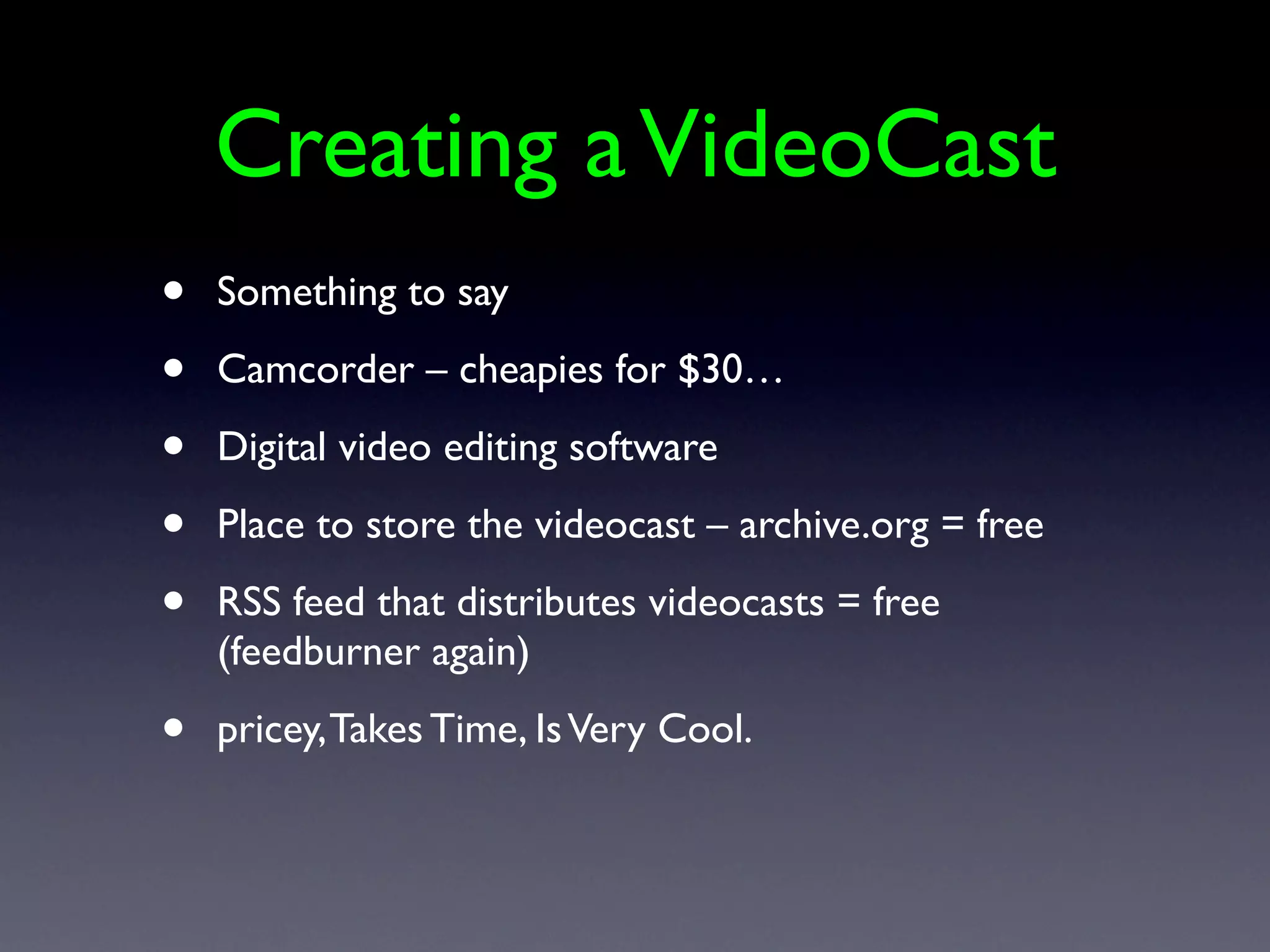
    36. Creating a VideoCast • Something to say • Camcorder – cheapies for $30… • Digital video editing software • Place to store the videocast – archive.org = free • RSS feed that distributes videocasts = free (feedburner again) • pricey, Takes Time, Is Very Cool.
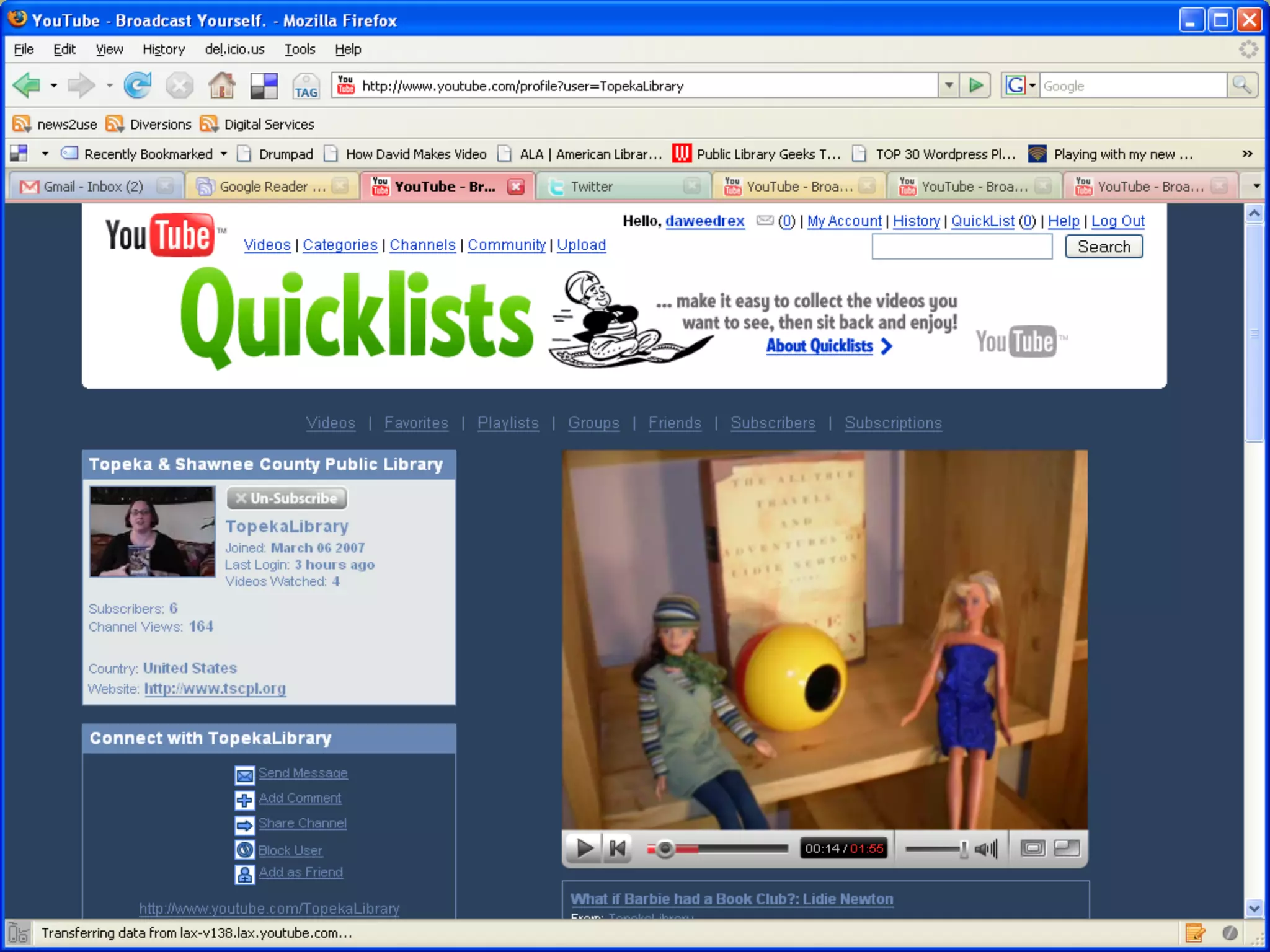
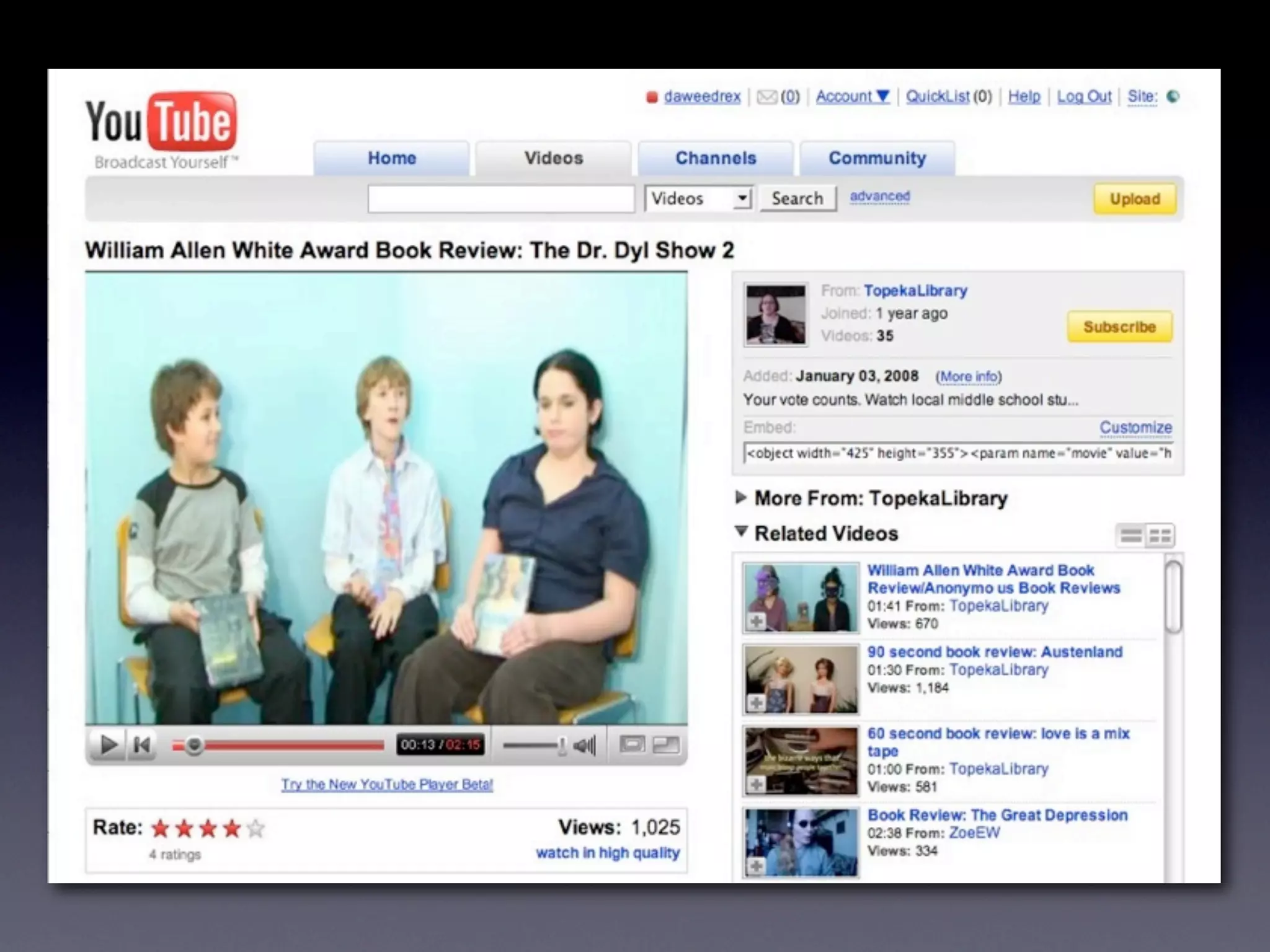
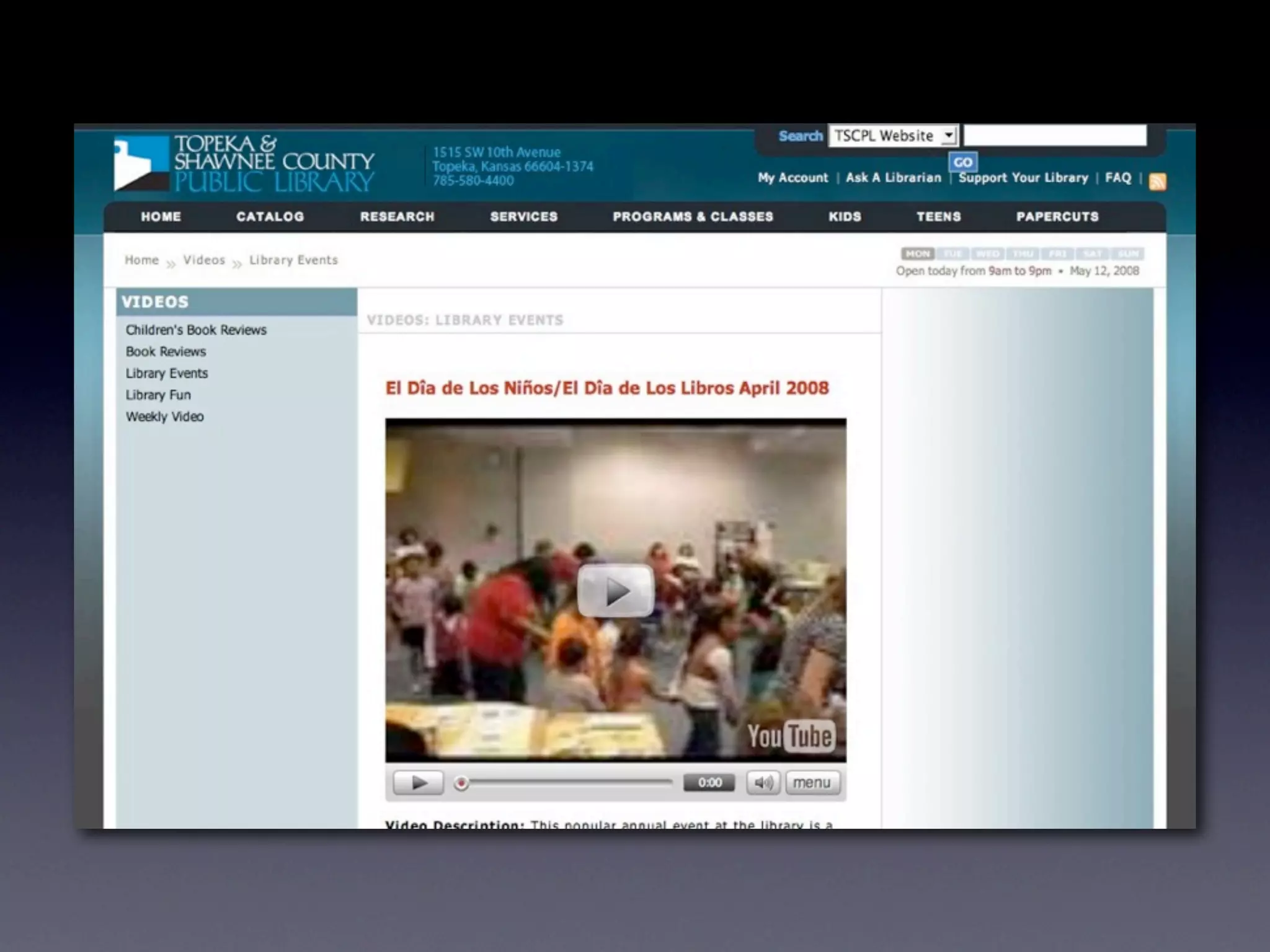
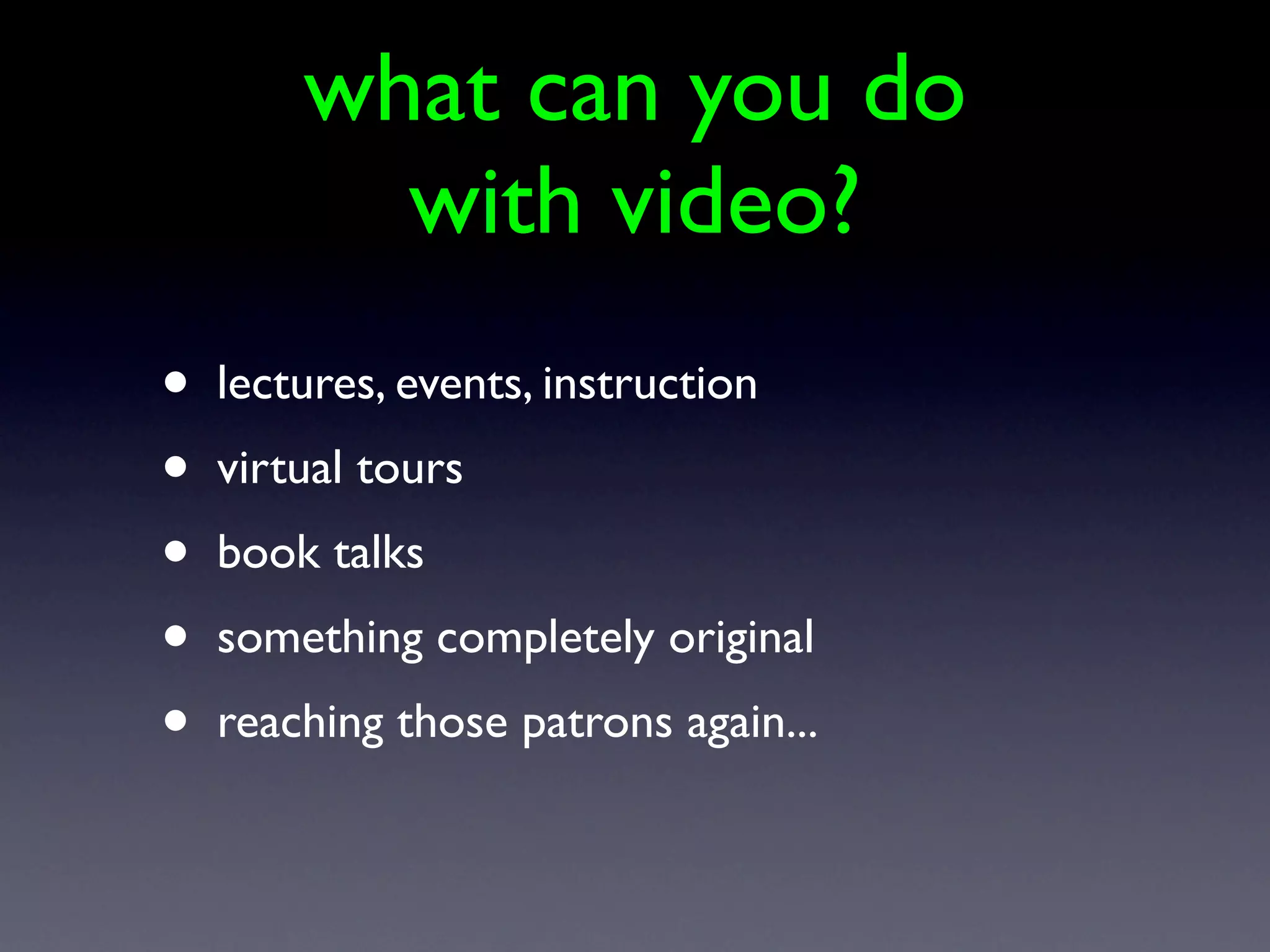
    37. what can you do with video? • lectures, events, instruction • virtual tours • book talks • something completely original • reaching those patrons again...
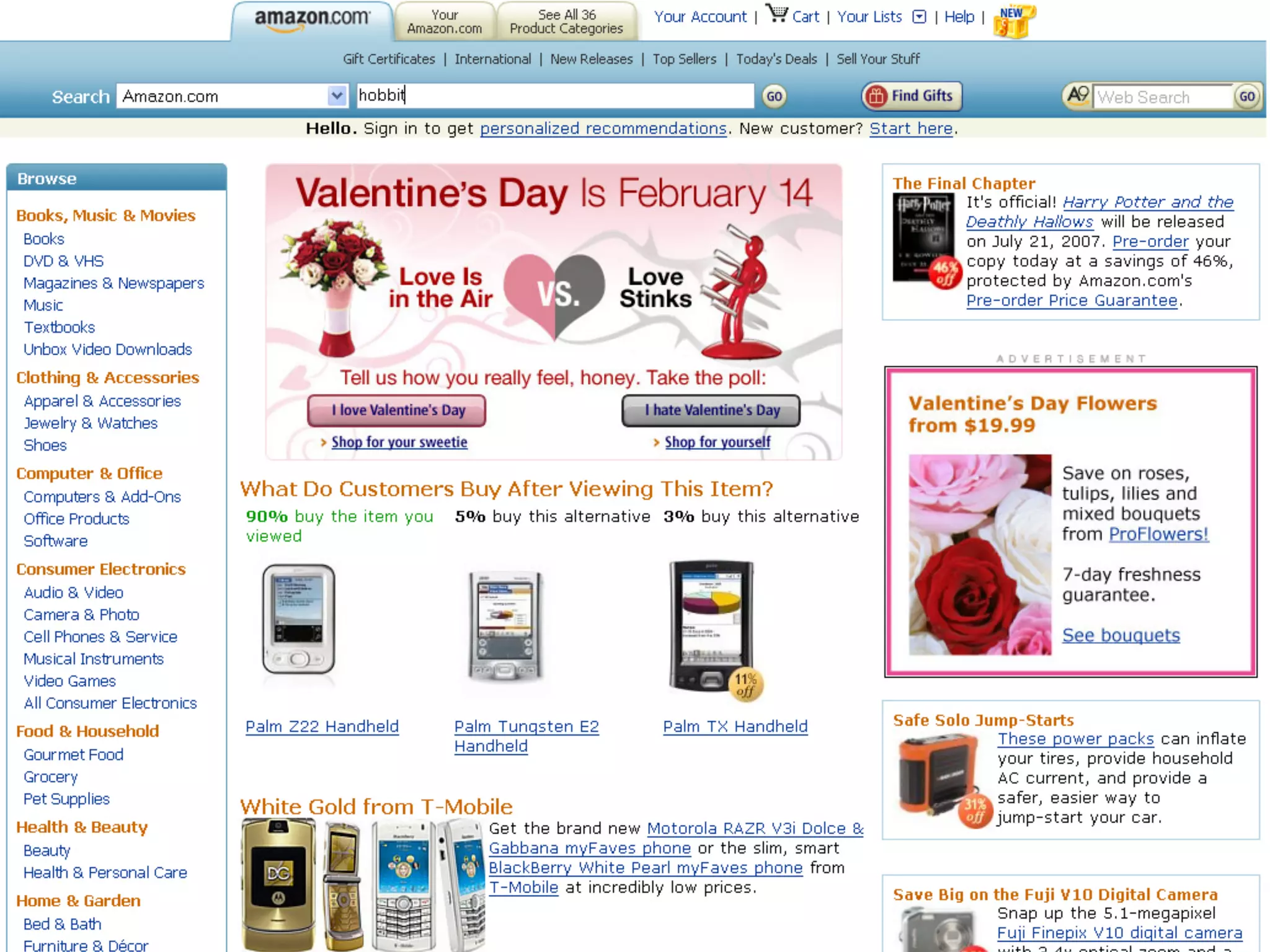
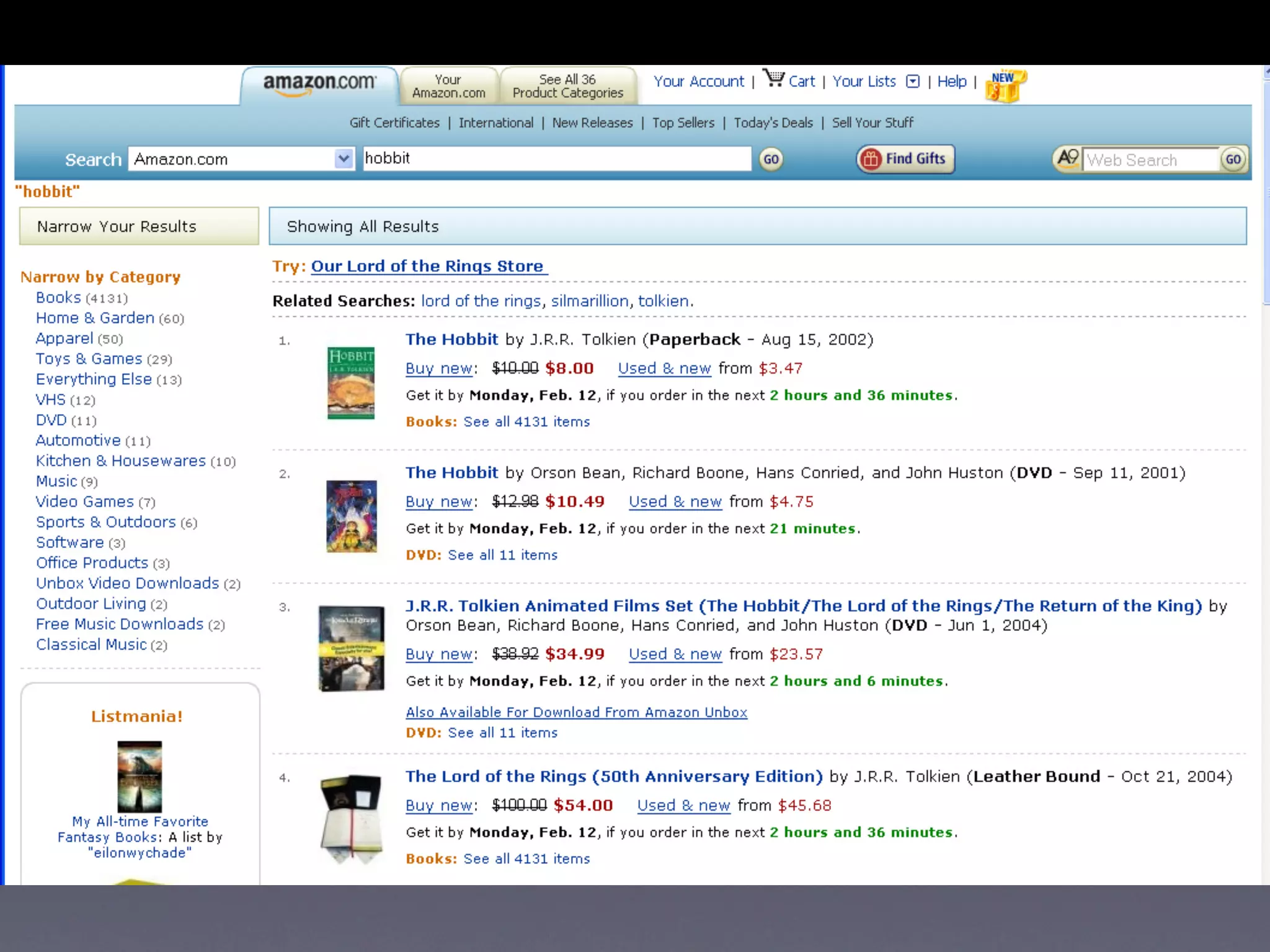
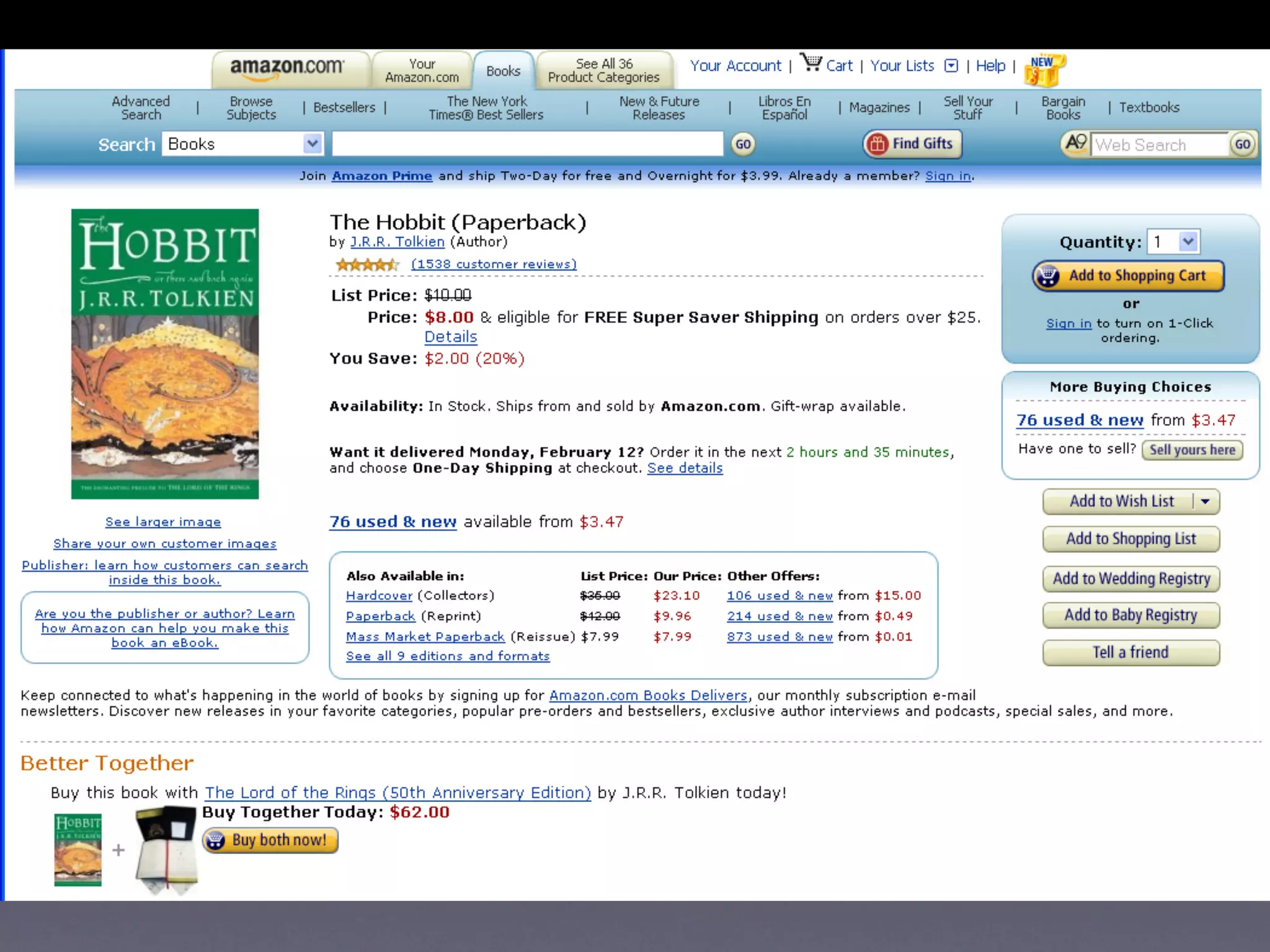
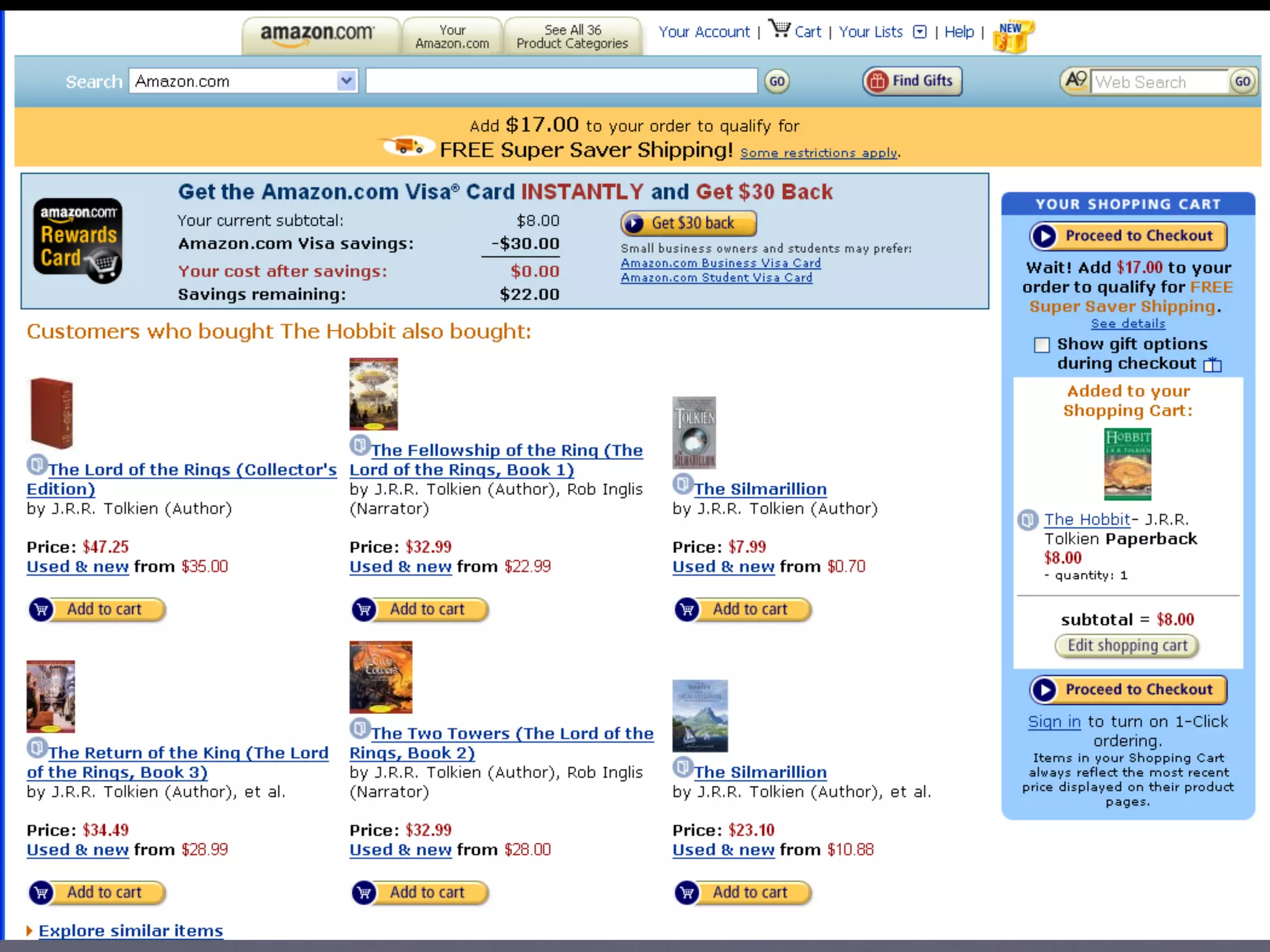
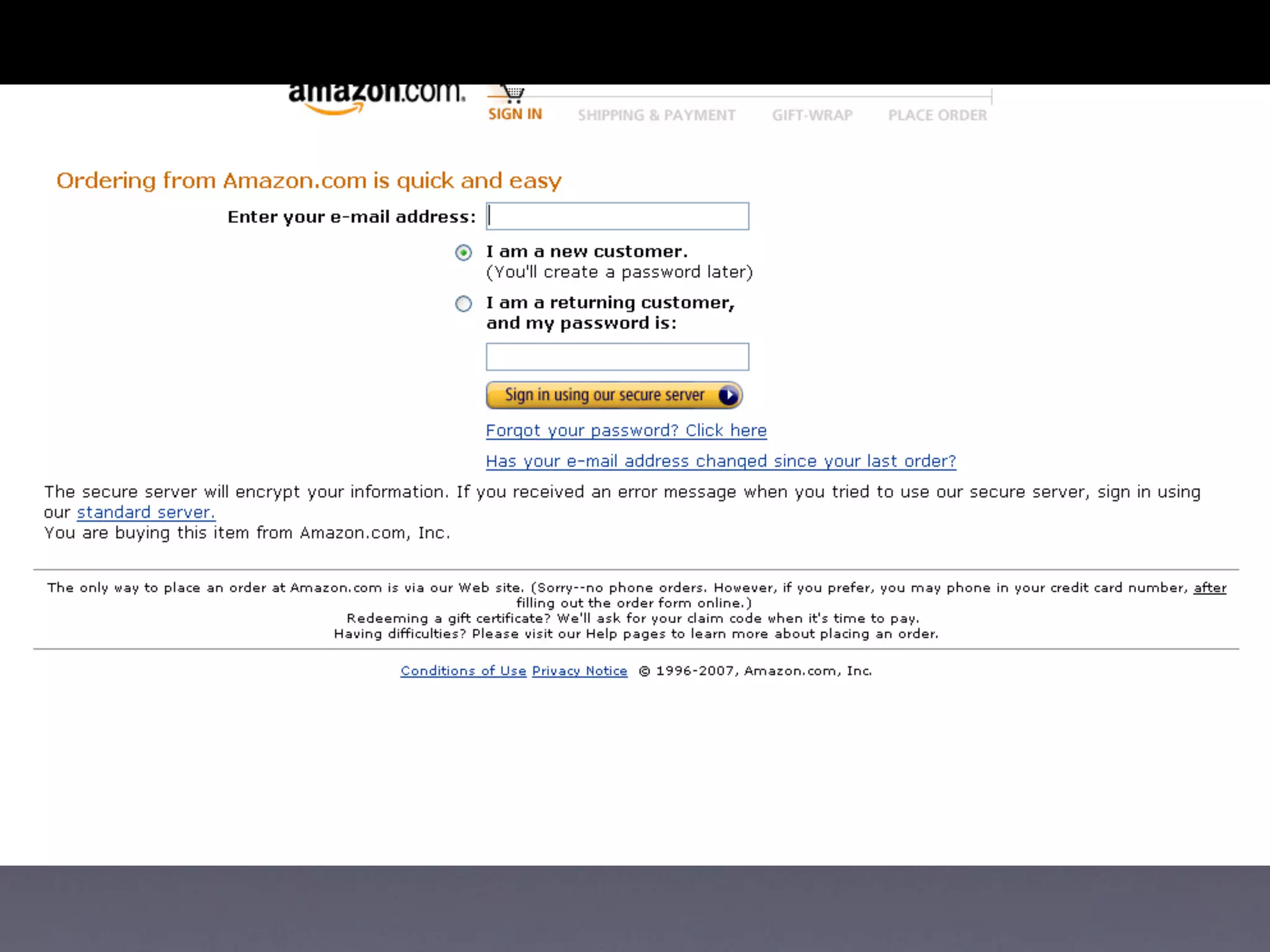
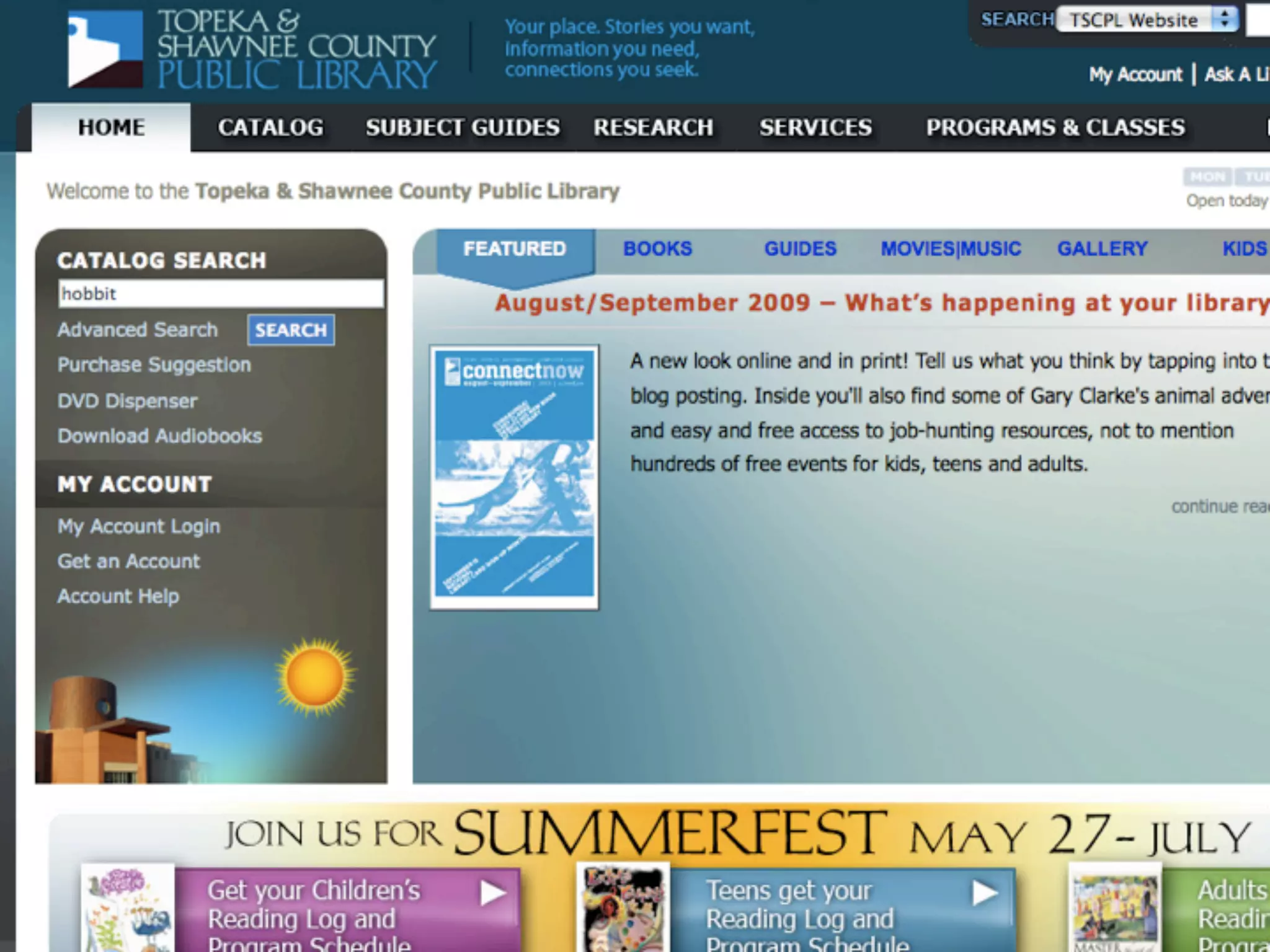
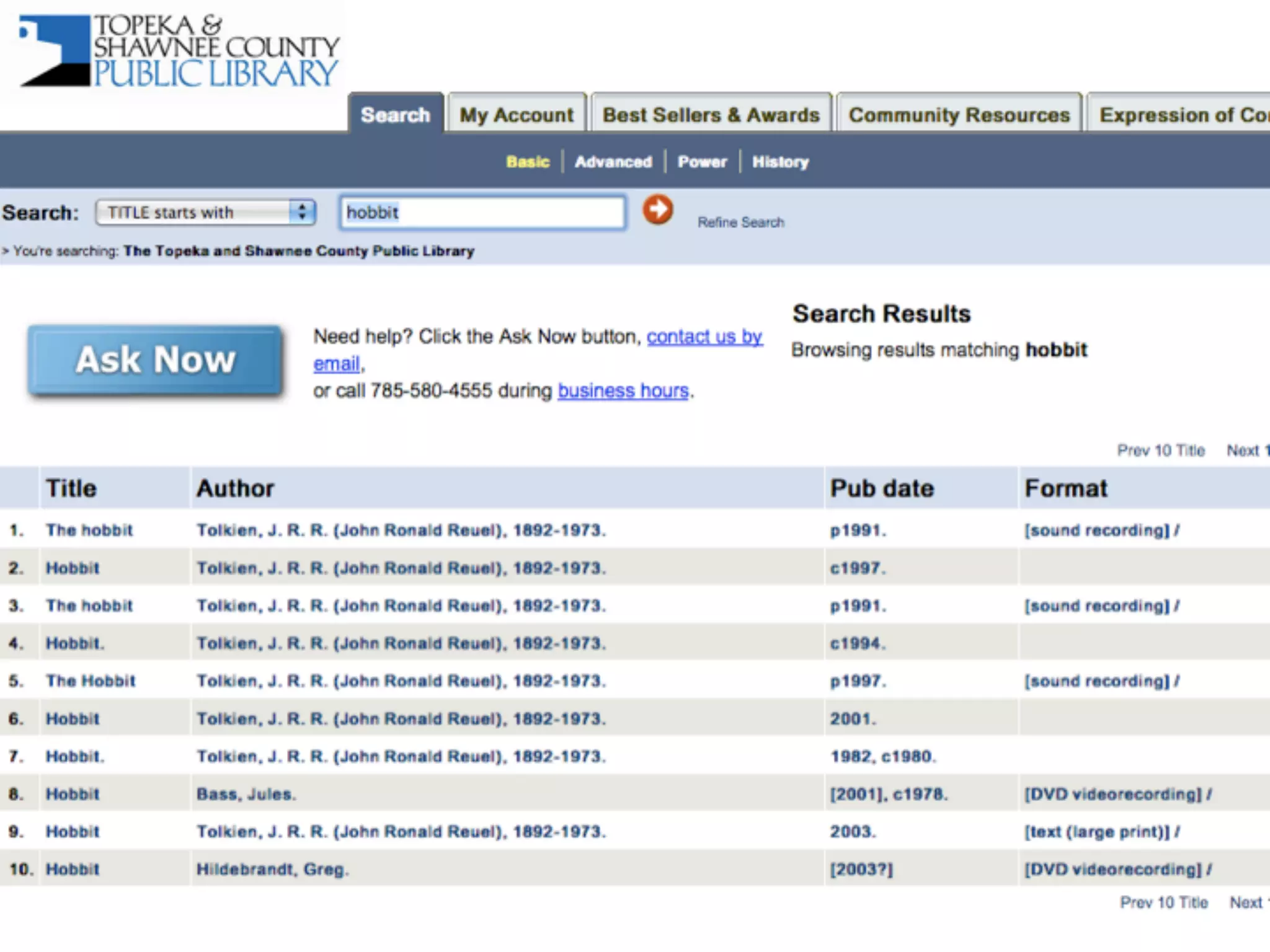
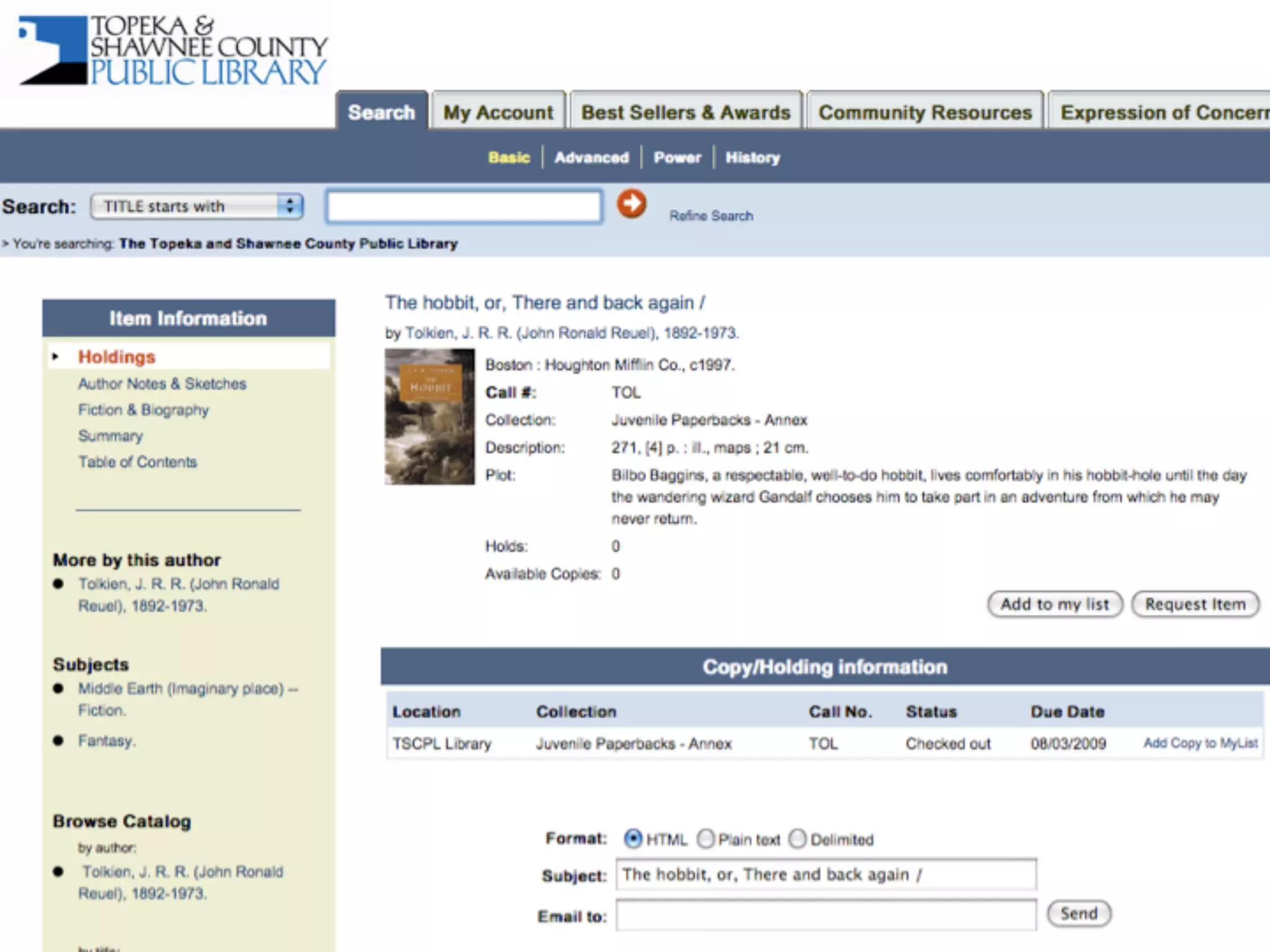
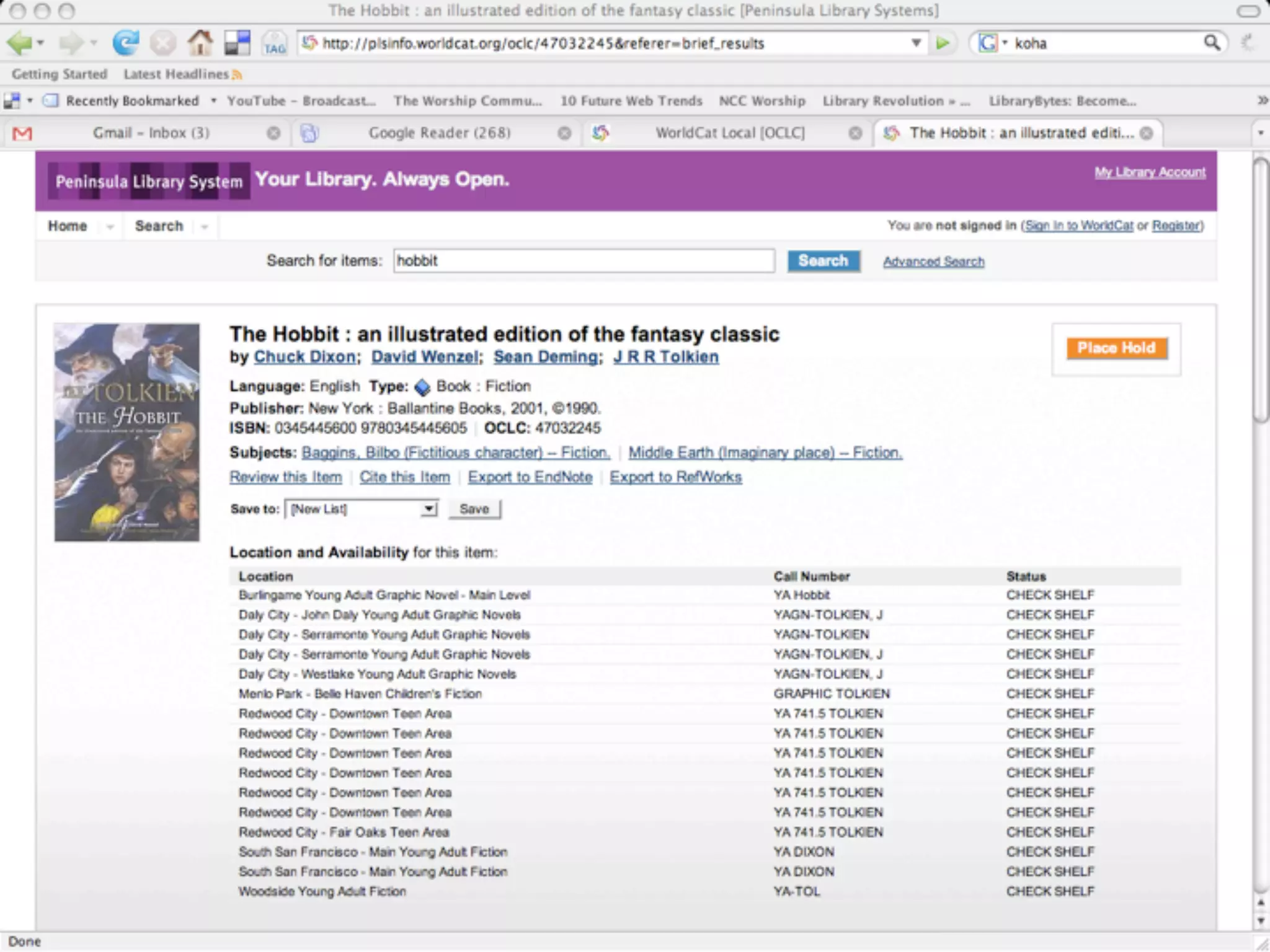
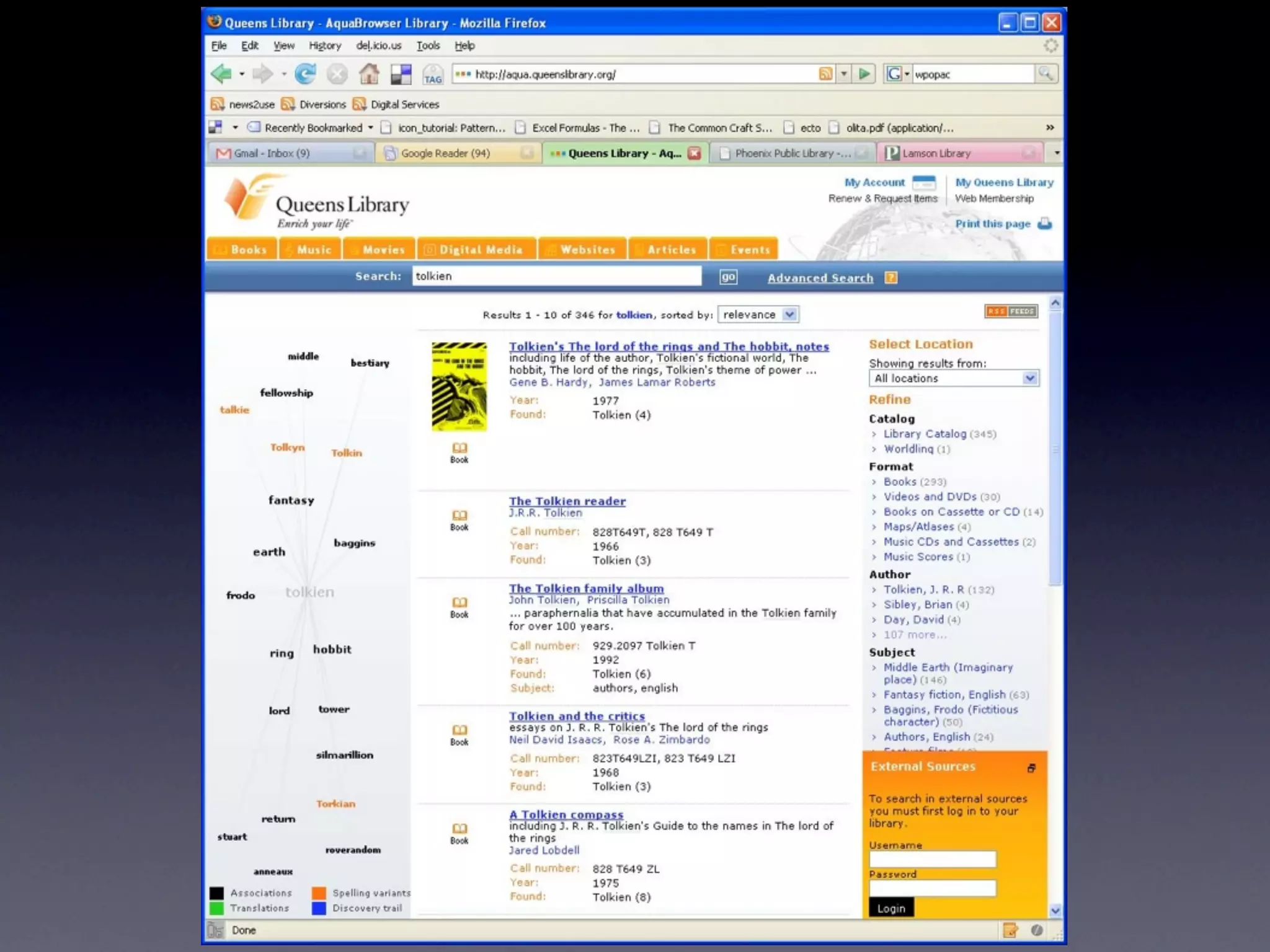
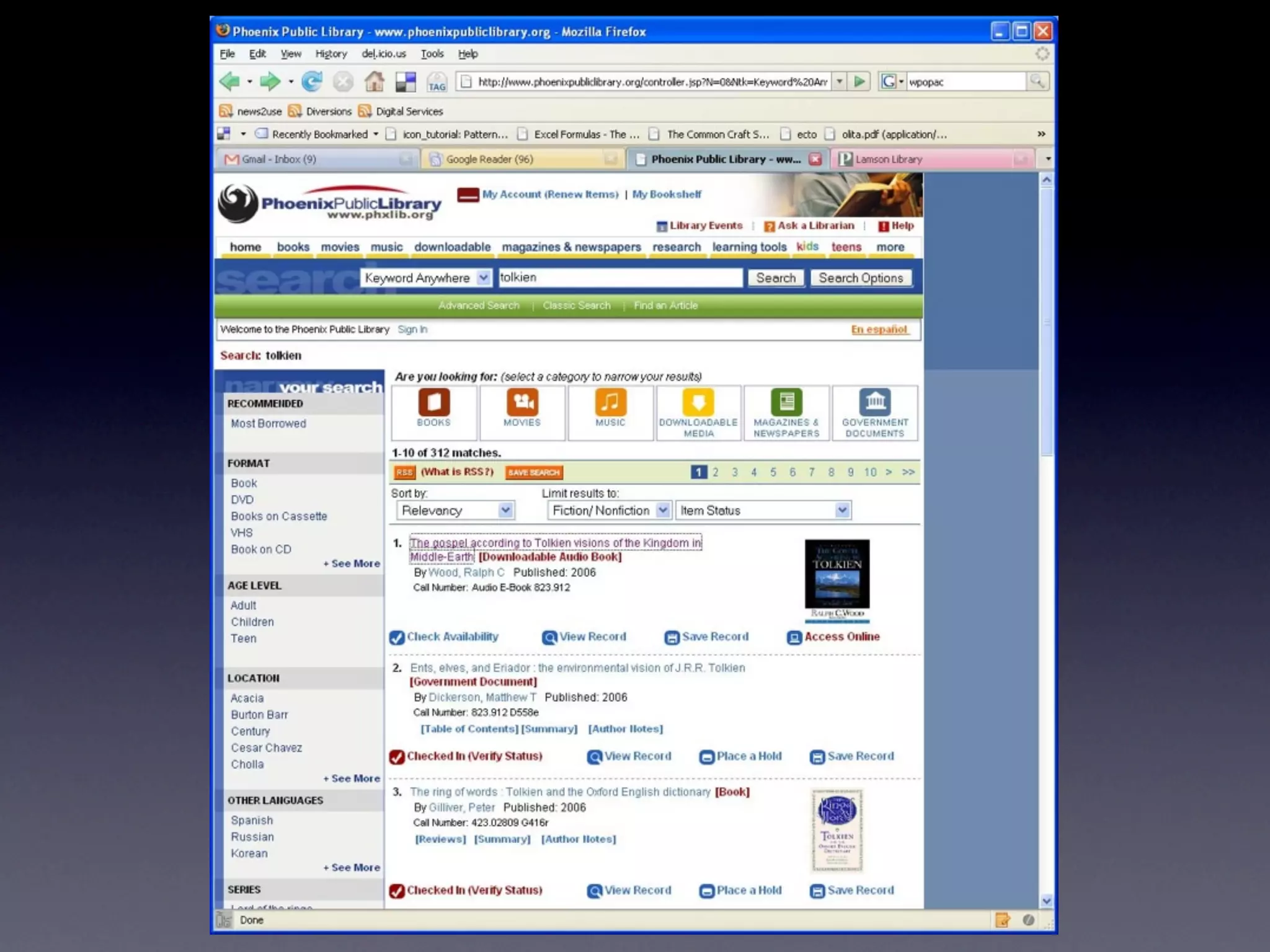
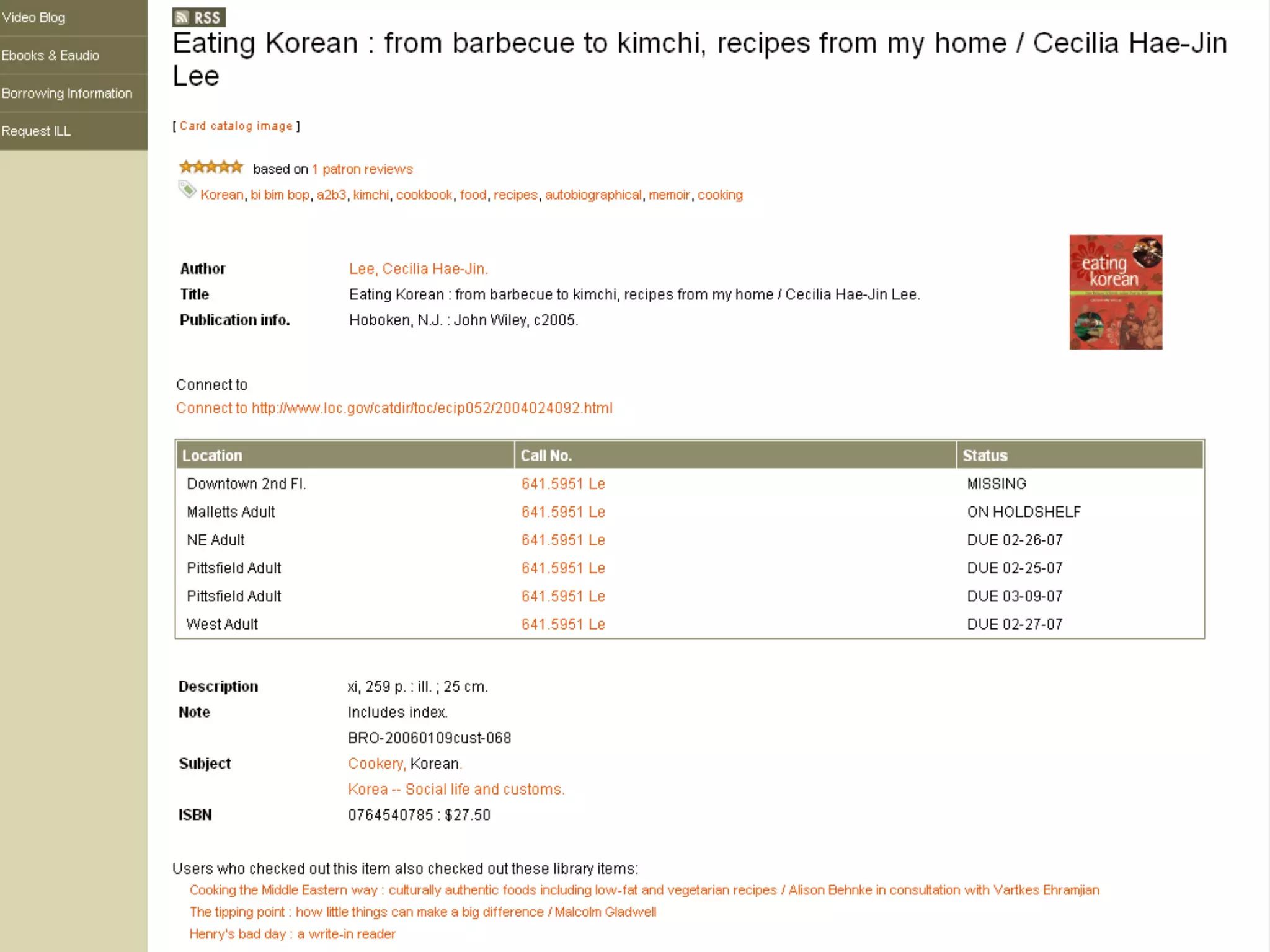
    38. Amazon vs OPAC
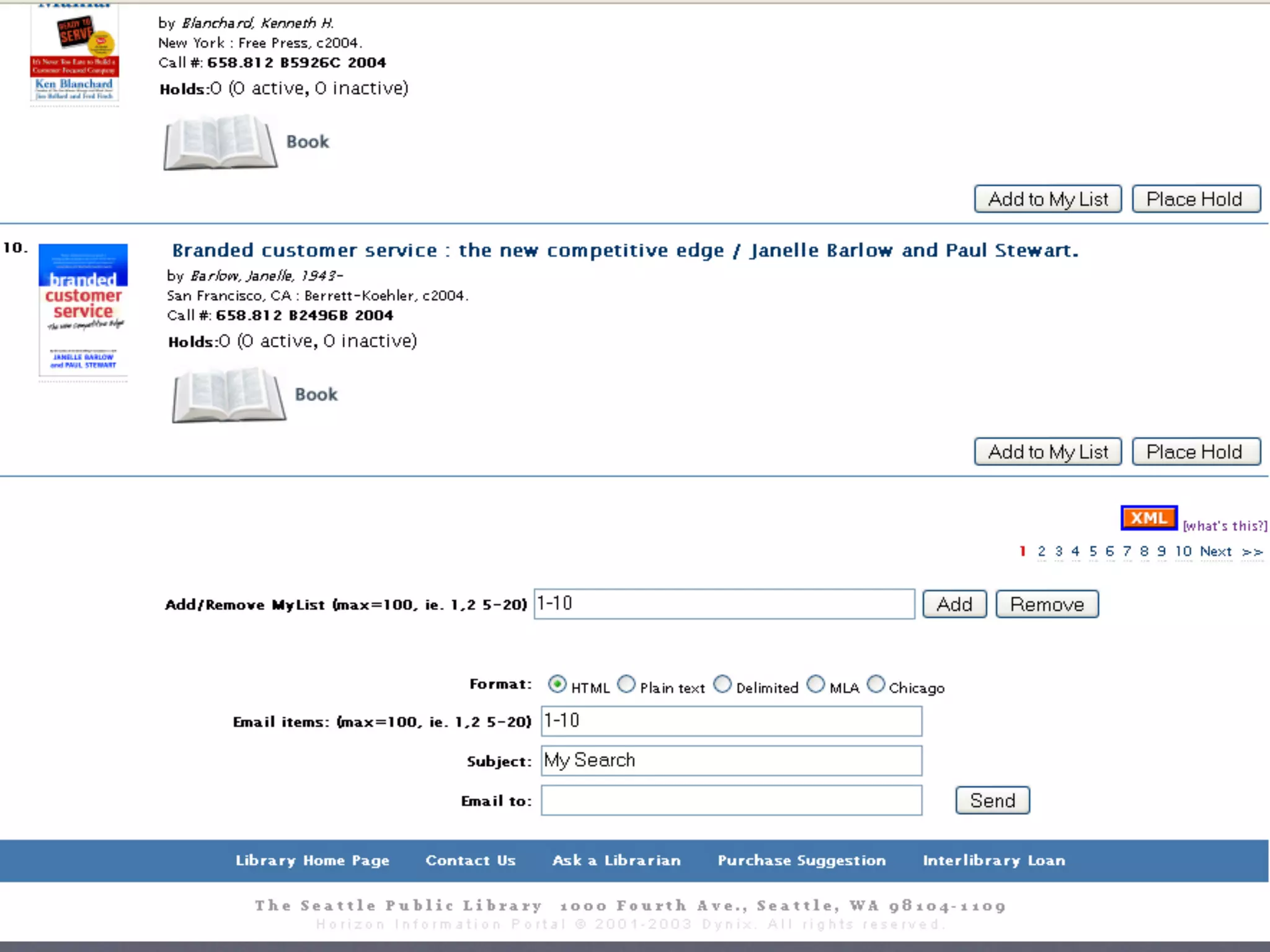
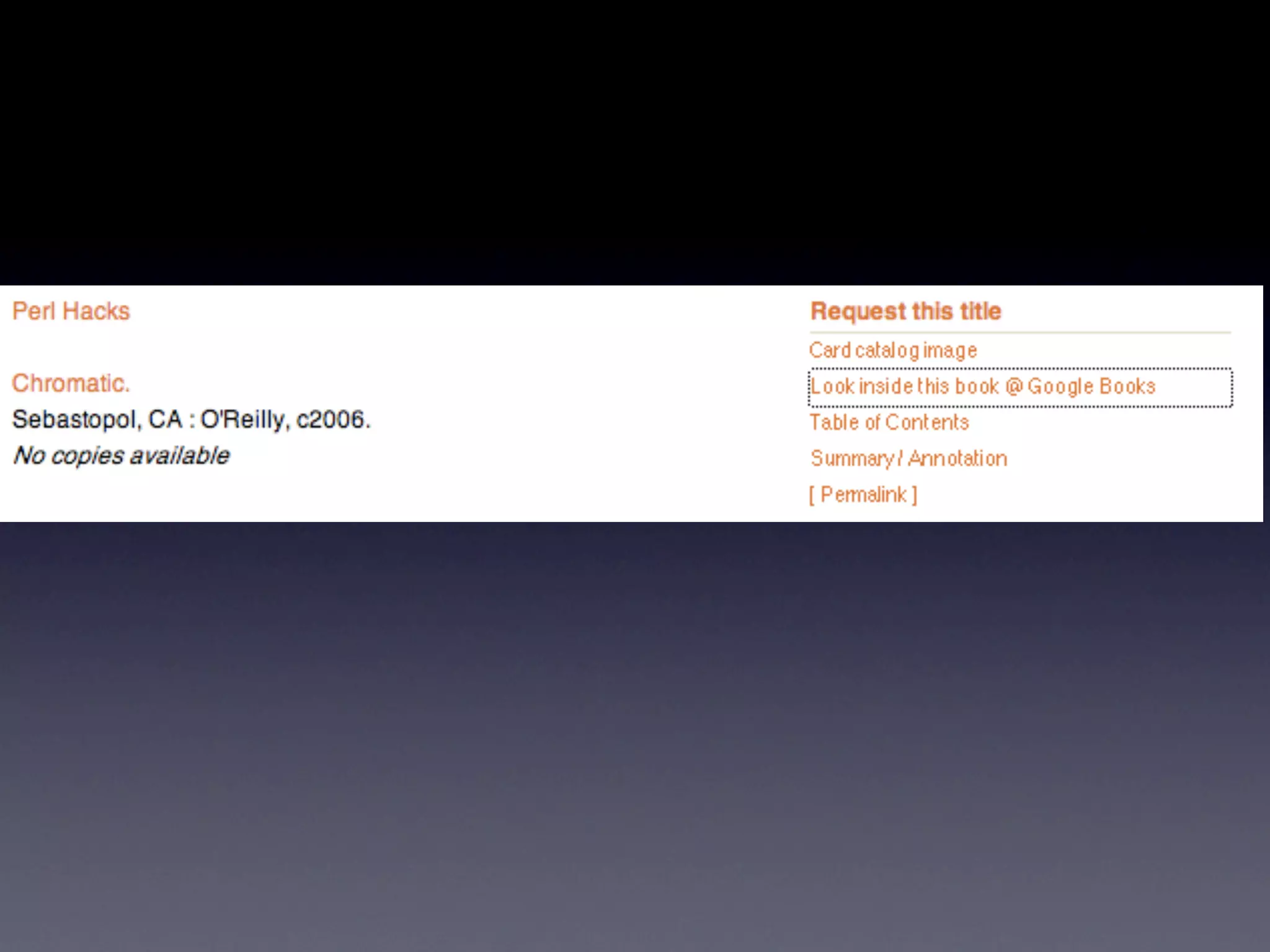
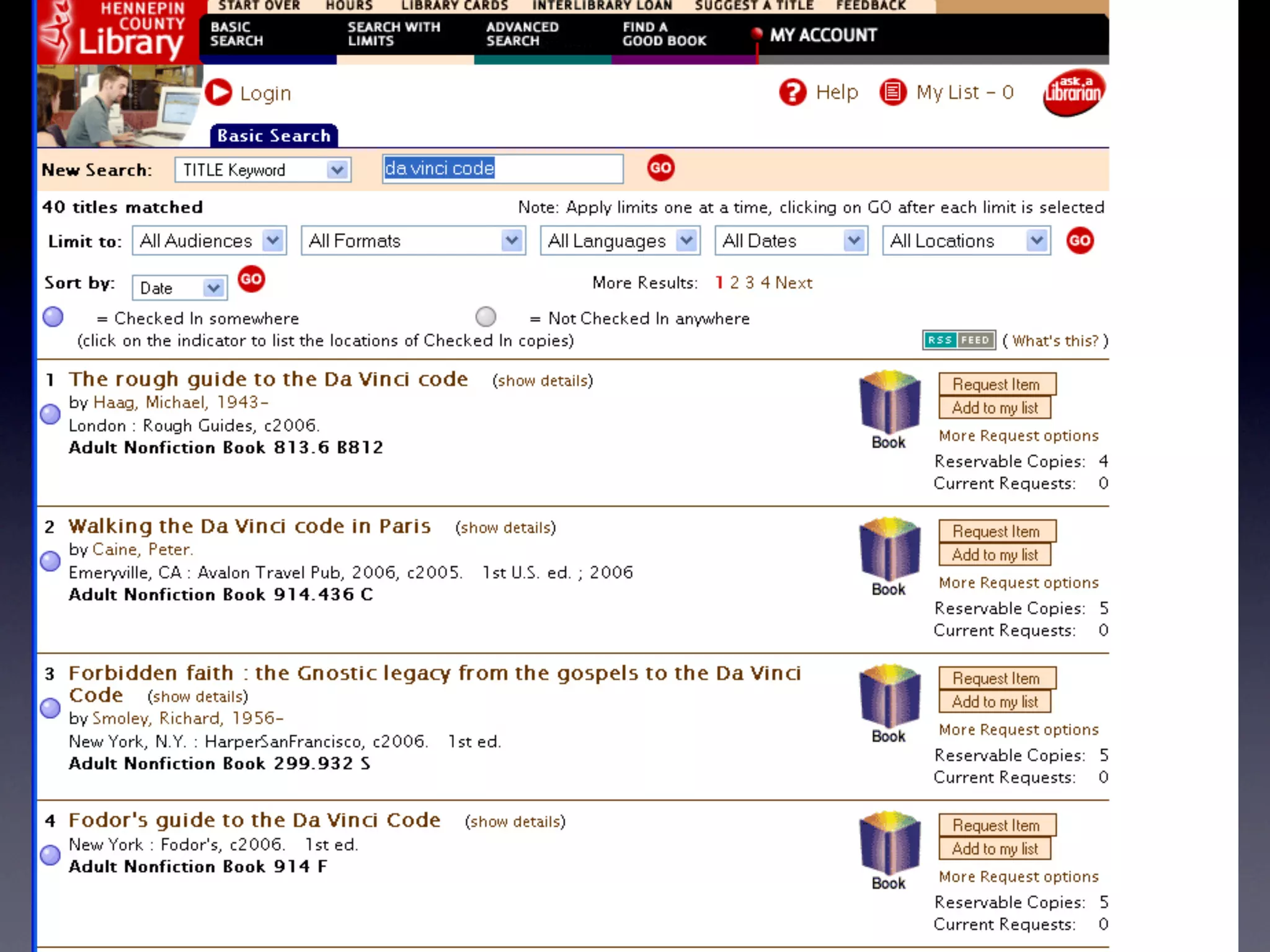
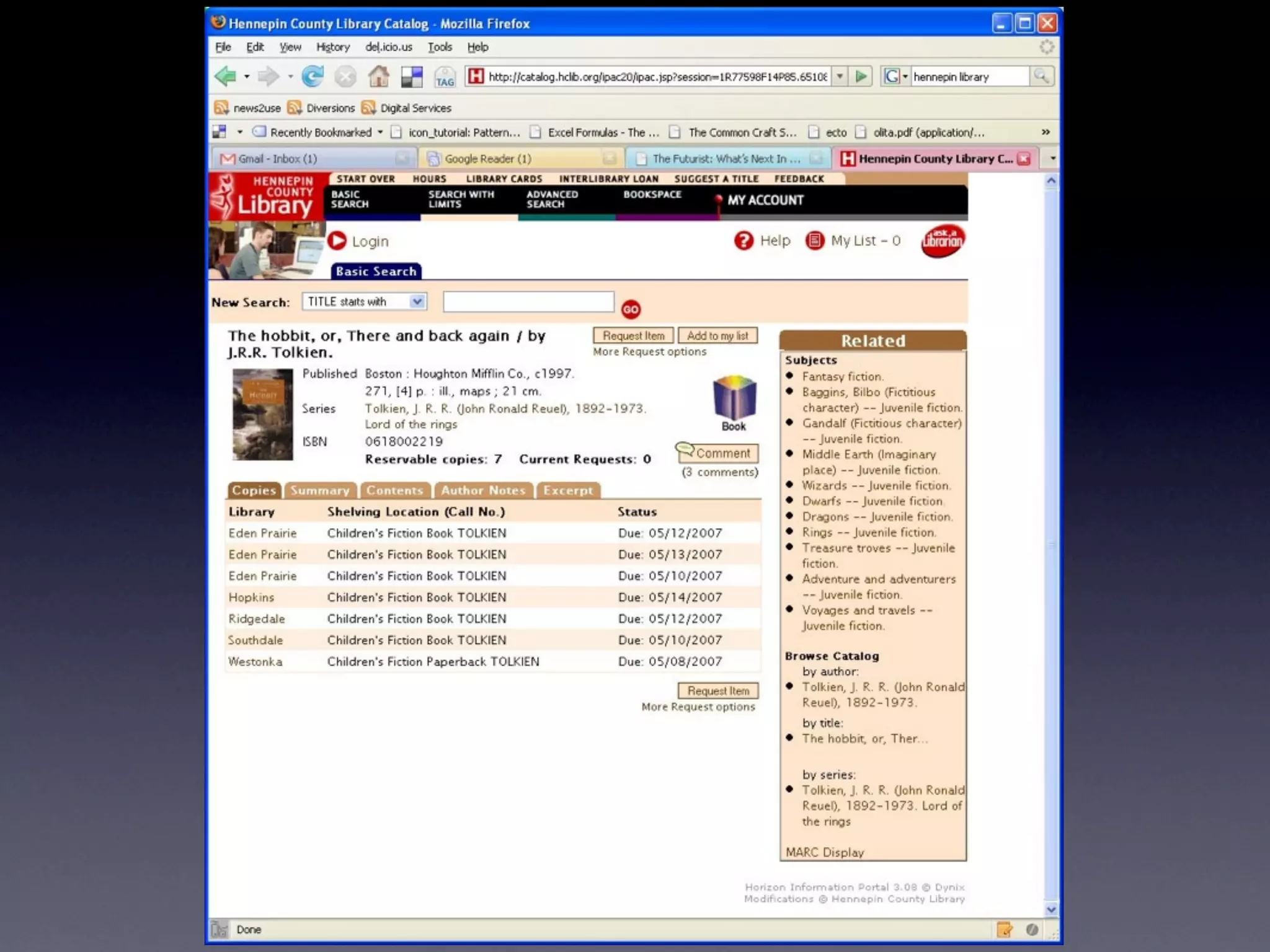
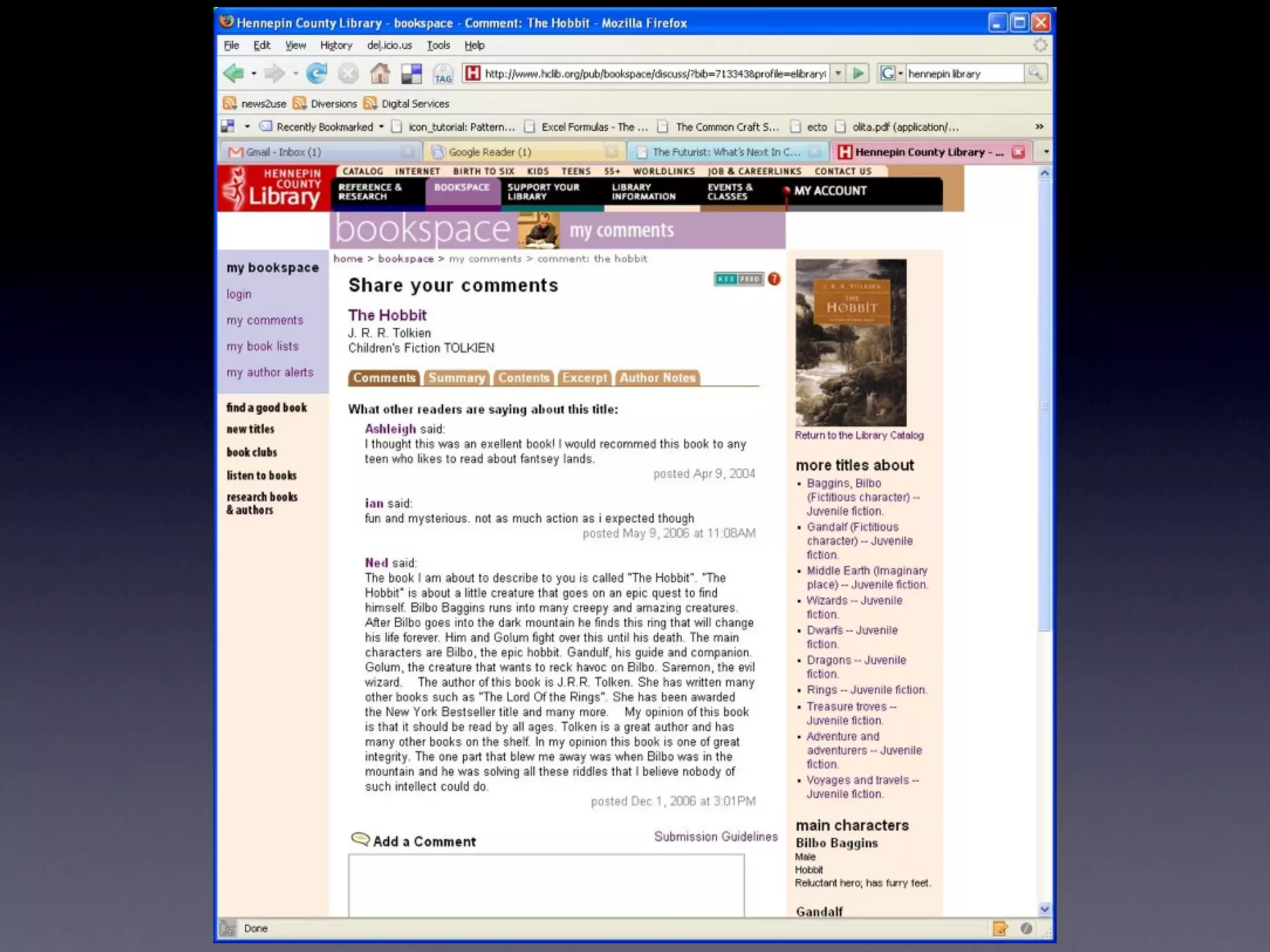
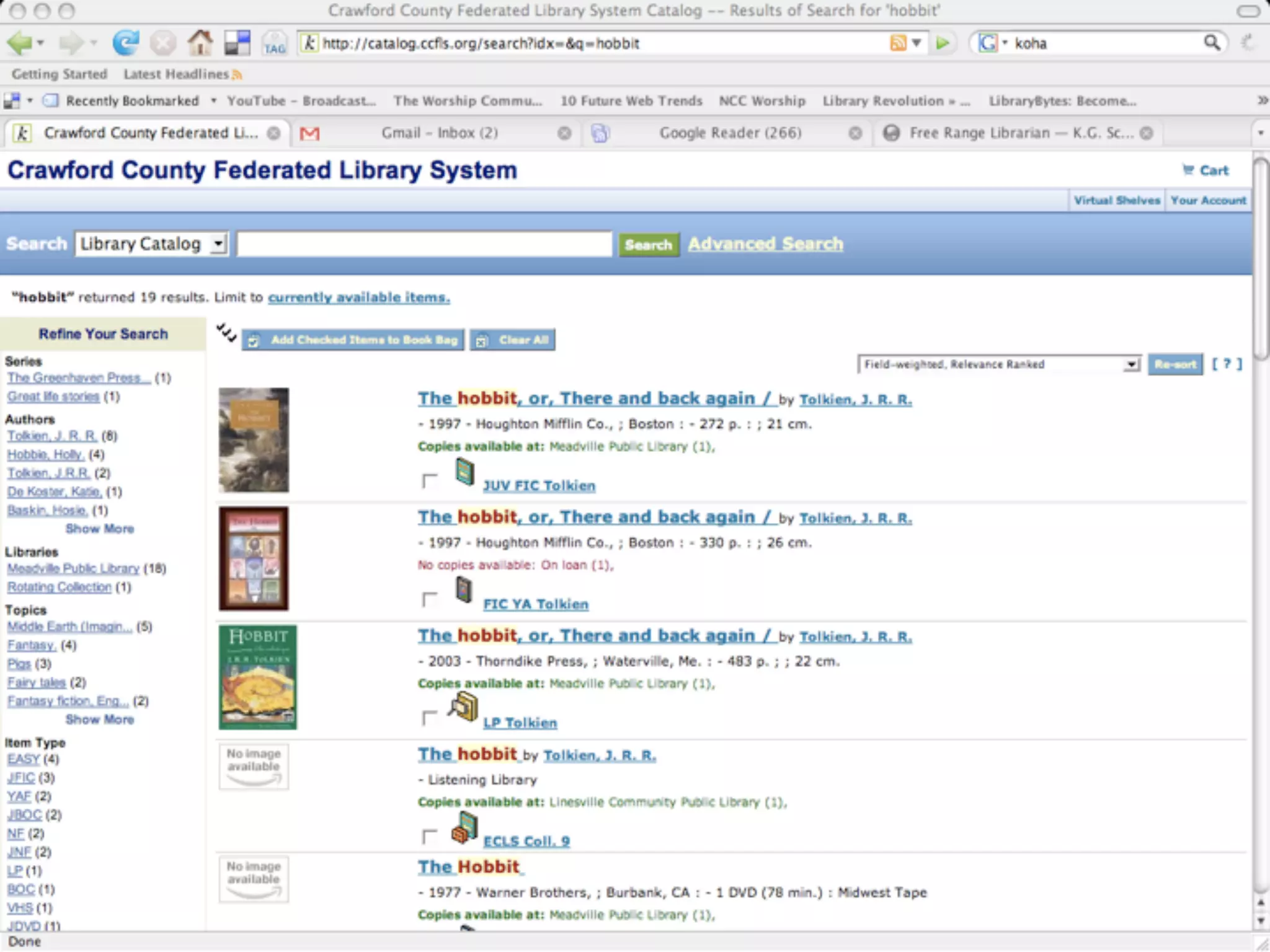
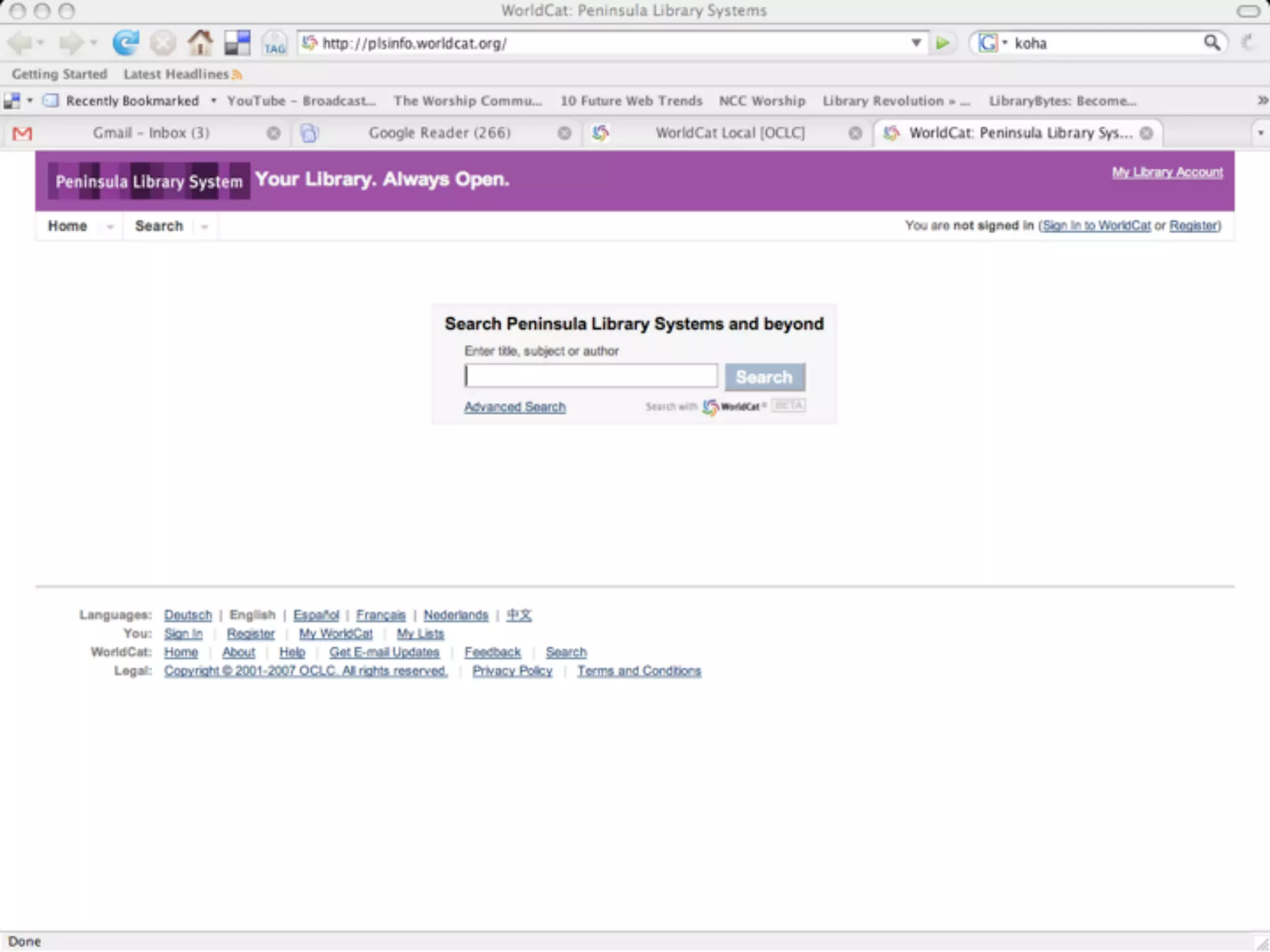
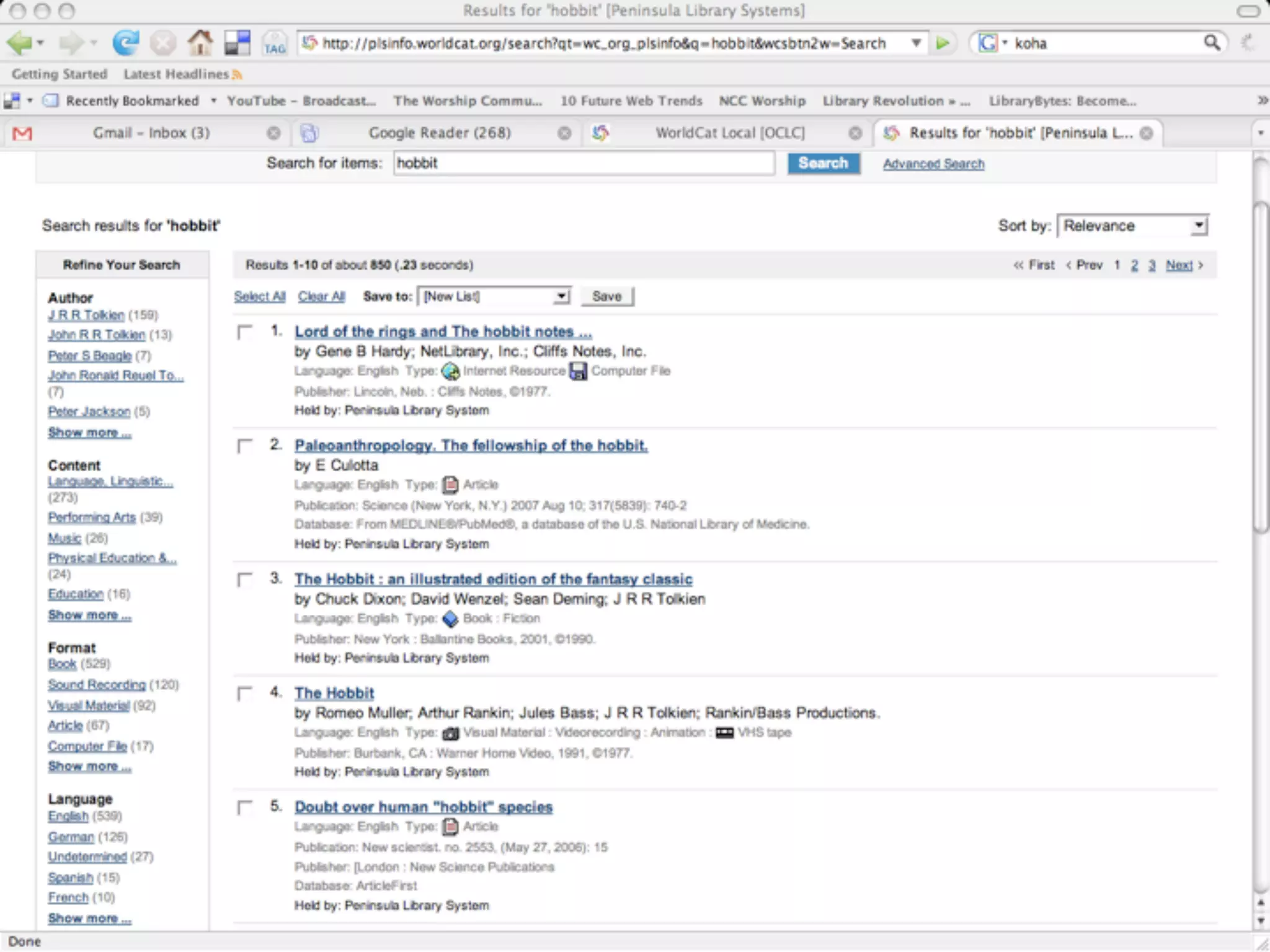
    39. Extending the catalog...
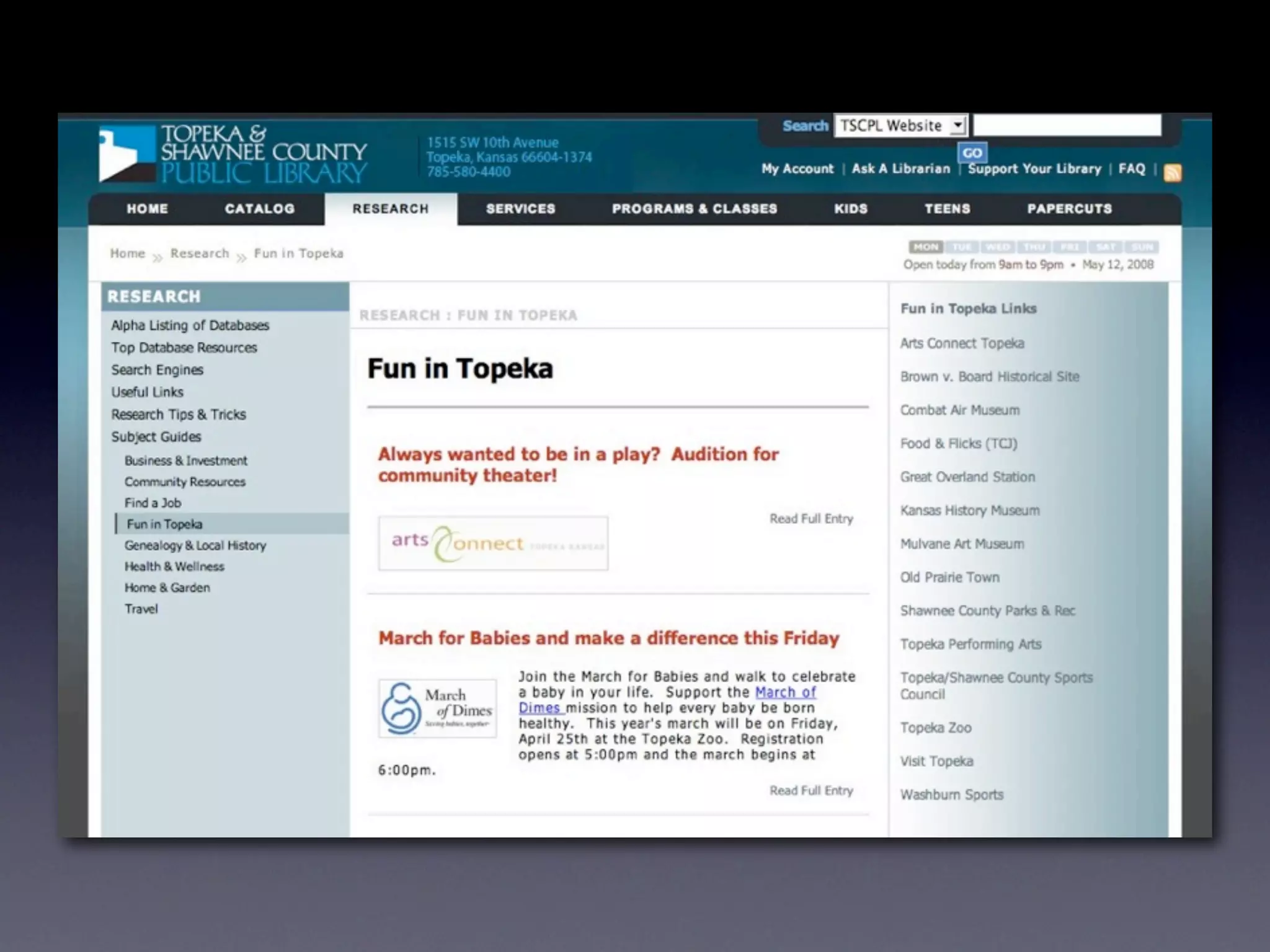
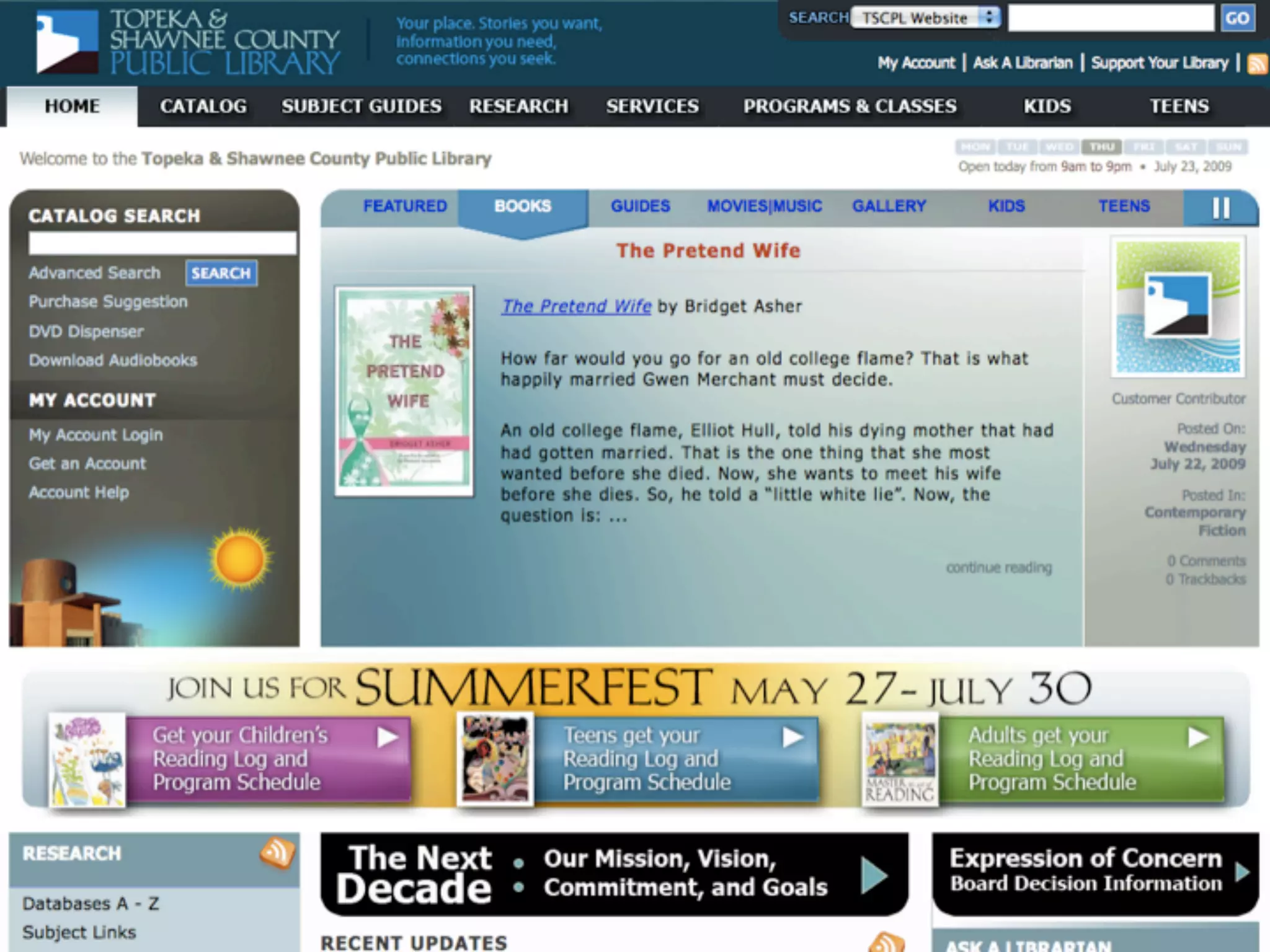
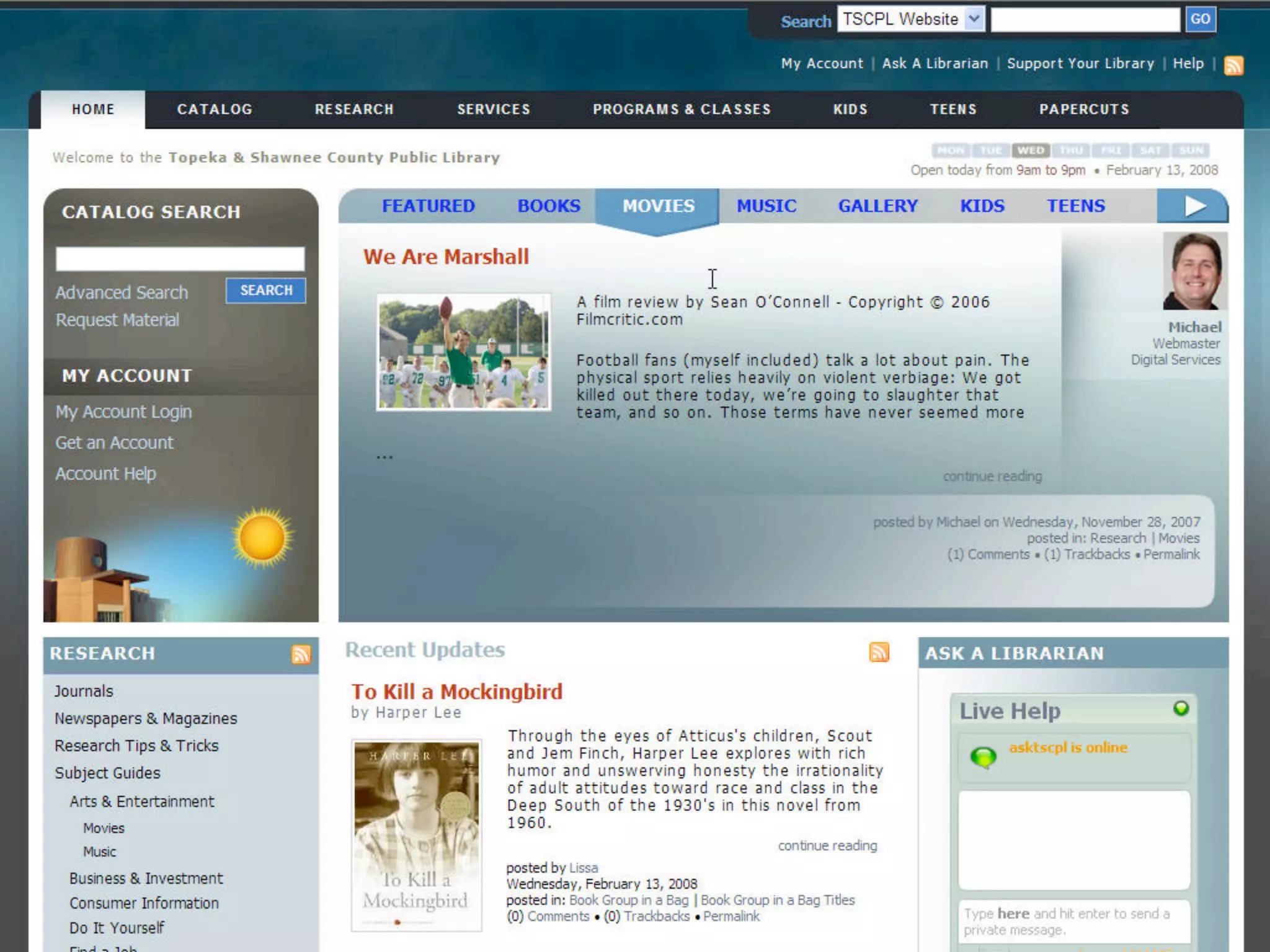
    40. Introducing Topeka’s Digital Branch
    41. Who are We? Digital Translation Goals
    42. Who are We?
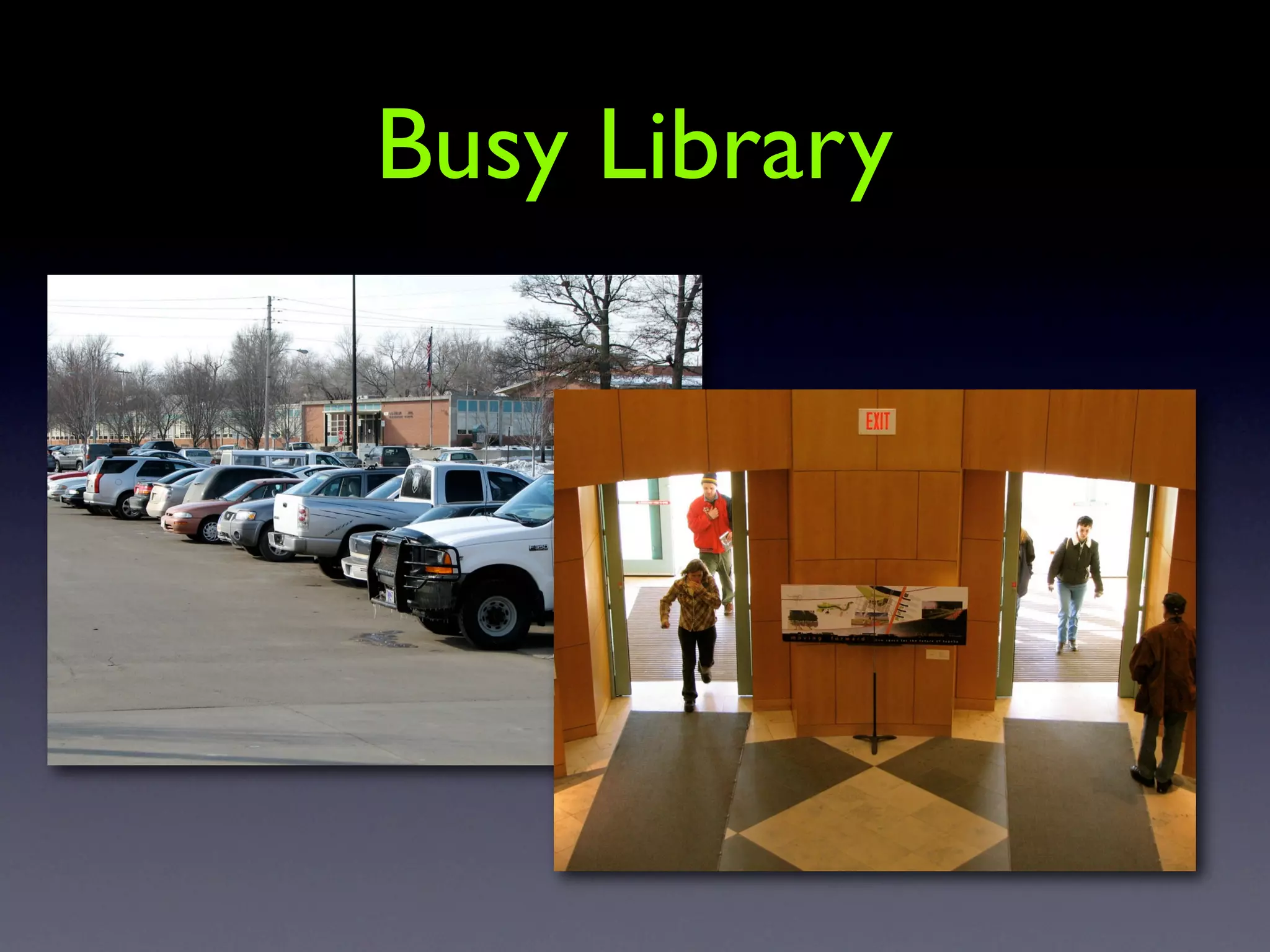
    43. Busy Library
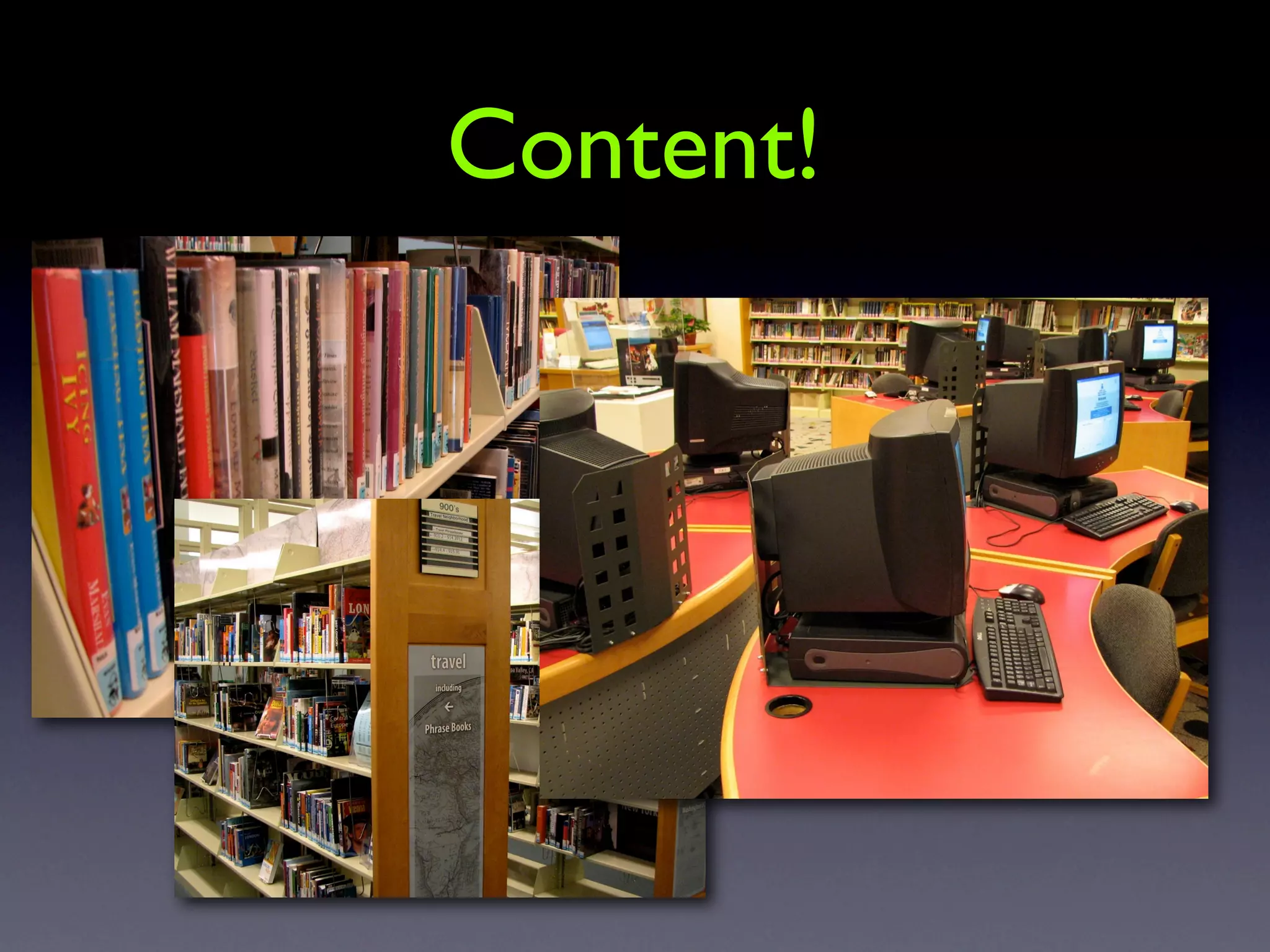
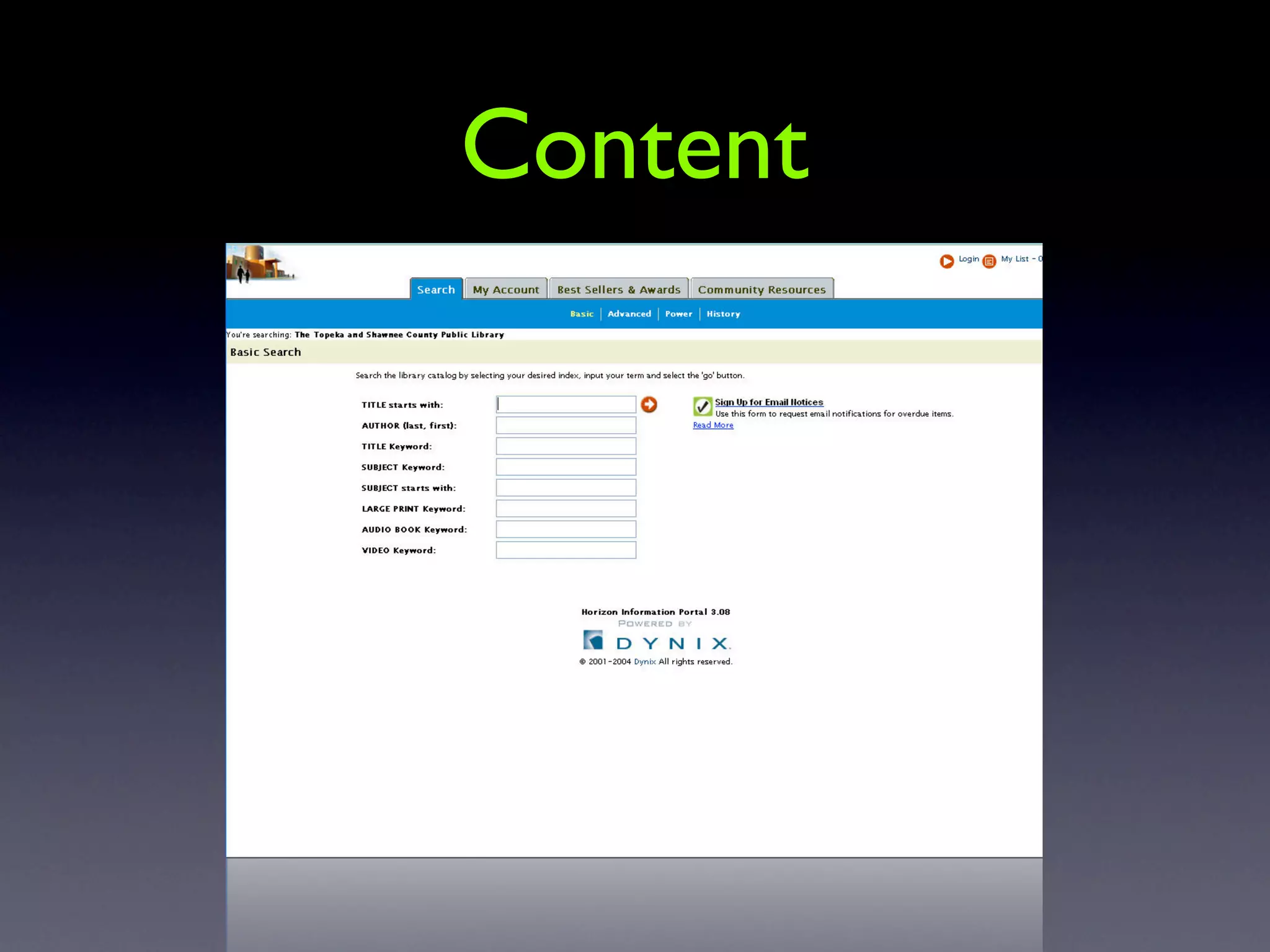
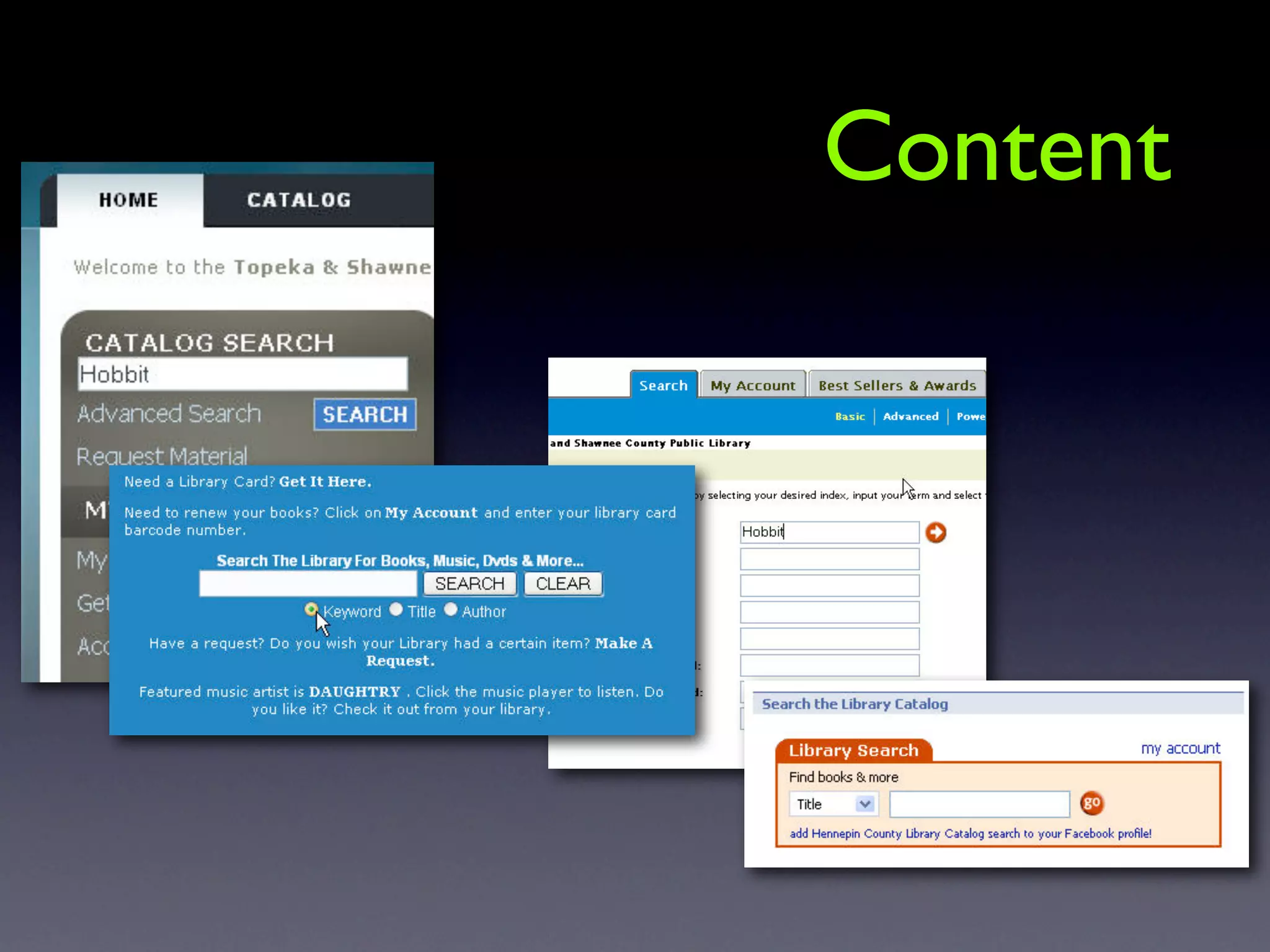
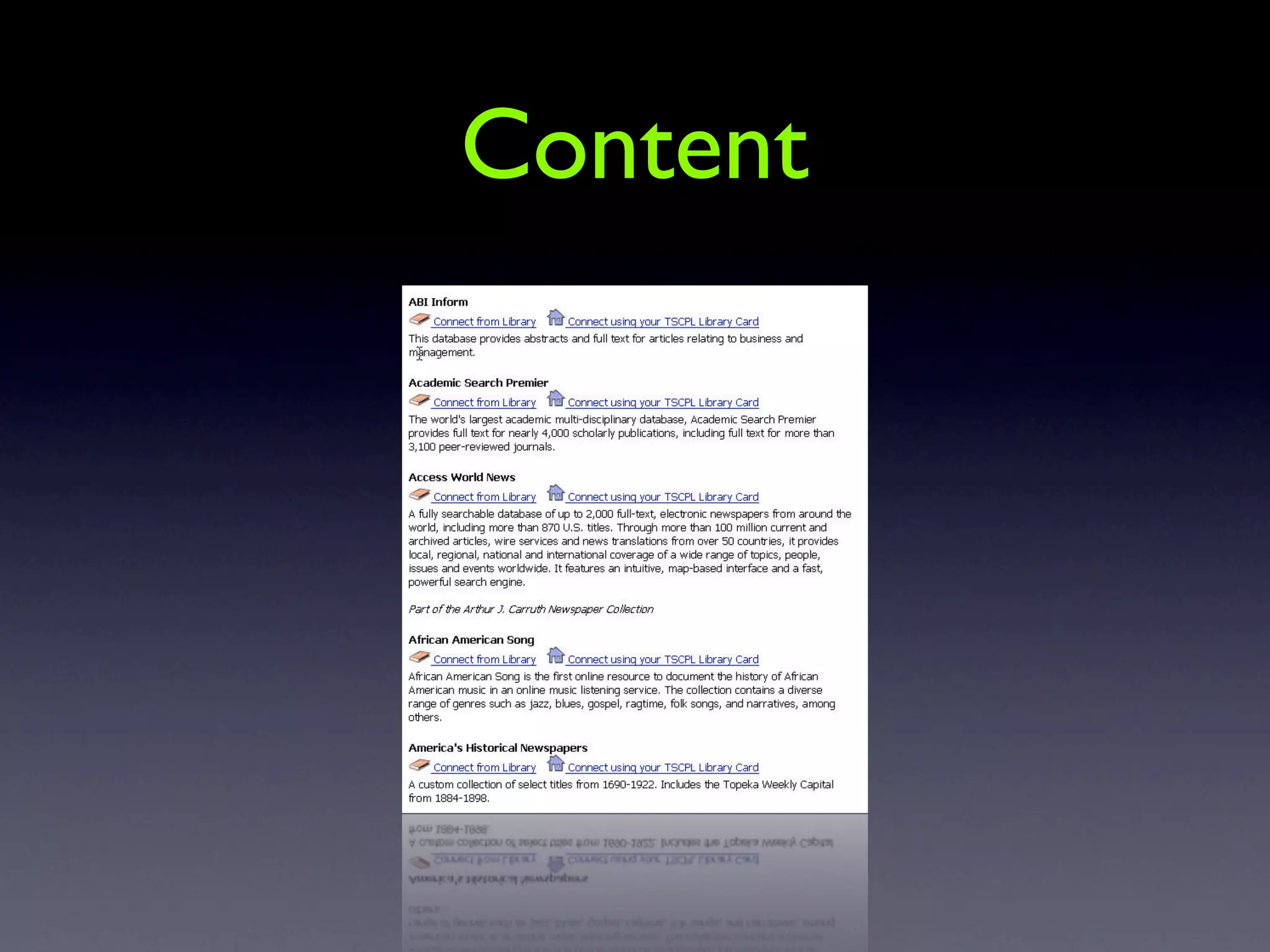
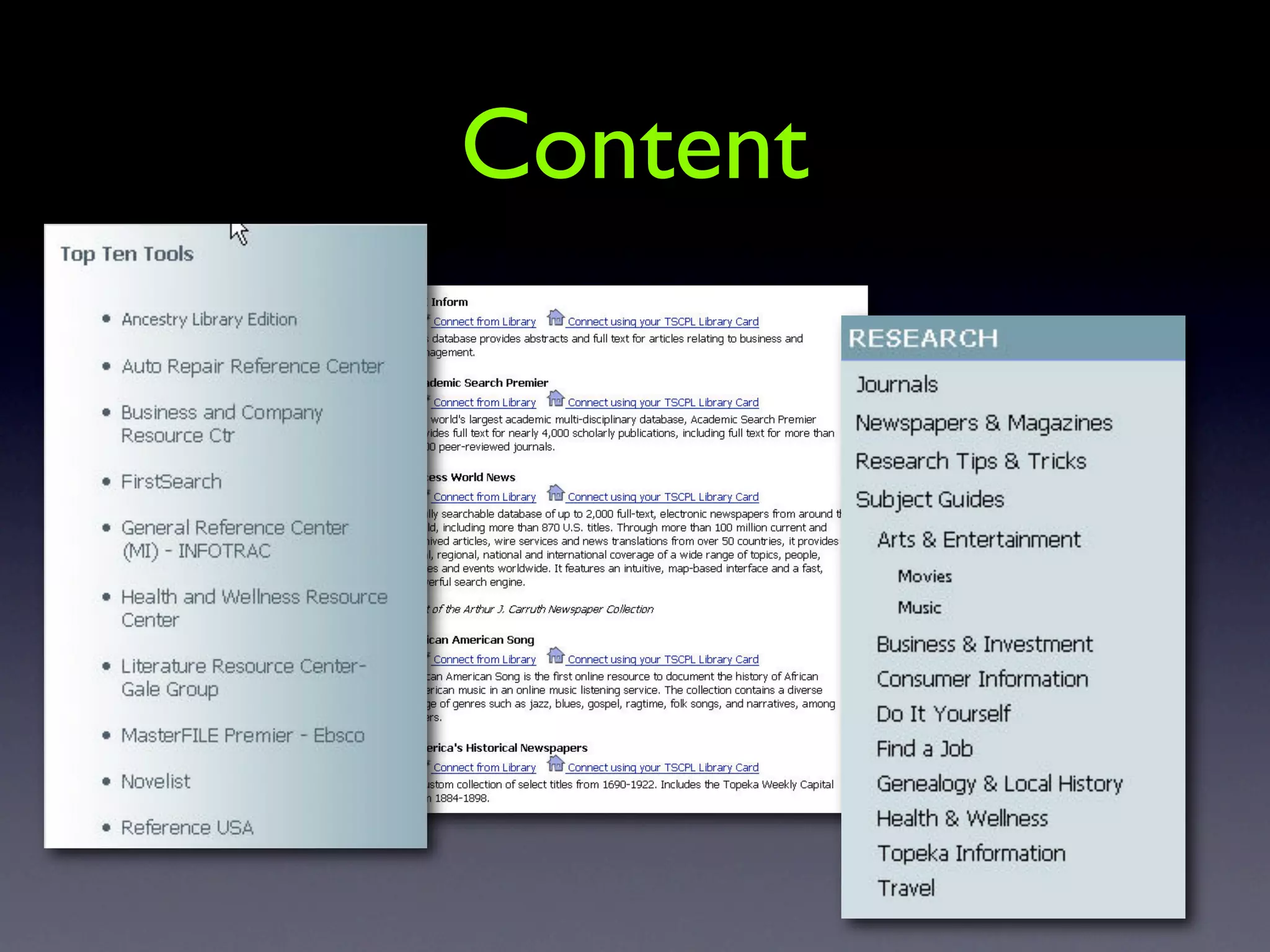
    44. Content!
    45. Community
    46. Digital Translation
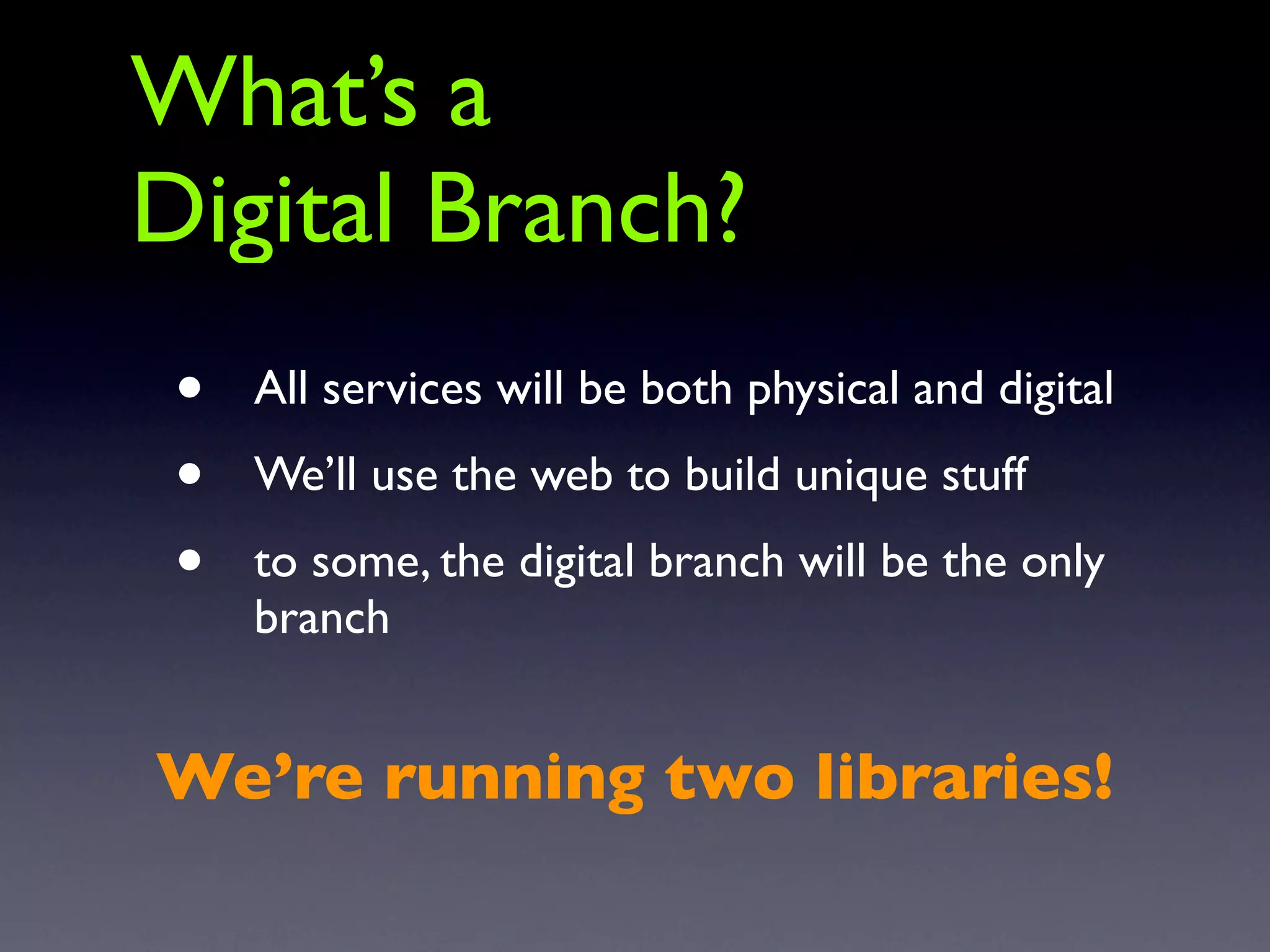
    47. What’s a Digital Branch? • All services will be both physical and digital • We’ll use the web to build unique stuff • to some, the digital branch will be the only branch We’re running two libraries!
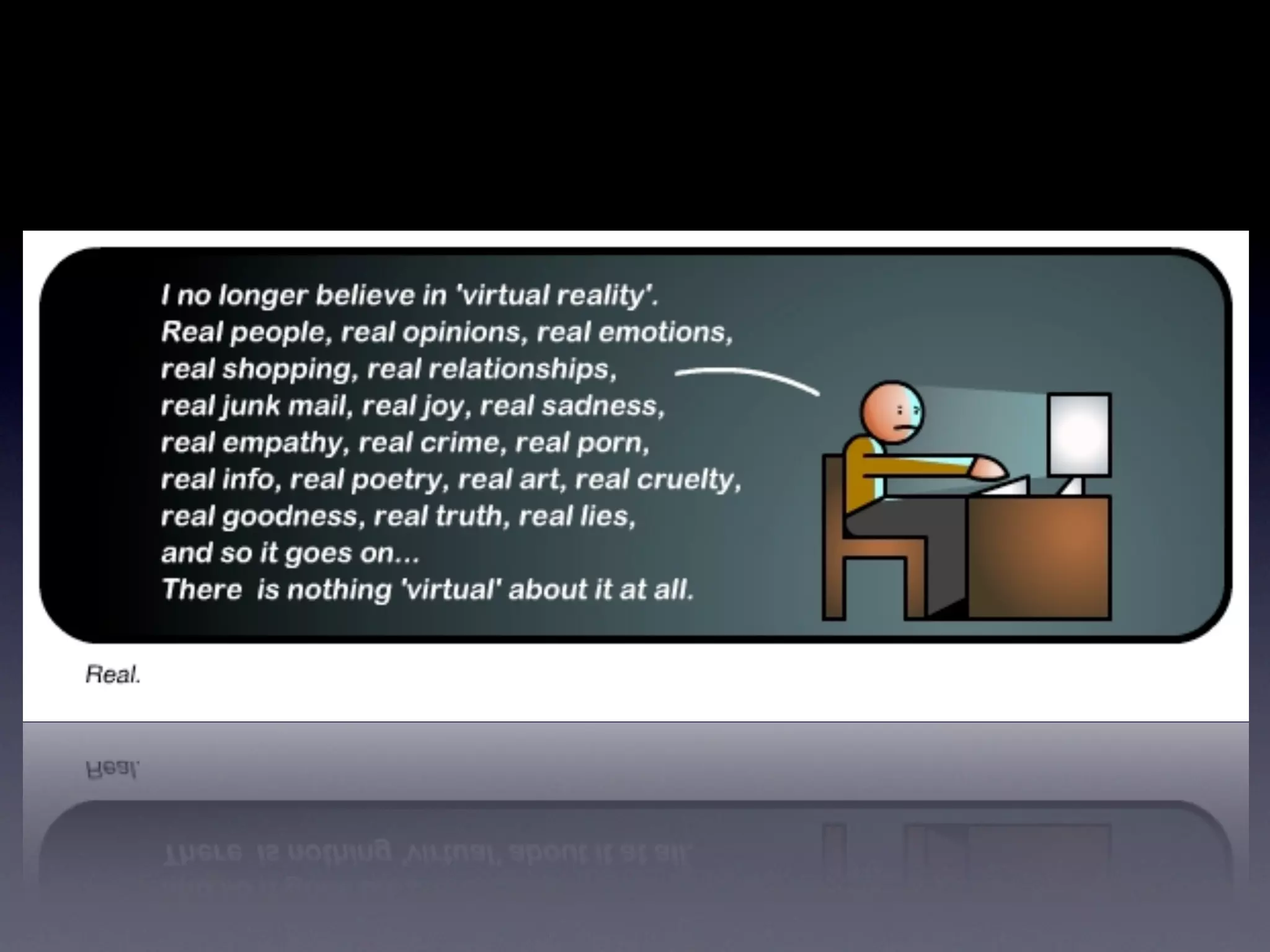
    48. “Information Superhighway?” “Virtual Reality?”
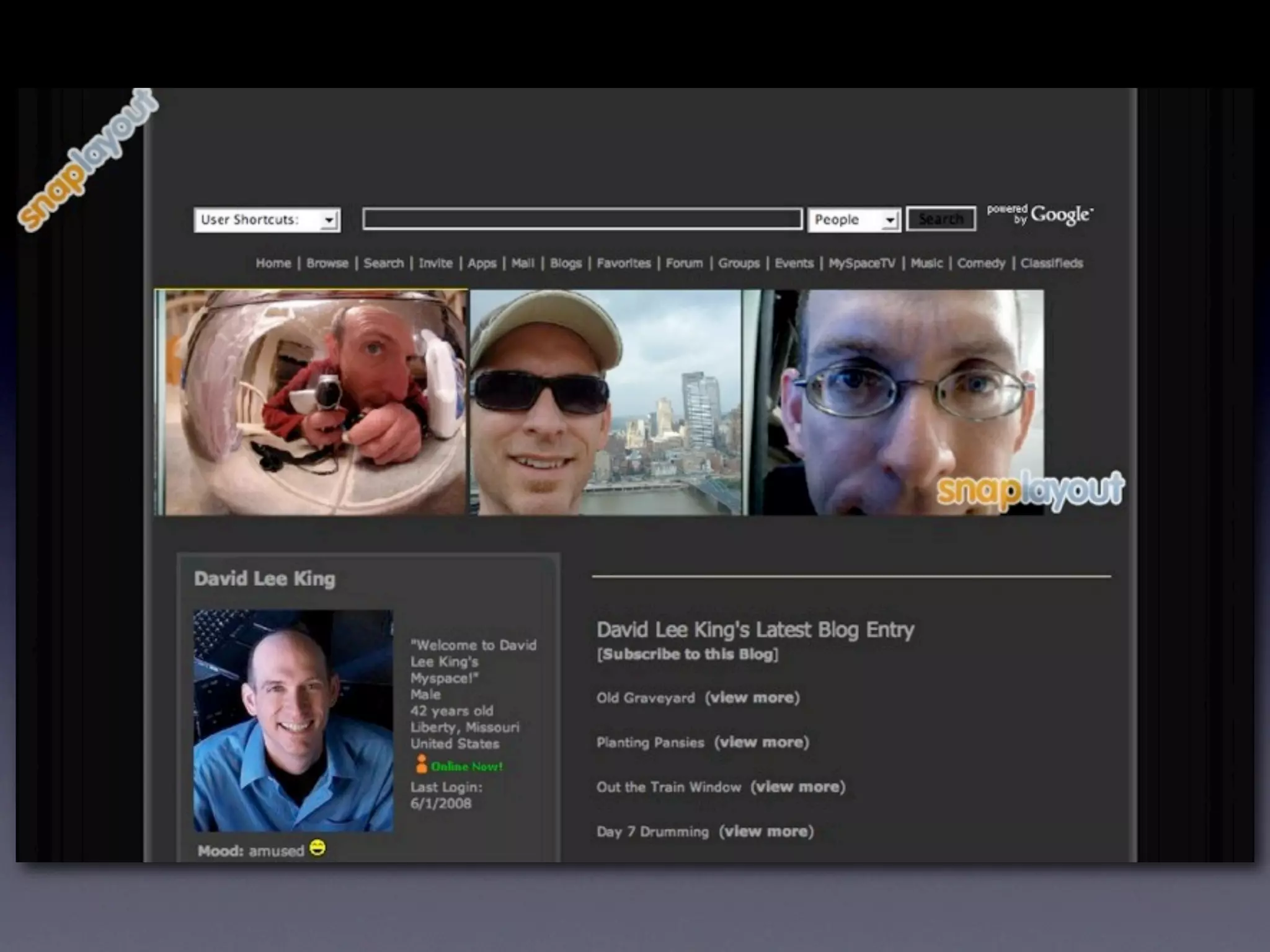
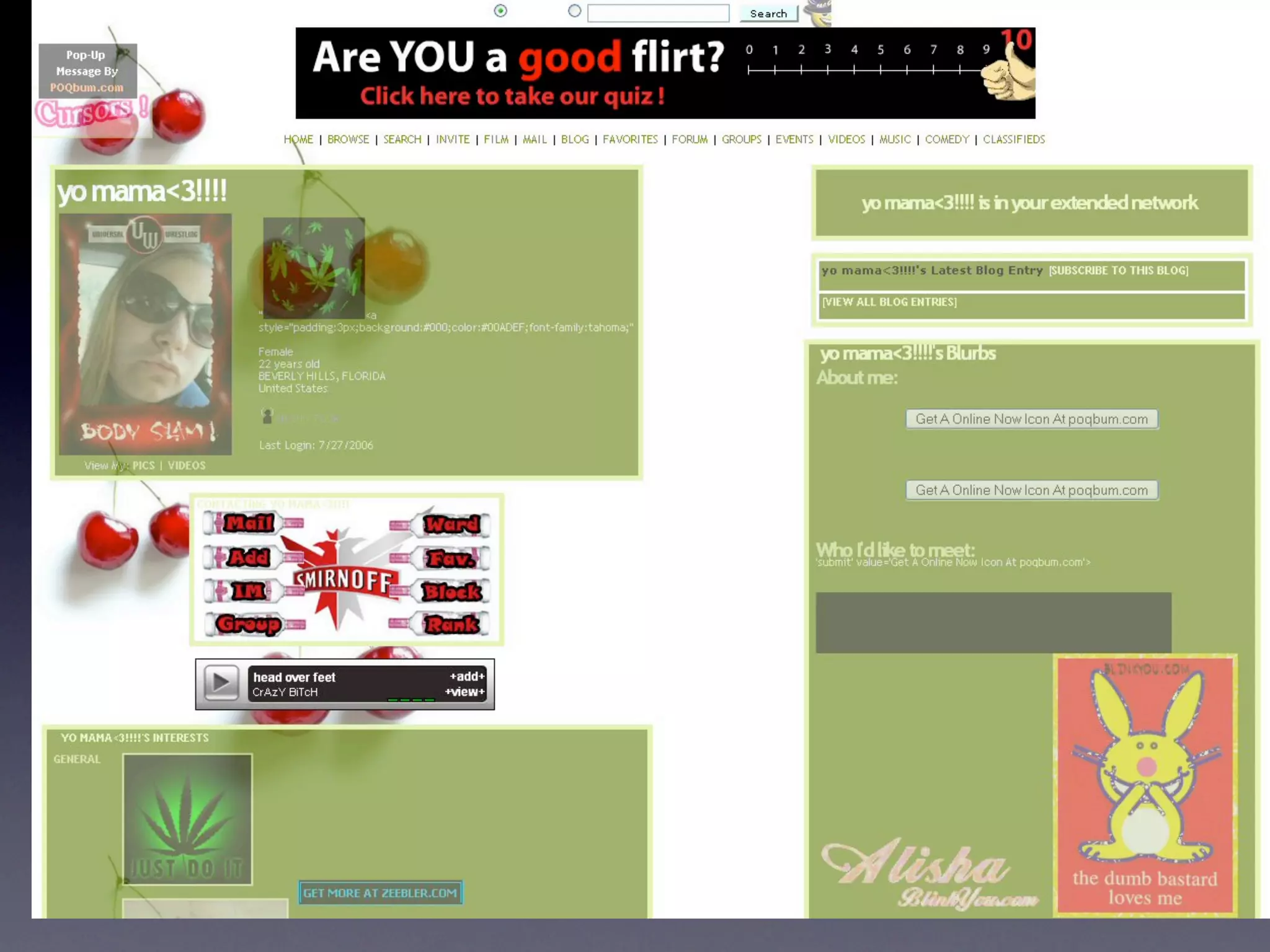
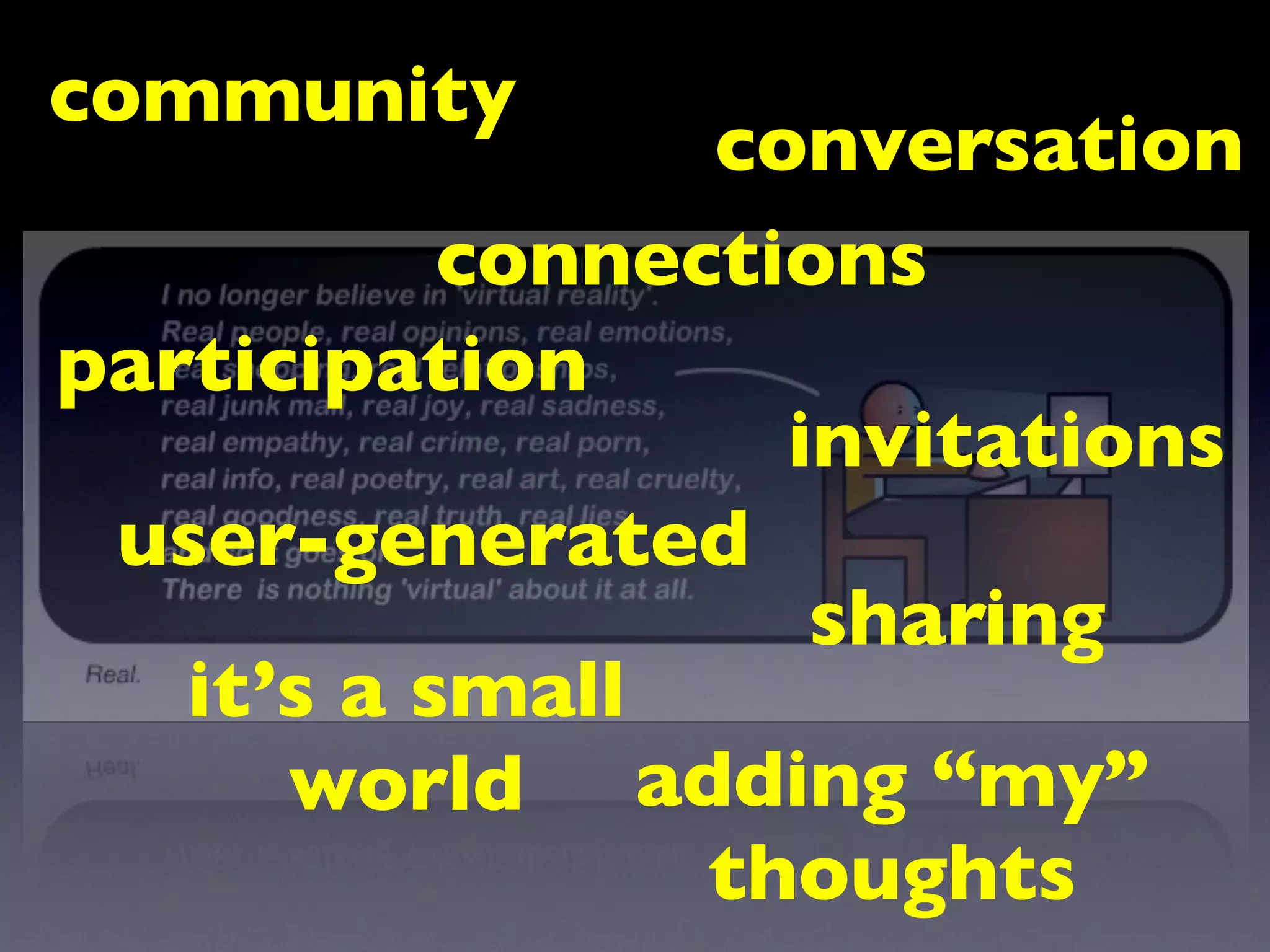
    49. community conversation connections participation invitations user-generated sharing it’s a small world adding “my” thoughts
    50. Content
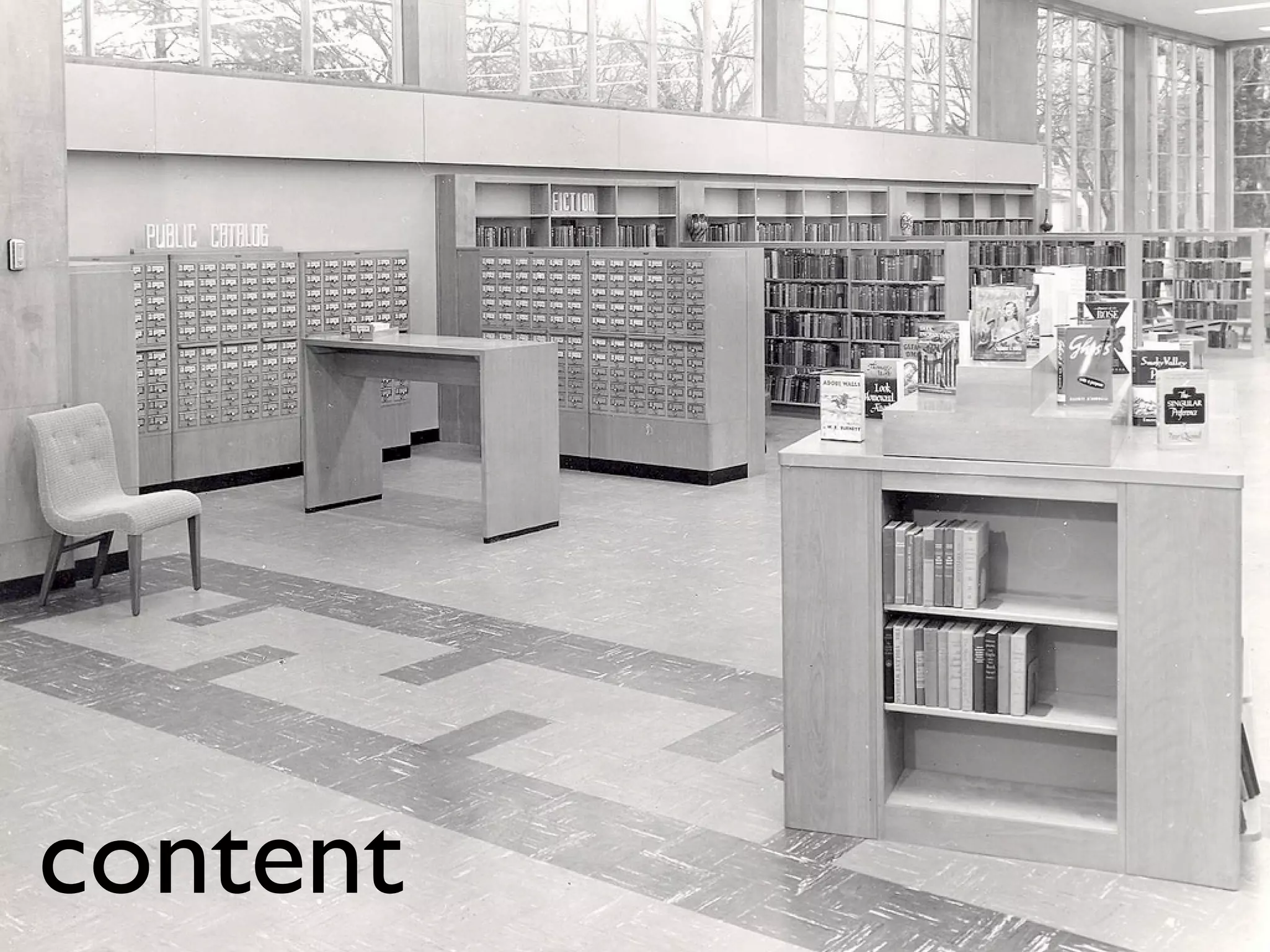
    51. content
    52. Content
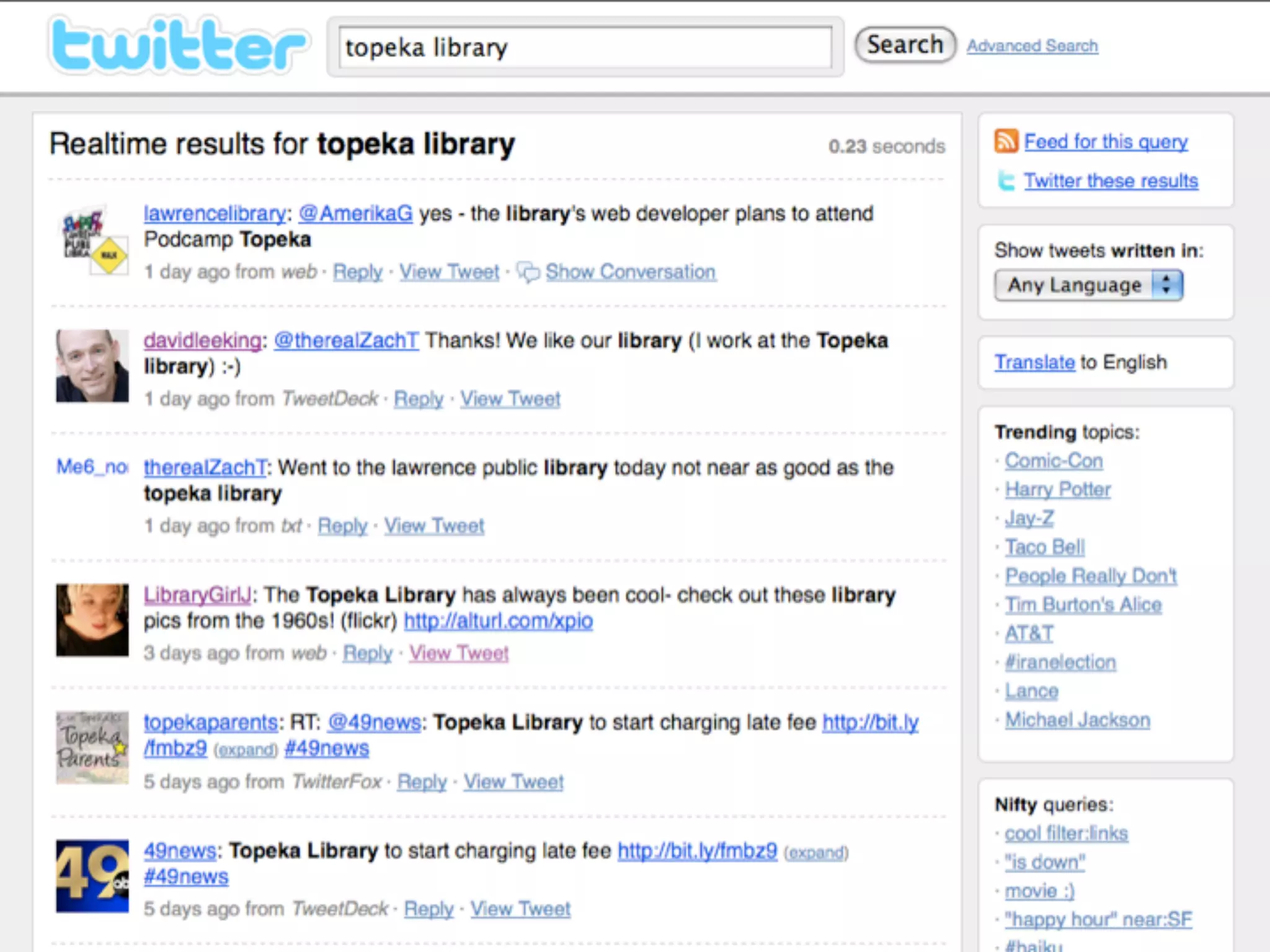
    53. Content
    54. Content
    55. Content
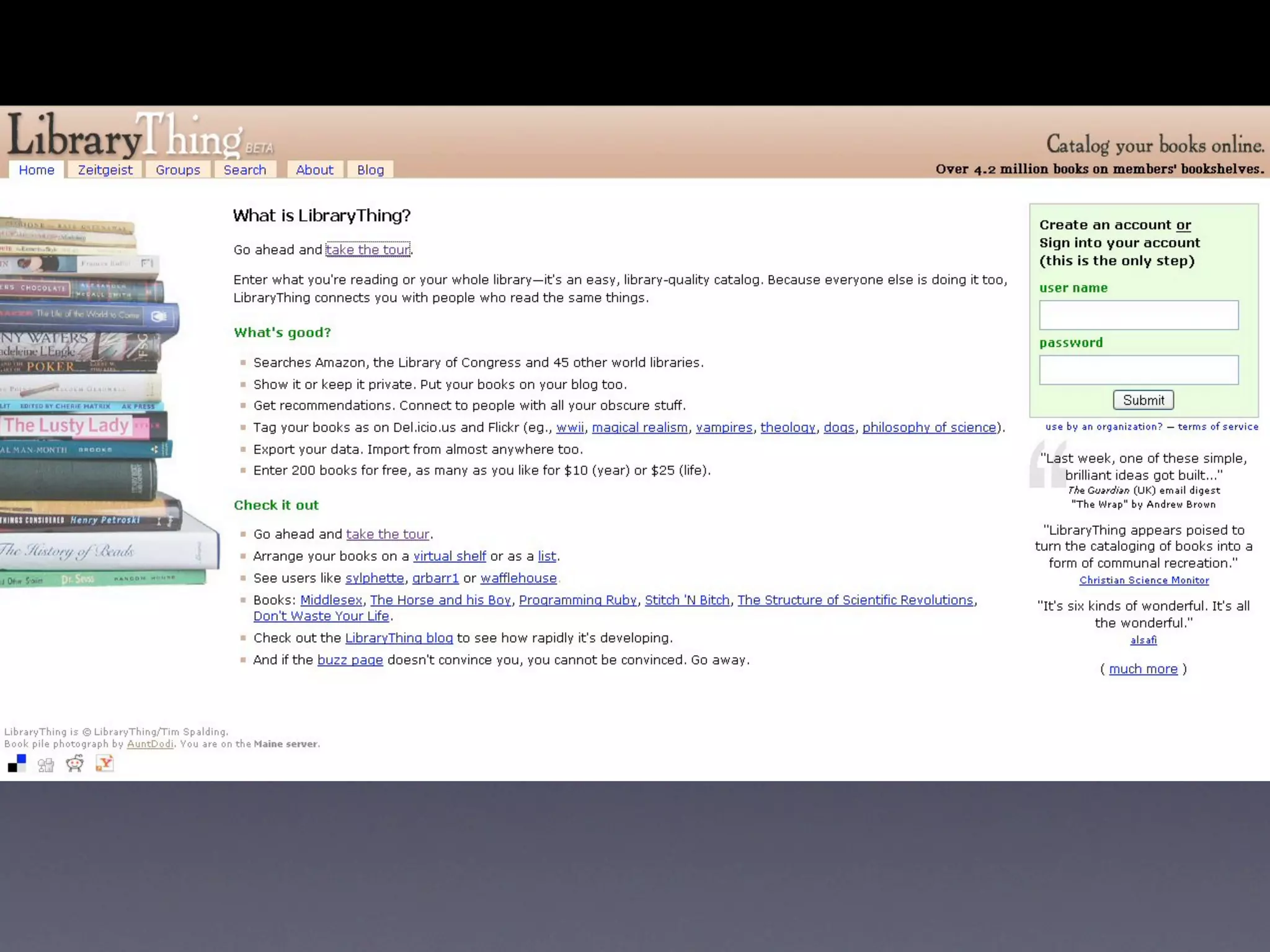
    56. RSS
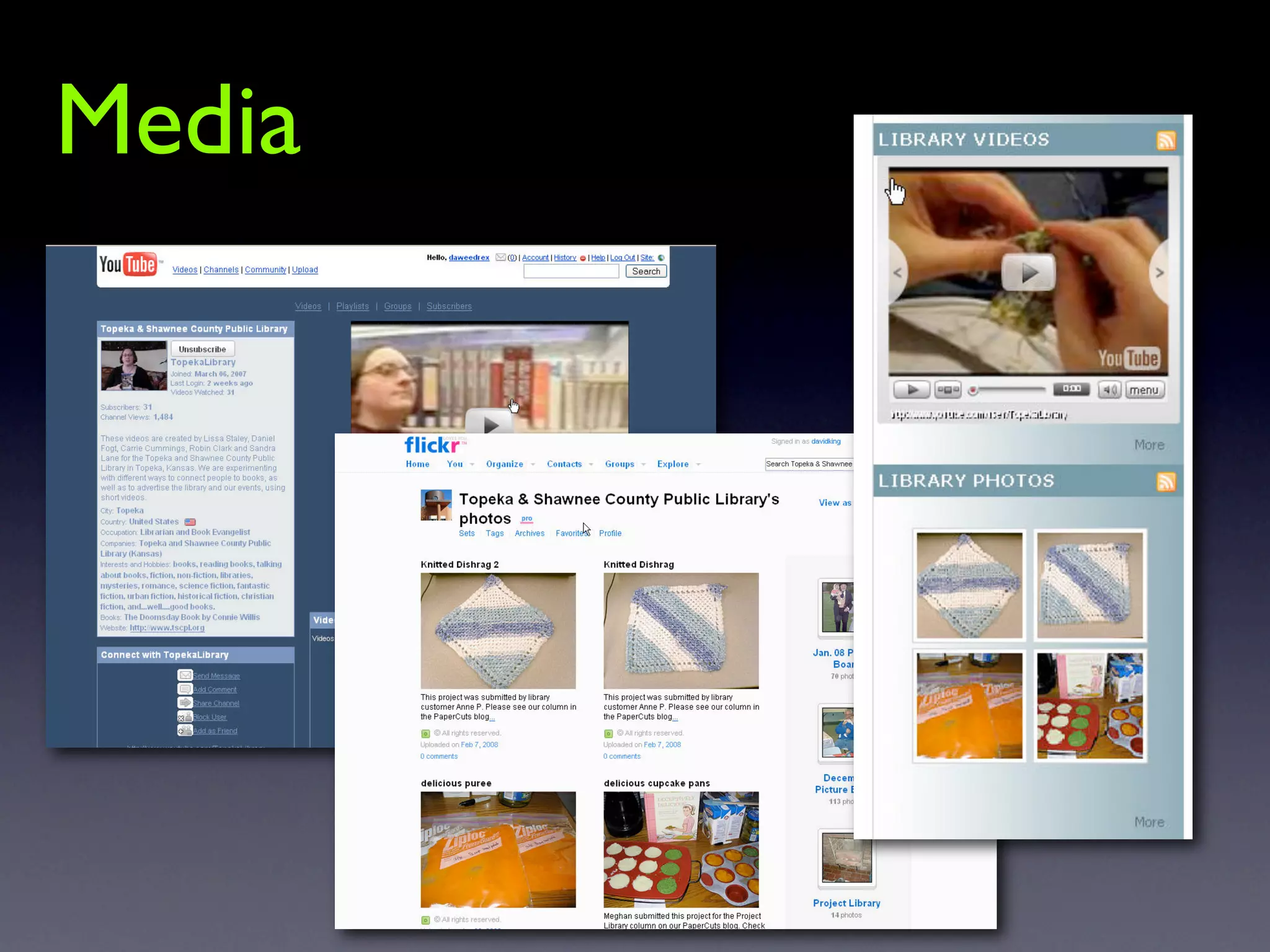
    57. Media
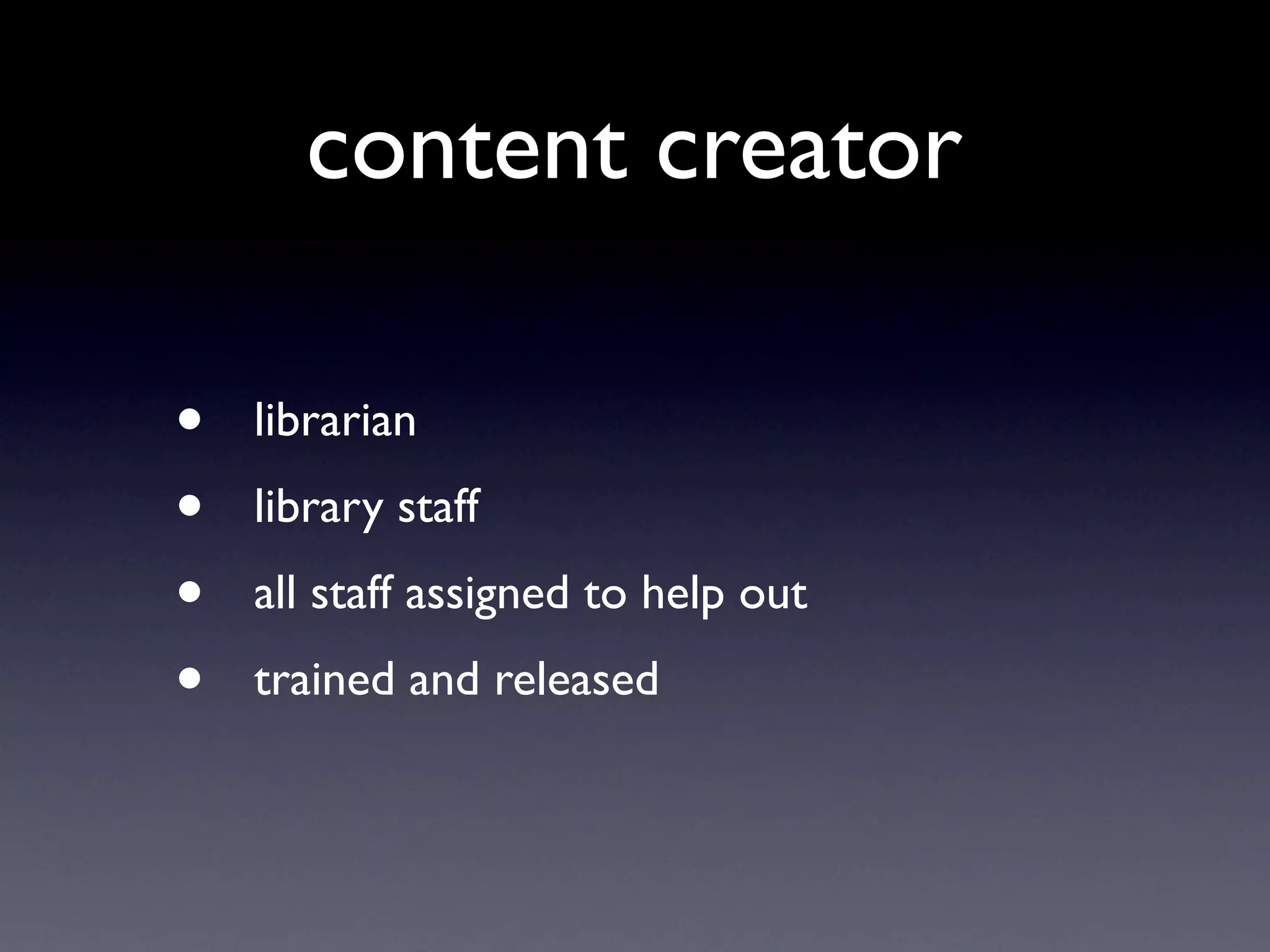
    58. content creator • librarian • library staff • all staff assigned to help out • trained and released
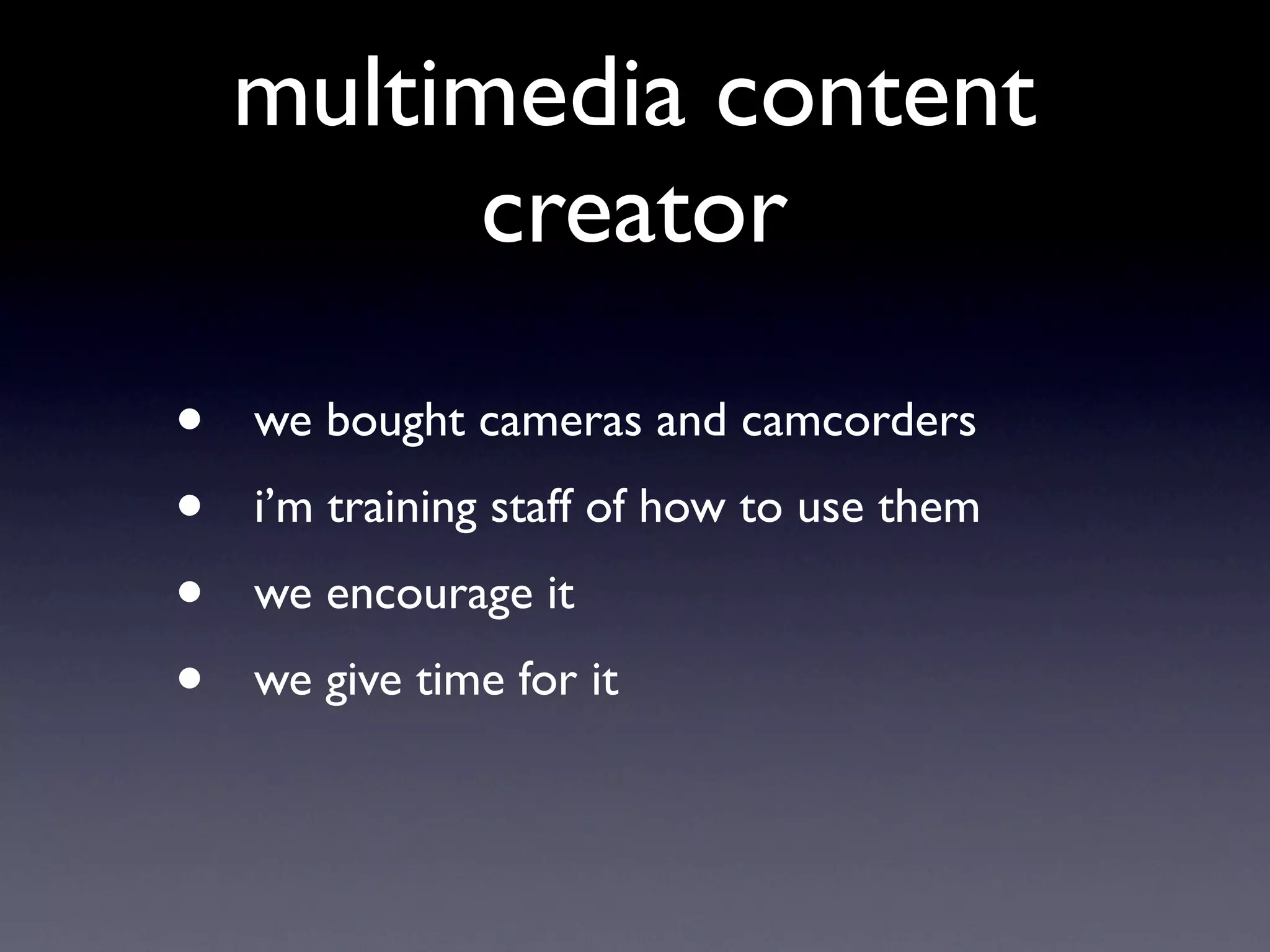
    59. multimedia content creator • we bought cameras and camcorders • i’m training staff of how to use them • we encourage it • we give time for it
    60. Community
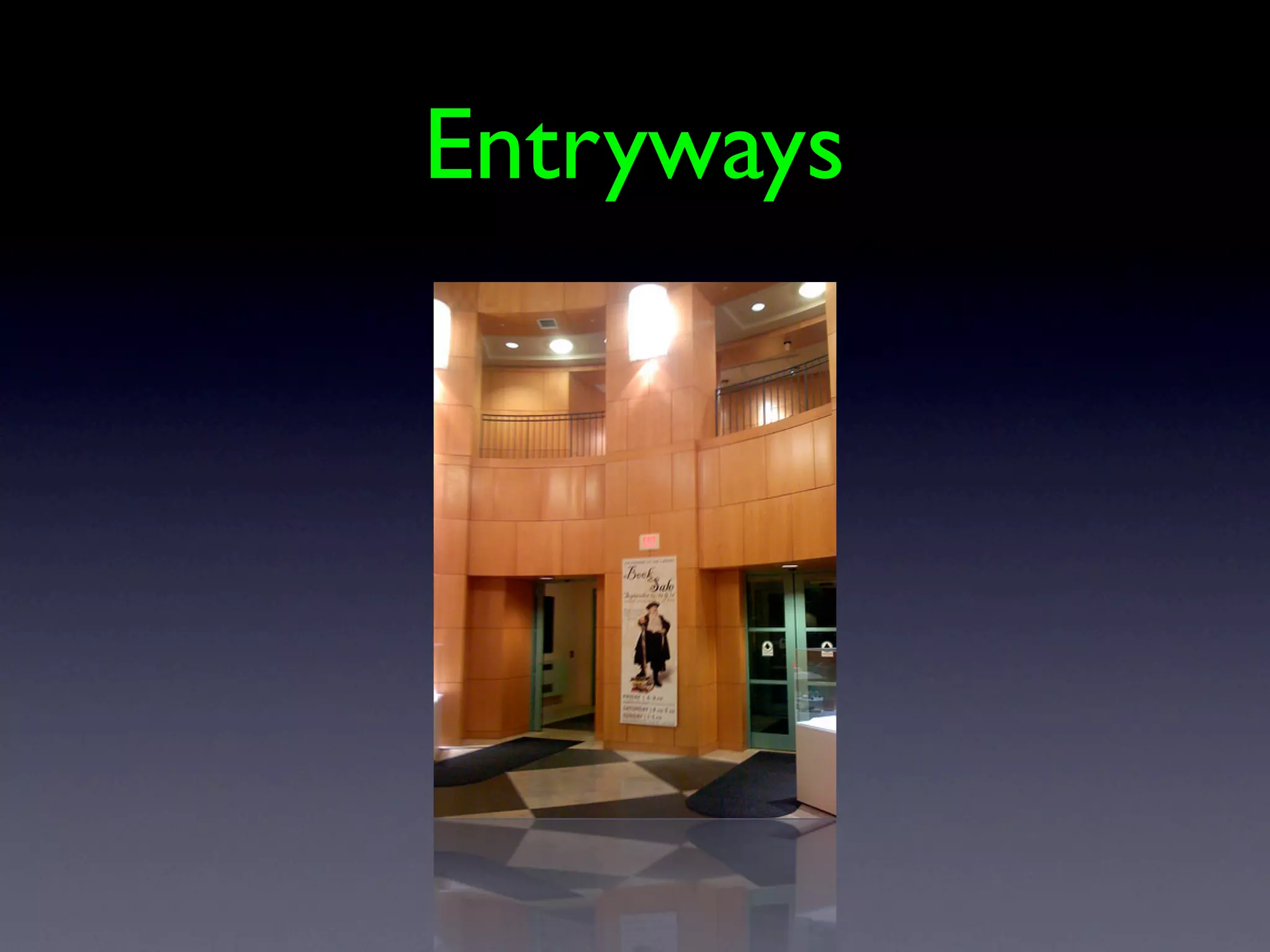
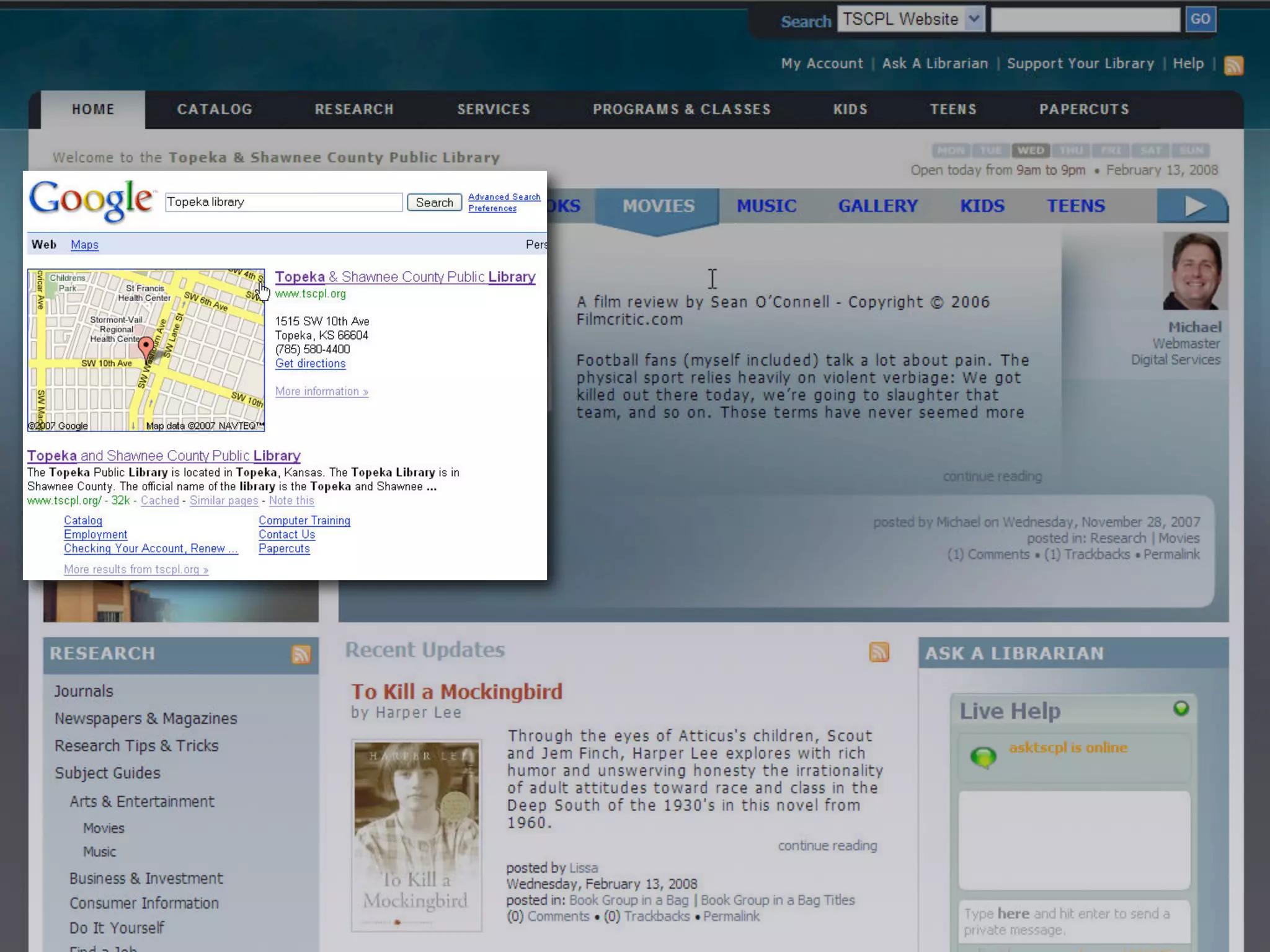
    61. Entryways
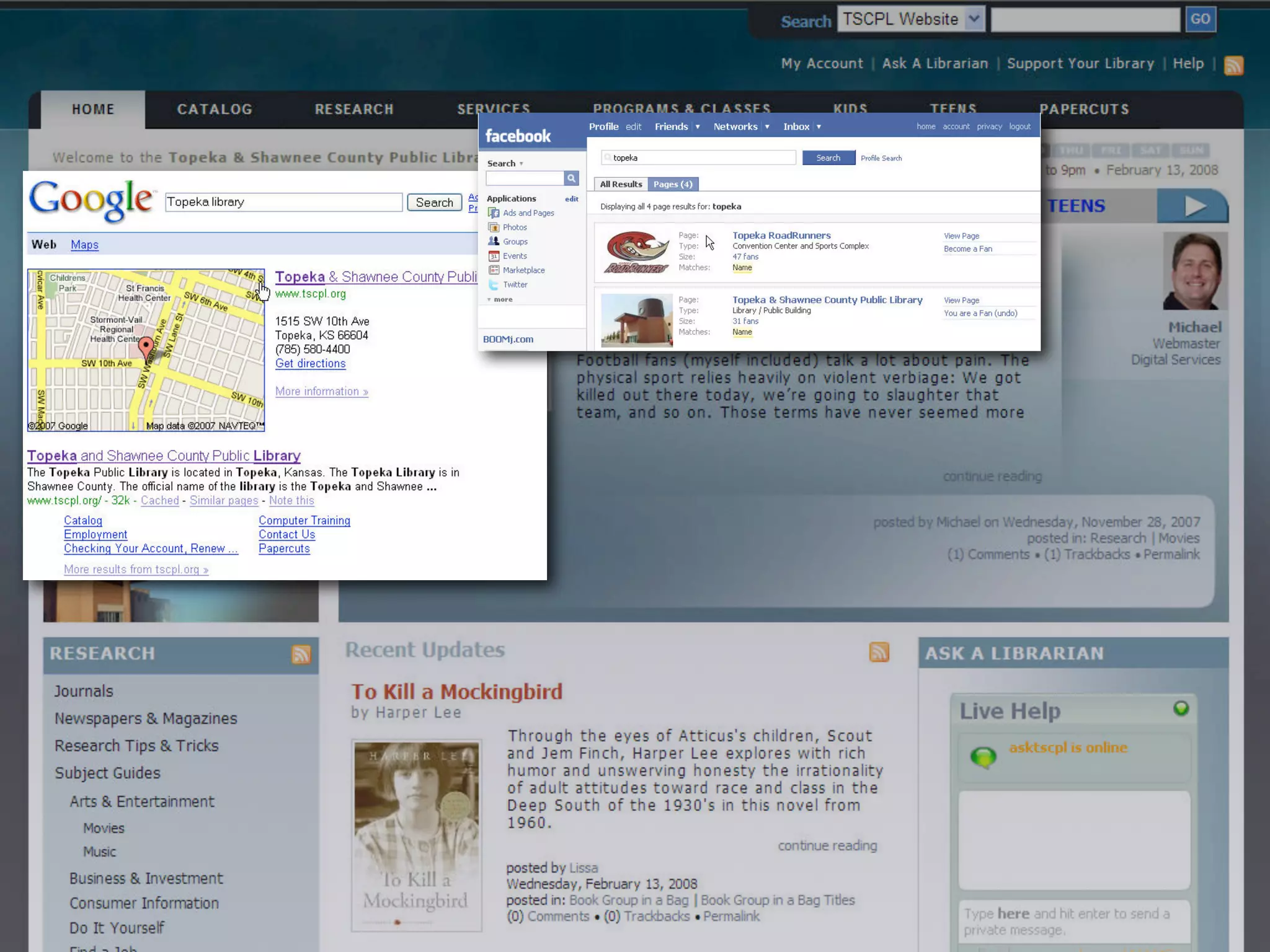
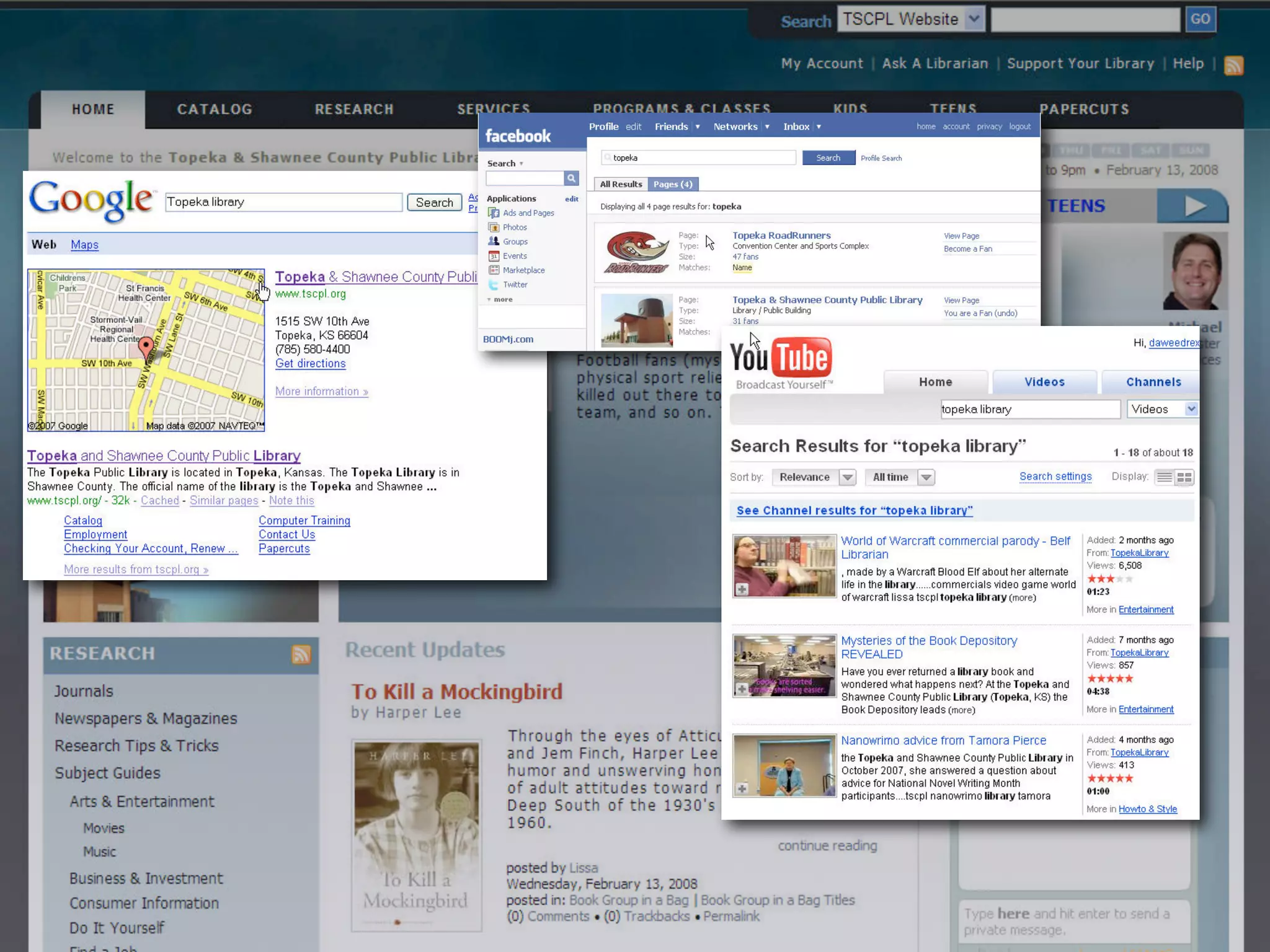
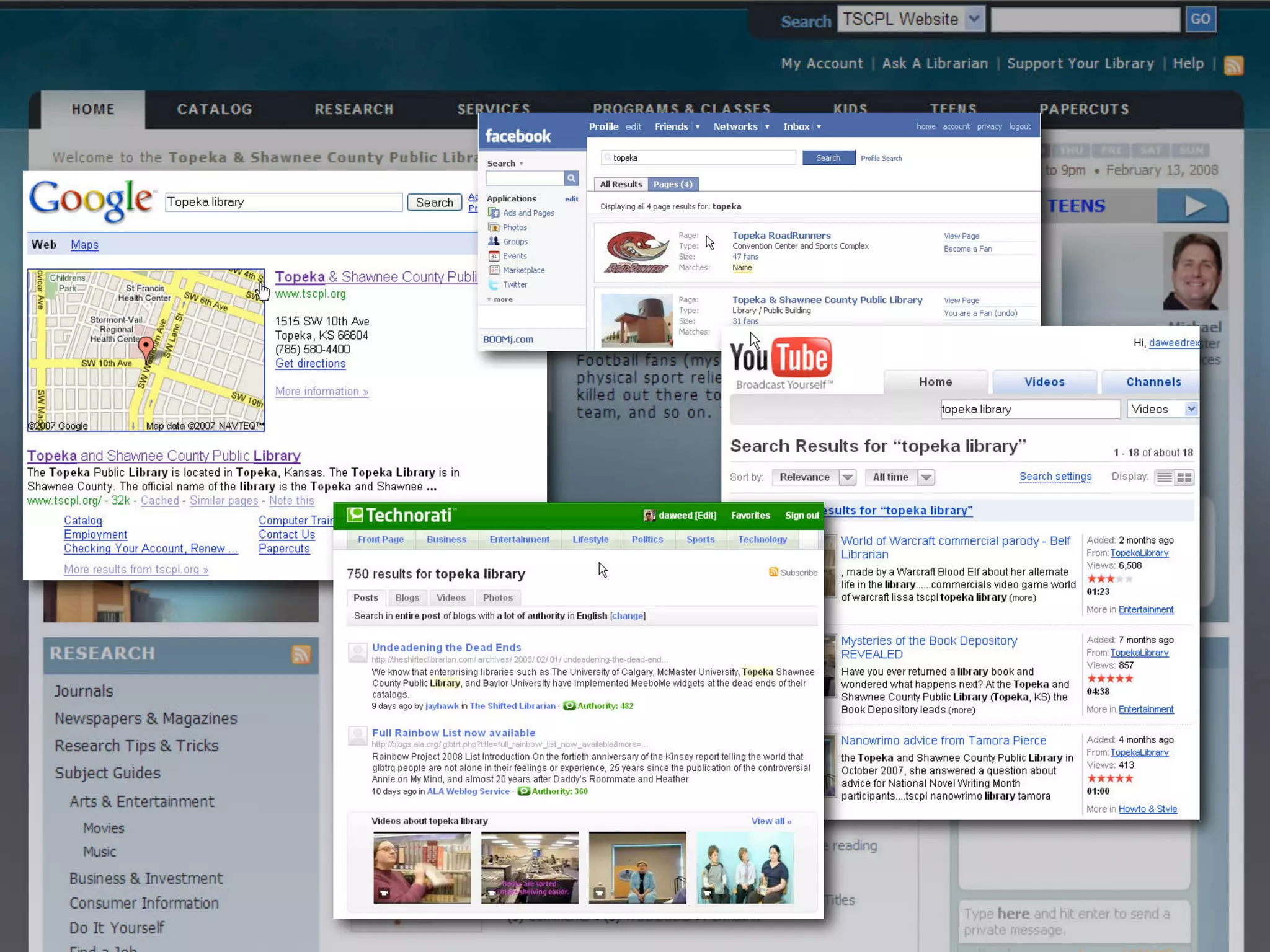
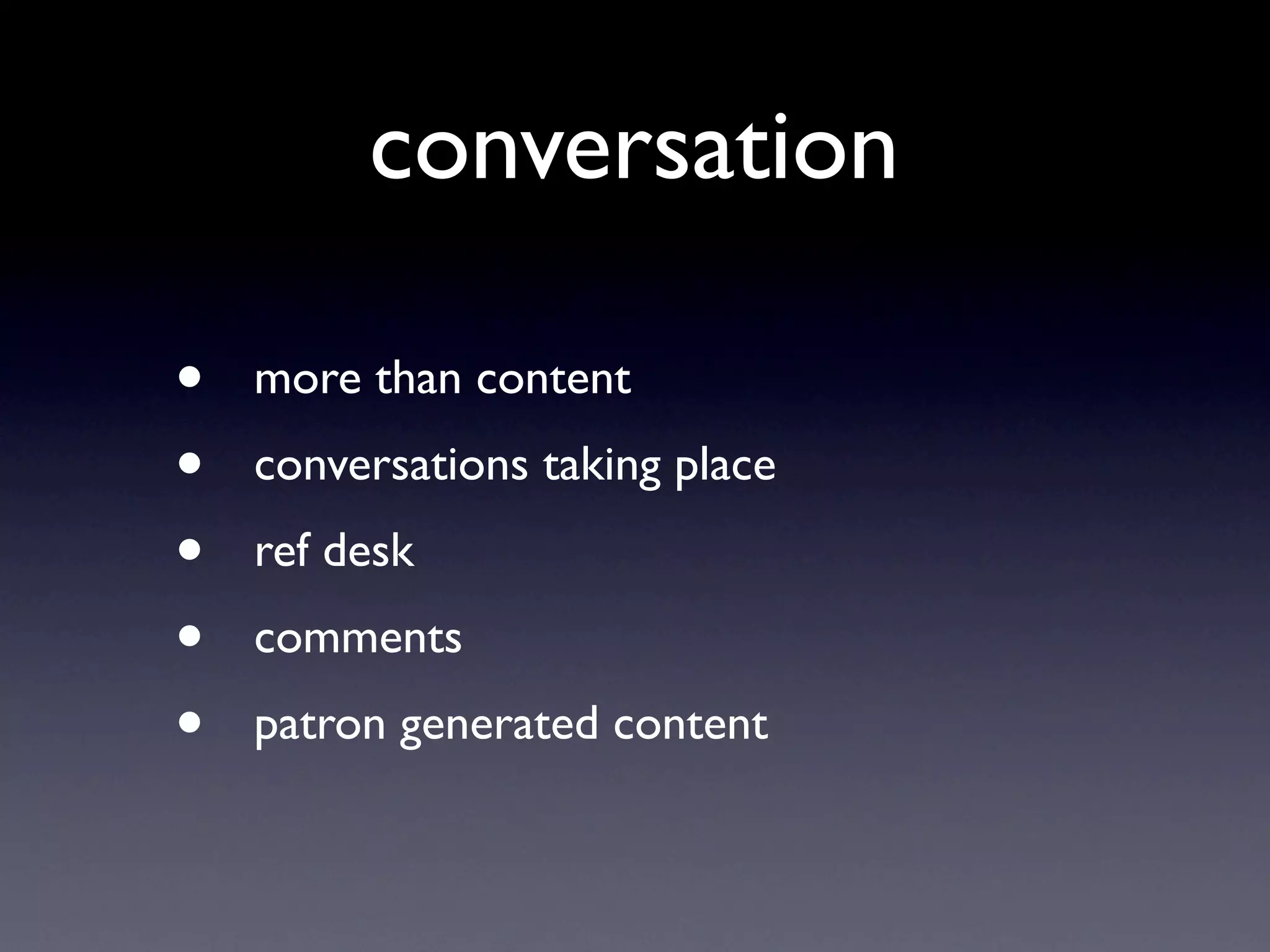
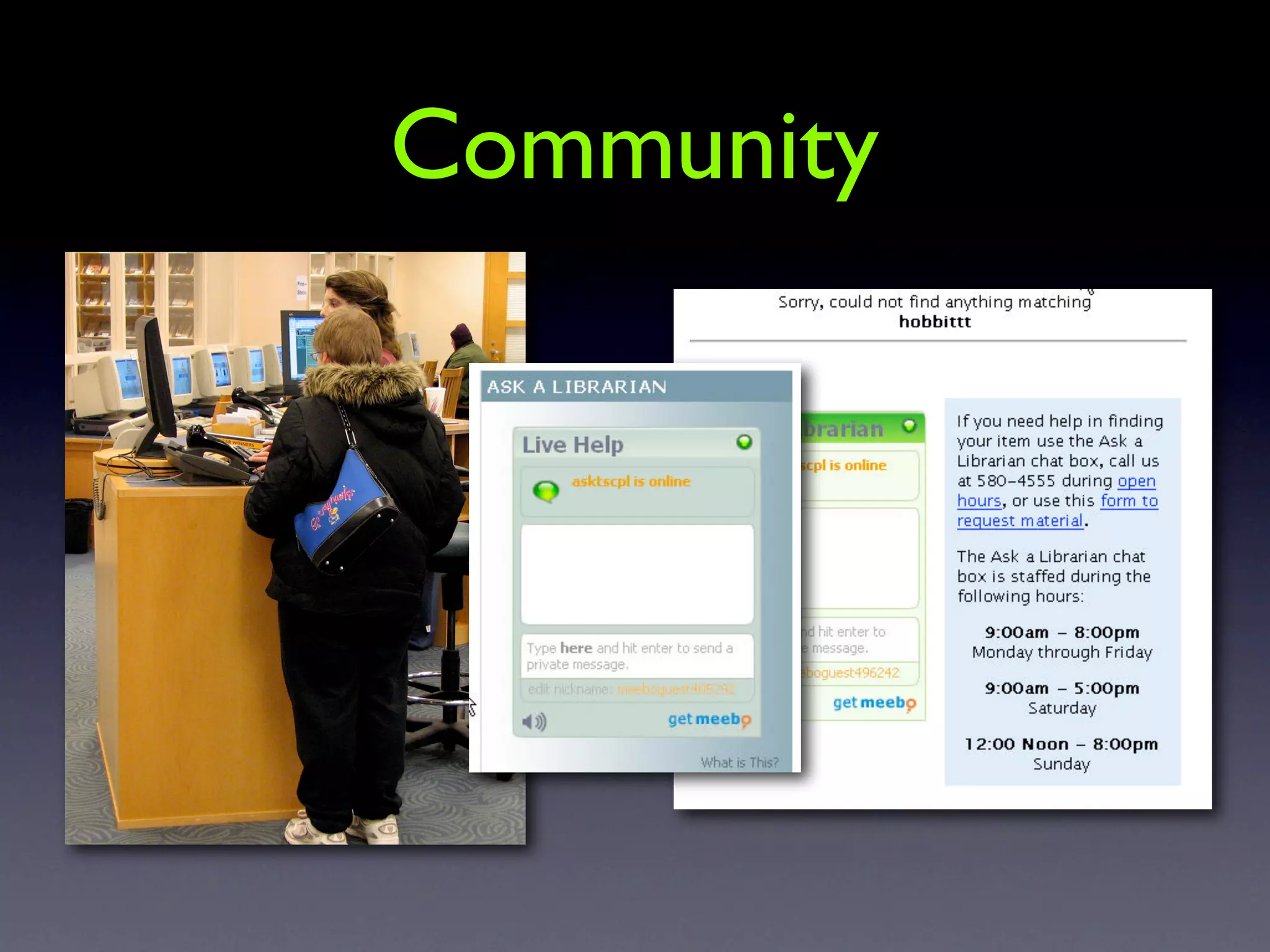
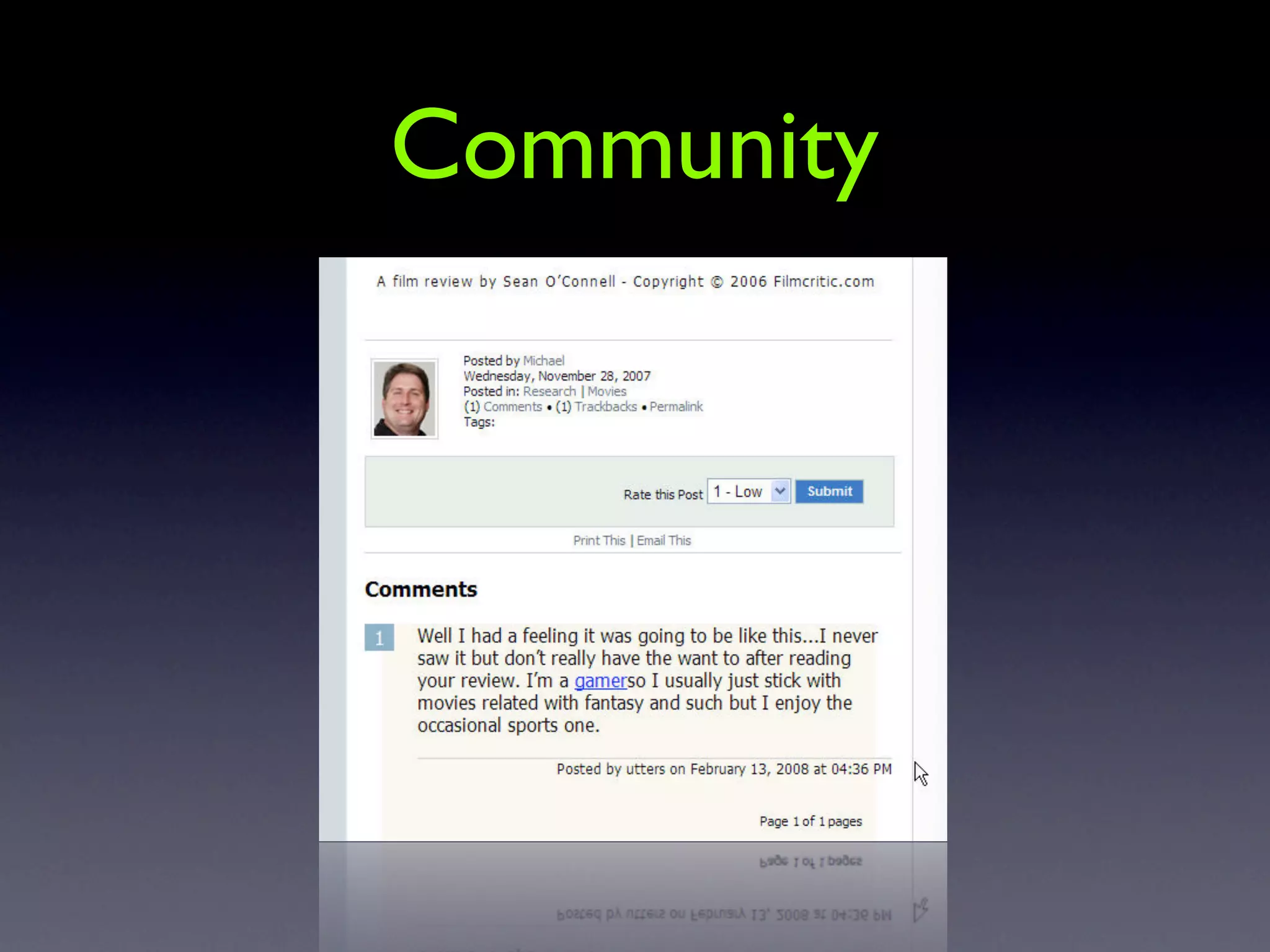
    62. conversation • more than content • conversations taking place • ref desk • comments • patron generated content
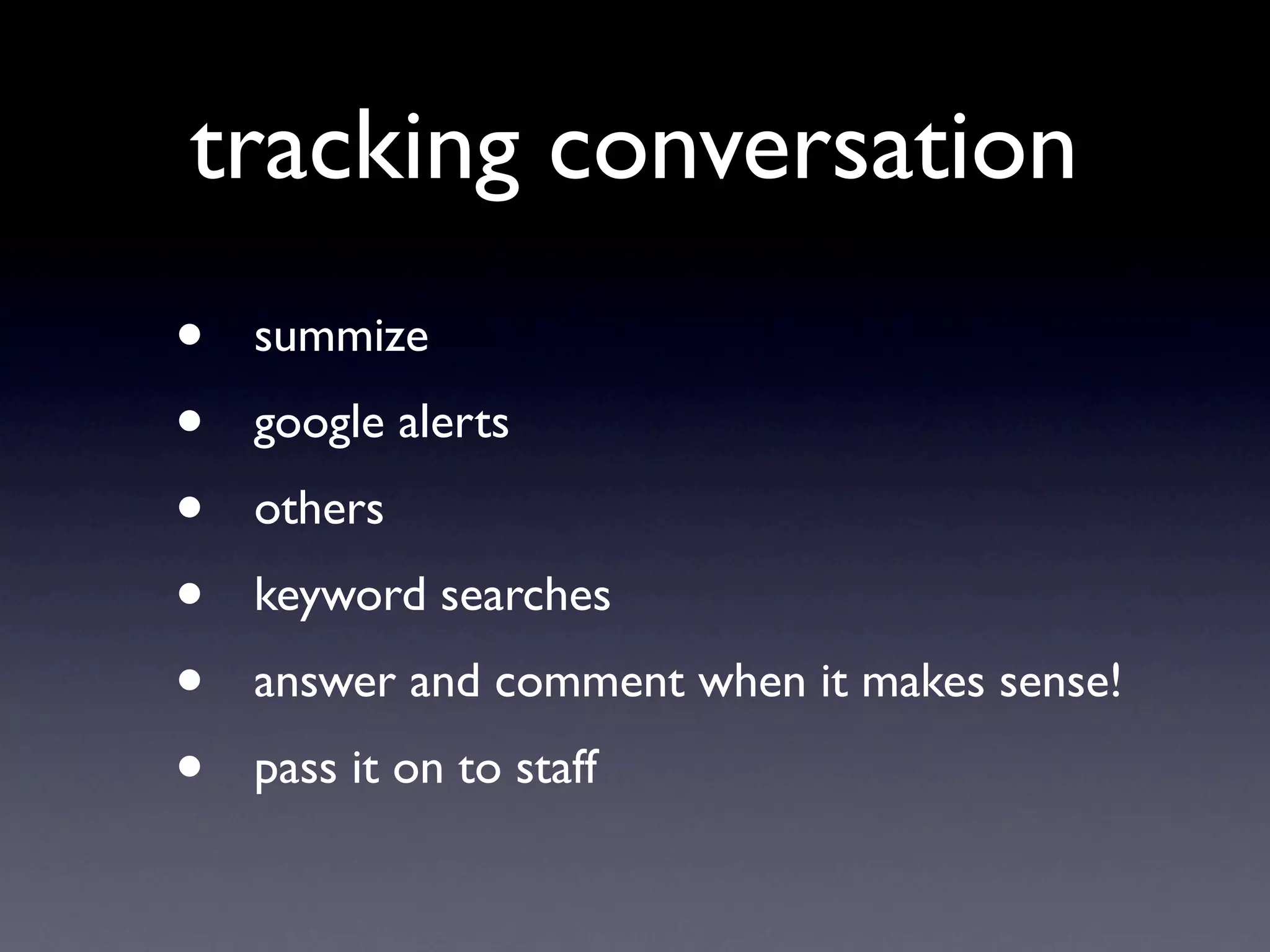
    63. tracking conversation • summize • google alerts • others • keyword searches • answer and comment when it makes sense! • pass it on to staff
    64. Community
    65. Community
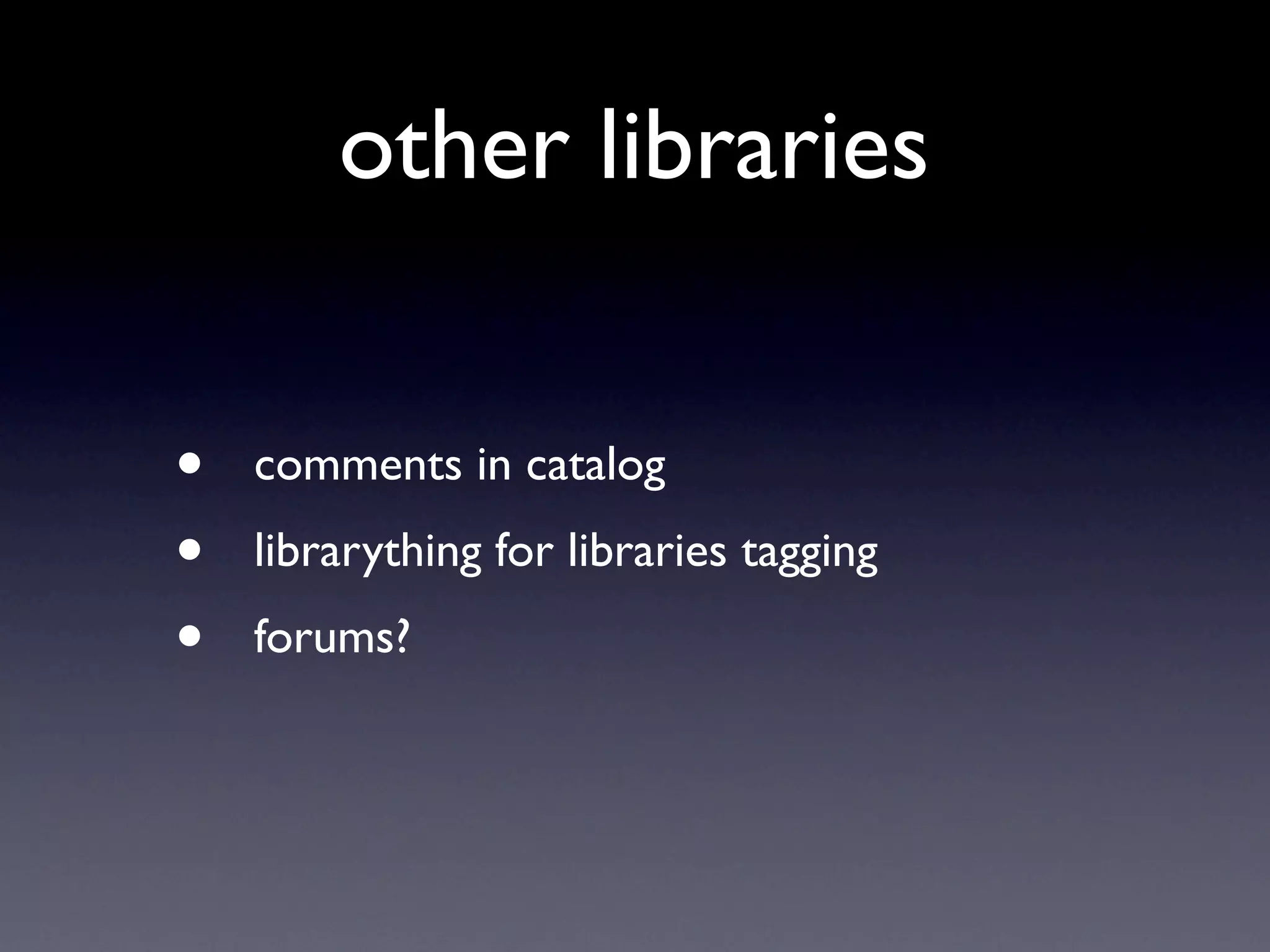
    66. other libraries • comments in catalog • librarything for libraries tagging • forums?
    67. Goals
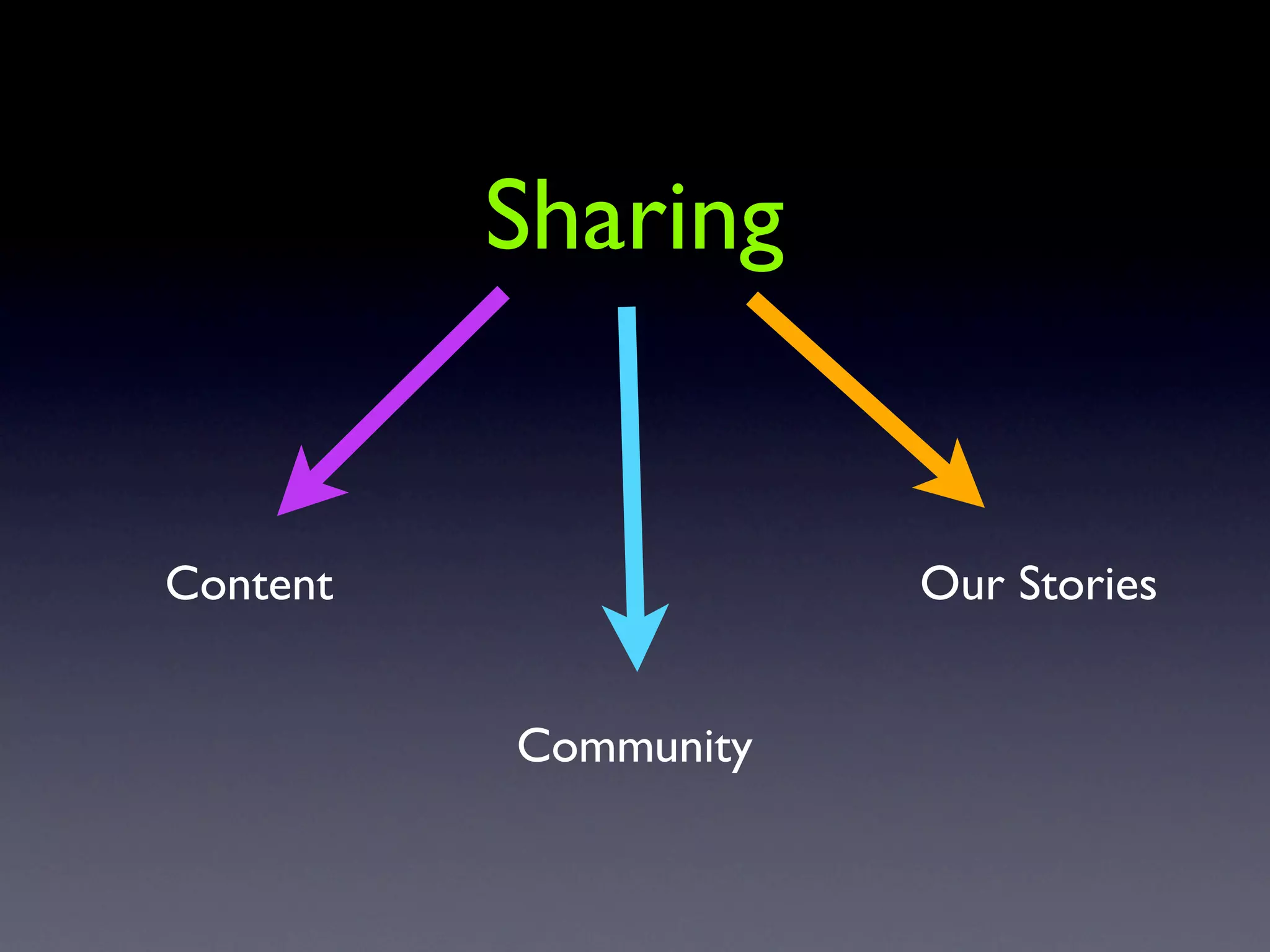
    68. Sharing Content Our Stories Community
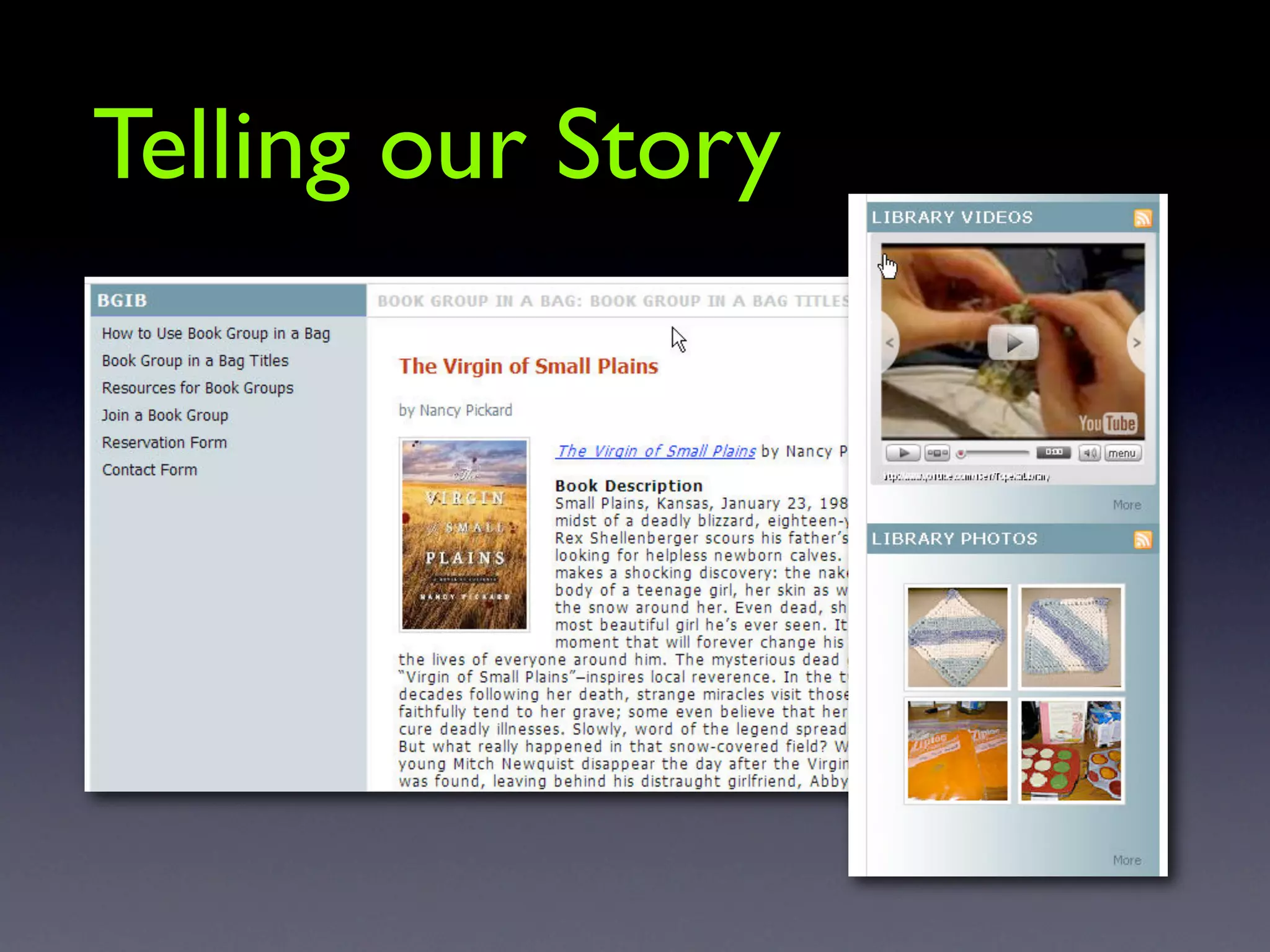
    69. Telling our Story
    70. story means • more than the facts • being a reporter... or an editorialist • blogging! • sharing - our favorite recipes • our trip to spain • and surrounding it with our stuff (books)
    71. How do I make time for new stuff?
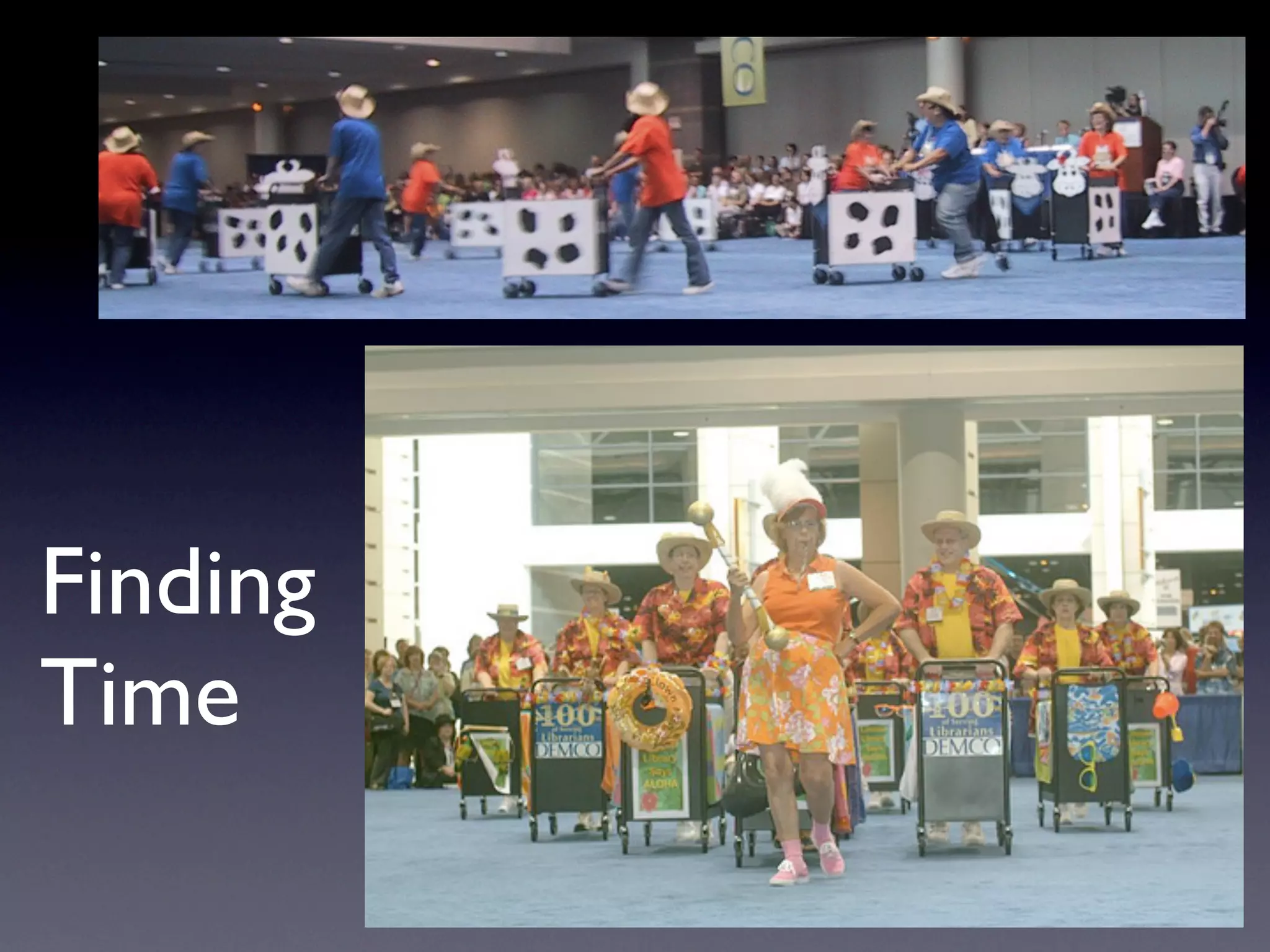
    72. Finding Time
    73. Changing focus • Finding time vs willingness and priority • You have to want to change • change job
    74. Schedule your time
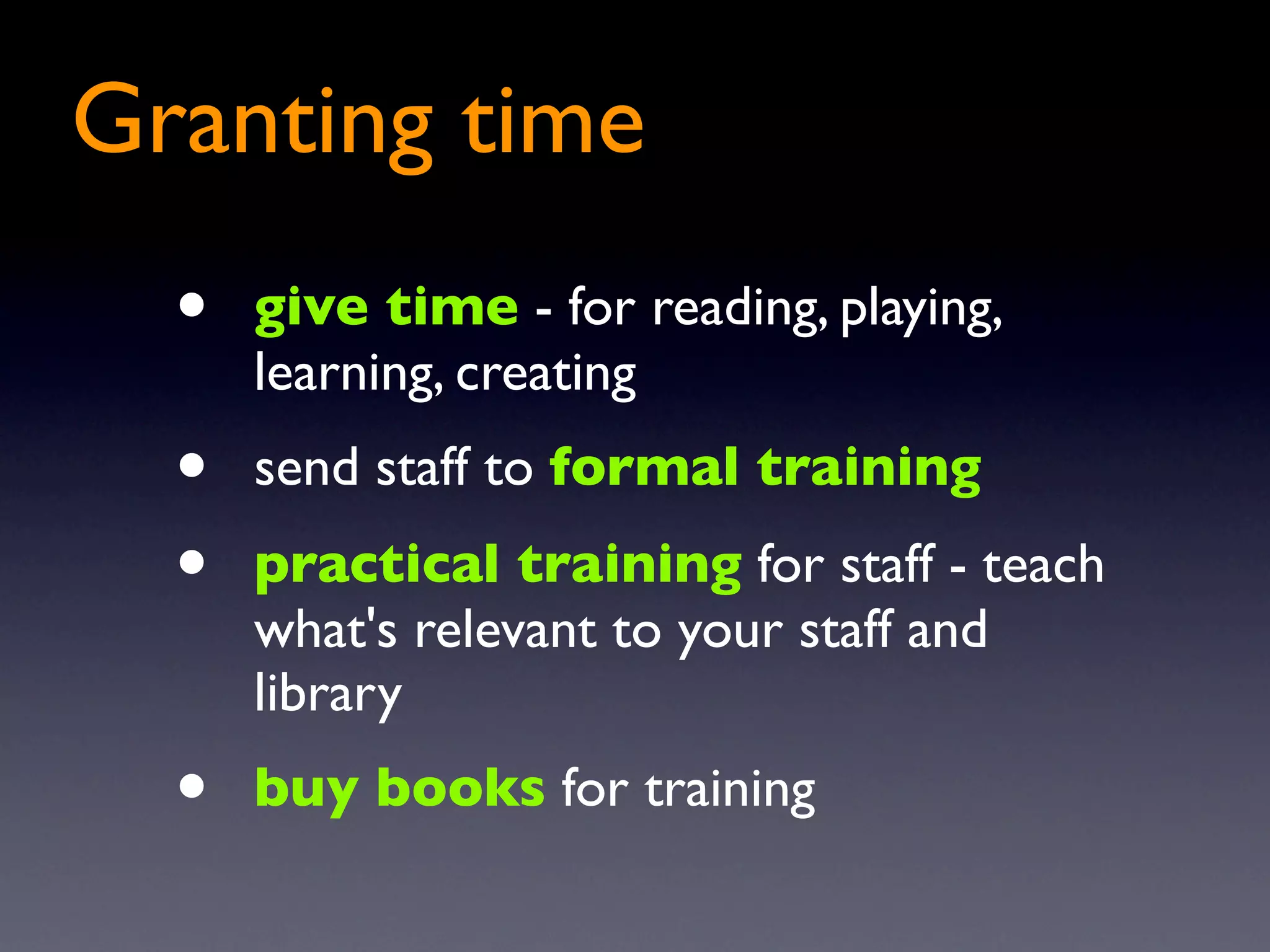
    75. Granting time • give time - for reading, playing, learning, creating • send staff to formal training • practical training for staff - teach what's relevant to your staff and library • buy books for training
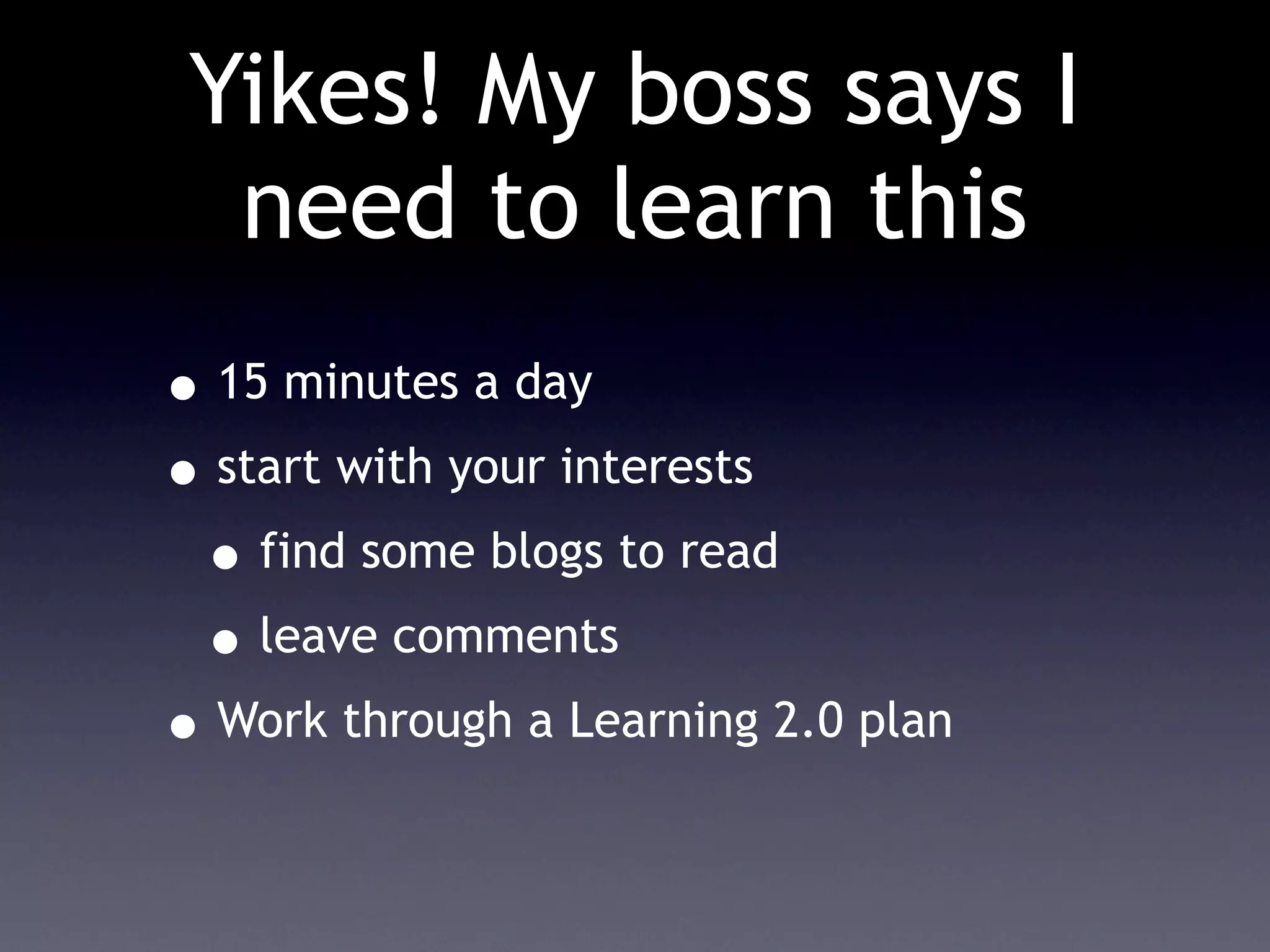
    76. Yikes! My boss says I need to learn this • 15 minutes a day • start with your interests • find some blogs to read • leave comments • Work through a Learning 2.0 plan
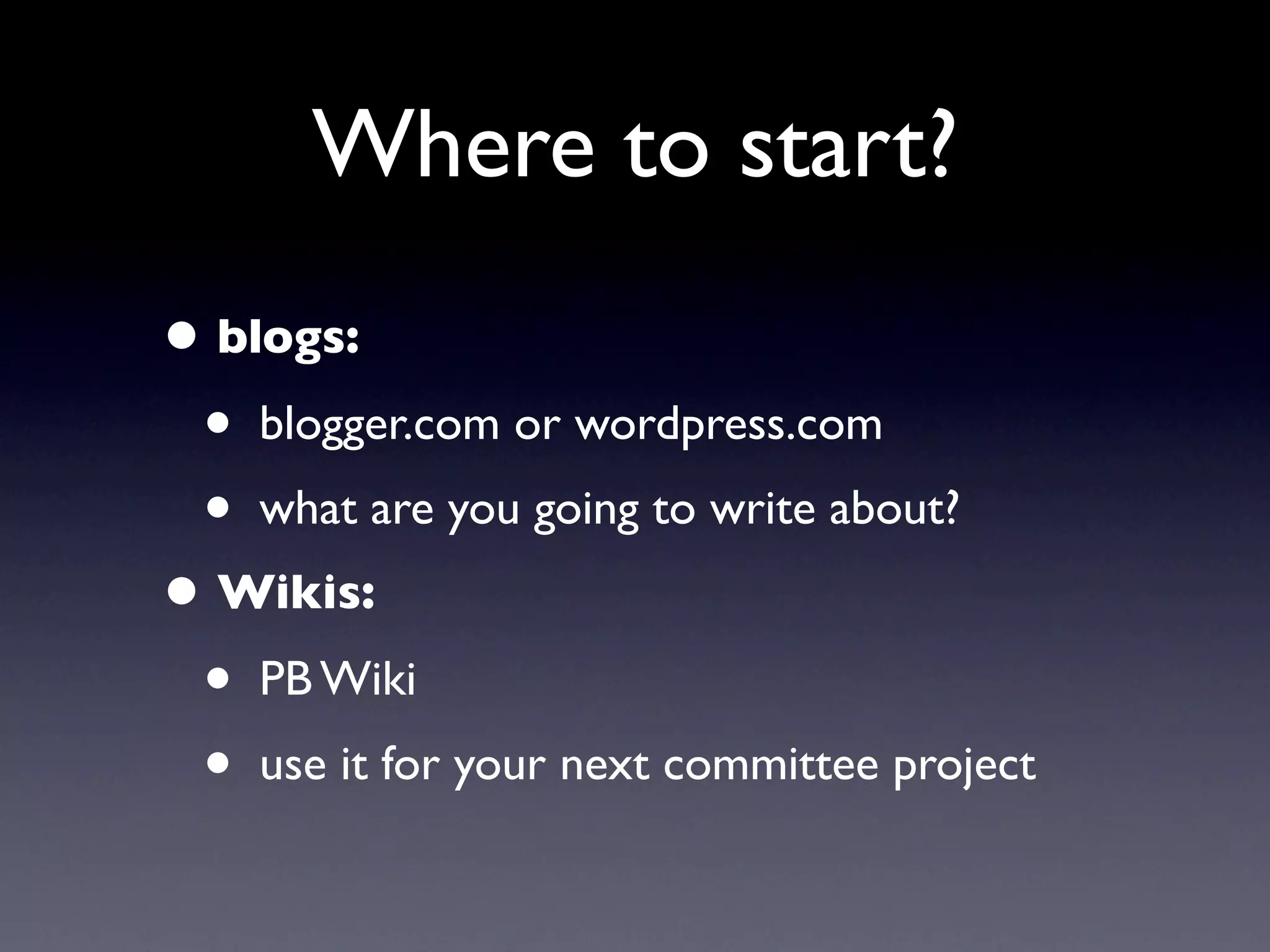
    77. Where to start? • blogs: • blogger.com or wordpress.com • what are you going to write about? • Wikis: • PB Wiki • use it for your next committee project
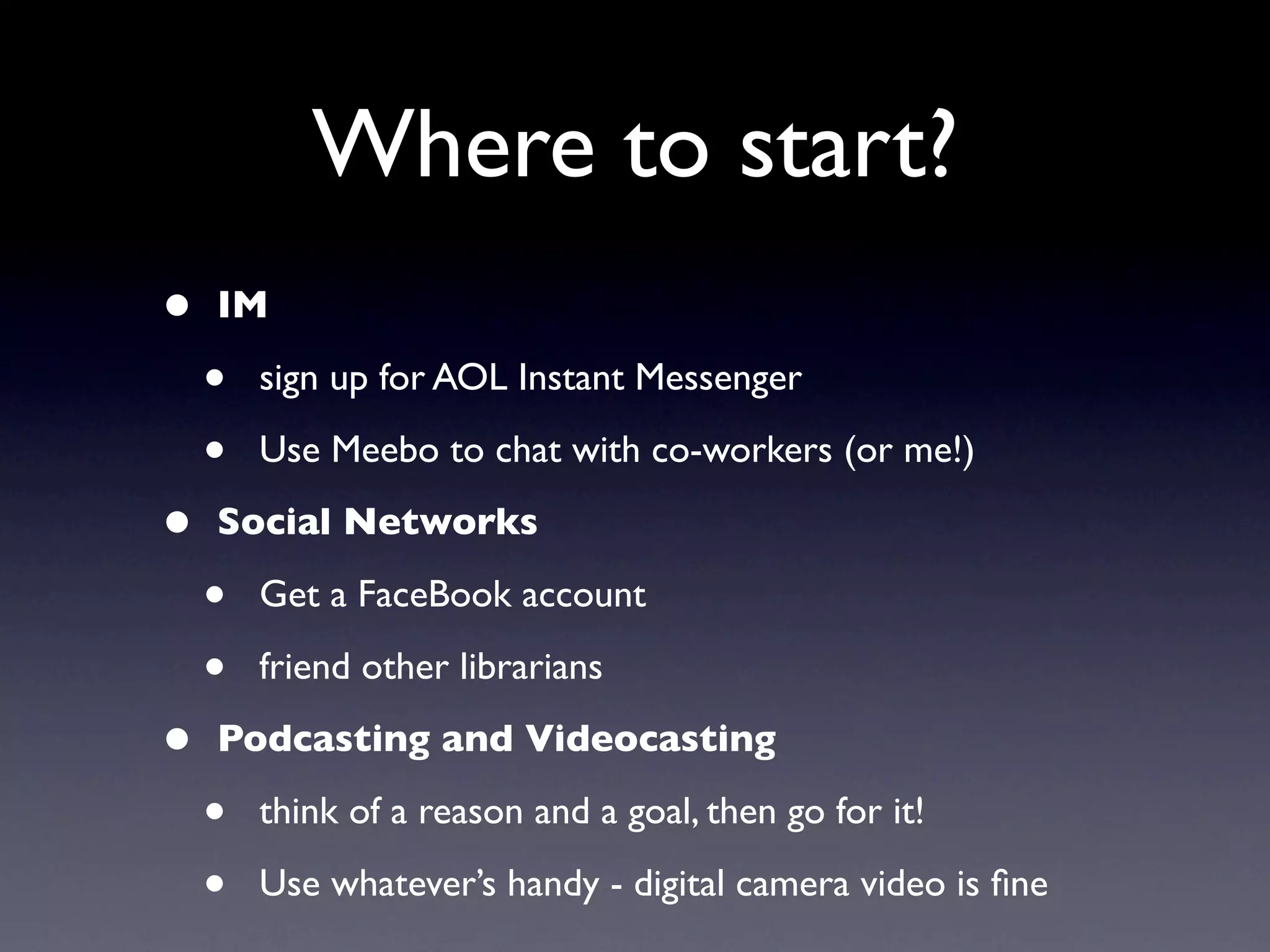
    78. Where to start? • IM • sign up for AOL Instant Messenger • Use Meebo to chat with co-workers (or me!) • Social Networks • Get a FaceBook account • friend other librarians • Podcasting and Videocasting • think of a reason and a goal, then go for it! • Use whatever’s handy - digital camera video is fine
    79. Why?
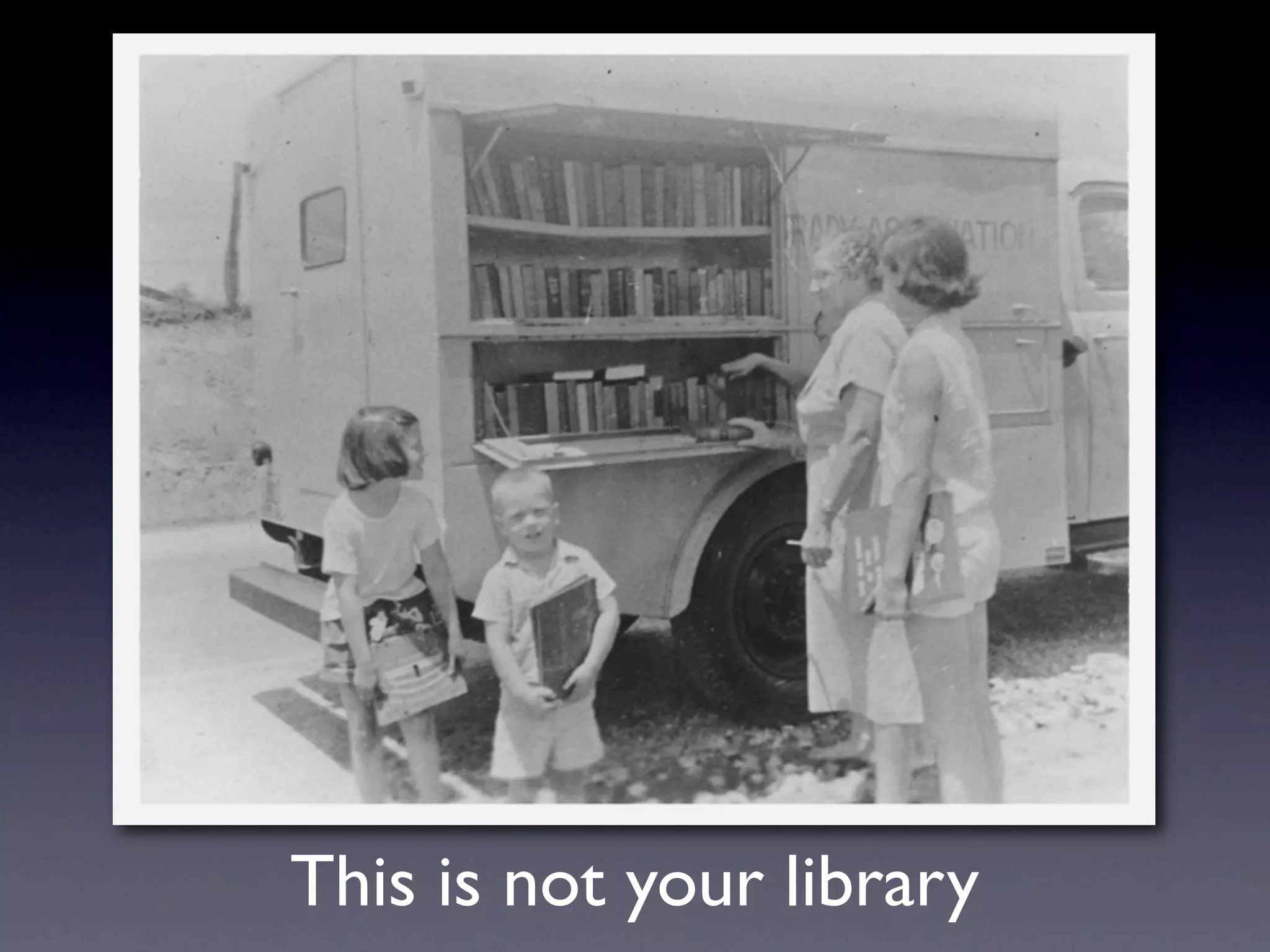
    80. This is not your library
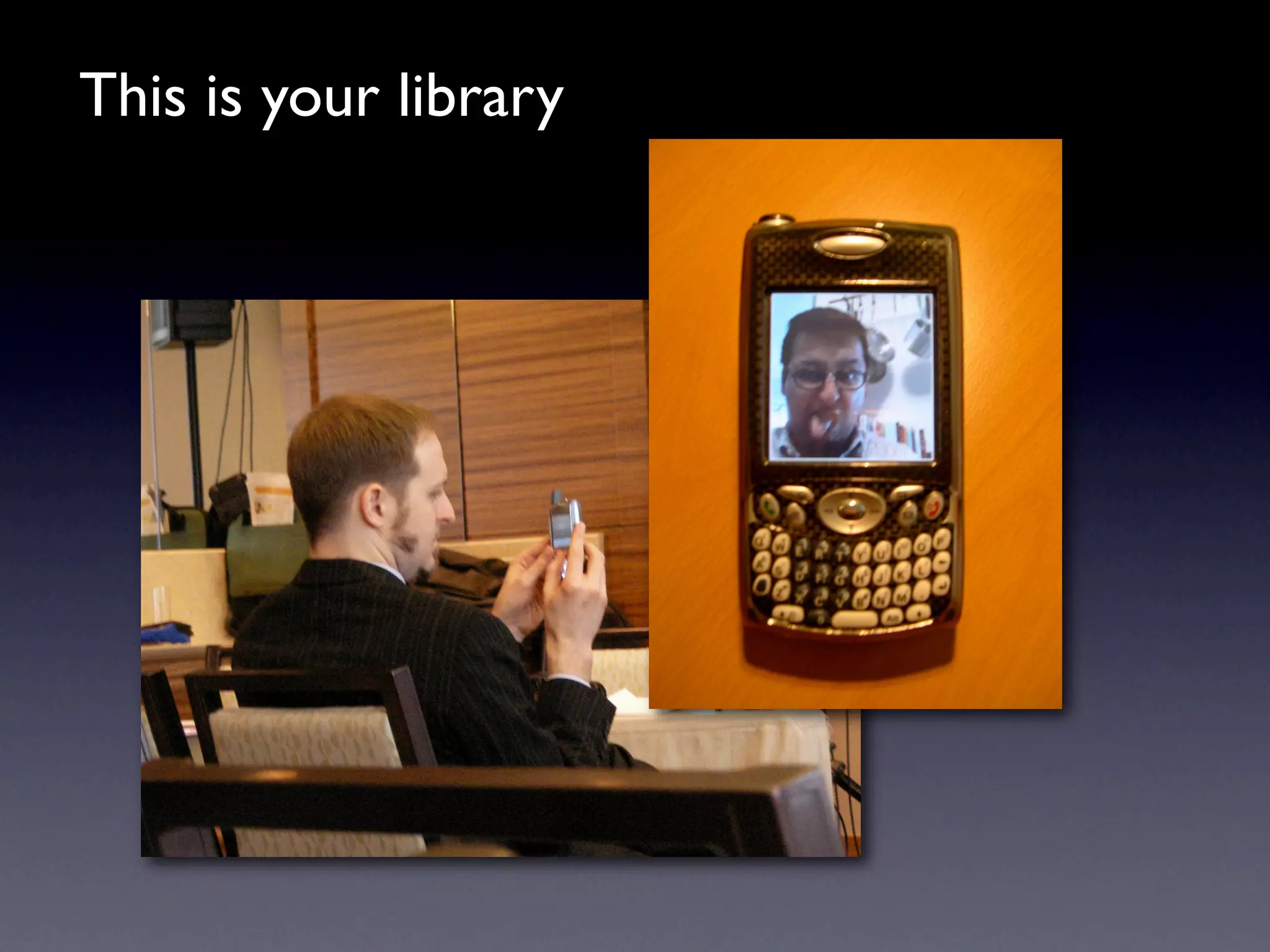
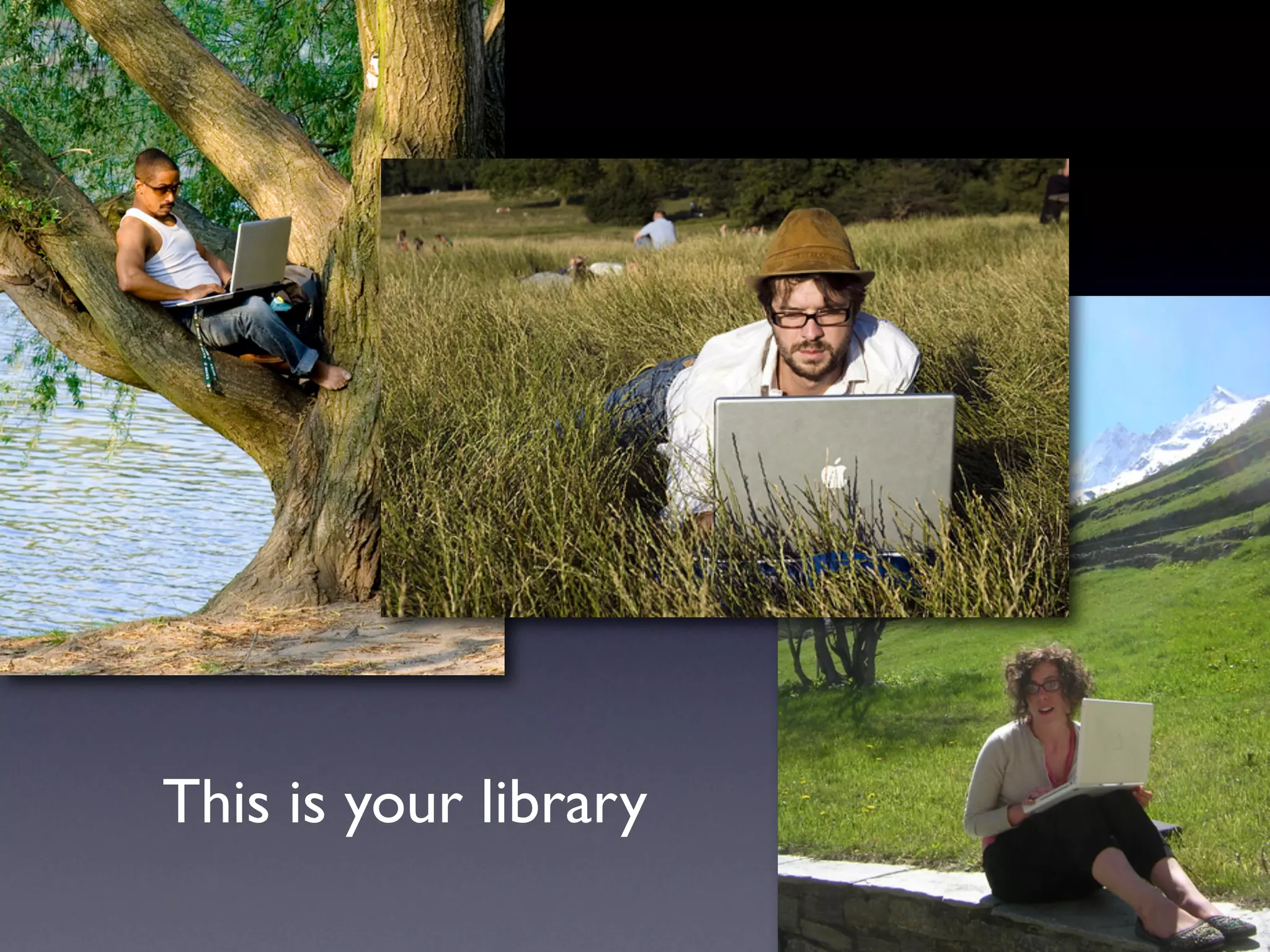
    81. This is your library
    82. This is your library
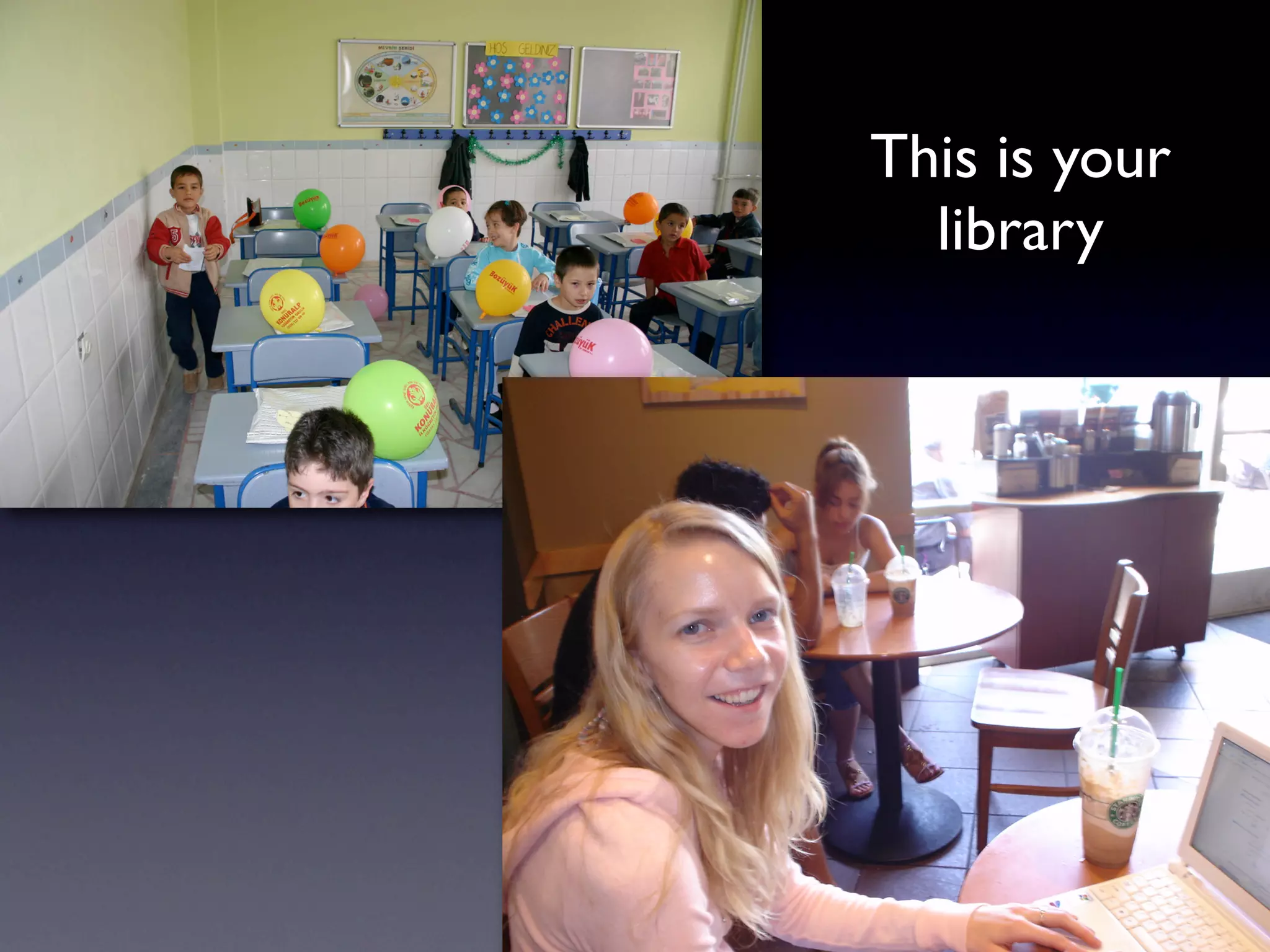
    83. This is your library
    84. Thank you! davidleeking.com

    + David KingDavid King, 3 months ago

    custom

    1374 views, 15 favs, 3 embeds more stats

    Presentation on emerging technology and social netw more

    More info about this document

    © All Rights Reserved

    Go to text version

    • Total Views 1374
      • 1279 on SlideShare
      • 95 from embeds
    • Comments 0
    • Favorites 15
    • Downloads 135
    Most viewed embeds
    • 88 views on http://www.davidleeking.com
    • 4 views on http://static.slidesharecdn.com
    • 3 views on http://www.slideshare.net

    more

    All embeds
    • 88 views on http://www.davidleeking.com
    • 4 views on http://static.slidesharecdn.com
    • 3 views on http://www.slideshare.net

    less

    Flagged as inappropriate Flag as inappropriate
    Flag as inappropriate

    Select your reason for flagging this presentation as inappropriate. If needed, use the feedback form to let us know more details.

    Cancel
    File a copyright complaint
    Having problems? Go to our helpdesk?

    Categories